| Author |
Message |
incova
Joined: 27 Nov 2006
Posts: 789
Location: london
|
| Posted: Wed Aug 15, 2007 10:19 pm Post subject: Ampro owners help needed please |
|
|
OK, where do I start i connected my Pc and Pj to the same wall outlet, the hum was visibly reduced everything was fine.
I did a system check code 30 all ok, I hit code 36 but the frequency kept jumping. The pj went of again and said no v clamp! I thought the pc was having probs so I connected it to the monitor but the monitor picture was fine. OK then, I tried putting the pj on again no inputsays the remote, fine fine. I checked the input to monitor it was fine. I tried connecting it all again, the pj came back on on the correct channel then shut down and the remote says GB MODE.
um, GB MODE? anyone ?

_________________
The more I learn
the less I know.
|
|
| Back to top |
|
 |
Z-Photo

Joined: 07 Mar 2006
Posts: 2749
Location: Huntsville - Alabama
|
| Posted: Thu Aug 16, 2007 12:28 am Post subject: |
|
|
So hows the BG 808 doing?
_________________
Engineer by Day
Photographer by Night
My Portfolio
The Only GOOD AMPRO - is a Dead AMPRO.
wait - are they not all DEAD already?
|
|
| Back to top |
|
|
incova
Joined: 27 Nov 2006
Posts: 789
Location: london
|
| Posted: Thu Aug 16, 2007 12:55 am Post subject: sigh |
|
|
BG 808 is fine thank you , lol!!
_________________
The more I learn
the less I know.
|
|
| Back to top |
|
|
stefuel

Joined: 07 Mar 2006
Posts: 3353
Location: Green Harbor MA USA
|
| Posted: Thu Aug 16, 2007 2:55 am Post subject: |
|
|
| Z-Photo wrote: | | So hows the BG 808 doing? |
That's all you could come up with given the piles of ammo you have? I was sure you would have come up with something snappy for that "GB MODE" like Gone Bye bye mode or something like that  . YOU ARE SLIPPING!!! . YOU ARE SLIPPING!!!
"GB MODE" is a new one on me. You will have to ask tse.
_________________
Chip
A Barco is only a AmPro with training wheels
Card carrying member of the AVS chain gang.
|
|
| Back to top |
|
|
tse
Joined: 03 May 2006
Posts: 1014
Location: Sweatbucket, Fl.
|
| Posted: Thu Aug 16, 2007 3:09 am Post subject: |
|
|
"GB MODE" looks like RGB MODE without the "R".
Scott
_________________
"Were we directed from Washington when to sow and when to reap, we would soon want bread."
Thomas Jefferson
|
|
| Back to top |
|
|
stefuel
Joined: 07 Mar 2006
Posts: 3353
Location: Green Harbor MA USA
|
| Posted: Thu Aug 16, 2007 3:13 am Post subject: |
|
|
Scott, where ya been hiding? Have you had a chance to try those yokes yet?
_________________
Chip
A Barco is only a AmPro with training wheels
Card carrying member of the AVS chain gang.
|
|
| Back to top |
|
|
AnalogRocks
Forum Moderator

Joined: 08 Mar 2006
Posts: 26706
Location: Toronto, Ontario, Canada
TV/Projector: Sony 1252Q, AMPRO 4000G
|
| Posted: Thu Aug 16, 2007 7:17 am Post subject: |
|
|
Must be Great Briten Mode. The electronics had ossmosed to quality british engineered Lucas electronics like those found in every british car I've ever had to jump start on a rainey day.
Now where do we put the booster cables on an Amprp?
_________________
Tech support for nothing
CRT.
HD done right!
|
|
| Back to top |
|
|
incova
Joined: 27 Nov 2006
Posts: 789
Location: london
|
| Posted: Thu Aug 16, 2007 2:09 pm Post subject: RGB |
|
|
RGB mode seems to be the best bet, not sure what happened to the G, how do I get out of this mode?
So far the PJ at code 30 diagnostics says its fine. The HVPS seems fine, no communication error codes have come up, the pj just seems to shut of then says restart on the remote. I still have to figure out how to get out of RGB mode as well.
I have a very good mains conditioner so hopefully if I get the pj up and running I should be abl;e to get rid of the hum.
_________________
The more I learn
the less I know.
|
|
| Back to top |
|
|
papalek

Joined: 08 Mar 2006
Posts: 1536
Location: Longs SC
|
| Posted: Thu Aug 16, 2007 3:14 pm Post subject: |
|
|
You want it in RGB mode. That is what RGBHV is. It might be on a different channel then the one you set up.Try and select the channel that you have set up.Push the number then the channel button.
_________________
My current list of PJ's AmPro 1 1/2-4600,4200, 1/2-3600,2600.
I do love my AmPro's
|
|
| Back to top |
|
|
incova
Joined: 27 Nov 2006
Posts: 789
Location: london
|
| Posted: Thu Aug 16, 2007 10:17 pm Post subject: it on the channel. |
|
|
Thanks, it gets a bit confusing sometimes.
I plugged it into the same plug point as the pc and the hum has mostly gone. The pj keeps shutting down though. I did check the timer to see if that was a problem but it was not. I then wiped all timer settings. The pj went of and restarted again.I code checked the HVPS , its on 11 the same as it was when I got it. I did a code 30 again, the pj says its fine, then shuts of and restarts itself. It restarted, so i hit a code 36 to see it frequency it was picking up. The frequency was 312360 59 it then changed to 2100 59 and went back and forth so the frequency does not seem to be locking or the pj can no longer lock to the signal. The pj then shut of and this time when it restarted by itself it said no input. I can only assume that it can no longer hold onto the incoming signal. I remember a couple of time it has said no v clamp if I remember right.
What do you guys make of this, is it shutting down because its losing its signal or is it losing power and then shutting down but the hvps count is remaining the same?
If it says auto restart on the remote as it keeps saying is that not a function it uses if ac power is cut? or will it cur power if synch to the signal is lost as well?
Any ideas guys?

_________________
The more I learn
the less I know.
|
|
| Back to top |
|
|
tse
Joined: 03 May 2006
Posts: 1014
Location: Sweatbucket, Fl.
|
| Posted: Fri Aug 17, 2007 2:04 am Post subject: |
|
|
The auto restart message appears when the projector is shut off by removing power but not shut off with the CPU. The projector should not turn off without a video input. It should just run and show a no input message. You might want to try turning the projector off with the remote control as soon as it initializes, if it gets that far, to get rid of the auto restart message.
Scott
_________________
"Were we directed from Washington when to sow and when to reap, we would soon want bread."
Thomas Jefferson
|
|
| Back to top |
|
|
papalek
Joined: 08 Mar 2006
Posts: 1536
Location: Longs SC
|
| Posted: Fri Aug 17, 2007 2:20 am Post subject: |
|
|
Press 22691 and code. It is the code to turn the auto resart on or off. It toggles it,if its on it will turn it off and if it is off it will turn it on. I always turn mine off. If a lightning strike or wind knocks the power off briefly I do not want it to turn itself back on.
_________________
My current list of PJ's AmPro 1 1/2-4600,4200, 1/2-3600,2600.
I do love my AmPro's
|
|
| Back to top |
|
|
incova
Joined: 27 Nov 2006
Posts: 789
Location: london
|
| Posted: Fri Aug 17, 2007 2:37 pm Post subject: thanks gents |
|
|
I have turned it of when it auto restarted but it just shut down again and did the same thing. I am thinking perhaps the HVPS is failing but that wont explain the no input and lack of locking onto the incoming signal.
_________________
The more I learn
the less I know.
|
|
| Back to top |
|
|
incova
Joined: 27 Nov 2006
Posts: 789
Location: london
|
| Posted: Fri Aug 17, 2007 2:39 pm Post subject: problems? |
|
|
perhaps its 2 seperate problems? power supply on one side and another one of the boards on the other? 
_________________
The more I learn
the less I know.
|
|
| Back to top |
|
|
papalek
Joined: 08 Mar 2006
Posts: 1536
Location: Longs SC
|
| Posted: Fri Aug 17, 2007 3:07 pm Post subject: |
|
|
If the HVPS was failing your HV resart count would go up.
Try unhooking your video cables completely from it. Make sure the power cord is in all the way. Then power it on, it will say no input but the PJ should remain on.
If it stays on then you have a problem with your video cables or maybe transient voltage comming through them some how.
It is possible that the LVPS might be dropping out.
_________________
My current list of PJ's AmPro 1 1/2-4600,4200, 1/2-3600,2600.
I do love my AmPro's
|
|
| Back to top |
|
|
incova
Joined: 27 Nov 2006
Posts: 789
Location: london
|
| Posted: Fri Aug 17, 2007 3:41 pm Post subject: lvps |
|
|
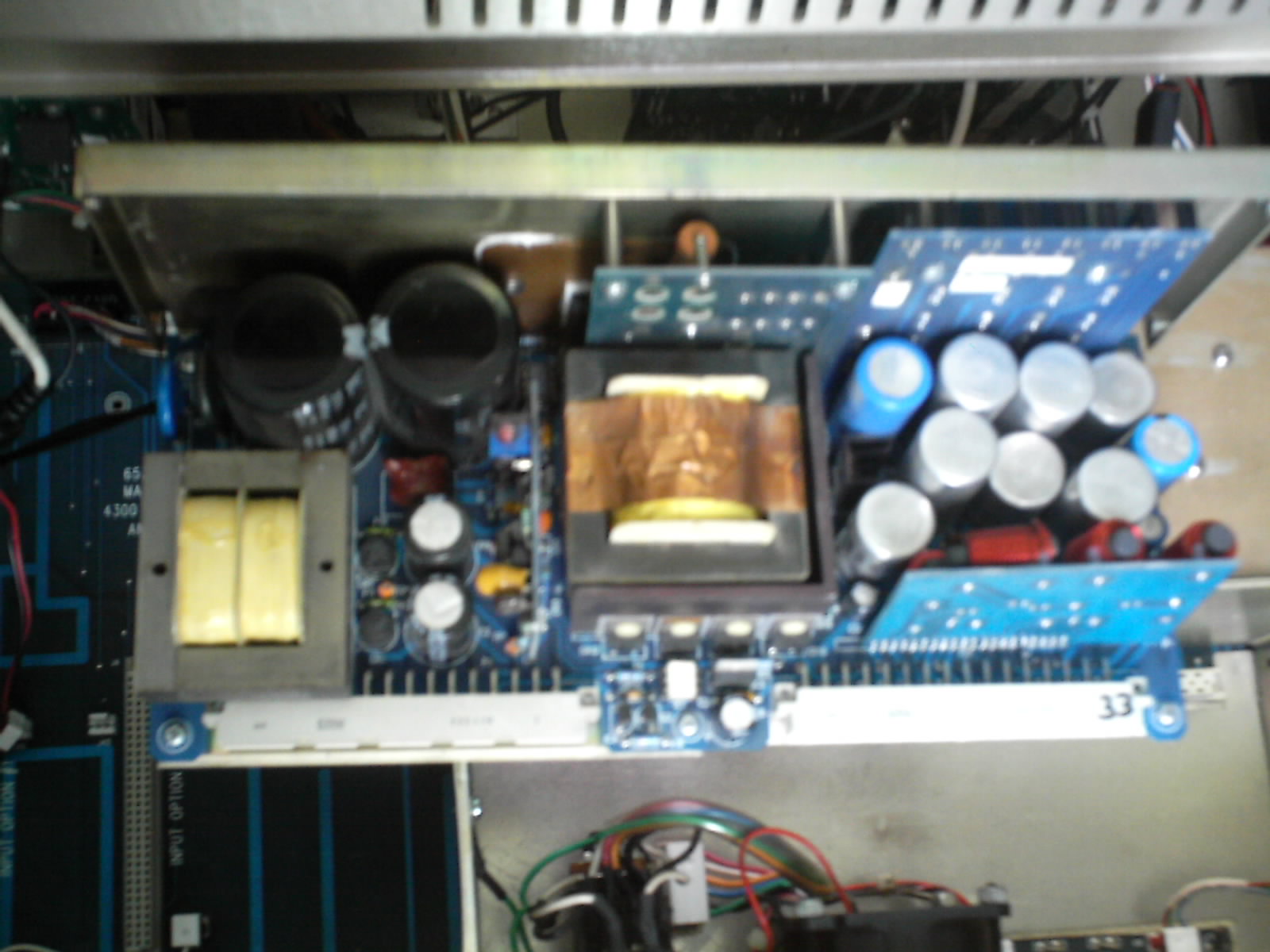
inside of lvps looks good.
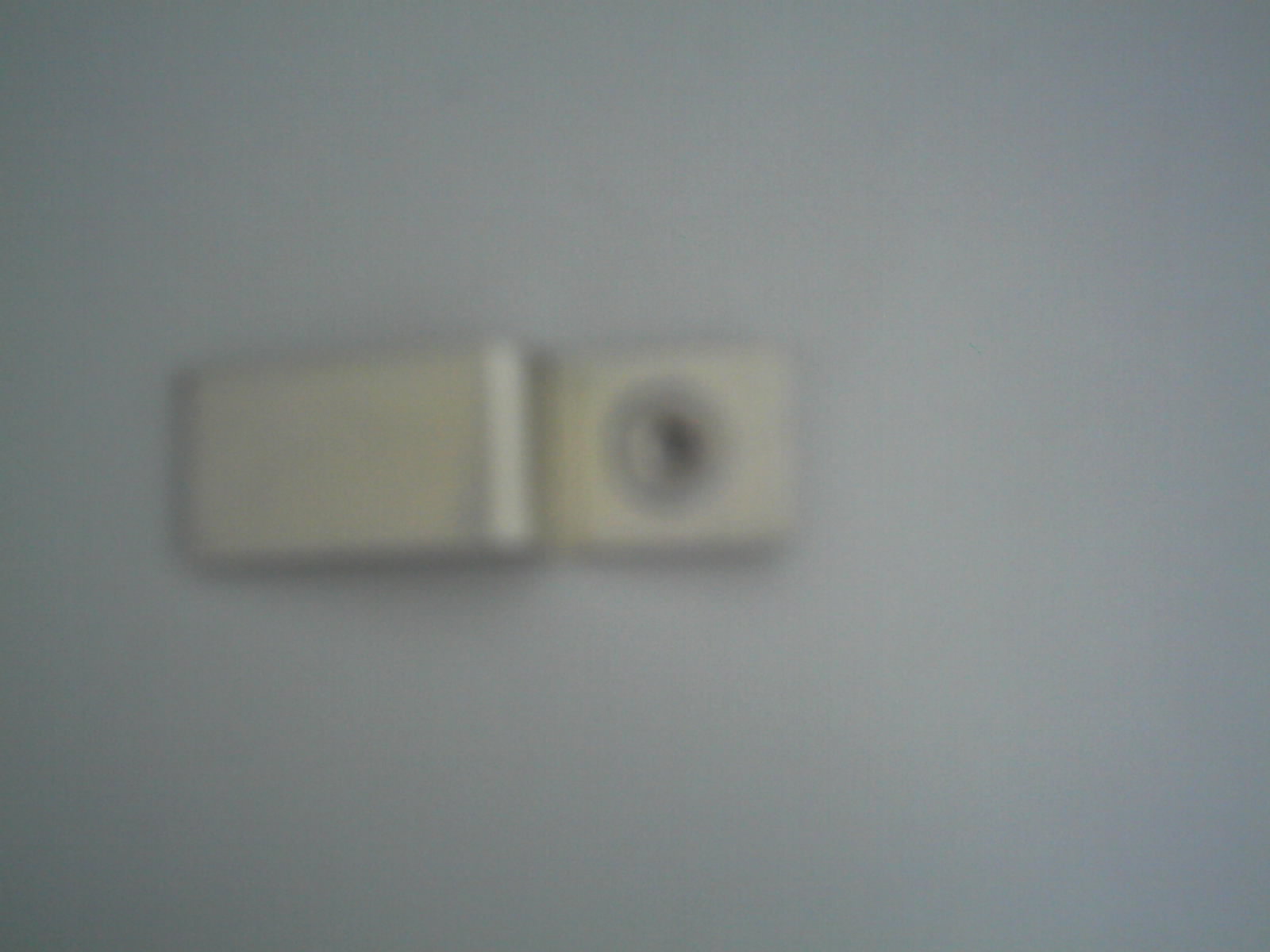
second pic is of a part that came out of the lvps when I lifted it, its 3cm long by about 1 cm width any ideas where this goes?
| Description: |
|
| Filesize: |
206.7 KB |
| Viewed: |
9764 Time(s) |
|
_________________
The more I learn
the less I know.
|
|
| Back to top |
|
|
incova
Joined: 27 Nov 2006
Posts: 789
Location: london
|
| Posted: Fri Aug 17, 2007 3:42 pm Post subject: the part |
|
|
this came out when I pulled out the lvps I dont know where it goes as I could nt see as I pulled it up.
| Description: |
|
| Filesize: |
105.95 KB |
| Viewed: |
9755 Time(s) |
|
_________________
The more I learn
the less I know.
|
|
| Back to top |
|
|
papalek
Joined: 08 Mar 2006
Posts: 1536
Location: Longs SC
|
| Posted: Fri Aug 17, 2007 4:09 pm Post subject: |
|
|
That is a clamp that keeps one of the MOSFETs(I think that is what it is called) tight to the casing to cool it. I beleive that it is up behind the two large caps in the upper left of your first pic. It is bolted on so you have a loose bolt and nut somewhere in the chassis.
_________________
My current list of PJ's AmPro 1 1/2-4600,4200, 1/2-3600,2600.
I do love my AmPro's
|
|
| Back to top |
|
|
papalek
Joined: 08 Mar 2006
Posts: 1536
Location: Longs SC
|
| Posted: Fri Aug 17, 2007 4:12 pm Post subject: |
|
|
You might want to take theboard off the casing and look at all the solder joints on it. Some of the solder points might be bad. That would cause an intermiten power loss that could be shutting it down.
_________________
My current list of PJ's AmPro 1 1/2-4600,4200, 1/2-3600,2600.
I do love my AmPro's
|
|
| Back to top |
|
|
incova
Joined: 27 Nov 2006
Posts: 789
Location: london
|
| Posted: Fri Aug 17, 2007 5:31 pm Post subject: mosfet |
|
|
I see, i cannot see the nut anywhere, I lifted the hvps to see if it went under but nothing, and its not in the lvps area or housing, The screw here though. perhaps its overheating the mosfet without the clamp on it and shutting the lvps down?
Do you mean the lvps board I take it?
I checked the solder joints it all looks fine although I would be hard pressed to see a problem I would think.
_________________
The more I learn
the less I know.
|
|
| Back to top |
|
|
|
|




