| Author |
Message |
panzeroceania
Joined: 23 Sep 2011
Posts: 24
Location: Salem, Oregon
|
| Posted: Fri Apr 09, 2021 8:14 am Post subject: Sony G90 Error Code 66 |
|
|
Hello everyone.
A few months ago I had some guests over and we were watching a movie on my Sony G90 projector. It was late and we didn't finish the movie, so they went off to bed and I used the remote to put the projector in standby. When we went to start up the movie the next day, when I turned the projector back on it gave me an error code 66.
Several months later and when attempting to turn on the projector, I still get an error code 66.
Any ideas on what I should try next to resolve this issue?
According to the service manual self diagnostic function, a Code 66 means:
Code (color) - - - - - Type - - - - - Item - - - - Meaning
66 (orange) - - - - - -Protector - - H.STOP - - -Horizontal deflection is stopped.
----
Protector (orange): The power turns off and the projector is set to thestandby condition. Remove the cause of the trouble and press the ONkey on the remote commander to restore the power.
----
|
|
| Back to top |
|
 |
HaydnG90

Joined: 22 May 2006
Posts: 1356
|
|
| Back to top |
|
|
Curt Palme
CRT Tech
Joined: 08 Mar 2006
Posts: 24396
Location: Langley, BC
TV/Projector: All of them!
|
| Posted: Fri Apr 09, 2021 2:44 pm Post subject: |
|
|
|
With the projector power unplugged, flip the projector orientation switches (yoke switches at the keypad) a few times. Corrosion in the switches can cause this. If not, like the H board or H power supply is bad.
|
|
| Back to top |
|
|
panzeroceania
Joined: 23 Sep 2011
Posts: 24
Location: Salem, Oregon
|
| Posted: Sat Apr 10, 2021 1:40 am Post subject: |
|
|
Thanks for the quick responses guys,
@Curt
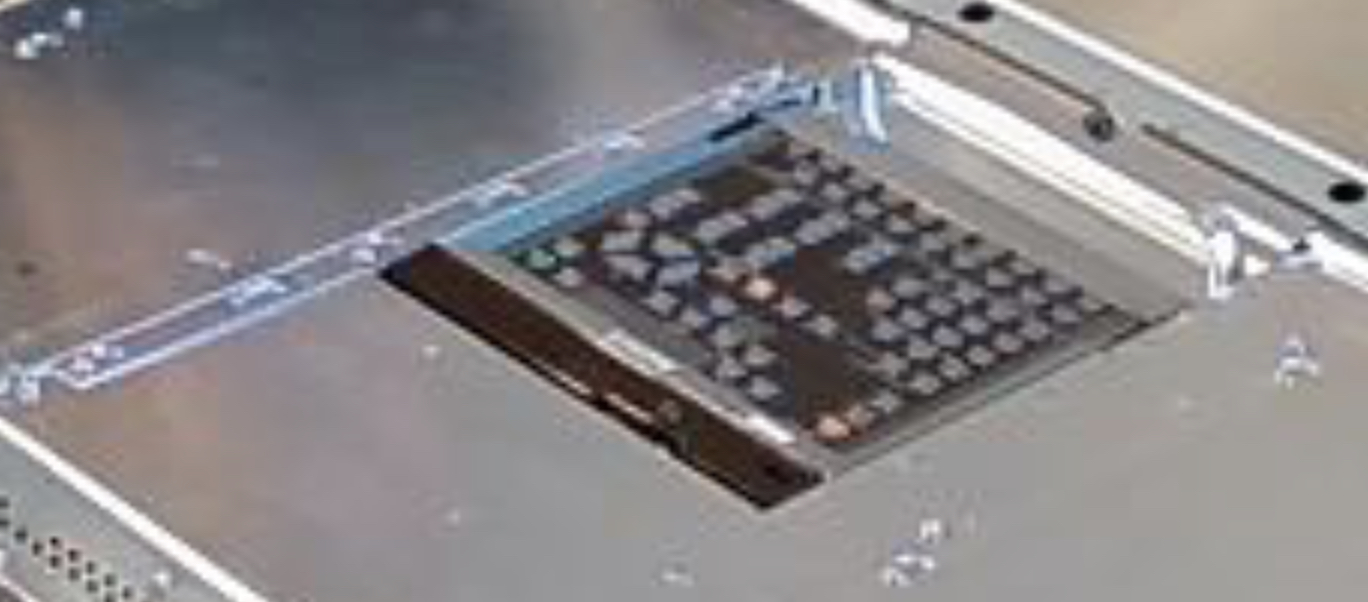
having trouble locating the "projector orientation switches (yoke switches at the keypad)"
do you have a diagram or photo?
|
|
| Back to top |
|
|
HaydnG90
Joined: 22 May 2006
Posts: 1356
|
| Posted: Sat Apr 10, 2021 1:51 am Post subject: |
|
|
If I remember right its under the black plastic flap held down by the single screw.
| Description: |
|
| Filesize: |
427.43 KB |
| Viewed: |
3818 Time(s) |
|
|
|
| Back to top |
|
|
panzeroceania
Joined: 23 Sep 2011
Posts: 24
Location: Salem, Oregon
|
| Posted: Sat Apr 10, 2021 2:00 am Post subject: |
|
|
okay now I am getting a code 65
65 (orange) - - - Protector POL - - - The cover of the polarity switchers does not shut completely.
|
|
| Back to top |
|
|
HaydnG90
Joined: 22 May 2006
Posts: 1356
|
| Posted: Sat Apr 10, 2021 2:05 am Post subject: |
|
|
|
There's a cutout sensor attached to the cover. It has to be closed properly
|
|
| Back to top |
|
|
panzeroceania
Joined: 23 Sep 2011
Posts: 24
Location: Salem, Oregon
|
| Posted: Sat Apr 10, 2021 7:53 am Post subject: |
|
|
|
Okay, so now I am back to an error code 66. Haydn, do you have an H board or an H power supply?
|
|
| Back to top |
|
|
HaydnG90
Joined: 22 May 2006
Posts: 1356
|
| Posted: Sat Apr 10, 2021 6:46 pm Post subject: |
|
|
|
PM sent
|
|
| Back to top |
|
|
panzeroceania
Joined: 23 Sep 2011
Posts: 24
Location: Salem, Oregon
|
| Posted: Sun Apr 11, 2021 3:31 am Post subject: |
|
|
|
Hey Curt, how would I identify the H Board and H Board power supply? do they have part numbers? just trying to narrow down the potential problem, and get the info needed to reference the manual, etc.
|
|
| Back to top |
|
|
|
|




