| Author |
Message |
stgdz
Joined: 07 Dec 2008
Posts: 107
|
| Posted: Mon Feb 02, 2009 5:29 pm Post subject: So how do I upscale? |
|
|
A simple question, but from what I have looked at it may be a bit more complex.
Is it really as easy as just setting up FFDshow to resize to 1280x720, I use 720p?
|
|
| Back to top |
|
 |
benareeno
Joined: 22 Mar 2006
Posts: 1614
Location: ottawa, canada
|
| Posted: Mon Feb 02, 2009 9:22 pm Post subject: |
|
|
|
I think we need more specifics from your question....upscale what to what? You want to upscale a dvd?
|
|
| Back to top |
|
|
stgdz
Joined: 07 Dec 2008
Posts: 107
|
| Posted: Mon Feb 02, 2009 9:51 pm Post subject: |
|
|
Sorry,
My HTPC currently plays back recordings from my PVR. Most of my recordings are now in HD so I won't need to upscale those, there are some cable channels that I am uncertain if I want upscaled, as it would be putting lipstick on a pig, but I am curious as to how they would look.
I have all my DVD's ripped as IFO's to a directory on my fileserver. I have a couple of mpeg4 encoded files also that I would like to see results on.
The hardest part with this is that I don't want to test it on my two HTPC's as they are running fine. I saw on the install that I could select the codecs that it would default to but I am a bit hessitant to do it.
Edit-I use sagetv for all my video playback http://stgdz.shackspace.com/Shack/house/Hometheater/1272/screenshots/sagetv.JPG , I remembered that sage supported it but after installing it on my workstation I didn't see it as a option for a video renderer.
Last edited by stgdz on Mon Feb 02, 2009 10:26 pm; edited 1 time in total
|
|
| Back to top |
|
|
Mark_A_W
Joined: 15 Mar 2006
Posts: 3068
Location: Sunny Melbourne Australia
|
| Posted: Mon Feb 02, 2009 10:09 pm Post subject: |
|
|
Your video card upscales if you set your display res to a higher res than the source, and fullscreen the player.
Alternately you can use ffdshow to resize the image, which means to the player/video card the source is already resized.
|
|
| Back to top |
|
|
kschmit2
Joined: 09 Mar 2006
Posts: 1141
Location: Heidelberg, Germany
|
| Posted: Tue Feb 03, 2009 11:16 am Post subject: |
|
|
current video cards (ATI HD2xxx series and up, Nvidia 7xxx and 2xx series and up) are already extremely good at upscaling.
Trying to better them using ffdshow will actually lead to worse results in 99 percent of the cases. Most "recommended" and hyped settings lead to excessive sharpening, ringing, excessive noise reduction and other artefacts.
|
|
| Back to top |
|
|
perisoft

Joined: 29 Aug 2007
Posts: 2920
Location: Ithaca, NY
|
| Posted: Tue Feb 03, 2009 3:51 pm Post subject: |
|
|
| kschmit2 wrote: | current video cards (ATI HD2xxx series and up, Nvidia 7xxx and 2xx series and up) are already extremely good at upscaling.
Trying to better them using ffdshow will actually lead to worse results in 99 percent of the cases. Most "recommended" and hyped settings lead to excessive sharpening, ringing, excessive noise reduction and other artefacts. |
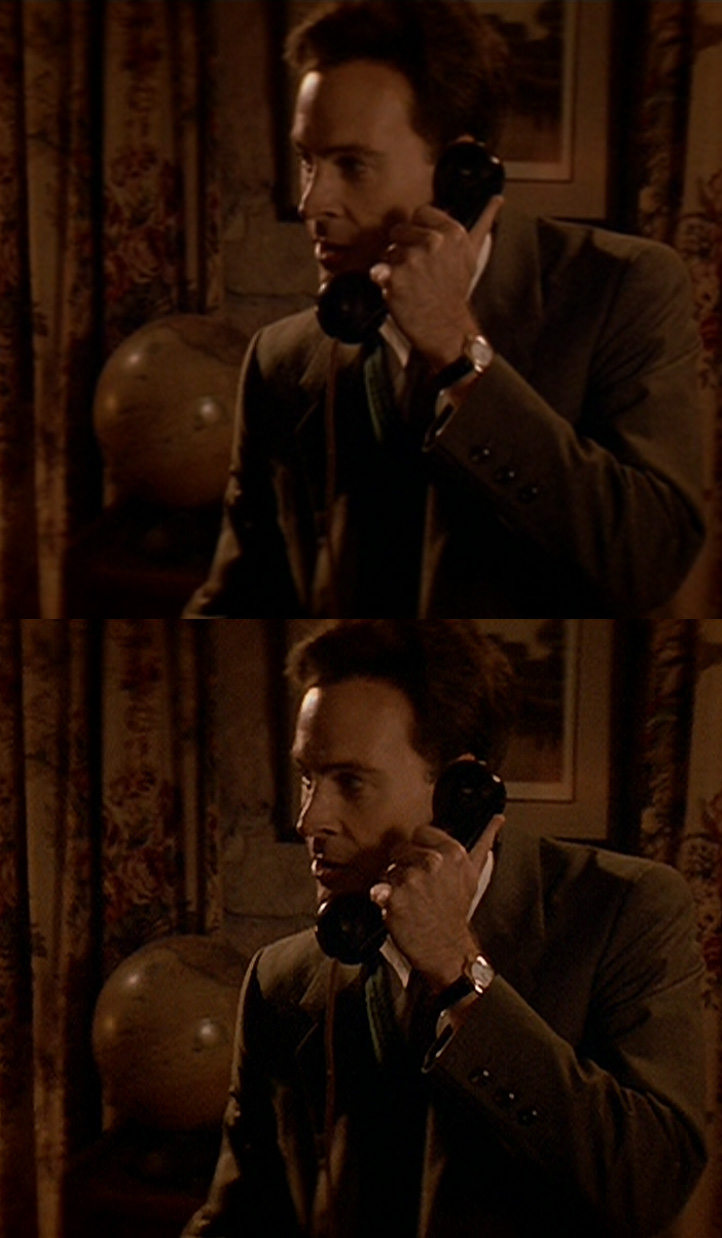
Eeeennhhh. FFDShow, set up correctly, will be a VAST improvement - just don't blindly use hyped settings, any more than you would for anything else. This shot is from a very conservatively set up ffdshow using LSF - not nearly as good as it could be with a modern CPU (LFS was only scaling to 1440x480, with bilinear to 960). Sure, if you upscale/sharpen a horrible DVD print it will look more horrible, but with good prints the results are more than worthwhile.
| Description: |
|
| Filesize: |
177.68 KB |
| Viewed: |
3412 Time(s) |
|
_________________

|
|
| Back to top |
|
|
|
|





