| Author |
Message |
Esel
Joined: 21 Jun 2007
Posts: 87
Location: Germany
|
| Posted: Tue Nov 18, 2008 9:03 pm Post subject: 1270 with 1080i-problems after 2 years |
|
|
Hi,
after 2 years of watching DVD in 1080i with my Denon 1920 and one year HD with E1 my 1270 won't show a clean picture.
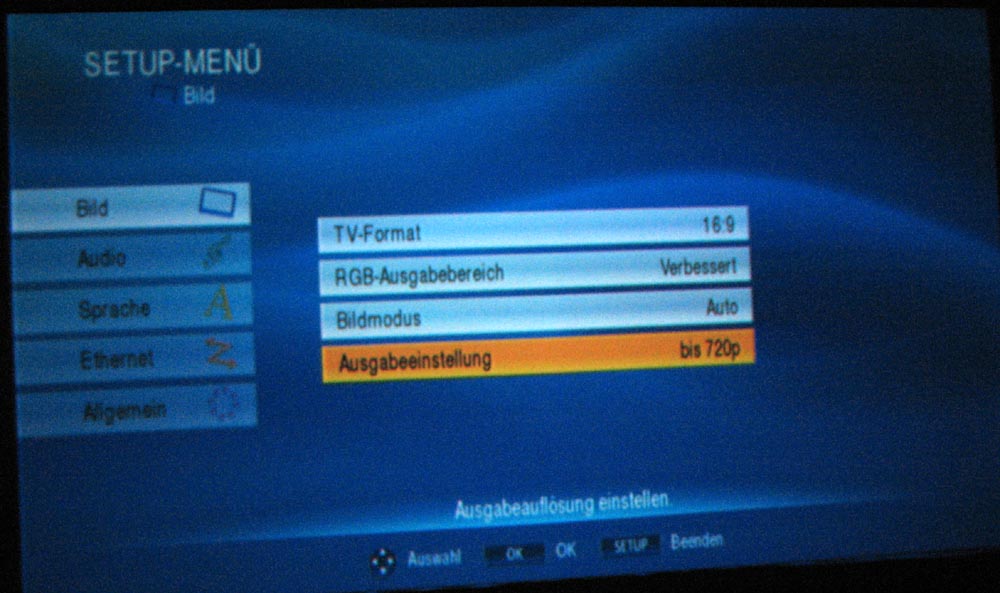
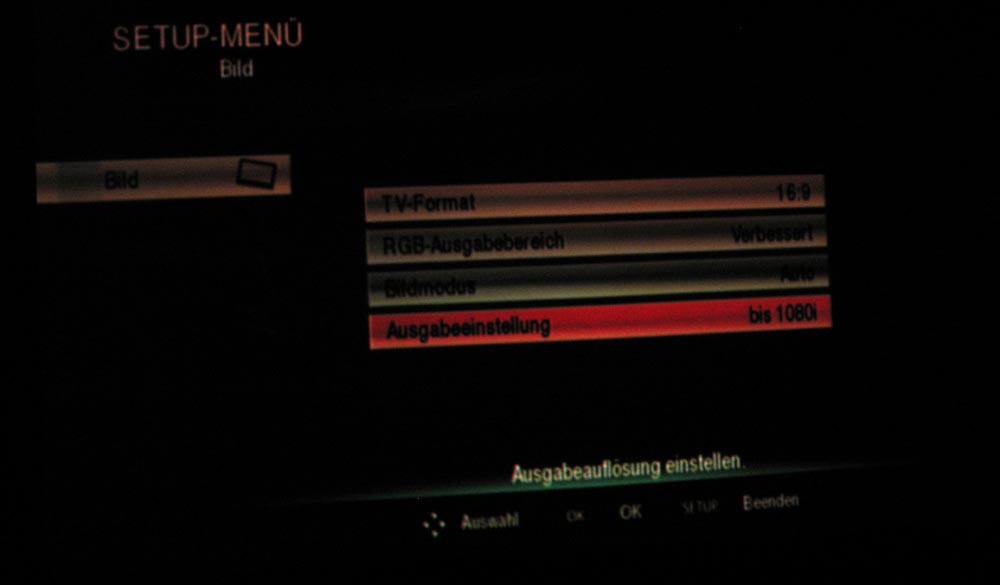
If i switch to 480/576p or 720p everything is fine but on both players the image looks like this image
The Test-pattern are clean.
A IFB-DVI-V2 is installed.
Any ideas which board it could be?
Thanks
Andreas
| Description: |
|
| Filesize: |
108.96 KB |
| Viewed: |
3591 Time(s) |
|
| Description: |
|
| Filesize: |
47.23 KB |
| Viewed: |
3593 Time(s) |
|
|
|
| Back to top |
|
 |
Esel
Joined: 21 Jun 2007
Posts: 87
Location: Germany
|
| Posted: Wed Nov 19, 2008 7:47 am Post subject: |
|
|
Update.
The probs effect every tube so i think its something wrong between input and any board before the neck-boards.
but which one. H/V-convergence is ok. Where will be the bandwith affected in this way?
|
|
| Back to top |
|
|
jkruger

Joined: 24 Oct 2007
Posts: 2435
Location: Carlsbad, CA
|
| Posted: Wed Nov 19, 2008 7:58 am Post subject: |
|
|
|
I would try to eliminate any potential problems in the video source before assuming it is the projector.
|
|
| Back to top |
|
|
AnalogRocks
Forum Moderator

Joined: 08 Mar 2006
Posts: 26706
Location: Toronto, Ontario, Canada
TV/Projector: Sony 1252Q, AMPRO 4000G
|
| Posted: Wed Nov 19, 2008 10:16 am Post subject: |
|
|
Try putting the IFB card in the other slot. See if it gives you a better picture.
_________________
Tech support for nothing
CRT.
HD done right!
|
|
| Back to top |
|
|
1031

Joined: 22 Mar 2006
Posts: 657
Location: Finland
|
|
| Back to top |
|
|
Vibe
Joined: 03 Apr 2006
Posts: 164
Location: SoCal
|
| Posted: Wed Nov 19, 2008 4:57 pm Post subject: |
|
|
Like 1031 says, it looks like Sync issues to me, seen that before. In the sony menu on one of the pages (don't remember which) you can change the sync settings. I have always had the best results using H/P. Definitely change it from auto if that is where it is now.
Ya Ya, clamp is what I meant as well. Glad John remembers all the correct terminology.
Last edited by Vibe on Thu Nov 20, 2008 4:48 am; edited 1 time in total
|
|
| Back to top |
|
|
JohnHWman
Joined: 15 May 2007
Posts: 215
Location: France - Grenoble
TV/Projector: Sony VPH-G90U (one unit for me, four others units repaired and sold)
|
| Posted: Wed Nov 19, 2008 6:10 pm Post subject: |
|
|
It looks like a clamp setting issue. Check that CLAMP parameter is set to 'H/C' mode rather than 'Auto' when 1080i is inputed.
John
_________________
Home theater enthusiast for over 20 years !
My dedicated HT room !
|
|
| Back to top |
|
|
Esel
Joined: 21 Jun 2007
Posts: 87
Location: Germany
|
| Posted: Wed Nov 19, 2008 6:48 pm Post subject: |
|
|
B.I.N.G.O.
Big kiss to you John... ah... no... but...
Without understanding why, IT WORKS. I don't know why AUTO failed but H/V works.
thx
Andreas
|
|
| Back to top |
|
|
JohnHWman
Joined: 15 May 2007
Posts: 215
Location: France - Grenoble
TV/Projector: Sony VPH-G90U (one unit for me, four others units repaired and sold)
|
| Posted: Wed Nov 19, 2008 7:06 pm Post subject: |
|
|
Glad you catch it Andreas !
Clamp 'Auto' setting is always failling on Sony CRT projectors at 1080i/p mode !! (even on my own G90 !) You'll never know why but it's like that !
John
_________________
Home theater enthusiast for over 20 years !
My dedicated HT room !
|
|
| Back to top |
|
|
|
|





