| Author |
Message |
dbaisey
Joined: 09 Mar 2006
Posts: 821
Location: Southern Cal LA / Seattle WA
|
| Posted: Mon Dec 10, 2007 12:57 am Post subject: |
|
|
|
I was editing my post so recheck that. The phase is set using the green image. Doug
|
|
| Back to top |
|
 |
dbaisey
Joined: 09 Mar 2006
Posts: 821
Location: Southern Cal LA / Seattle WA
|
| Posted: Mon Dec 10, 2007 1:05 am Post subject: |
|
|
Bottom image is phase not tilt and skew. See on screen display so this is changing green also. Doug
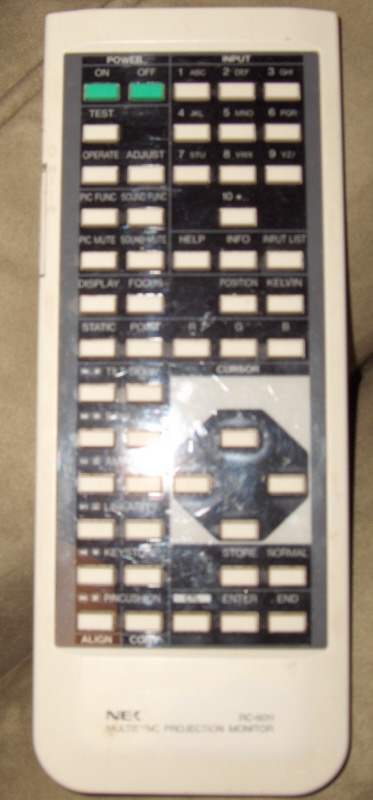
What remote do you have RC6011 or RC6051? The last is for the Plus and has one row of function buttons.
They will work but you need to watch what function your on as well as color if you have the 6011.
|
|
| Back to top |
|
|
Mr. Green

Joined: 23 Feb 2007
Posts: 1394
Location: Calgary
TV/Projector: Marquee 9501LC / NEC 9PG+
|
| Posted: Mon Dec 10, 2007 6:30 am Post subject: |
|
|
Well, I haven't checked the green phase yet. I've been in and out of the house all day. I'll spend about an hour on it tomorrow when I get home from work. Let me know what screens you want to see with what tubes on and I'll post.
This is my remote.
| Description: |
|
| Filesize: |
285.86 KB |
| Viewed: |
10474 Time(s) |
|
_________________
You can be young only once but, you can be immature forever.
Current Projector Marquee9501LC with PS3 (BLu-Ray) at 1080P LOVE IT! Screen is an Elunevision 120" 4:3 (2.4 gain - no hotspots). (also own a NEC 9PG+)
|
|
| Back to top |
|
|
AnalogRocks
Forum Moderator

Joined: 08 Mar 2006
Posts: 26706
Location: Toronto, Ontario, Canada
TV/Projector: Sony 1252Q, AMPRO 4000G
|
| Posted: Mon Dec 10, 2007 7:32 am Post subject: |
|
|
Nice remote I need one of those.  Keep at it you'll get it figured out. Keep at it you'll get it figured out.
_________________
Tech support for nothing
CRT.
HD done right!
|
|
| Back to top |
|
|
jask

Joined: 17 Mar 2006
Posts: 10187
Location: kamloops BC
|
| Posted: Mon Dec 10, 2007 9:15 am Post subject: |
|
|
|
6011
|
|
| Back to top |
|
|
dbaisey
Joined: 09 Mar 2006
Posts: 821
Location: Southern Cal LA / Seattle WA
|
| Posted: Mon Dec 10, 2007 2:24 pm Post subject: |
|
|
You have the wrong remote but you can get to the functions you need with it. It will be a little odd though. You need the 6051 to be unconfused about it but work with what you have. Note when your in phase it doesn't show R and B that is because you adjust phase on green only as well as the reference geometry. You will need to be careful what the on screen display says or you will be adjusting the wrong color or function.
Like you need this confusion right now trying to learn the remote. See the manual for button assignment differences. You can also select adjust to find in the menu structure under alignment etc. Doug
|
|
| Back to top |
|
|
Curt Palme
CRT Tech
Joined: 08 Mar 2006
Posts: 24396
Location: Langley, BC
TV/Projector: All of them!
|
| Posted: Mon Dec 10, 2007 5:12 pm Post subject: |
|
|
Sorry, I'm late on this. I've seen this, the two times I have, it was a bad point board. One had this problem permanently, the other would come and go, but ended up failing permanently a year after I first reseated the board and the problem went away.
To check, pull the point board and I'll bet the problem goes away.
|
|
| Back to top |
|
|
dbaisey
Joined: 09 Mar 2006
Posts: 821
Location: Southern Cal LA / Seattle WA
|
| Posted: Mon Dec 10, 2007 5:22 pm Post subject: |
|
|
This could very well be. The wave board re-seating seemed to help the most. I'm also guessing the signal entry is corrupt and what is getting cleaned up. He should know after phasing then take a look at the red. Doug
I did notice that there was no hump on the point phase cursor but I have seen that before. Check that point convergence is enabled in the settings.
|
|
| Back to top |
|
|
Mr. Green
Joined: 23 Feb 2007
Posts: 1394
Location: Calgary
TV/Projector: Marquee 9501LC / NEC 9PG+
|
| Posted: Tue Dec 11, 2007 1:13 am Post subject: |
|
|
I'll try to remove the point board and then reseat it. Do I have to have the power unplugged for 5 minutes before putting the board back in?
_________________
You can be young only once but, you can be immature forever.
Current Projector Marquee9501LC with PS3 (BLu-Ray) at 1080P LOVE IT! Screen is an Elunevision 120" 4:3 (2.4 gain - no hotspots). (also own a NEC 9PG+)
|
|
| Back to top |
|
|
Mr. Green
Joined: 23 Feb 2007
Posts: 1394
Location: Calgary
TV/Projector: Marquee 9501LC / NEC 9PG+
|
| Posted: Tue Dec 11, 2007 5:12 am Post subject: |
|
|
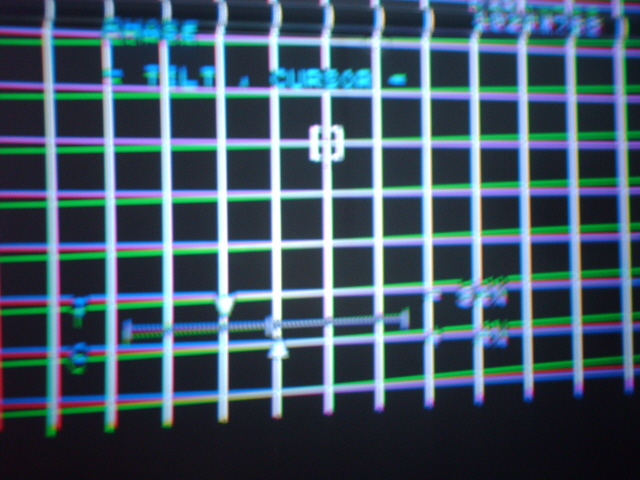
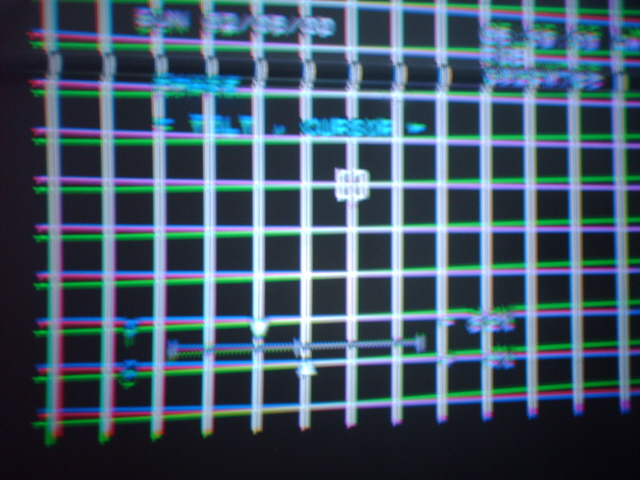
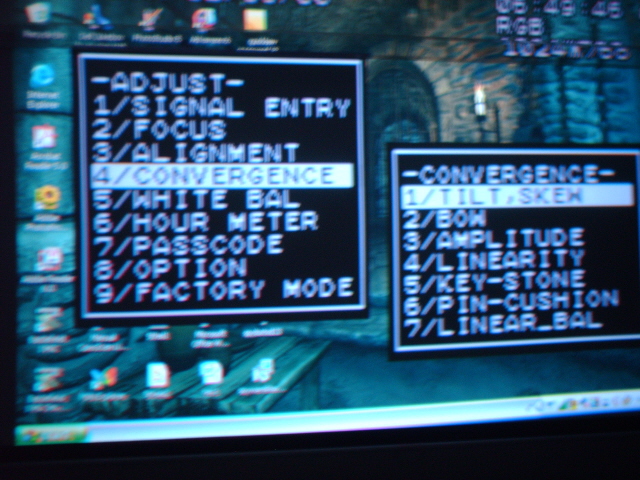
Ok, I waited 5 minutes and removed the board. It didn't do the same thing when I pressed the right tilt/skew button. I shut down again and waited 5 minutes. Powered up and it would appear that the point board is dead. It will not bring up the point convergence under the menu (would be #8), now what? Try to reseat again?
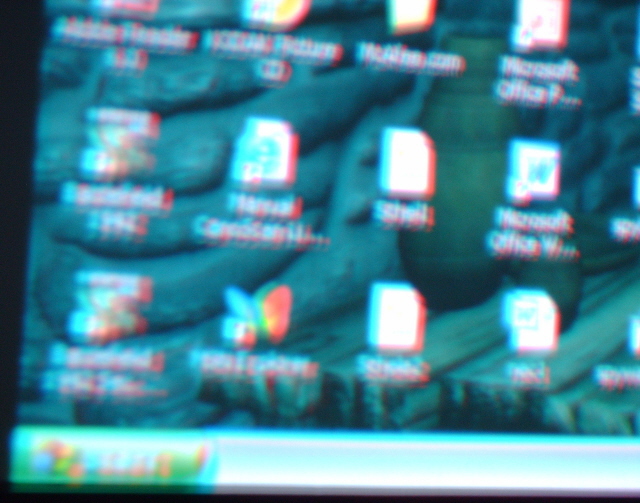
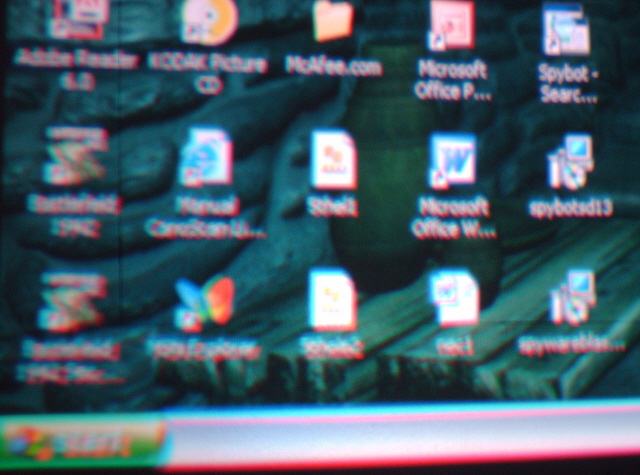
Photo 1 & 2 are the phase, #3 and #4 are how bad the corner focus has become since the red tube acted up the first time (it was pretty clear before). #5 is the menu showing the lack of #8 convergence menu.
Suggestions?
| Description: |
|
| Filesize: |
204.1 KB |
| Viewed: |
10402 Time(s) |
|
| Description: |
|
| Filesize: |
212.13 KB |
| Viewed: |
10402 Time(s) |
|
| Description: |
|
| Filesize: |
180.24 KB |
| Viewed: |
10402 Time(s) |
|
| Description: |
|
| Filesize: |
194.81 KB |
| Viewed: |
10403 Time(s) |
|
| Description: |
|
| Filesize: |
224.62 KB |
| Viewed: |
10402 Time(s) |
|
_________________
You can be young only once but, you can be immature forever.
Current Projector Marquee9501LC with PS3 (BLu-Ray) at 1080P LOVE IT! Screen is an Elunevision 120" 4:3 (2.4 gain - no hotspots). (also own a NEC 9PG+)
|
|
| Back to top |
|
|
dbaisey
Joined: 09 Mar 2006
Posts: 821
Location: Southern Cal LA / Seattle WA
|
| Posted: Tue Dec 11, 2007 5:30 am Post subject: |
|
|
Set phase using the green. The green tilt is quite a bit out.
Looks to me like you normalized all convergence. Good thing is you don't have the red oddity you had before. Bad news the mechanical set up needs some work. Reseat and check the settings on the point, Its on page 2 of the option / settings mode. If the card is bad leave it out. Doug
If you have a tripod for the camera Id use it.
If anyone has a PG6-9000 and has the RC6051 service remote you guys should trade. It would make it alot easier.
|
|
| Back to top |
|
|
Mr. Green
Joined: 23 Feb 2007
Posts: 1394
Location: Calgary
TV/Projector: Marquee 9501LC / NEC 9PG+
|
| Posted: Tue Dec 11, 2007 7:40 pm Post subject: |
|
|
So the phase (red and blue) not matching the green doesn't matter?
_________________
You can be young only once but, you can be immature forever.
Current Projector Marquee9501LC with PS3 (BLu-Ray) at 1080P LOVE IT! Screen is an Elunevision 120" 4:3 (2.4 gain - no hotspots). (also own a NEC 9PG+)
|
|
| Back to top |
|
|
Mr. Green
Joined: 23 Feb 2007
Posts: 1394
Location: Calgary
TV/Projector: Marquee 9501LC / NEC 9PG+
|
| Posted: Thu Dec 13, 2007 2:17 am Post subject: |
|
|
Ok, Curt is AWESOME! He's sending a new board under warranty. He ROCKS!
My new question is. Should I spend a good amount of time trying to set it up without the new point board and then add the new point board after? Or would that mess it up even more?
_________________
You can be young only once but, you can be immature forever.
Current Projector Marquee9501LC with PS3 (BLu-Ray) at 1080P LOVE IT! Screen is an Elunevision 120" 4:3 (2.4 gain - no hotspots). (also own a NEC 9PG+)
|
|
| Back to top |
|
|
dbaisey
Joined: 09 Mar 2006
Posts: 821
Location: Southern Cal LA / Seattle WA
|
| Posted: Thu Dec 13, 2007 2:19 pm Post subject: |
|
|
Mr Green,
There were a ton of 6PGs that were sold without a point board that work just fine. You don't use point convergence to set up geometry or align colors normally. Without point using the right functions you can have a 99% image.
To answer your question normally adding a point board wont cause what you were seeing. Normally when you remove the card and normalize point it will show how much point was used to correct the geometry. Not knowing how you were adjusting or if phase was set right I don't know how to answer.
If your last picture was without the point board and the phase was set right with tilt and skew set to mid point then you need to do mechanical. A new point card will not correct that much (tilt in the last photo) and you wouldn't want to use point in the first place. Doug
I think the remote you are using is confusing you so you will need to make sure (on screen menu) what function your adjusting and what color your on.
Last edited by dbaisey on Thu Dec 13, 2007 3:39 pm; edited 1 time in total
|
|
| Back to top |
|
|
Mr. Green
Joined: 23 Feb 2007
Posts: 1394
Location: Calgary
TV/Projector: Marquee 9501LC / NEC 9PG+
|
| Posted: Thu Dec 13, 2007 3:28 pm Post subject: |
|
|
I'll re setup the whole thing with out the point board. I'm off tomorrow so I should be able to find time first thing tomorrow morning to set it up again properly.
This won't get messed up when I put the new point board right?
_________________
You can be young only once but, you can be immature forever.
Current Projector Marquee9501LC with PS3 (BLu-Ray) at 1080P LOVE IT! Screen is an Elunevision 120" 4:3 (2.4 gain - no hotspots). (also own a NEC 9PG+)
|
|
| Back to top |
|
|
dbaisey
Joined: 09 Mar 2006
Posts: 821
Location: Southern Cal LA / Seattle WA
|
| Posted: Thu Dec 13, 2007 3:36 pm Post subject: |
|
|
Mr Green,
You should ask Curt before doing anything if he has the set under warranty. Doug
|
|
| Back to top |
|
|
Curt Palme
CRT Tech
Joined: 08 Mar 2006
Posts: 24396
Location: Langley, BC
TV/Projector: All of them!
|
| Posted: Thu Dec 13, 2007 4:07 pm Post subject: |
|
|
As Doug mentioned, you should get 99% of the picture without the point board. Here's a setup guide for the XG that will also work for the PG that wil help. Fine tune everything with the point board back in, but if you can't get a good pix without the point board installed, you haven't done a good enough setup..
This is a case where practice makes perfect..
https://www.curtpalme.com/forum_archived/viewtopic.php@t=4722.html
|
|
| Back to top |
|
|
Mr. Green
Joined: 23 Feb 2007
Posts: 1394
Location: Calgary
TV/Projector: Marquee 9501LC / NEC 9PG+
|
| Posted: Thu Dec 13, 2007 7:33 pm Post subject: |
|
|
And here I thought I did such a good job before. Well, I guess not. I will play tomorrow morning and do the setup 3 times.
I'll post pics as soon as I finish.
_________________
You can be young only once but, you can be immature forever.
Current Projector Marquee9501LC with PS3 (BLu-Ray) at 1080P LOVE IT! Screen is an Elunevision 120" 4:3 (2.4 gain - no hotspots). (also own a NEC 9PG+)
|
|
| Back to top |
|
|
dbaisey
Joined: 09 Mar 2006
Posts: 821
Location: Southern Cal LA / Seattle WA
|
| Posted: Thu Dec 13, 2007 7:48 pm Post subject: |
|
|
Three times in the morning?
Take a day for each color. Put your mind into it and get very critical, dont let 'seems ok' be the final. On Monday when its all done and pretty do it all again 
Remember you shouldnt do long sessions on convergence and focus, you will overheat the drive amps. Take your time and dont hurt it and you should have it ready for Christmas. Doug
The rewards of CRT is like therapy for the brain, or you can walk around mumbling to yourself.
|
|
| Back to top |
|
|
Mr. Green
Joined: 23 Feb 2007
Posts: 1394
Location: Calgary
TV/Projector: Marquee 9501LC / NEC 9PG+
|
| Posted: Fri Dec 14, 2007 12:34 am Post subject: |
|
|
I was using the setup guides on this site (that Curt posted on this thread last), I'd managed to get through all the steps in a little over 1/2 hour the last time (3rd time) I'd set it up. Now I know why. I went way too fast. I need to clear more junk out of the way so I can fill the screen, centre, level, etc... so when I move it to the new place I don't have to work as hard on it.
_________________
You can be young only once but, you can be immature forever.
Current Projector Marquee9501LC with PS3 (BLu-Ray) at 1080P LOVE IT! Screen is an Elunevision 120" 4:3 (2.4 gain - no hotspots). (also own a NEC 9PG+)
|
|
| Back to top |
|
|
|
|




