| Author |
Message |
_in_peace_

Joined: 21 Jul 2009
Posts: 152
Location: Sweden
|
| Posted: Wed Jan 17, 2018 2:43 pm Post subject: |
|
|
|
mp >> just add some gamma on all colors if you have the same graphic driver (see pic)
|
|
| Back to top |
|
 |
mp20748
Joined: 12 Sep 2006
Posts: 5689
Location: Maryland
TV/Projector: 9500LC Ultra / Super 02 and 03 VIM
|
| Posted: Wed Jan 17, 2018 5:04 pm Post subject: |
|
|
| _in_peace_ wrote: | | mp >> just add some gamma on all colors if you have the same graphic driver (see pic) |
I'm not using an HTPC or anything that would have a graphics card in it. I'm running a direct hookup from the Blu Ray to the Moome card inserted in the input slot on the Marquee projector.
|
|
| Back to top |
|
|
dvh99

Joined: 25 Dec 2009
Posts: 2158
Location: nederland
|
| Posted: Wed Jan 17, 2018 5:42 pm Post subject: |
|
|
mike you really should give madvr a try, really enhances the image but you do need a pc for that  . .
_________________
1 answer always poses multiple questions.
marquee 9500ultra HD10L moome hdmi1.3 v3+ some mods.
|
|
| Back to top |
|
|
mp20748
Joined: 12 Sep 2006
Posts: 5689
Location: Maryland
TV/Projector: 9500LC Ultra / Super 02 and 03 VIM
|
| Posted: Wed Jan 17, 2018 5:48 pm Post subject: |
|
|
| dvh99 wrote: | | mike you really should give madvr a try, really enhances the image but you do need a pc for that . |
I'll give some thought to this, mainly after Wolfman posted about a video card that he uses on his PC that also allows him to RIP a Blu ray to the PC.
I hate the HTPC thing, especially having to learn all the tweaking and files, etc that's required. Stand alone player, you just put the disk in it after a few seconds from turn on.
Thanks for this though
|
|
| Back to top |
|
|
ElTopo

Joined: 07 Nov 2006
Posts: 1640
|
| Posted: Wed Jan 17, 2018 5:51 pm Post subject: |
|
|
HTPC was always crap.
I use standalone only.
_________________
Barco Cine 9 the one and only
|
|
| Back to top |
|
|
dvh99
Joined: 25 Dec 2009
Posts: 2158
Location: nederland
|
| Posted: Wed Jan 17, 2018 9:33 pm Post subject: |
|
|
| mp20748 wrote: | | dvh99 wrote: | | mike you really should give madvr a try, really enhances the image but you do need a pc for that . |
I'll give some thought to this, mainly after Wolfman posted about a video card that he uses on his PC that also allows him to RIP a Blu ray to the PC.
I hate the HTPC thing, especially having to learn all the tweaking and files, etc that's required. Stand alone player, you just put the disk in it after a few seconds from turn on.
Thanks for this though |
not entirely true but yes you do need to tweak a few things but once you`re set you`re good to go.
there are a 1000 possibilities of course but you can tweak forever and never watch a movie.
especially the fluent panning is where madvr excells but keep in mind that a fast graphics gpu with at least 8gb is not a luxury.
you don`t need a graphics card for ripping blurays though.
_________________
1 answer always poses multiple questions.
marquee 9500ultra HD10L moome hdmi1.3 v3+ some mods.
|
|
| Back to top |
|
|
dvh99
Joined: 25 Dec 2009
Posts: 2158
Location: nederland
|
| Posted: Wed Jan 17, 2018 9:34 pm Post subject: |
|
|
| ElTopo wrote: | HTPC was always crap.
I use standalone only. |
that is an ad hoc remark and entirely untrue.
_________________
1 answer always poses multiple questions.
marquee 9500ultra HD10L moome hdmi1.3 v3+ some mods.
|
|
| Back to top |
|
|
ElTopo
Joined: 07 Nov 2006
Posts: 1640
|
| Posted: Wed Jan 17, 2018 9:39 pm Post subject: |
|
|
That's my personal view of course 
Always had troubles with HTPC's
_________________
Barco Cine 9 the one and only
|
|
| Back to top |
|
|
mp20748
Joined: 12 Sep 2006
Posts: 5689
Location: Maryland
TV/Projector: 9500LC Ultra / Super 02 and 03 VIM
|
| Posted: Thu Jan 18, 2018 5:15 am Post subject: |
|
|
Swap in a different Moome here.


|
|
| Back to top |
|
|
mp20748
Joined: 12 Sep 2006
Posts: 5689
Location: Maryland
TV/Projector: 9500LC Ultra / Super 02 and 03 VIM
|
| Posted: Thu Jan 18, 2018 12:32 pm Post subject: |
|
|


|
|
| Back to top |
|
|
_in_peace_
Joined: 21 Jul 2009
Posts: 152
Location: Sweden
|
| Posted: Fri Jan 19, 2018 12:36 am Post subject: |
|
|
|
Amazing pop and color! what size? Still 9500 ultra?
|
|
| Back to top |
|
|
thewolfman

Joined: 28 Mar 2011
Posts: 1311
Location: Sweden
|
| Posted: Fri Jan 19, 2018 12:48 am Post subject: |
|
|
|
I thought so too. Looks great and makes me want to fix my pj asap. I watched IT last night and is one hell of Eye popping Movie and looking at it again now. No Subs so needed to.
|
|
| Back to top |
|
|
mp20748
Joined: 12 Sep 2006
Posts: 5689
Location: Maryland
TV/Projector: 9500LC Ultra / Super 02 and 03 VIM
|
| Posted: Fri Jan 19, 2018 9:31 am Post subject: |
|
|
| _in_peace_ wrote: | | Amazing pop and color! what size? Still 9500 ultra? |
I'm using an 8' wide 1 gain screen, and yes it is basically still a Marquee 9500. But it's really a VDC version (9518) of the Electrohome model.
In the last two batches (Apocalypto/Lawrence of Arabia) of shots, I switched to a different Moome card and went from 4:2:2 to 4:4:4 colorspace on both the player and Moome card.
Some medical issues to include the change in CRT activity these days, made me give up doing mods sometime back. Since then I've been able to recover somewhat and spent more time perfecting my work. My two best accomplishments so far are my High Performance Moome card and a Super Low Noise / High bandwidth 02 VIM. I've also done great with the neck boards, but the front end is where the real power is. My cheap camera does well in these shots, but it's not capturing what's really on the screen. But surprisingly, I am able to see some of it's ability to capture the abundance of depth and 2 dimensional glory of High Resolution HD. So since being medically resigned, I've been able to devote more and better quality time to working on my own personal video chain.
some other things to look for in the shots:
- The ability to control White Clipping/Peaking
- An open background, where objects and texture can be seen throughout the image.
- The ability to make out hair and hair strains, beyond the foreground and skin glossiness on individuals in the backgrounds.
- Colors, and the ranges of colors. It's more commonly known as Color Pallet. And best seen or appreciated when looking at flesh tones, green grass and foliage, wood and the ability to clearly see or make out pastel colors.
- Low noise is revealed on screen when you're able to see image depth, or overall image clarity. Noise also muddies up background detail.
And as one design engineer had told me, "you'll find that you'll have to develop your own procedure for this" or to put it another way, there's a lot to discover when you set your own goals for making things better and then make it happen. As we know, none of the CRT manufacturers really made a projector that lives up to its Specs, nor have there been a really fast and higher bandwidth projector produced. They could have done so, but it would go against design economics. Or would get past the feasibility requirements of product production (It would cost way too much).
Last edited by mp20748 on Fri Jan 19, 2018 10:24 am; edited 1 time in total
|
|
| Back to top |
|
|
mp20748
Joined: 12 Sep 2006
Posts: 5689
Location: Maryland
TV/Projector: 9500LC Ultra / Super 02 and 03 VIM
|
| Posted: Fri Jan 19, 2018 10:23 am Post subject: |
|
|
| thewolfman wrote: | | I thought so too. Looks great and makes me want to fix my pj asap |
Good to here that. And when you fix your 9518, that could be very helpful in solving another weird problem on that model.
|
|
| Back to top |
|
|
_in_peace_
Joined: 21 Jul 2009
Posts: 152
Location: Sweden
|
| Posted: Sat Jan 20, 2018 1:10 am Post subject: |
|
|
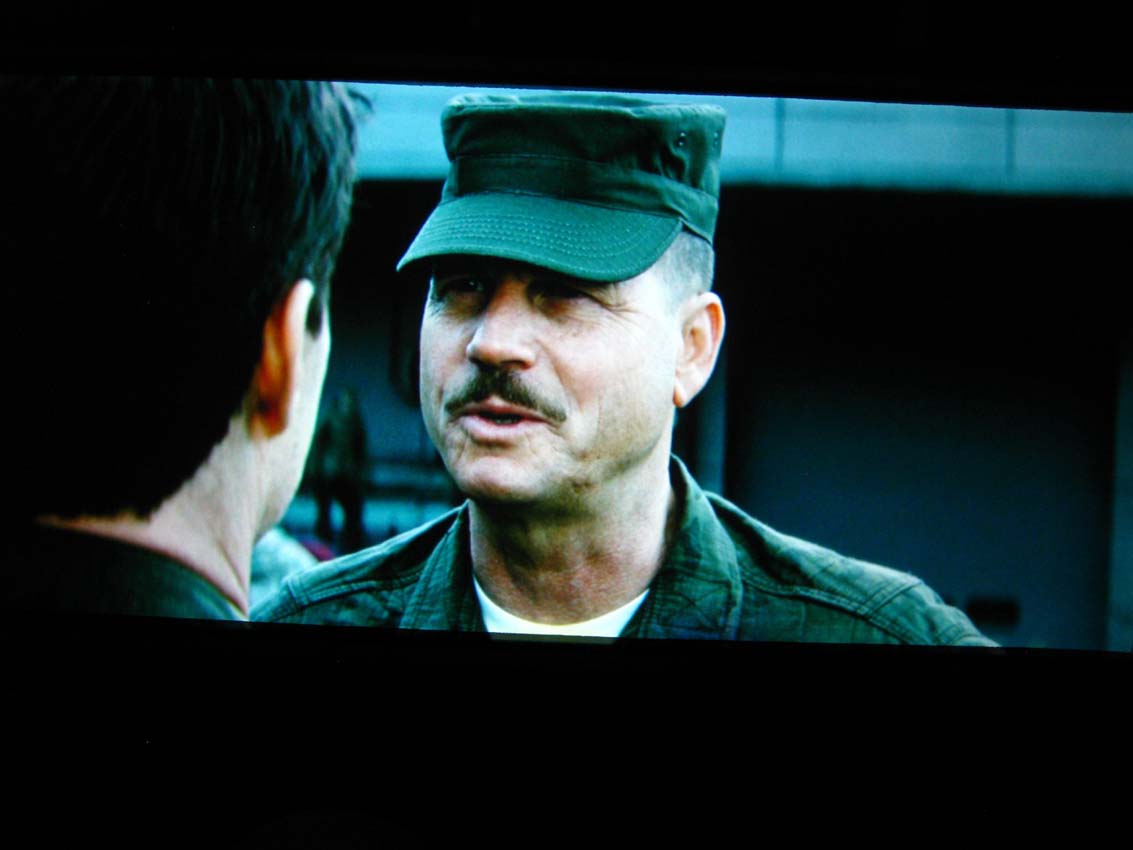
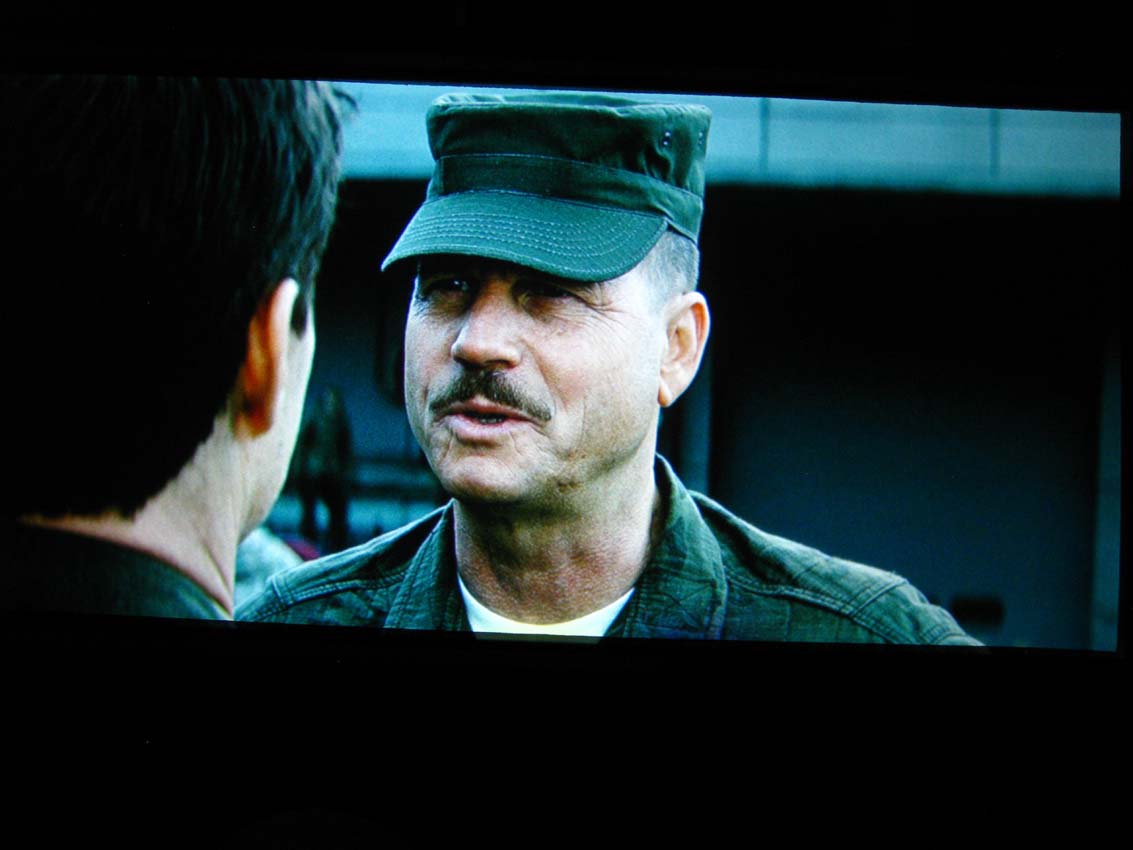
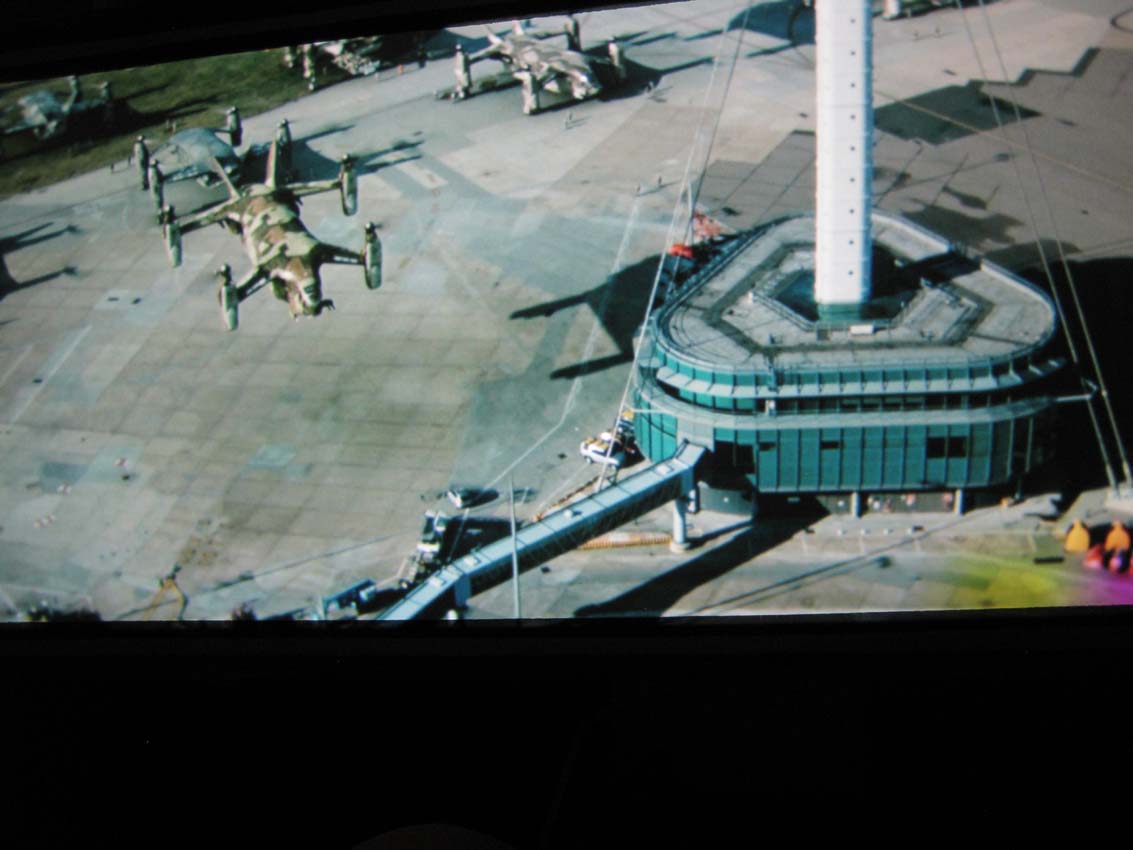
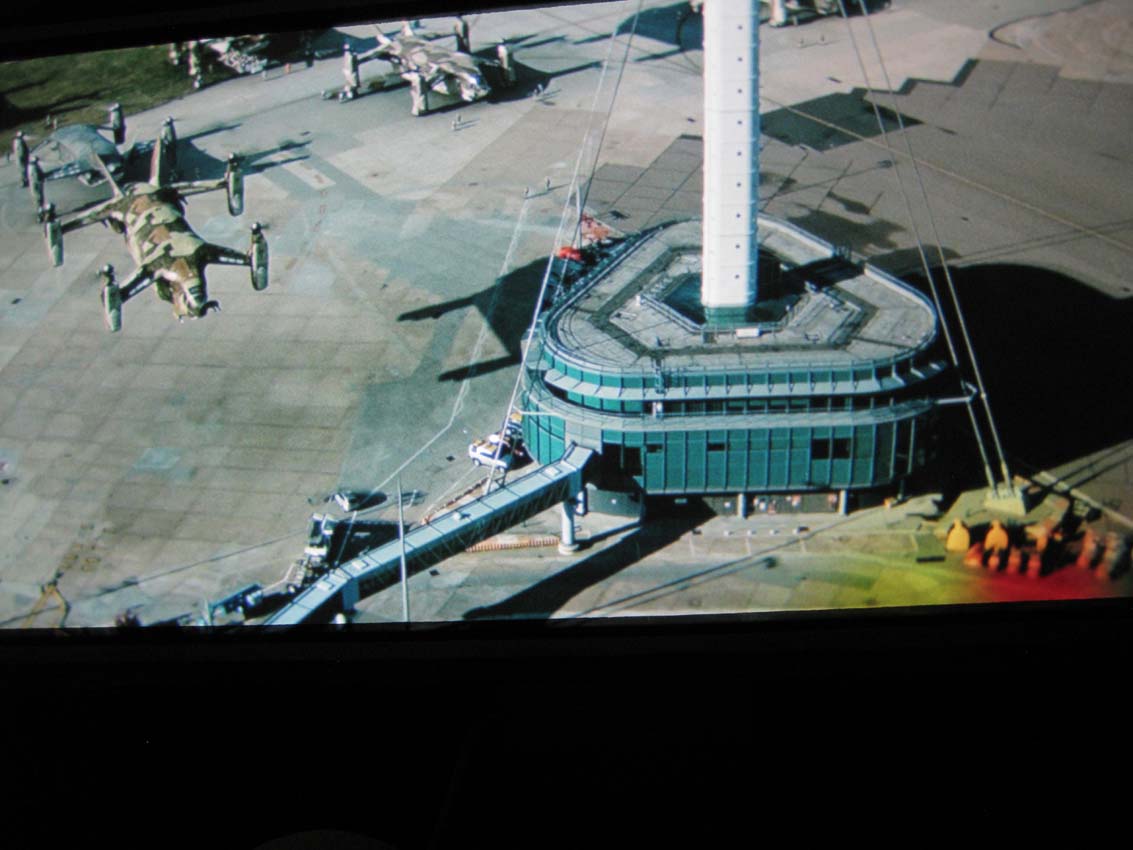
Sony G70 with VRM Lenses, 71.952Hz, Camera Canon Ixus 85
1. Source: PC, MPC MadVR DXVA --> RGB 16-235 ---> Moome 1.3, 0 - 255
2. Source: PC, MPC MadVR DXVA --> Sharpness Complex 2 + Nvidea Sharpness 49% --> RGB 16-235 ---> Moome 1.3 0 - 255
3. Source: PC, MPC MadVR DXVA --> RGB 16-235 ---> Moome 1.3 0, 0 - 255
4. Source: PC, MPC MadVR DXVA --> Sharpness Complex 2 + Nvidea Sharpness 49% --> RGB 16-235 ---> Moome 1.3 0 - 255
Imagine what this tweak will do to a 9" 
| Description: |
|
| Filesize: |
57.49 KB |
| Viewed: |
11003 Time(s) |
|
| Description: |
|
| Filesize: |
66.09 KB |
| Viewed: |
11003 Time(s) |
|
| Description: |
|
| Filesize: |
78.68 KB |
| Viewed: |
11003 Time(s) |
|
| Description: |
|
| Filesize: |
90.77 KB |
| Viewed: |
11003 Time(s) |
|
|
|
| Back to top |
|
|
ElTopo
Joined: 07 Nov 2006
Posts: 1640
|
| Posted: Sat Jan 20, 2018 7:50 am Post subject: |
|
|
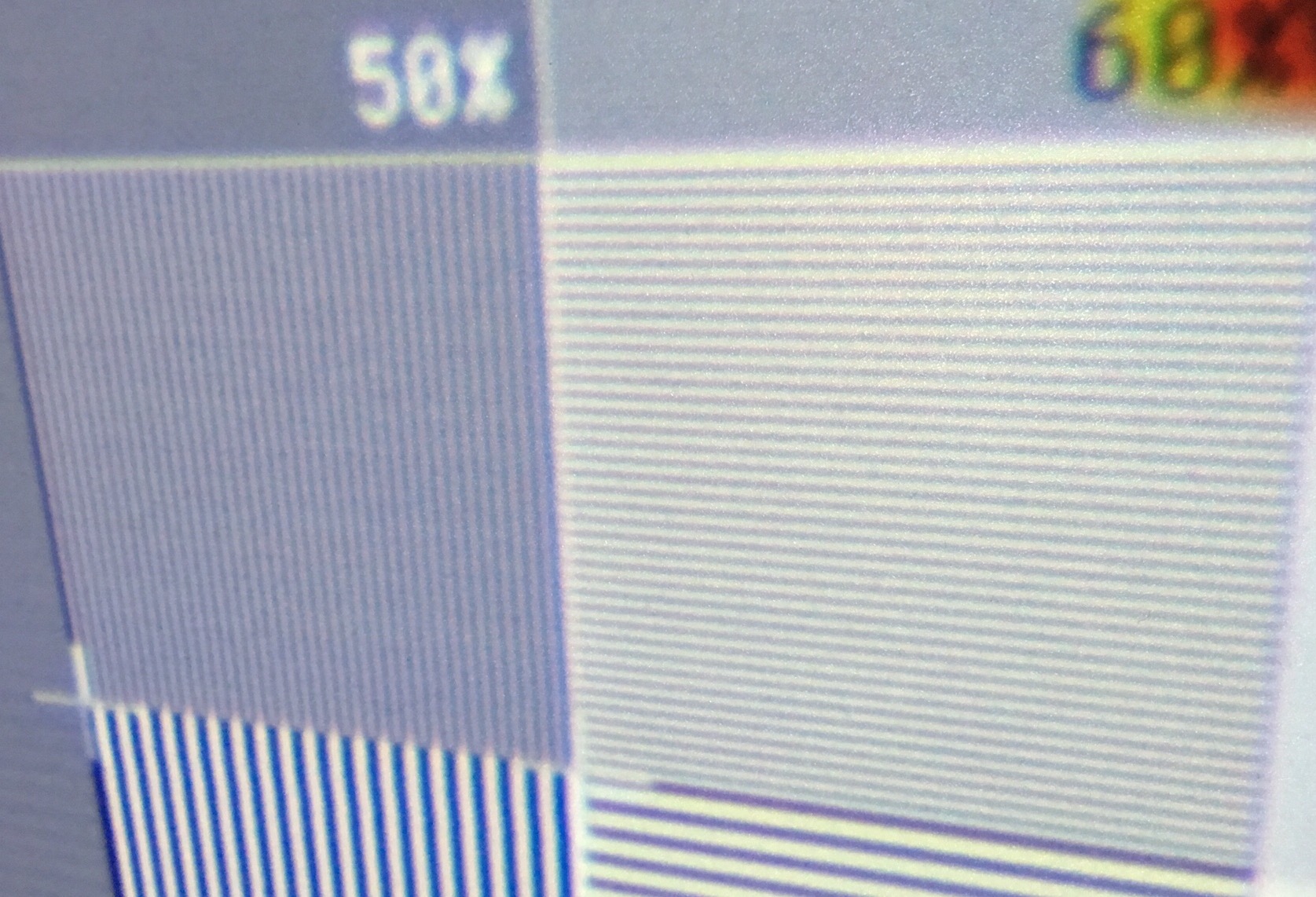
1080p@60p on Cine9
| Description: |
|
| Filesize: |
458.92 KB |
| Viewed: |
10977 Time(s) |
|
_________________
Barco Cine 9 the one and only
|
|
| Back to top |
|
|
_in_peace_
Joined: 21 Jul 2009
Posts: 152
Location: Sweden
|
| Posted: Sat Jan 20, 2018 7:46 pm Post subject: |
|
|
|
Good res!!
|
|
| Back to top |
|
|
_in_peace_
Joined: 21 Jul 2009
Posts: 152
Location: Sweden
|
| Posted: Sat Jan 20, 2018 7:49 pm Post subject: |
|
|
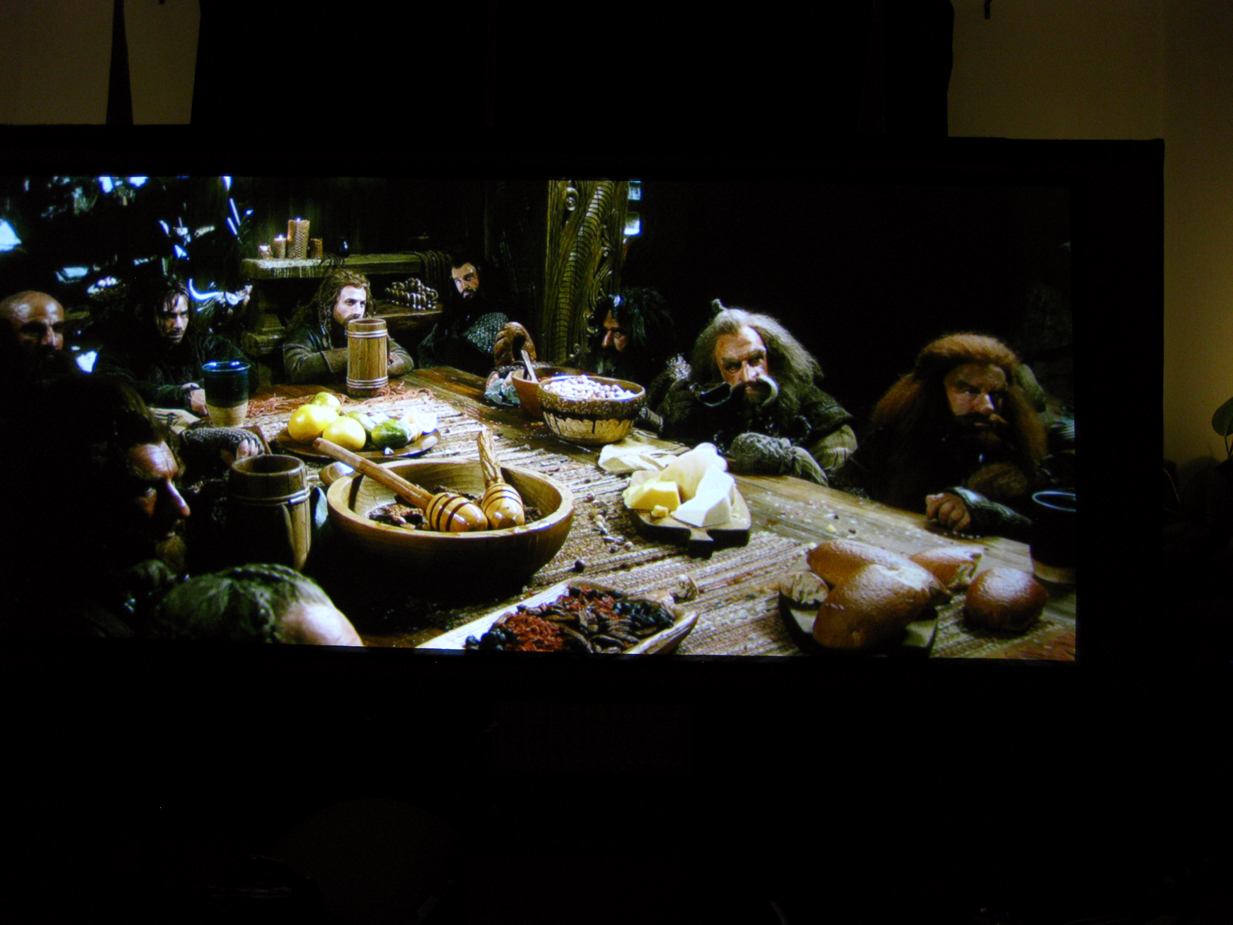
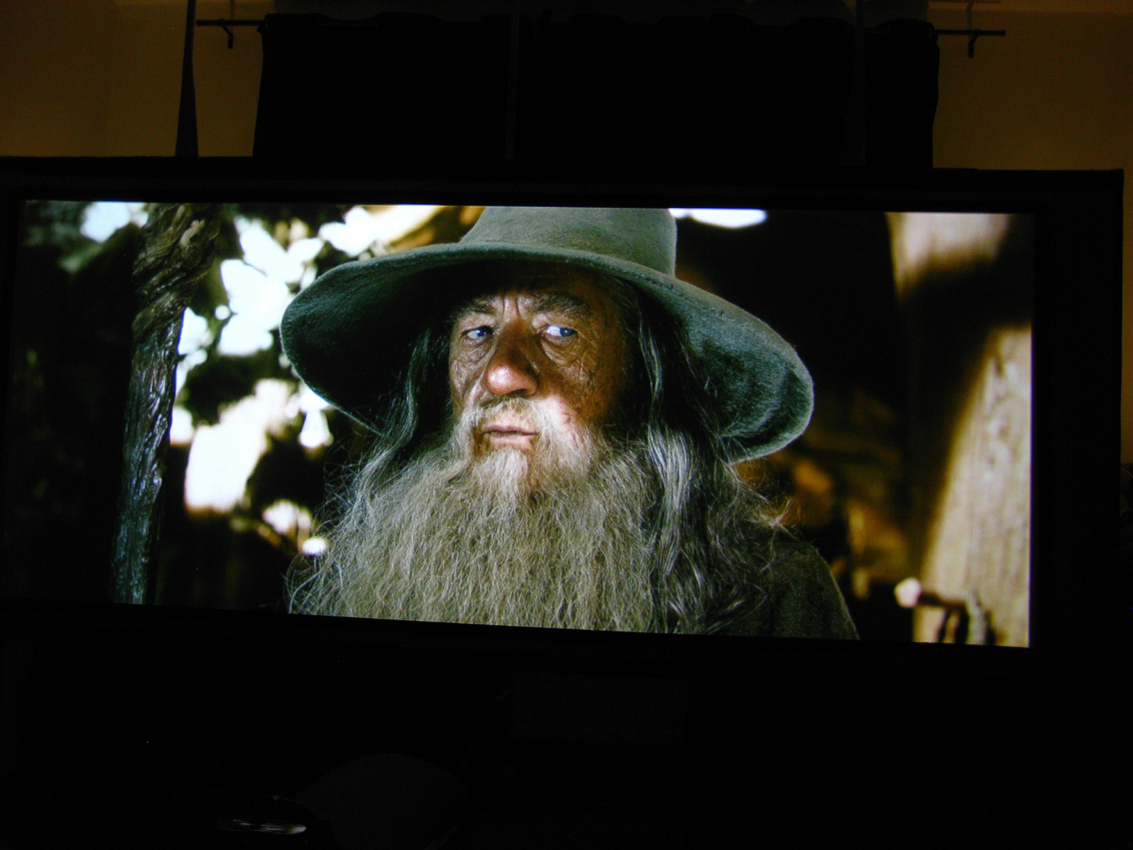
Some more tweaking
| Description: |
|
| Filesize: |
435.04 KB |
| Viewed: |
10936 Time(s) |
|
| Description: |
|
| Filesize: |
403.97 KB |
| Viewed: |
10936 Time(s) |
|
|
|
| Back to top |
|
|
mp20748
Joined: 12 Sep 2006
Posts: 5689
Location: Maryland
TV/Projector: 9500LC Ultra / Super 02 and 03 VIM
|
| Posted: Sun Jan 21, 2018 9:41 am Post subject: |
|
|
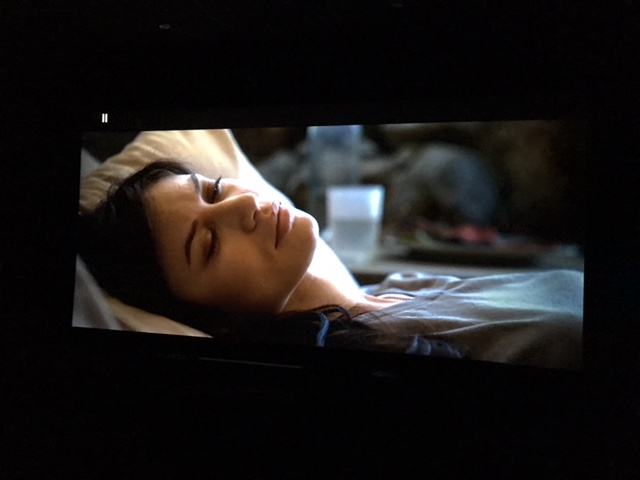
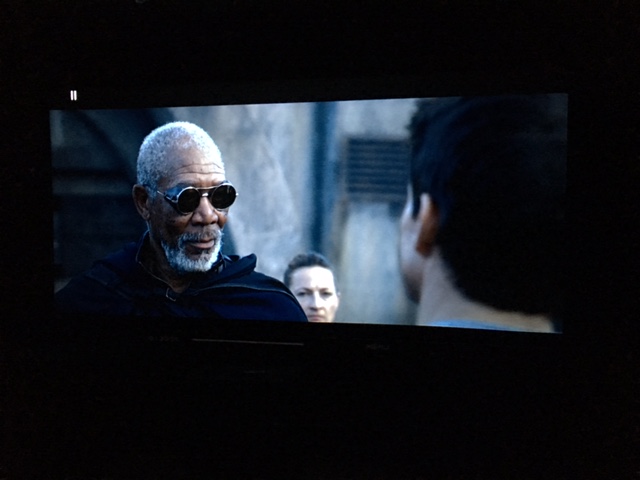
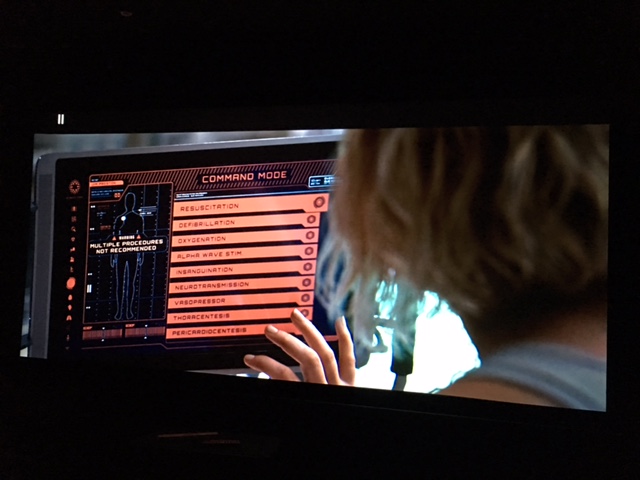
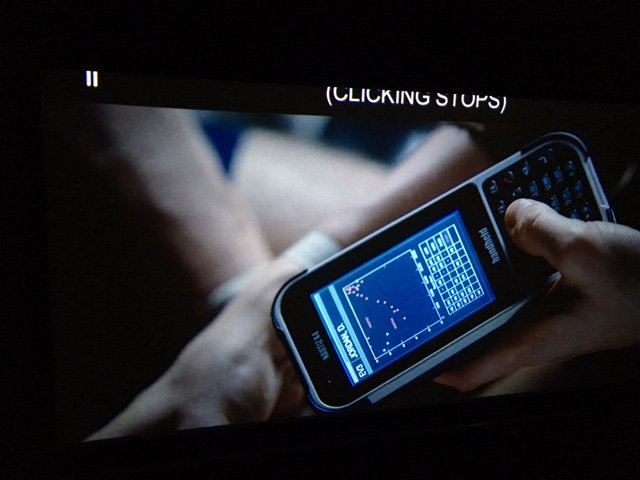
I'm now using my latest modified Moome, that I'll be labeling my High End Moome front End. Just finished it up yesterday, after working on it for the past 3 months. I'll be looking at resolution capabilities.
With these shots I'm using my Canon camera and I'm using a different Blu Ray. It's not the sharpest of the two that I have, but I wanted to give it a look using my very best front end. I'll post a second set in a few (next) using my cheapie Fuji.
Yep, no more mod sales for me, but I will press on to wrap up a few other things, and post shots..


|
|
| Back to top |
|
|
ElTopo
Joined: 07 Nov 2006
Posts: 1640
|
| Posted: Mon Jan 22, 2018 7:45 am Post subject: |
|
|
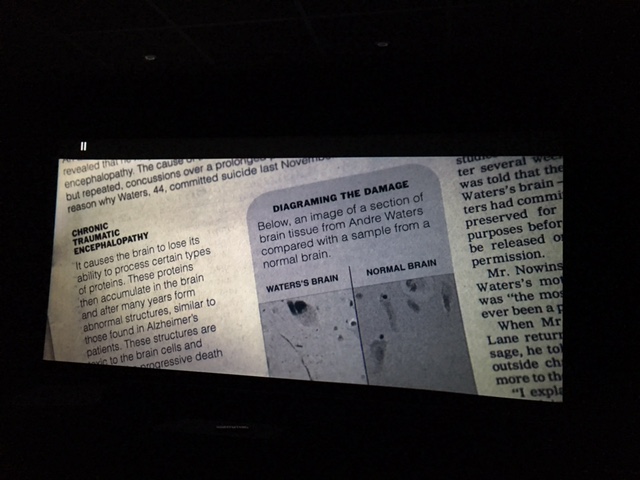
Cine9
| Description: |
|
| Filesize: |
87.17 KB |
| Viewed: |
10810 Time(s) |
|
| Description: |
|
| Filesize: |
58.42 KB |
| Viewed: |
10810 Time(s) |
|
| Description: |
|
| Filesize: |
62.21 KB |
| Viewed: |
10810 Time(s) |
|
| Description: |
|
| Filesize: |
80.95 KB |
| Viewed: |
10810 Time(s) |
|
| Description: |
|
| Filesize: |
75.57 KB |
| Viewed: |
10810 Time(s) |
|
_________________
Barco Cine 9 the one and only
|
|
| Back to top |
|
|
|
|





