| Author |
Message |
thewolfman

Joined: 28 Mar 2011
Posts: 1311
Location: Sweden
|
| Posted: Sat Feb 07, 2015 5:09 am Post subject: |
|
|
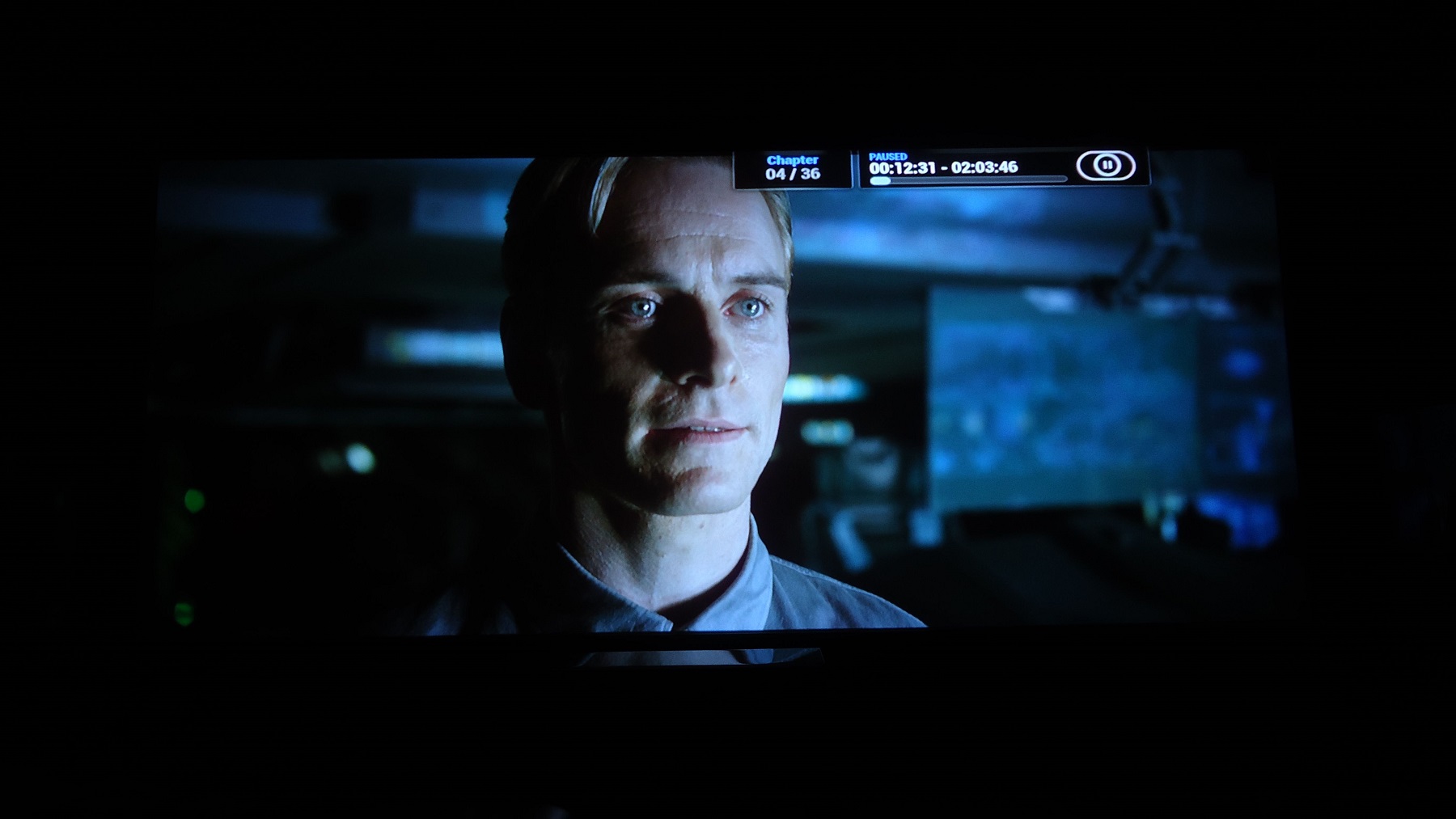
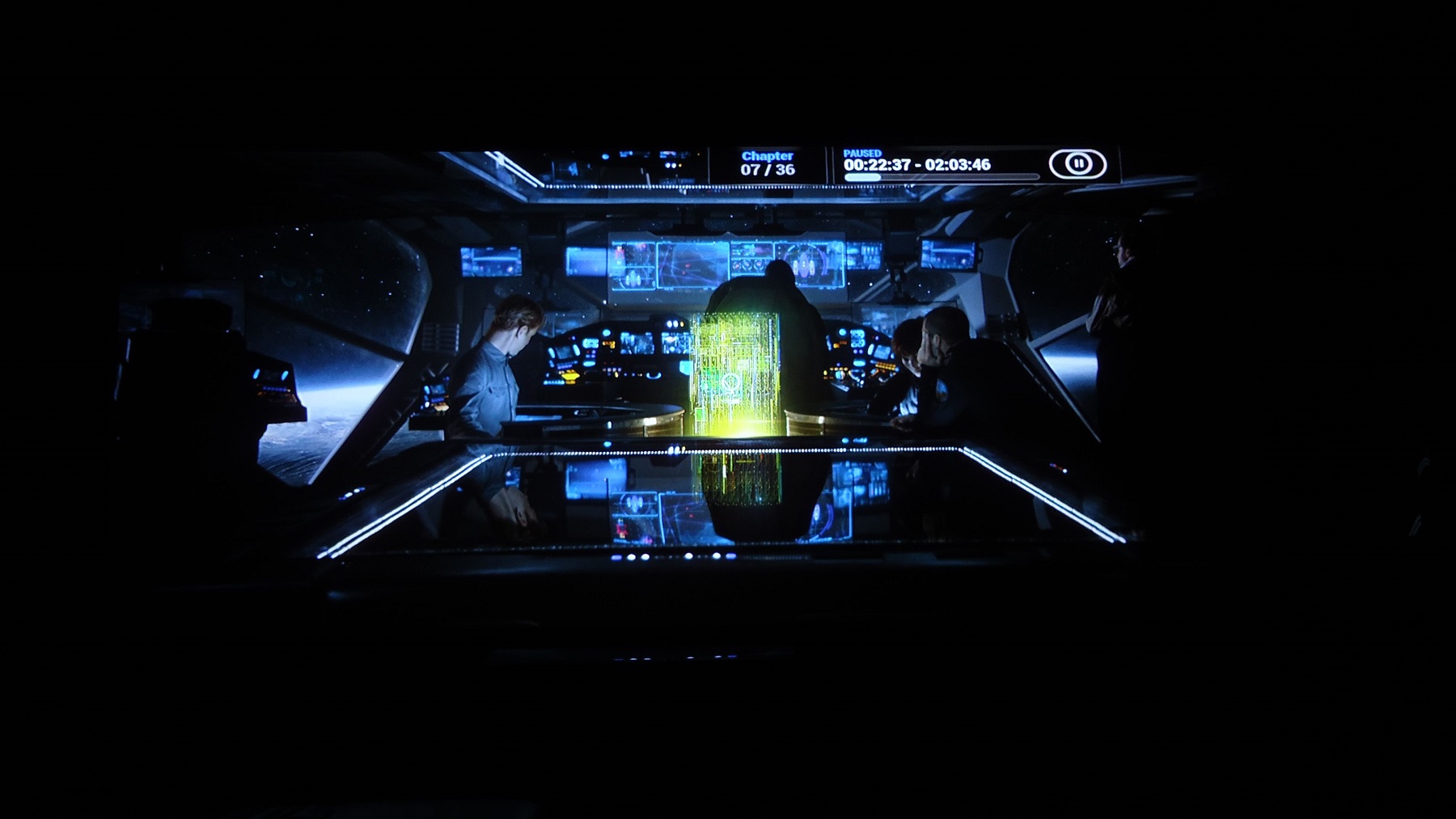
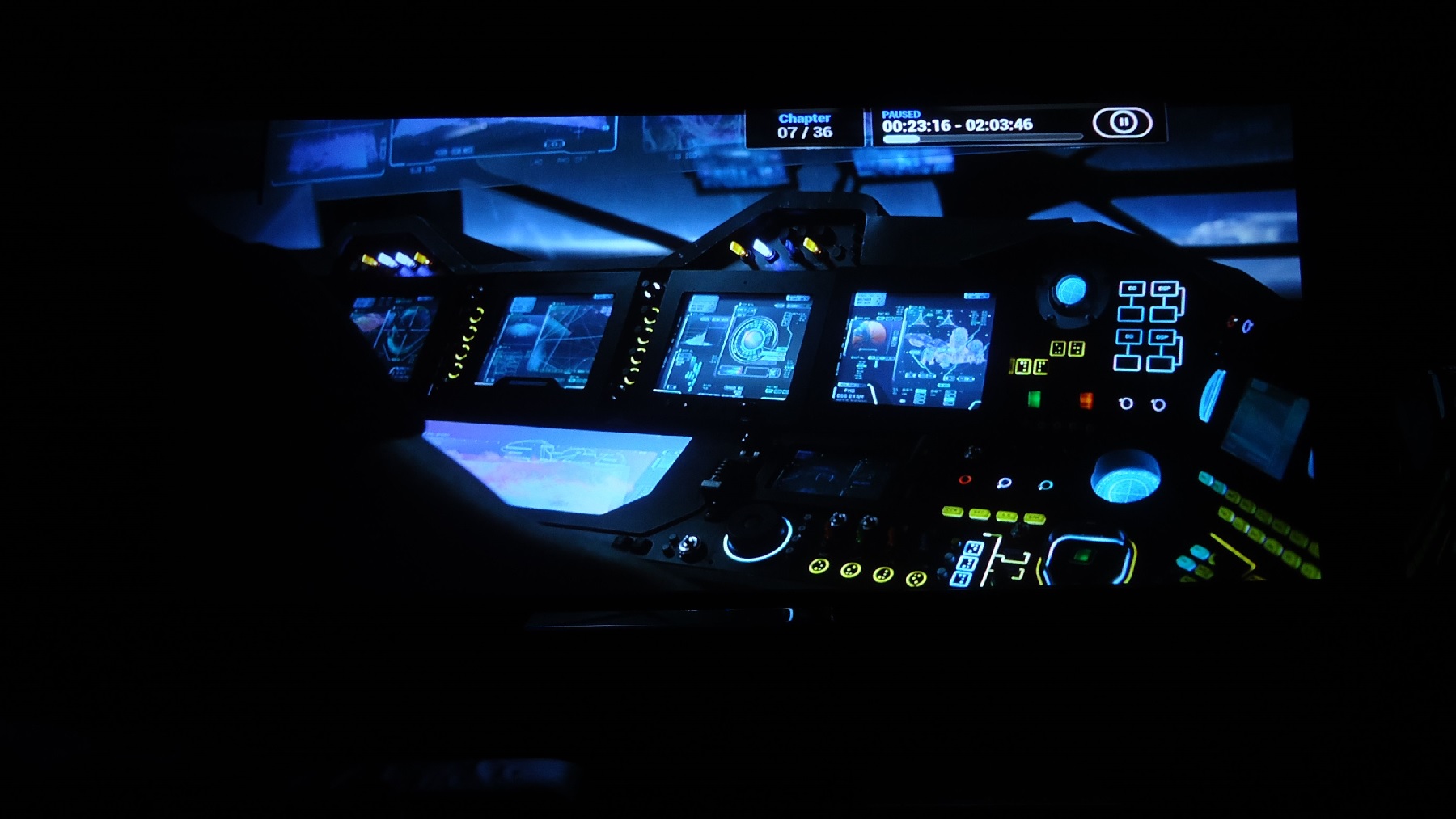
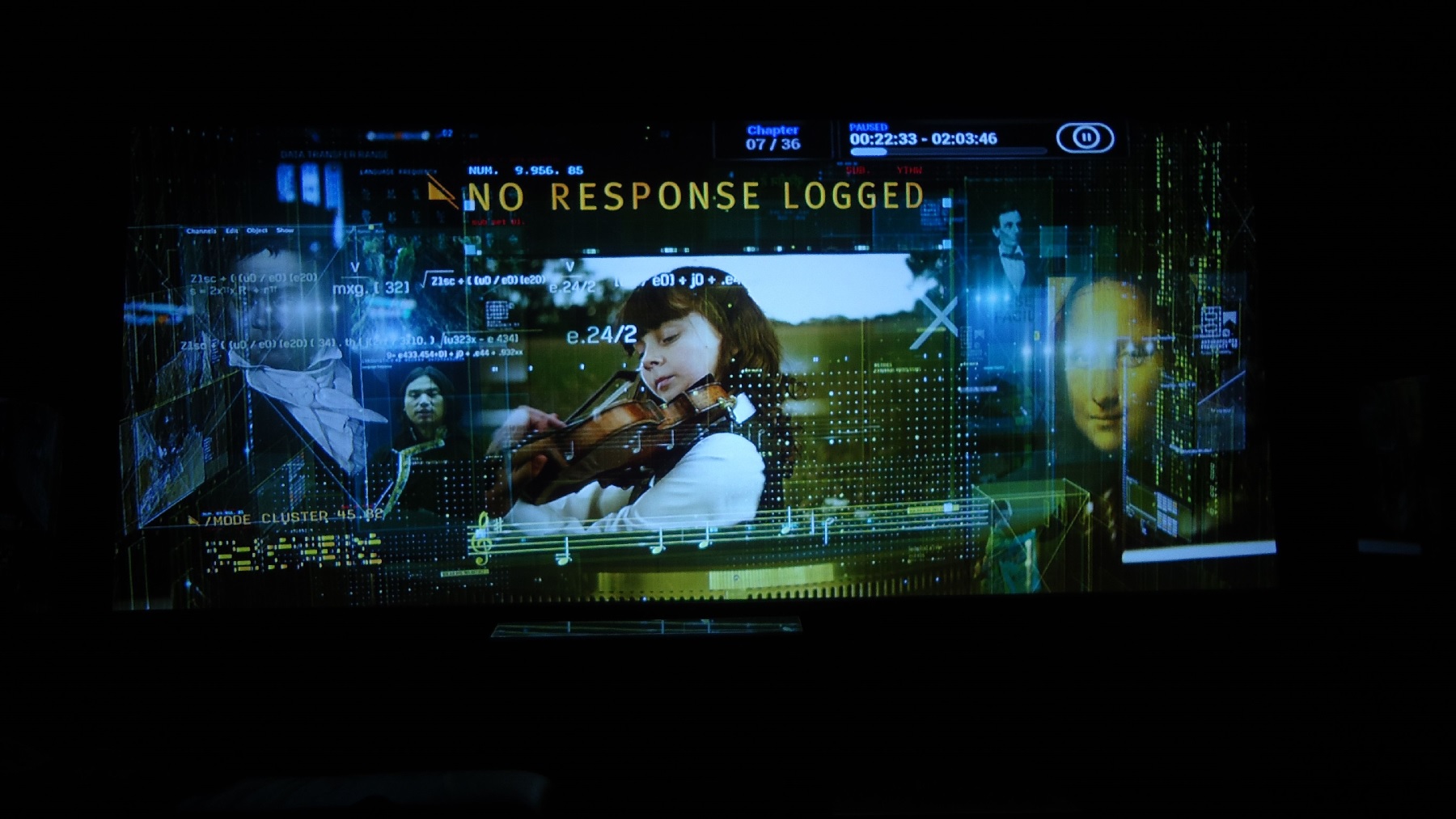
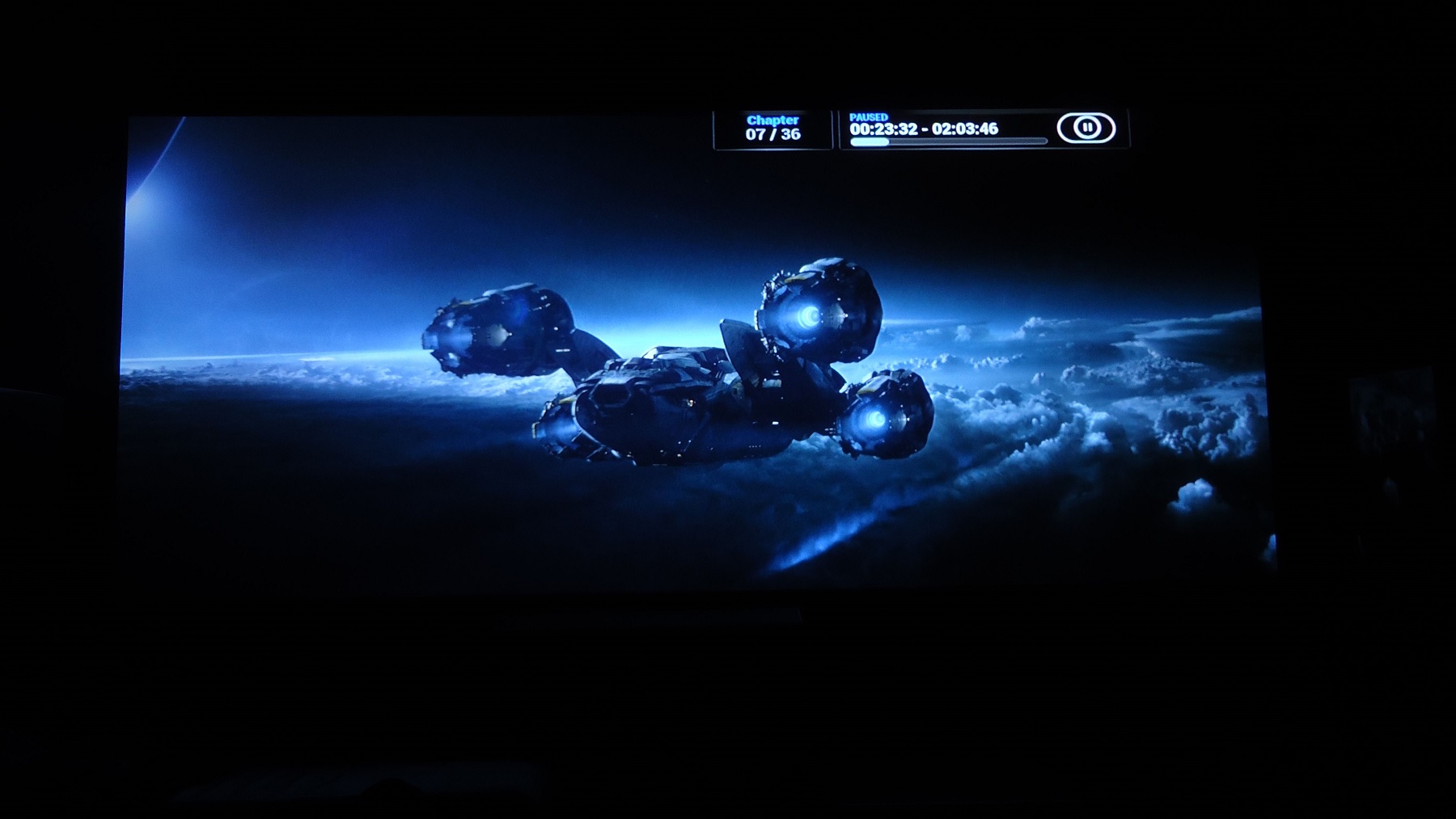
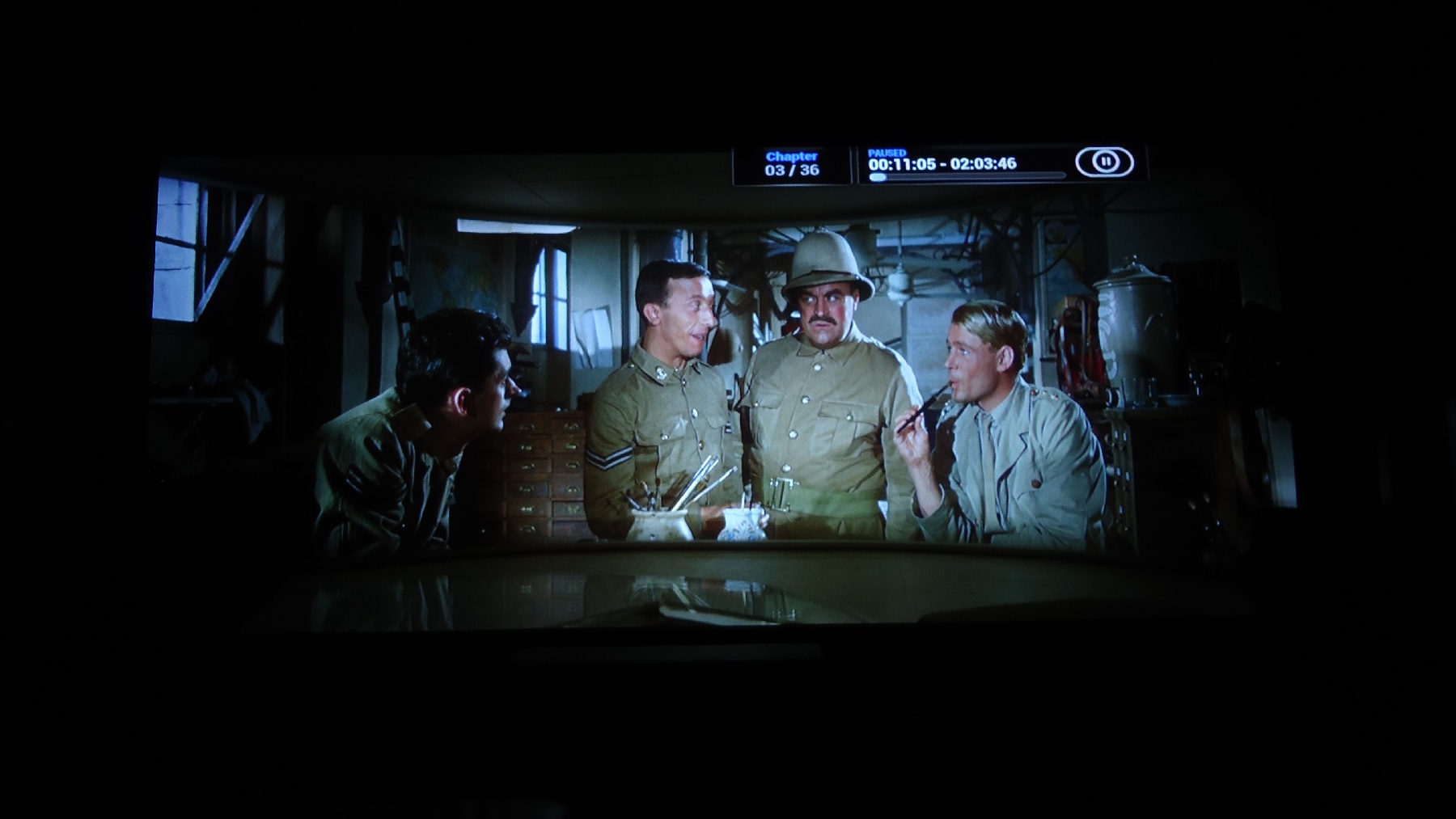
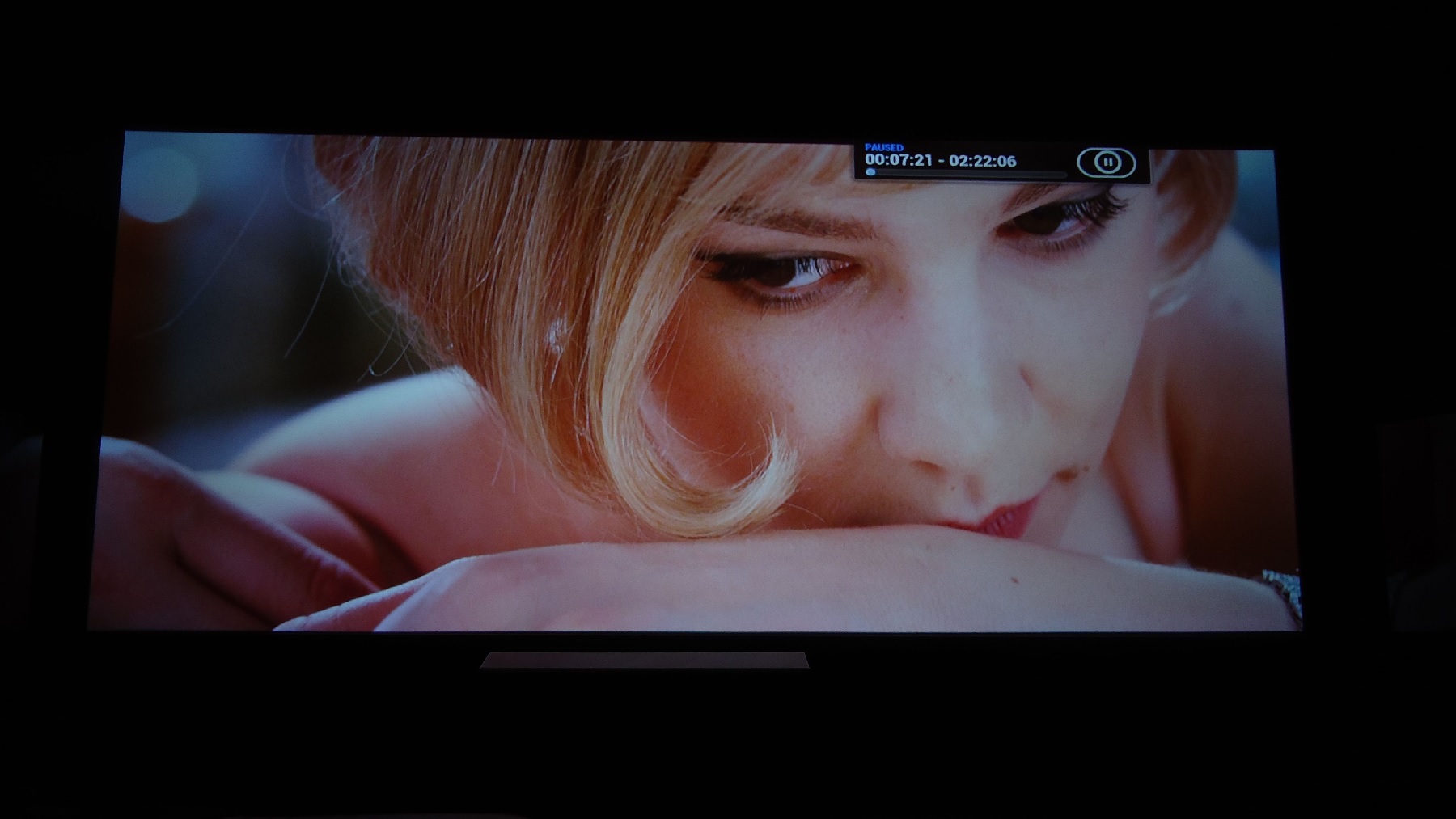
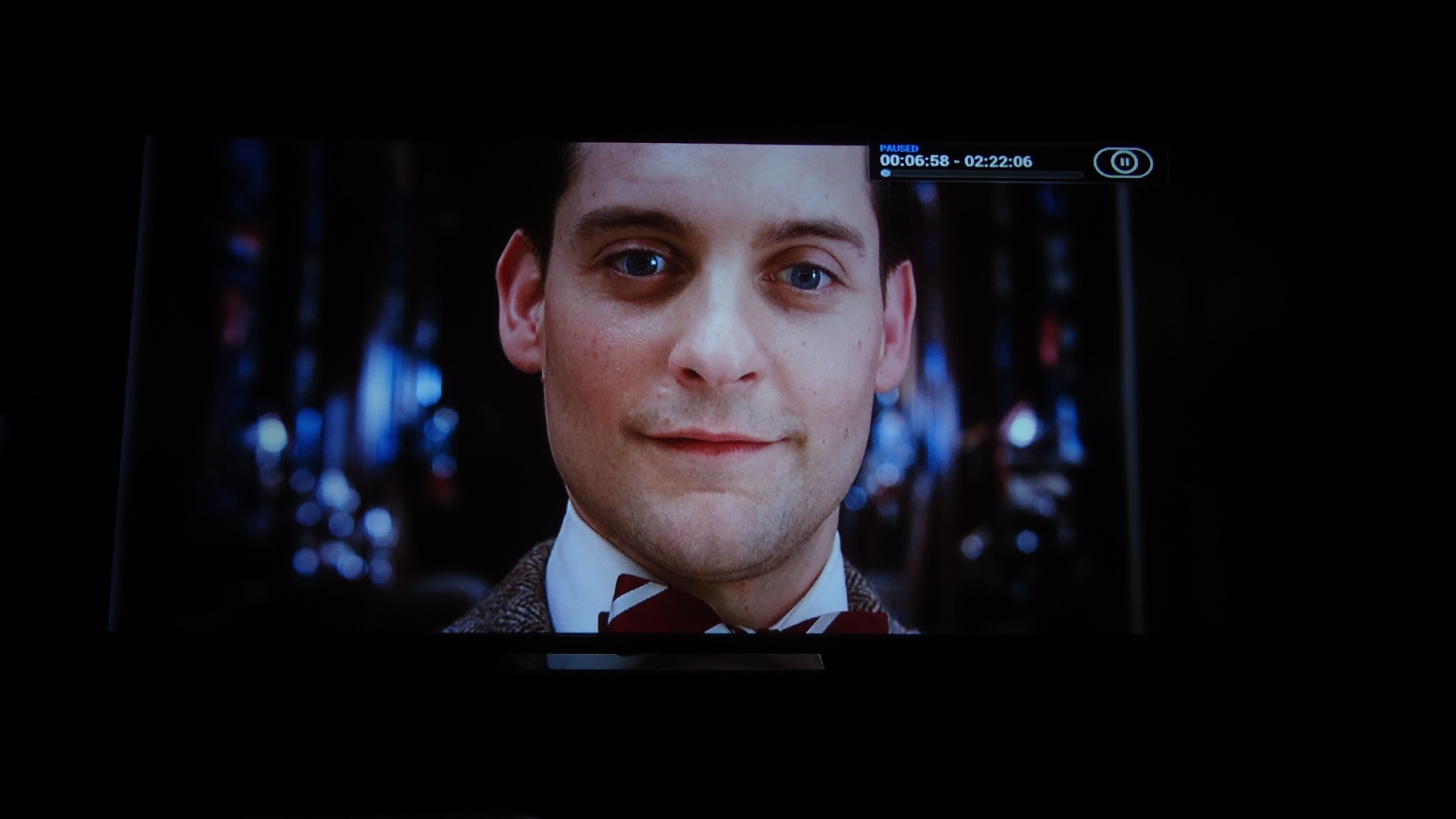
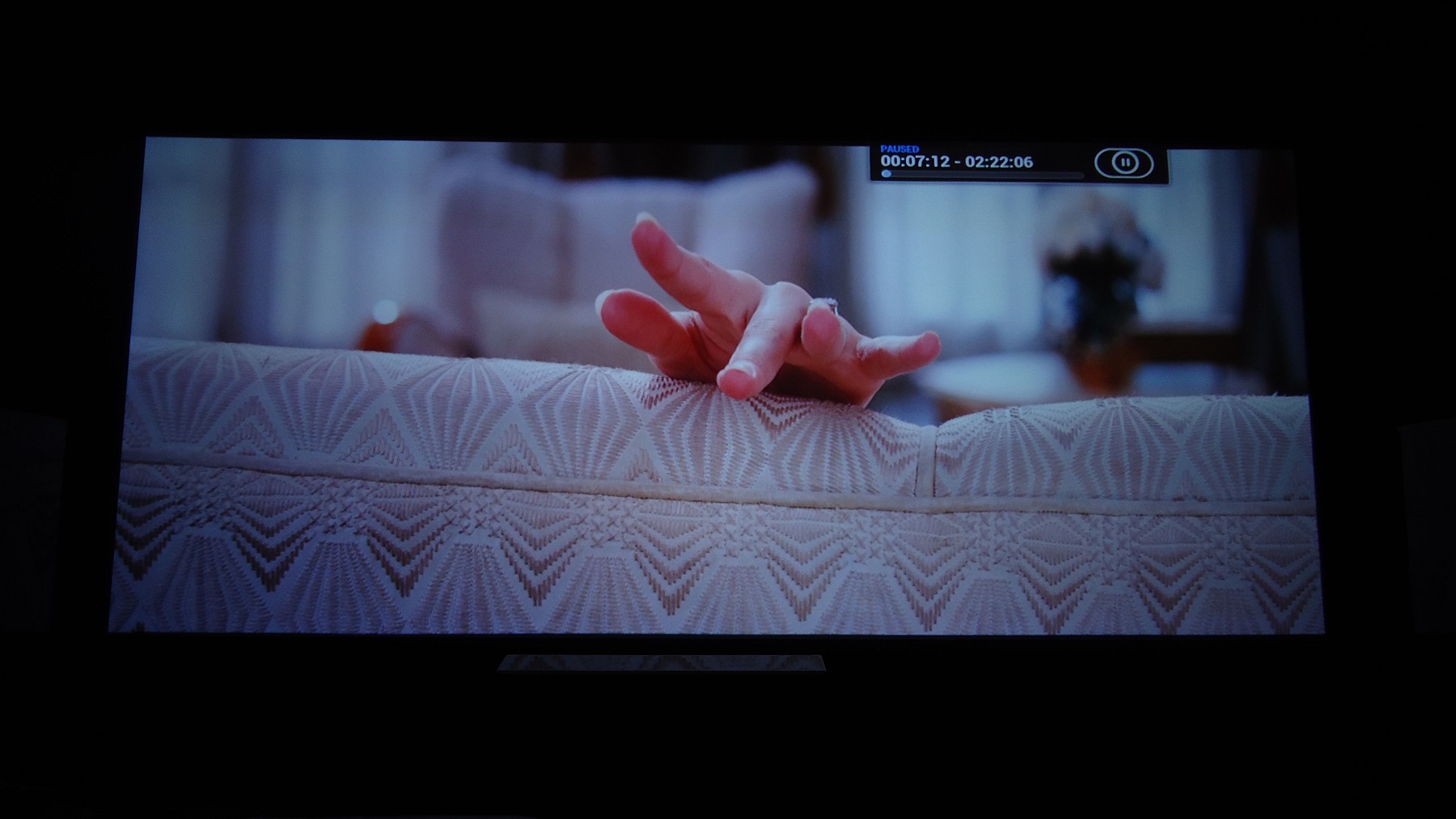
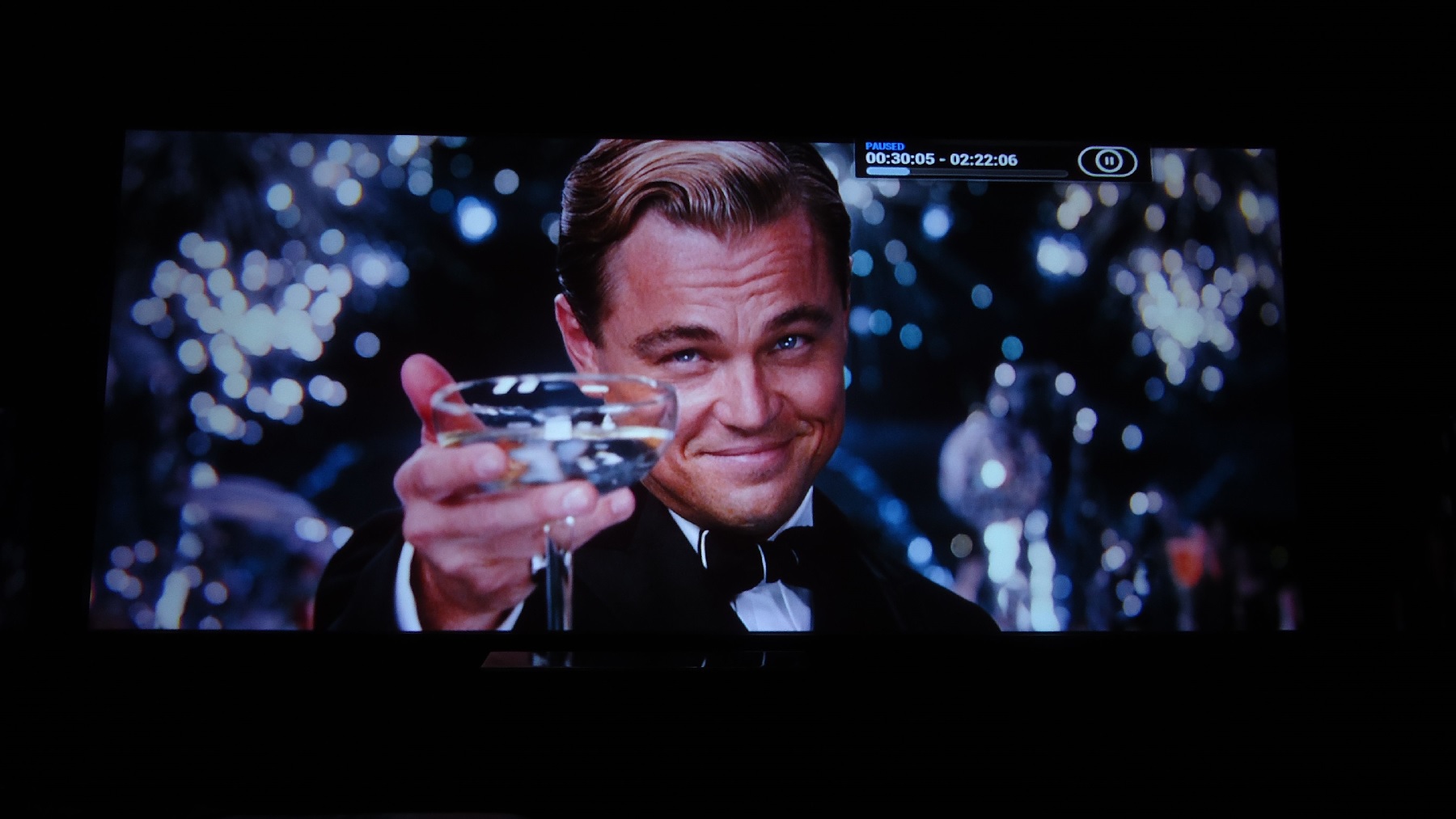
The Great Gatsby, Prometheus,
| Description: |
|
| Filesize: |
219.71 KB |
| Viewed: |
8072 Time(s) |
|
| Description: |
|
| Filesize: |
266.02 KB |
| Viewed: |
8072 Time(s) |
|
| Description: |
|
| Filesize: |
246.64 KB |
| Viewed: |
8072 Time(s) |
|
| Description: |
|
| Filesize: |
339.1 KB |
| Viewed: |
8072 Time(s) |
|
| Description: |
|
| Filesize: |
222.67 KB |
| Viewed: |
8072 Time(s) |
|
| Description: |
|
| Filesize: |
237.14 KB |
| Viewed: |
8072 Time(s) |
|
| Description: |
|
| Filesize: |
245.19 KB |
| Viewed: |
8072 Time(s) |
|
| Description: |
|
| Filesize: |
175.98 KB |
| Viewed: |
8072 Time(s) |
|
| Description: |
|
| Filesize: |
298.46 KB |
| Viewed: |
8072 Time(s) |
|
| Description: |
|
| Filesize: |
247.56 KB |
| Viewed: |
8072 Time(s) |
|
|
|
| Back to top |
|
 |
ElTopo

Joined: 07 Nov 2006
Posts: 1640
|
| Posted: Sat Feb 07, 2015 10:42 am Post subject: |
|
|
Sharpness seems to be incredible 
_________________
Barco Cine 9 the one and only
|
|
| Back to top |
|
|
mp20748
Joined: 12 Sep 2006
Posts: 5689
Location: Maryland
TV/Projector: 9500LC Ultra / Super 02 and 03 VIM
|
| Posted: Sat Feb 07, 2015 1:46 pm Post subject: |
|
|
A different front end on this one, and I'm really liking it.
A few more shots over the weekend and then I'll be shutting down the Mod Factory for awhile. Got some traveling to do this month going forward among some other things. But will get back to this later sometime


|
|
| Back to top |
|
|
thewolfman
Joined: 28 Mar 2011
Posts: 1311
Location: Sweden
|
| Posted: Sat Feb 07, 2015 4:59 pm Post subject: |
|
|
| ElTopo wrote: | | Sharpness seems to be incredible |
My last set up had less movement, with ramping focus up and down, so there's work to be done with the magnets. I'm getting mirrors to glue underneath the magnets, to make it easier to null them, because paint is not as accurate. At least not for me.
But for now holding on until I get the Logitech HD Pro C920 webcam, or the Logitech C930e version, because I can't see from 4,5 meters away what the shape of the dots are, so always pacing up and down to the screen, for a half hour or so, before giving up and finishing the rest with the remote.
I choose to not blow up the dots to much, because they go oval when I shrink them back down, as round as they look prior to that, they still look oval when small. I think it works better with just moderate up-sizing, and then walk up and down to the screen like an idiot, and then shrink it back down. The trade-down is that I can't see from that distance.
With the exception of lenses and FY, the pj is stock, so there's no reason why your images wouldn't look sharper with you gone out of your way to set things up. You should post a bunch and stir things up a bit! 
(My pix are always set to 1800 in width, in paint, and leave whatever the program says for the vertical).
|
|
| Back to top |
|
|
redfox001

Joined: 16 Mar 2009
Posts: 2257
Location: The Netherlands
|
| Posted: Sat Feb 07, 2015 5:36 pm Post subject: |
|
|
I do the magnets with the lenses off. Works much easier. In the advanced procedures Curt advises the same. I do not even use sunglasses.
_________________
701s->runco933->8500ultra->cinemax->9500mp->919 splitpack + cinemax
|
|
| Back to top |
|
|
redfox001
Joined: 16 Mar 2009
Posts: 2257
Location: The Netherlands
|
| Posted: Sat Feb 07, 2015 5:38 pm Post subject: |
|
|
| mp20748 wrote: | A different front end on this one, and I'm really liking it.
A few more shots over the weekend and then I'll be shutting down the Mod Factory for awhile. Got some traveling to do this month going forward among some other things. But will get back to this later sometime
|
Incredible sharp!
_________________
701s->runco933->8500ultra->cinemax->9500mp->919 splitpack + cinemax
|
|
| Back to top |
|
|
thewolfman
Joined: 28 Mar 2011
Posts: 1311
Location: Sweden
|
| Posted: Sat Feb 07, 2015 5:45 pm Post subject: |
|
|
| redfox001 wrote: | | I do the magnets with the lenses off. Works much easier. In the advanced procedures Curt advises the same. I do not even use sunglasses. |
I didn't know you could do that, don't the lines look to razor thin that makes it difficult and problem still exists because you can't tweak and look at the same time?
Personally, I have decided to go with the Logitech C930, with 1080p + auto-focusing on it, and be done with it. I'm sick of this walking back and forth.
|
|
| Back to top |
|
|
huggy
Joined: 02 Aug 2008
Posts: 927
Location: Melbourne,Australia
|
| Posted: Sat Feb 07, 2015 9:12 pm Post subject: |
|
|
| thewolfman wrote: | | ElTopo wrote: | | Sharpness seems to be incredible |
My last set up had less movement, with ramping focus up and down, so there's work to be done with the magnets. I'm getting mirrors to glue underneath the magnets, to make it easier to null them, because paint is not as accurate. At least not for me.
But for now holding on until I get the Logitech HD Pro C920 webcam, or the Logitech C930e version, because I can't see from 4,5 meters away what the shape of the dots are, so always pacing up and down to the screen, for a half hour or so, before giving up and finishing the rest with the remote.
I choose to not blow up the dots to much, because they go oval when I shrink them back down, as round as they look prior to that, they still look oval when small. I think it works better with just moderate up-sizing, and then walk up and down to the screen like an idiot, and then shrink it back down. The trade-down is that I can't see from that distance.
With the exception of lenses and FY, the pj is stock, so there's no reason why your images wouldn't look sharper with you gone out of your way to set things up. You should post a bunch and stir things up a bit!
(My pix are always set to 1800 in width, in paint, and leave whatever the program says for the vertical). |
This is my problem exactly, too difficult from 5mts away even with binoculars, every time I think the dots are round, ramping the focus suggests other wise
Dave
|
|
| Back to top |
|
|
mp20748
Joined: 12 Sep 2006
Posts: 5689
Location: Maryland
TV/Projector: 9500LC Ultra / Super 02 and 03 VIM
|
| Posted: Sun Feb 08, 2015 4:37 am Post subject: |
|
|


|
|
| Back to top |
|
|
mp20748
Joined: 12 Sep 2006
Posts: 5689
Location: Maryland
TV/Projector: 9500LC Ultra / Super 02 and 03 VIM
|
| Posted: Sun Feb 08, 2015 12:23 pm Post subject: |
|
|


Last edited by mp20748 on Sun Feb 08, 2015 1:30 pm; edited 1 time in total
|
|
| Back to top |
|
|
redfox001
Joined: 16 Mar 2009
Posts: 2257
Location: The Netherlands
|
| Posted: Sun Feb 08, 2015 12:34 pm Post subject: |
|
|
| thewolfman wrote: | | redfox001 wrote: | | I do the magnets with the lenses off. Works much easier. In the advanced procedures Curt advises the same. I do not even use sunglasses. |
I didn't know you could do that, don't the lines look to razor thin that makes it difficult and problem still exists because you can't tweak and look at the same time?
Personally, I have decided to go with the Logitech C930, with 1080p + auto-focusing on it, and be done with it. I'm sick of this walking back and forth. |
No. I have one hand on the magnets and at the same time look to the phosphor. With contrast at 70 the shape and the middle of the dots are perfectly clear. The movement of the whole raster is visible too but a little less so perhaps a little fine tuning later. But the great advantage is that you get a feeling for what the magnets do. In the advanced procedures section Curt is the only one that mentions the same. I have the lenses completely off.
http://www.curtpalme.com/Astig5.shtm
One way to adjust the astig with better results is to look directly into the lens to the tube surface with sunglasses on. Your eyes are now a lot closer to the tube face, and you don’t need to squint in the darkness to see exactly whether the dots are round on the screen that’s across the room.
_________________
701s->runco933->8500ultra->cinemax->9500mp->919 splitpack + cinemax
Last edited by redfox001 on Sun Feb 08, 2015 12:46 pm; edited 2 times in total
|
|
| Back to top |
|
|
redfox001
Joined: 16 Mar 2009
Posts: 2257
Location: The Netherlands
|
| Posted: Sun Feb 08, 2015 12:38 pm Post subject: |
|
|
Wow especially these are great!
Rest too of cause!
_________________
701s->runco933->8500ultra->cinemax->9500mp->919 splitpack + cinemax
|
|
| Back to top |
|
|
thewolfman
Joined: 28 Mar 2011
Posts: 1311
Location: Sweden
|
| Posted: Sun Feb 08, 2015 7:58 pm Post subject: |
|
|
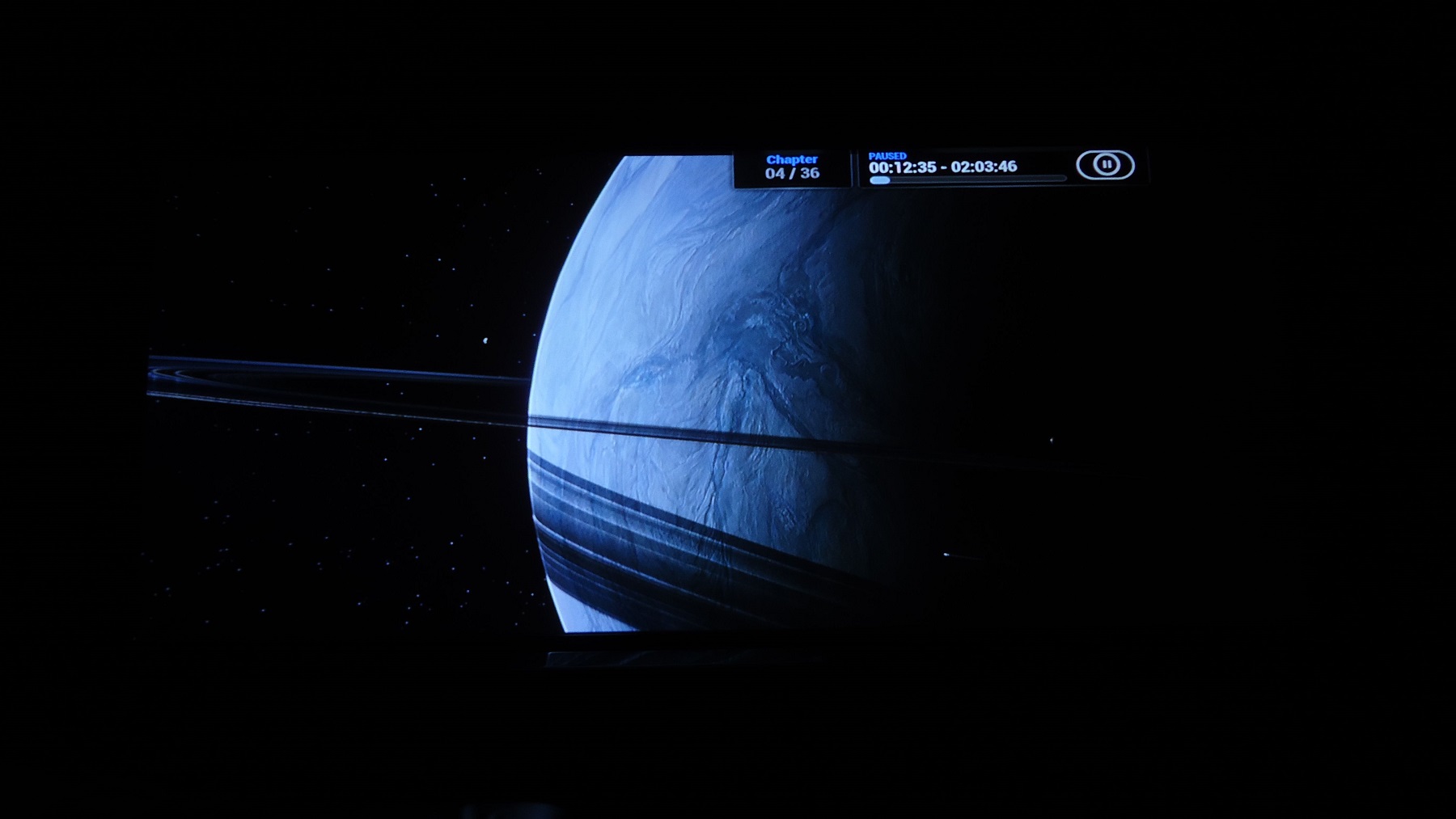
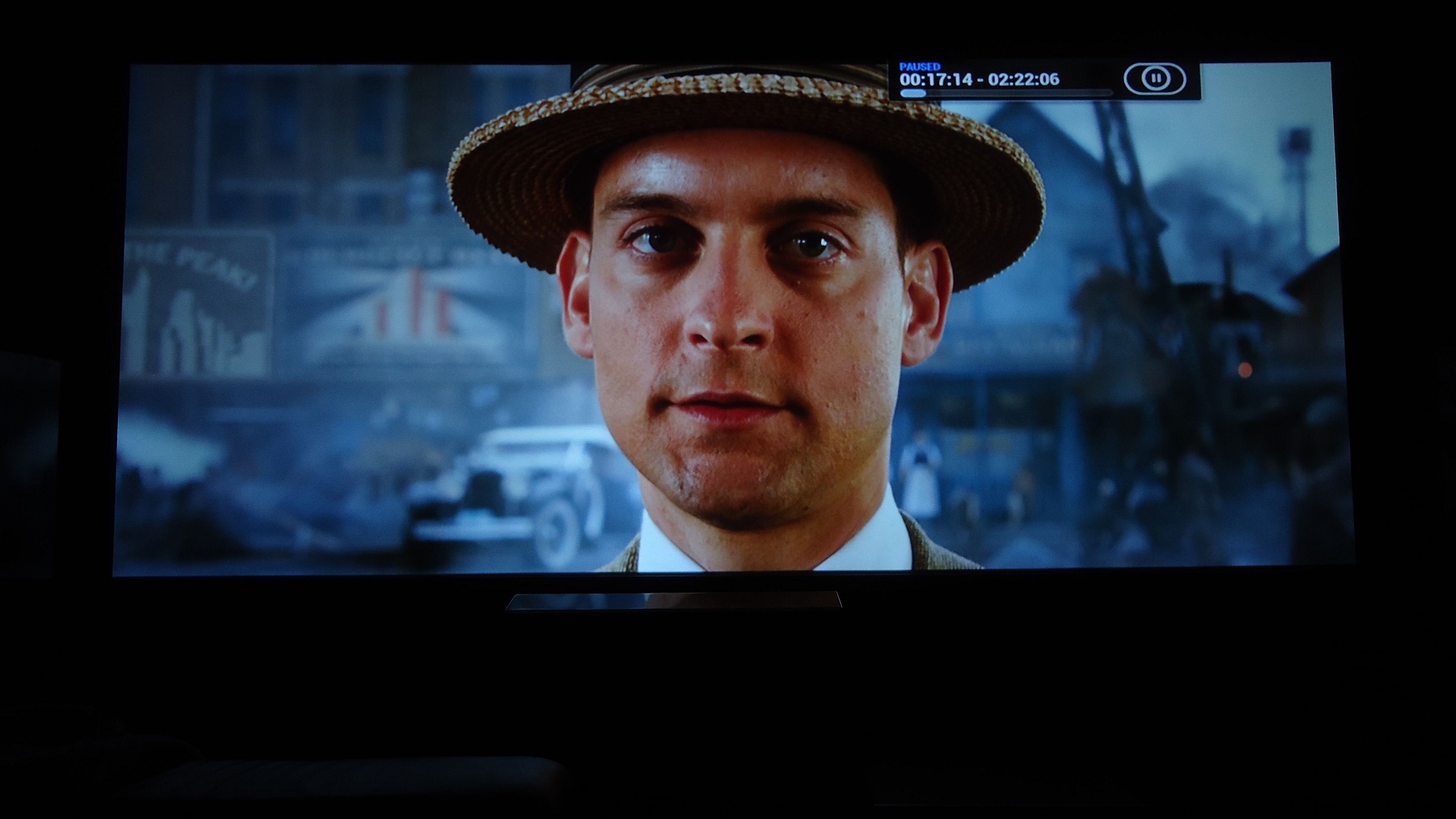
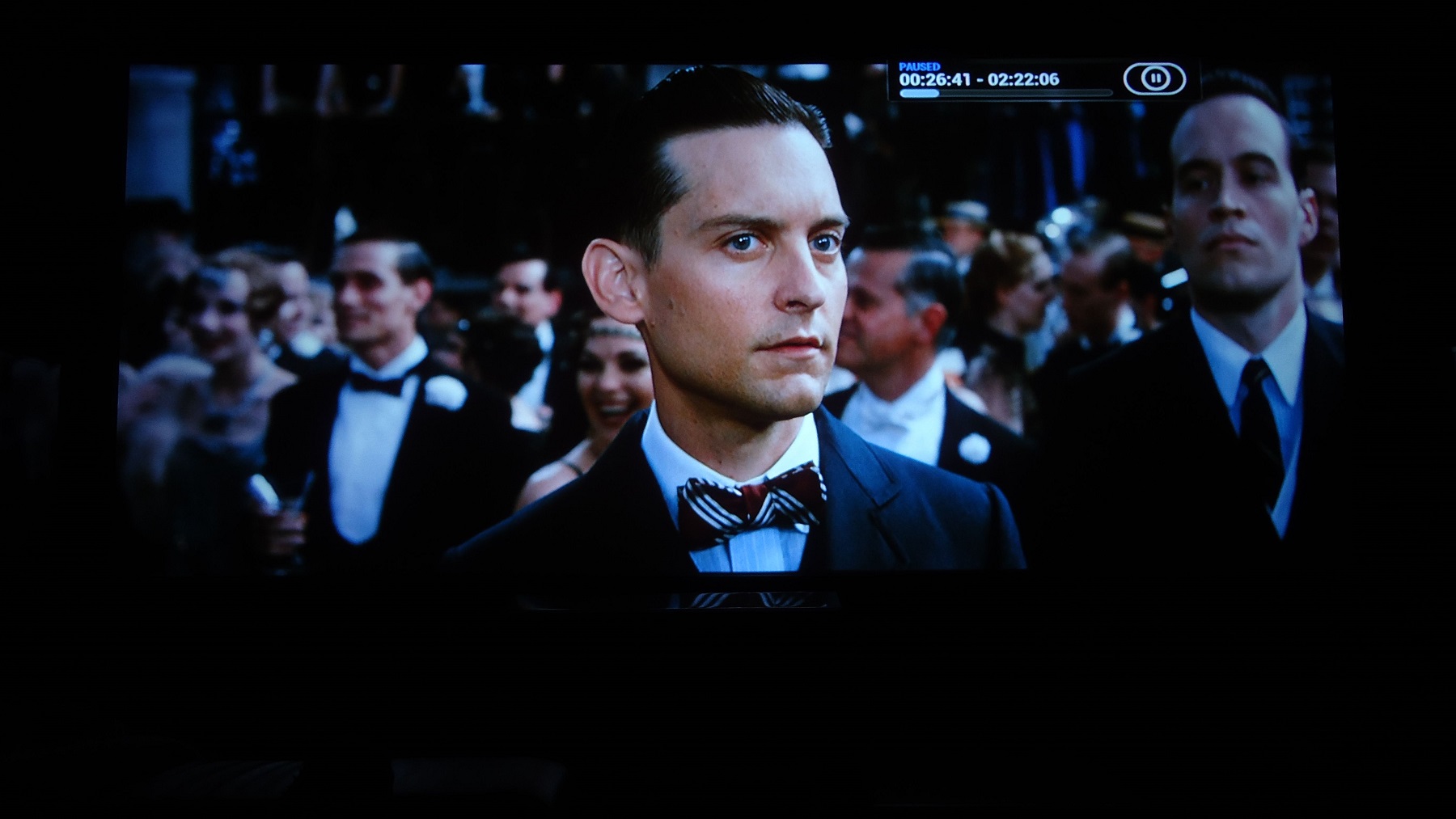
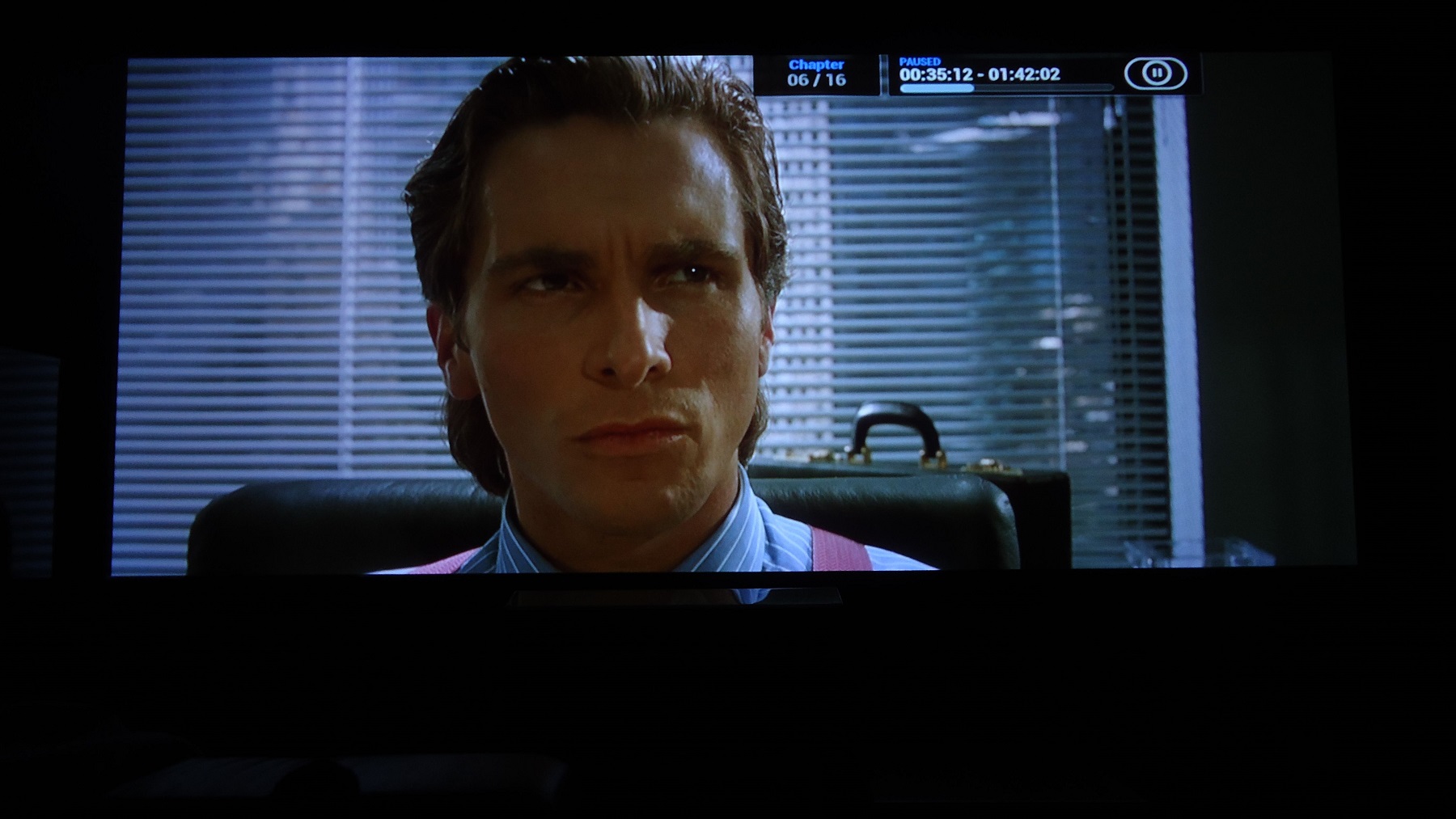
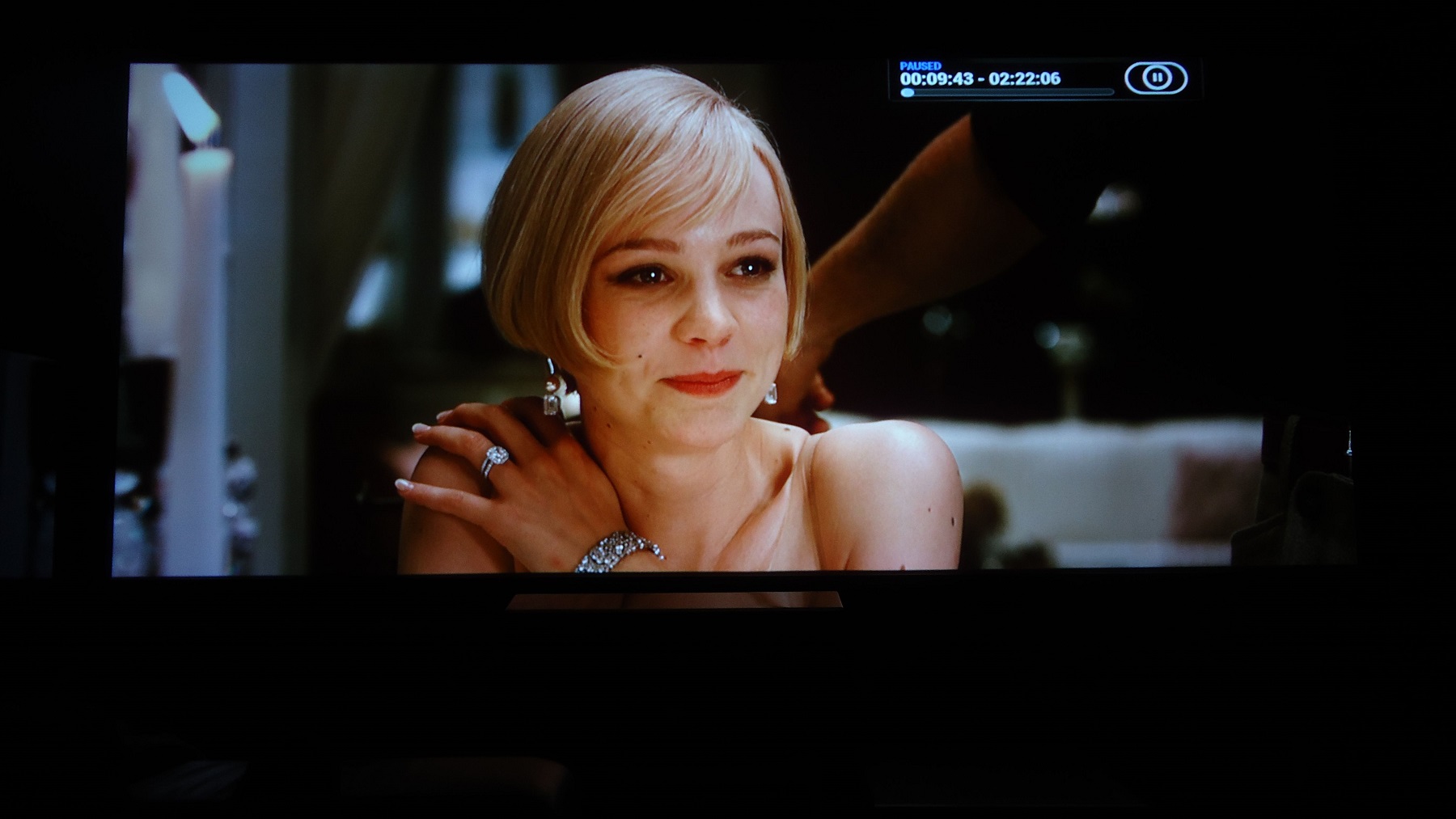
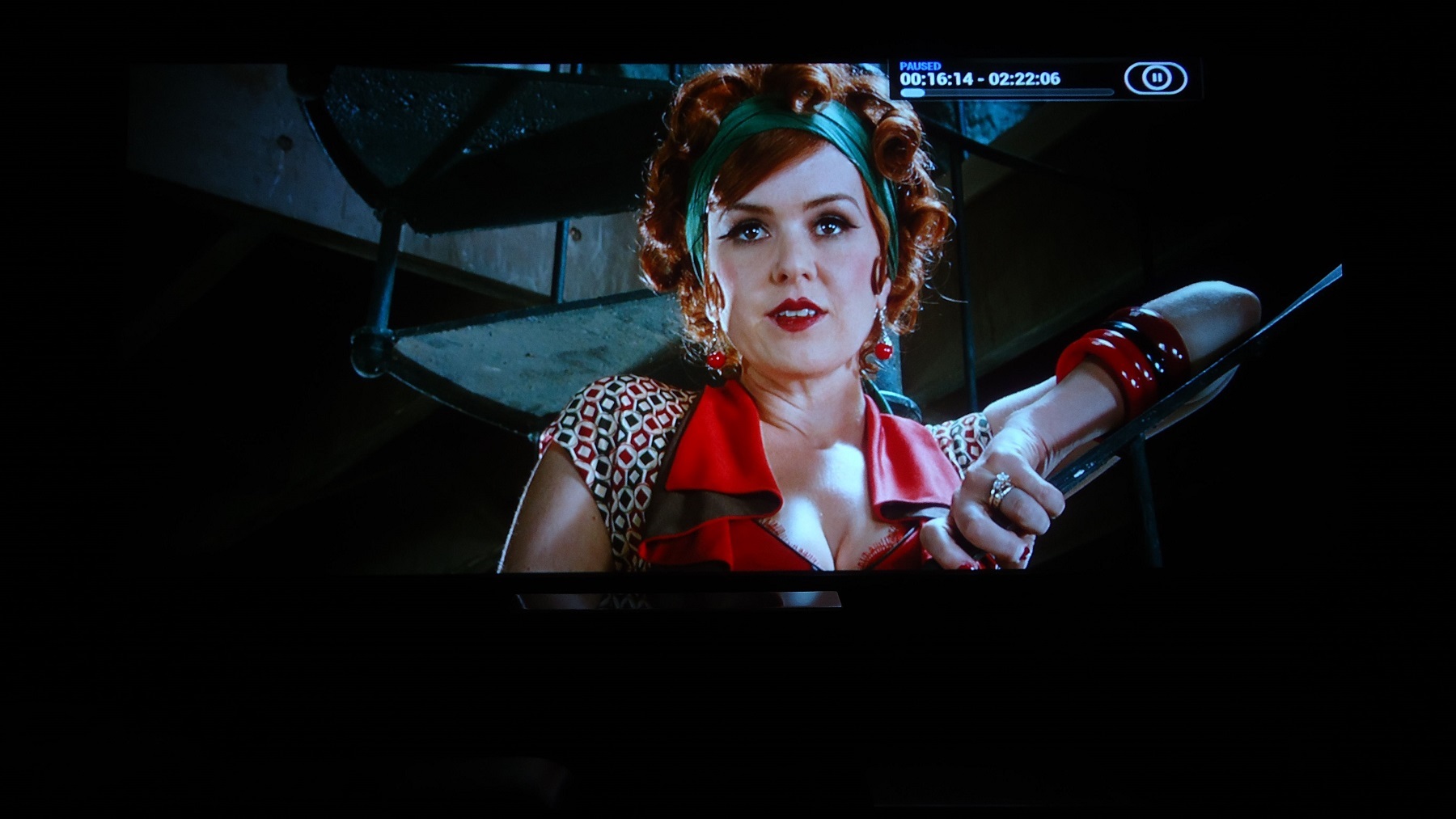
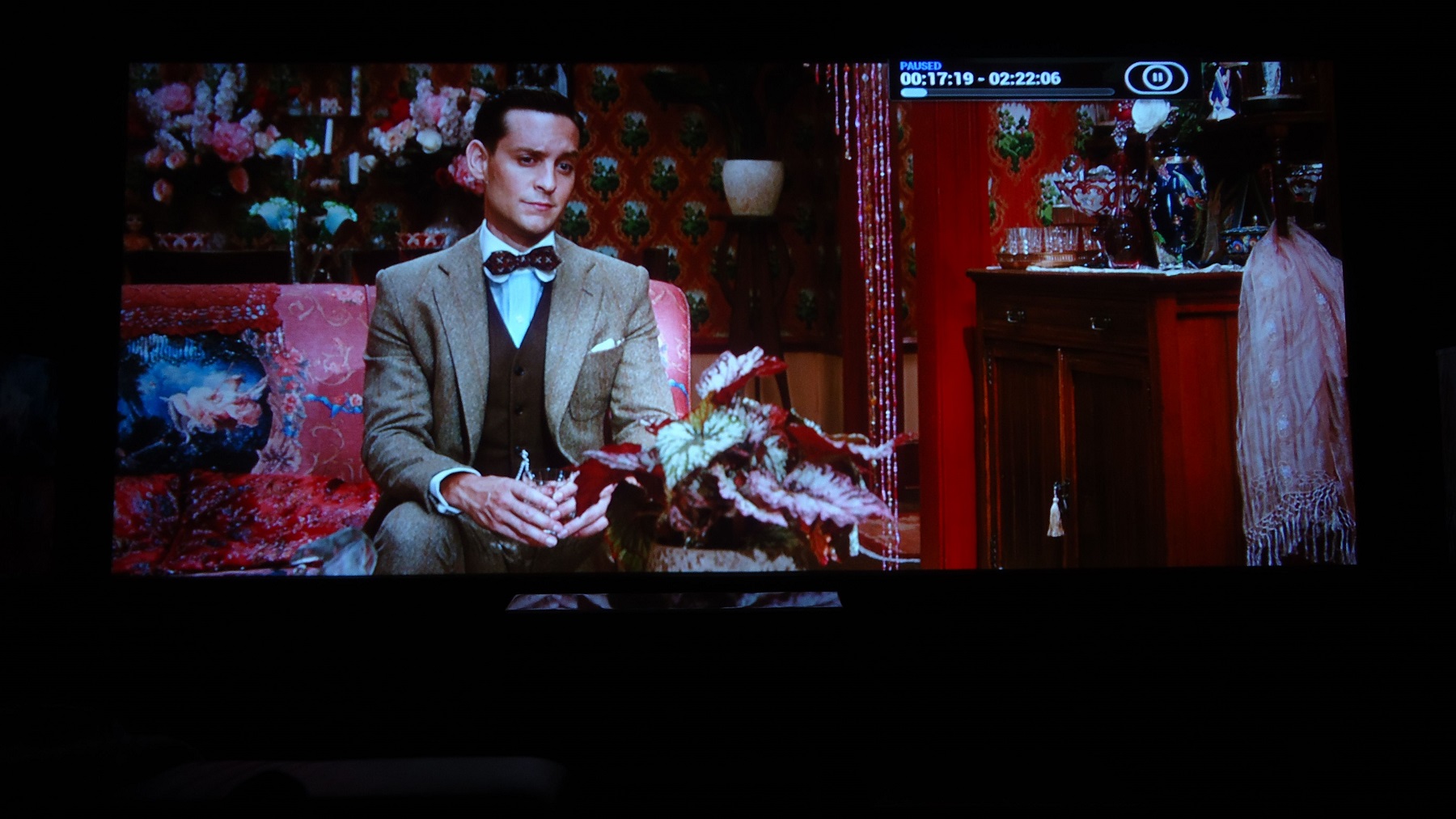
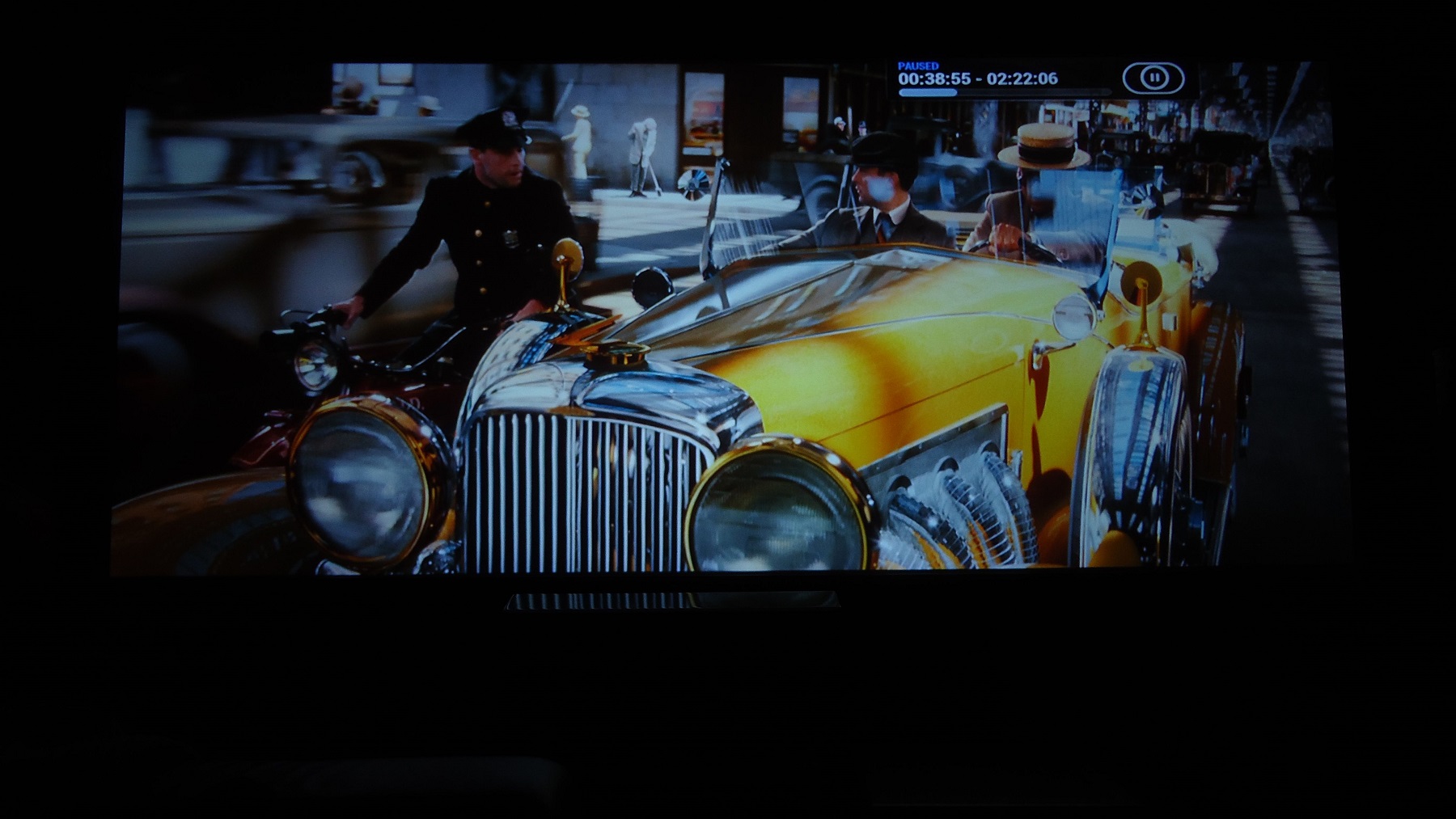
I need to start all over as I can see how terribly blue - and also red now - I've turned DiCaprio into when I googled The Great Gatsby. Which of these images looks the most like a calibrated version you think?
I'll mimic now and try the Kurt's method some other time when the moome cards gets here.
| Description: |
|
| Filesize: |
374.4 KB |
| Viewed: |
7885 Time(s) |

|
|
|
| Back to top |
|
|
ElTopo
Joined: 07 Nov 2006
Posts: 1640
|
| Posted: Sun Feb 08, 2015 8:08 pm Post subject: |
|
|
The ony way would be a color meter ?!
_________________
Barco Cine 9 the one and only
|
|
| Back to top |
|
|
thewolfman
Joined: 28 Mar 2011
Posts: 1311
Location: Sweden
|
| Posted: Sun Feb 08, 2015 8:17 pm Post subject: |
|
|
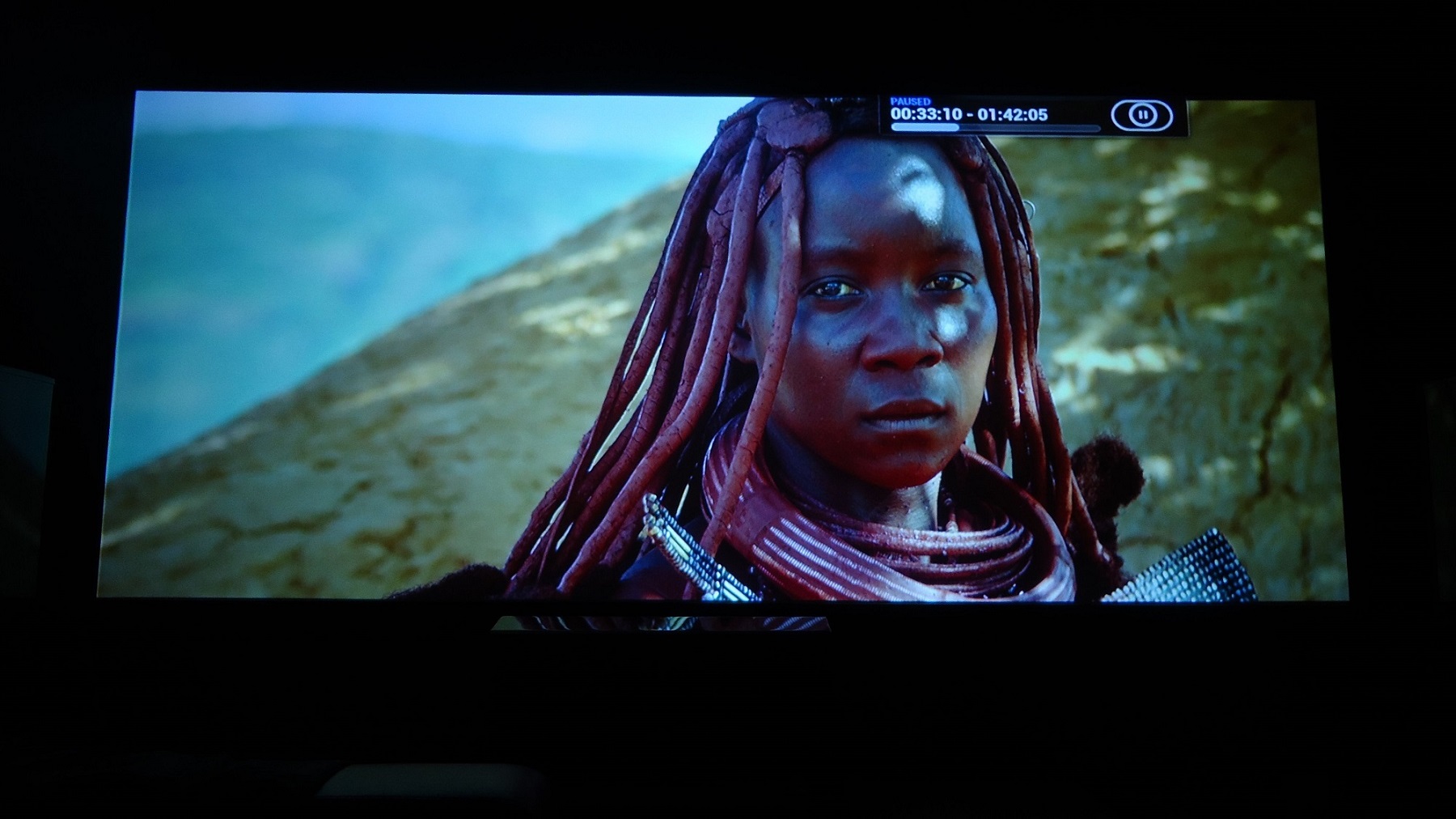
I took your advice, and removed the sub brite altogether, and now I think it looks good enough to not need a colorimeter anymore.
I set sub brite to fifty and set red drive to 35, blue to 55 and green to 90. That's it.
I also shifted out every last bit of ringing and the last bit of smearing as well. There's only 2 inches left of that now but to close to the phosphor edge to get rid of it completely, perhaps if shifted the pj 2 inches off to the left I could phase it out.
But the smearing, where it starts 2 inches from the left screen border, is so faint now that it's not warranted. I gradually gets worth past the screen border so no one can see it unless I pointed it out to them.
What is left to sort out now is the tearing of the image when the camera moves upwards or sideways.
| Description: |
|
| Filesize: |
339.42 KB |
| Viewed: |
7646 Time(s) |
|
| Description: |
|
| Filesize: |
176.21 KB |
| Viewed: |
7646 Time(s) |
|
| Description: |
|
| Filesize: |
279.9 KB |
| Viewed: |
7834 Time(s) |
|
| Description: |
|
| Filesize: |
260.71 KB |
| Viewed: |
7834 Time(s) |
|
| Description: |
|
| Filesize: |
317.9 KB |
| Viewed: |
7834 Time(s) |
|
| Description: |
|
| Filesize: |
293.73 KB |
| Viewed: |
7834 Time(s) |

|
| Description: |
|
| Filesize: |
249.88 KB |
| Viewed: |
7834 Time(s) |
|
| Description: |
|
| Filesize: |
270.33 KB |
| Viewed: |
7834 Time(s) |
|
| Description: |
|
| Filesize: |
371.52 KB |
| Viewed: |
7834 Time(s) |
|
| Description: |
|
| Filesize: |
337.51 KB |
| Viewed: |
7834 Time(s) |
|
Last edited by thewolfman on Thu Feb 19, 2015 12:55 pm; edited 3 times in total
|
|
| Back to top |
|
|
mp20748
Joined: 12 Sep 2006
Posts: 5689
Location: Maryland
TV/Projector: 9500LC Ultra / Super 02 and 03 VIM
|
| Posted: Mon Feb 09, 2015 10:01 am Post subject: |
|
|
Dynamic Range


|
|
| Back to top |
|
|
napos
Joined: 21 Oct 2006
Posts: 164
Location: Athens, Greece
|
| Posted: Mon Feb 09, 2015 11:18 am Post subject: |
|
|
Mike, what settings are you using on the Moome card?
A,B or C? Are you using any gamma correction from the Moome card?
The dynamic range looks amazing! Are you using a Lumagen or is it straight from a Blu Ray player?
_________________
Marquee 9500LC Ultra with MP mods, Moome HDMI 1.3 card, Lumagen Radiance XS, Oppo 83 BluRay, Toshiba XE-1 HD-DVD, HTPC with Media Player Classic.
|
|
| Back to top |
|
|
mp20748
Joined: 12 Sep 2006
Posts: 5689
Location: Maryland
TV/Projector: 9500LC Ultra / Super 02 and 03 VIM
|
| Posted: Mon Feb 09, 2015 11:38 am Post subject: |
|
|
| napos wrote: | Mike, what settings are you using on the Moome card?
A,B or C? Are you using any gamma correction from the Moome card?
The dynamic range looks amazing! Are you using a Lumagen or is it straight from a Blu Ray player? |
The Moome is specially modified with Video Buffer stages and Gamma removed (no gamma). It is set at B
It is a direct from the Blu ray into the Moome - Straight
02 VIM
|
|
| Back to top |
|
|
napos
Joined: 21 Oct 2006
Posts: 164
Location: Athens, Greece
|
| Posted: Mon Feb 09, 2015 1:06 pm Post subject: |
|
|
| mp20748 wrote: | | napos wrote: | Mike, what settings are you using on the Moome card?
A,B or C? Are you using any gamma correction from the Moome card?
The dynamic range looks amazing! Are you using a Lumagen or is it straight from a Blu Ray player? |
The Moome is specially modified with Video Buffer stages and Gamma removed (no gamma). It is set at B
It is a direct from the Blu ray into the Moome - Straight
02 VIM |
Looks really good!!!
Are these modifications going to be in the latest Moome Marquee card?
I am thinking of ordering it!
_________________
Marquee 9500LC Ultra with MP mods, Moome HDMI 1.3 card, Lumagen Radiance XS, Oppo 83 BluRay, Toshiba XE-1 HD-DVD, HTPC with Media Player Classic.
|
|
| Back to top |
|
|
Nashou66

Joined: 12 Jan 2007
Posts: 16171
Location: West Seneca NY
|
|
| Back to top |
|
|
|
|




