| Author |
Message |
thewolfman
Joined: 28 Mar 2011
Posts: 1311
Location: Sweden
|
| Posted: Mon Mar 30, 2015 2:22 am Post subject: |
|
|
I've been trying some boards back and forth earlier today and with different results. To much to remember but I'll try and swap and try some more.
It's no big deal.
|
|
| Back to top |
|
 |
thewolfman
Joined: 28 Mar 2011
Posts: 1311
Location: Sweden
|
| Posted: Mon Mar 30, 2015 3:51 am Post subject: |
|
|
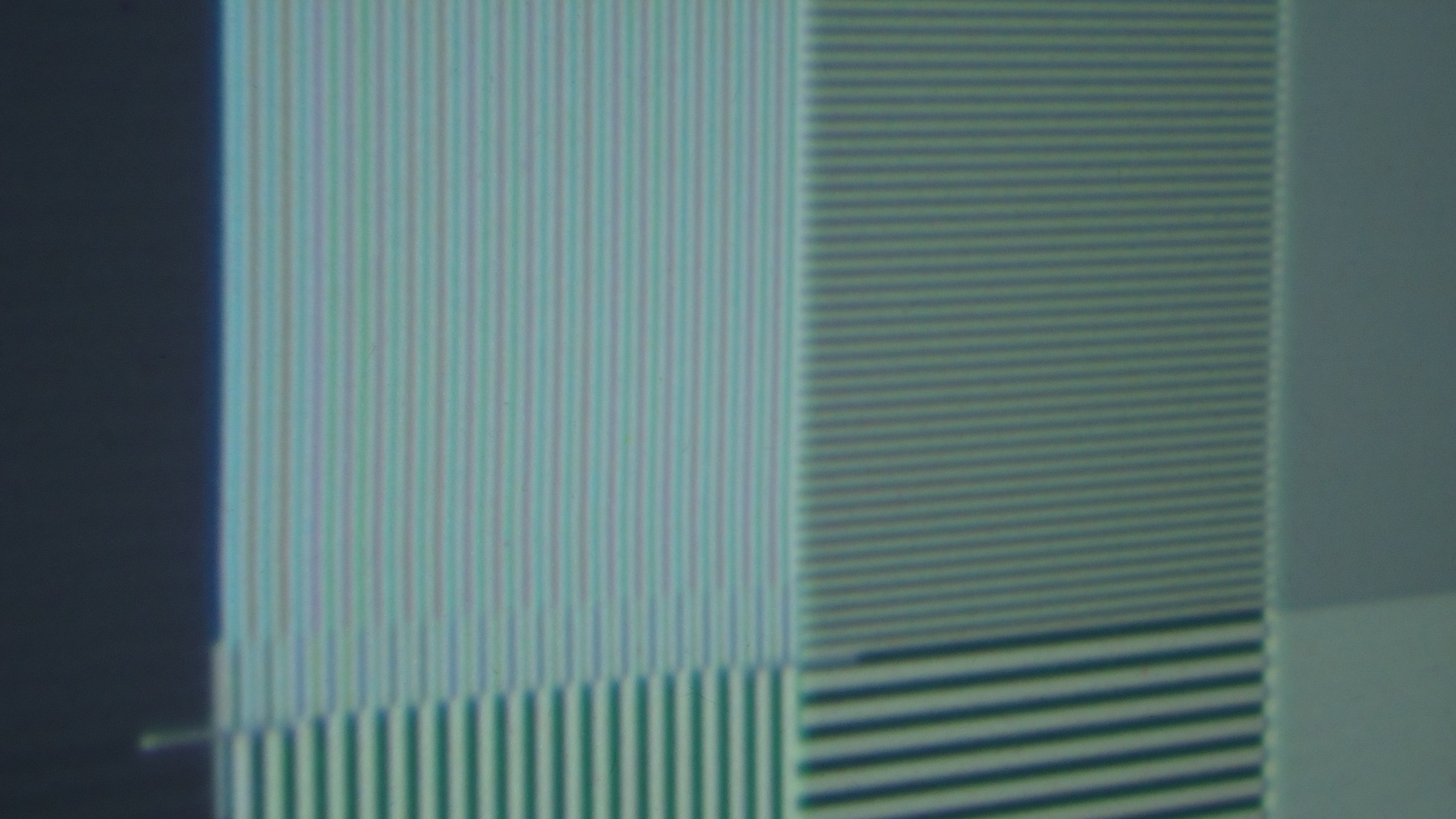
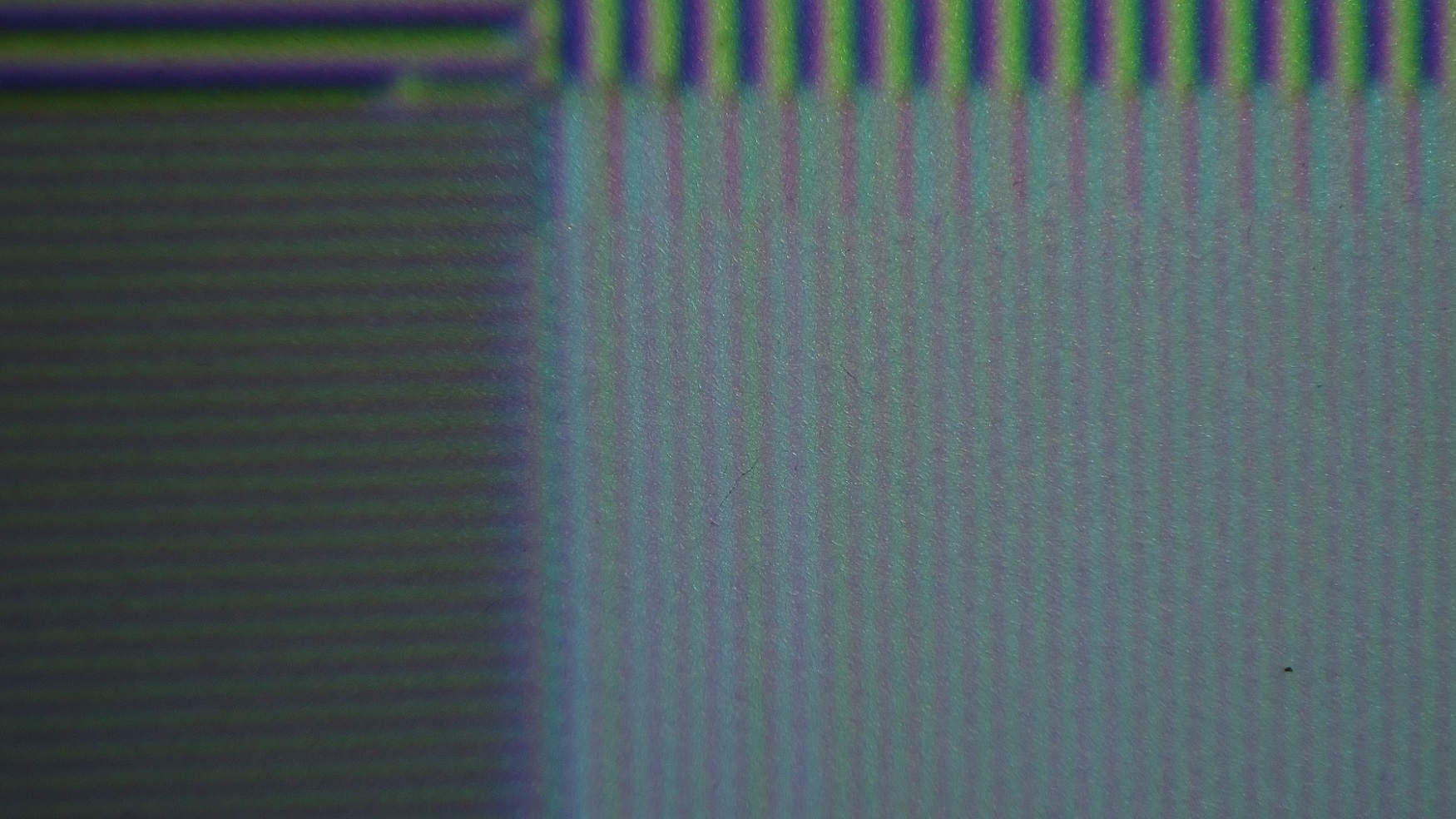
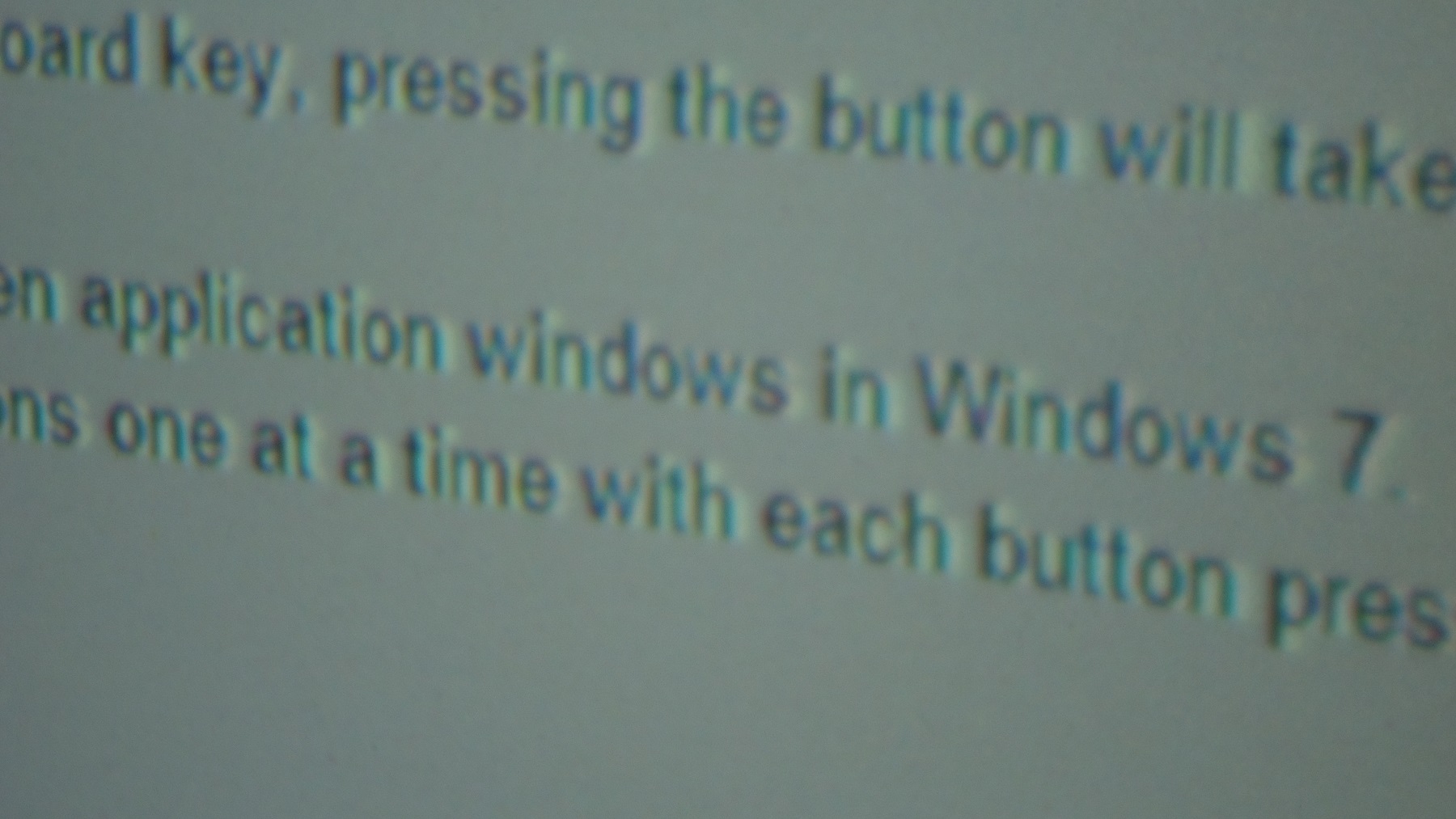
Actually, I made a mistake, I left my old vim on yesterday and used that with your VNB with all the pix for today.. I forgot..so when I went to change I inserted your modded one and the 1 on 1 became even worse. That's odd.
And yesterday, I had this issue with small letters turn blue when they suppose to black.. I wrote green and blue on the vnb and changed them two.. and today black letters are green so that suggest 1 faulty vnb possibly. I'll do some A/B switches and narrow it down further.
| Description: |
|
| Filesize: |
386.23 KB |
| Viewed: |
4837 Time(s) |
|
| Description: |
|
| Filesize: |
473.96 KB |
| Viewed: |
4837 Time(s) |
|
| Description: |
|
| Filesize: |
335.7 KB |
| Viewed: |
4837 Time(s) |
|
|
|
| Back to top |
|
|
Nashou66

Joined: 12 Jan 2007
Posts: 16171
Location: West Seneca NY
|
|
| Back to top |
|
|
thewolfman
Joined: 28 Mar 2011
Posts: 1311
Location: Sweden
|
| Posted: Mon Mar 30, 2015 3:53 am Post subject: |
|
|
|
Oh yes, I forgot about that, I'll look it up. Good point.
|
|
| Back to top |
|
|
mp20748
Joined: 12 Sep 2006
Posts: 5689
Location: Maryland
TV/Projector: 9500LC Ultra / Super 02 and 03 VIM
|
| Posted: Mon Mar 30, 2015 11:15 am Post subject: |
|
|
A little overexposed


|
|
| Back to top |
|
|
thewolfman
Joined: 28 Mar 2011
Posts: 1311
Location: Sweden
|
| Posted: Tue Mar 31, 2015 1:18 am Post subject: |
|
|
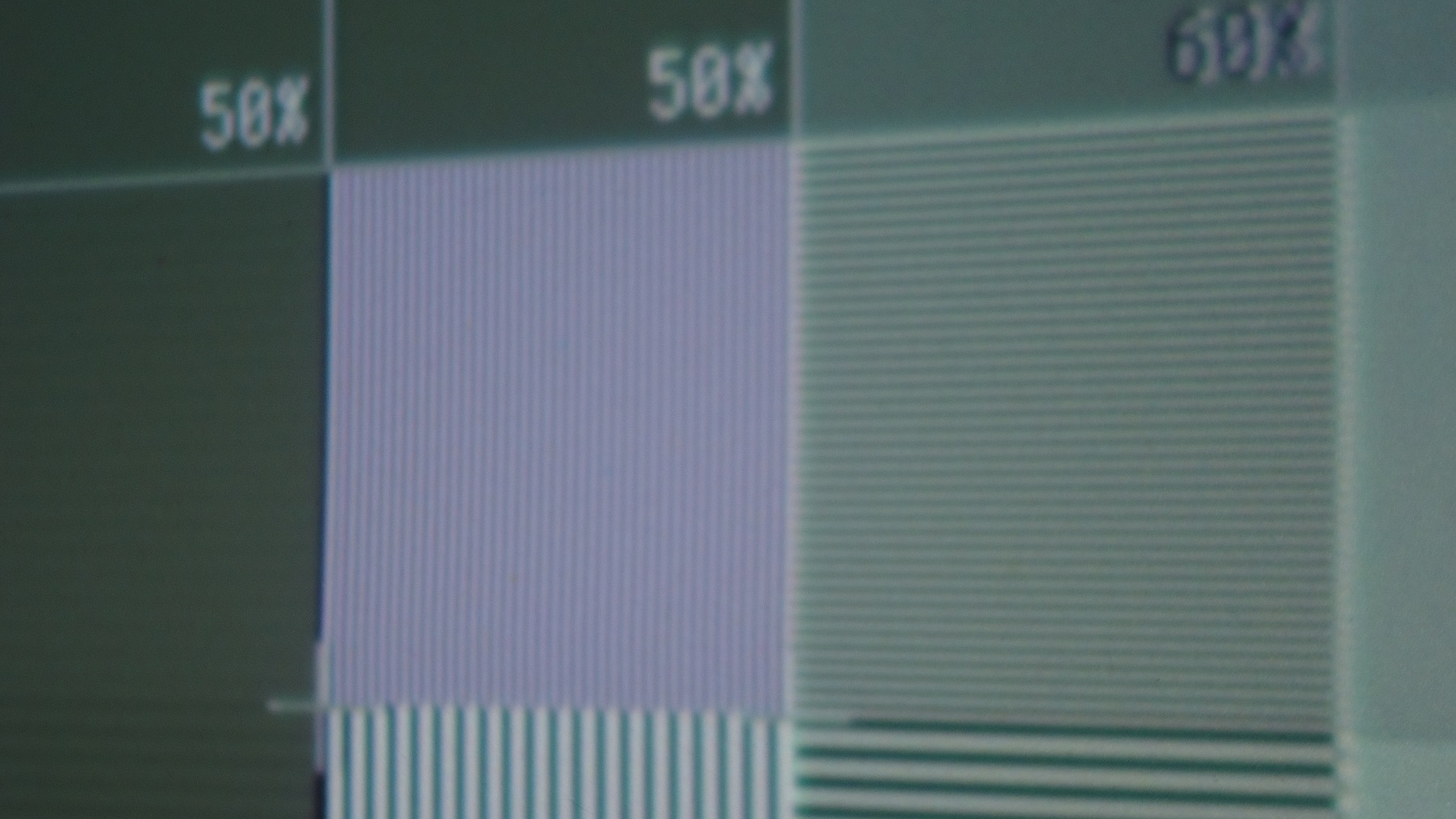
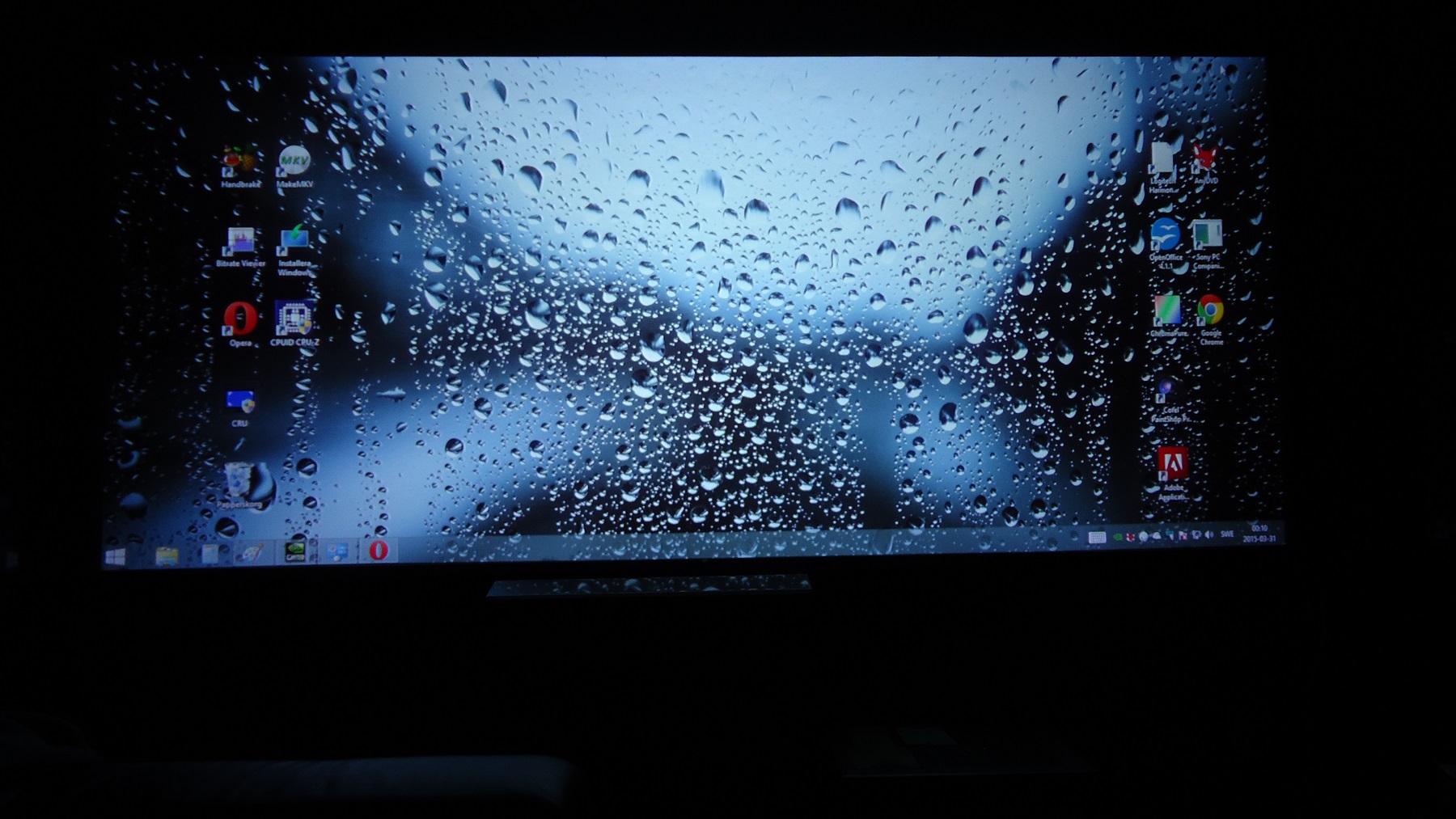
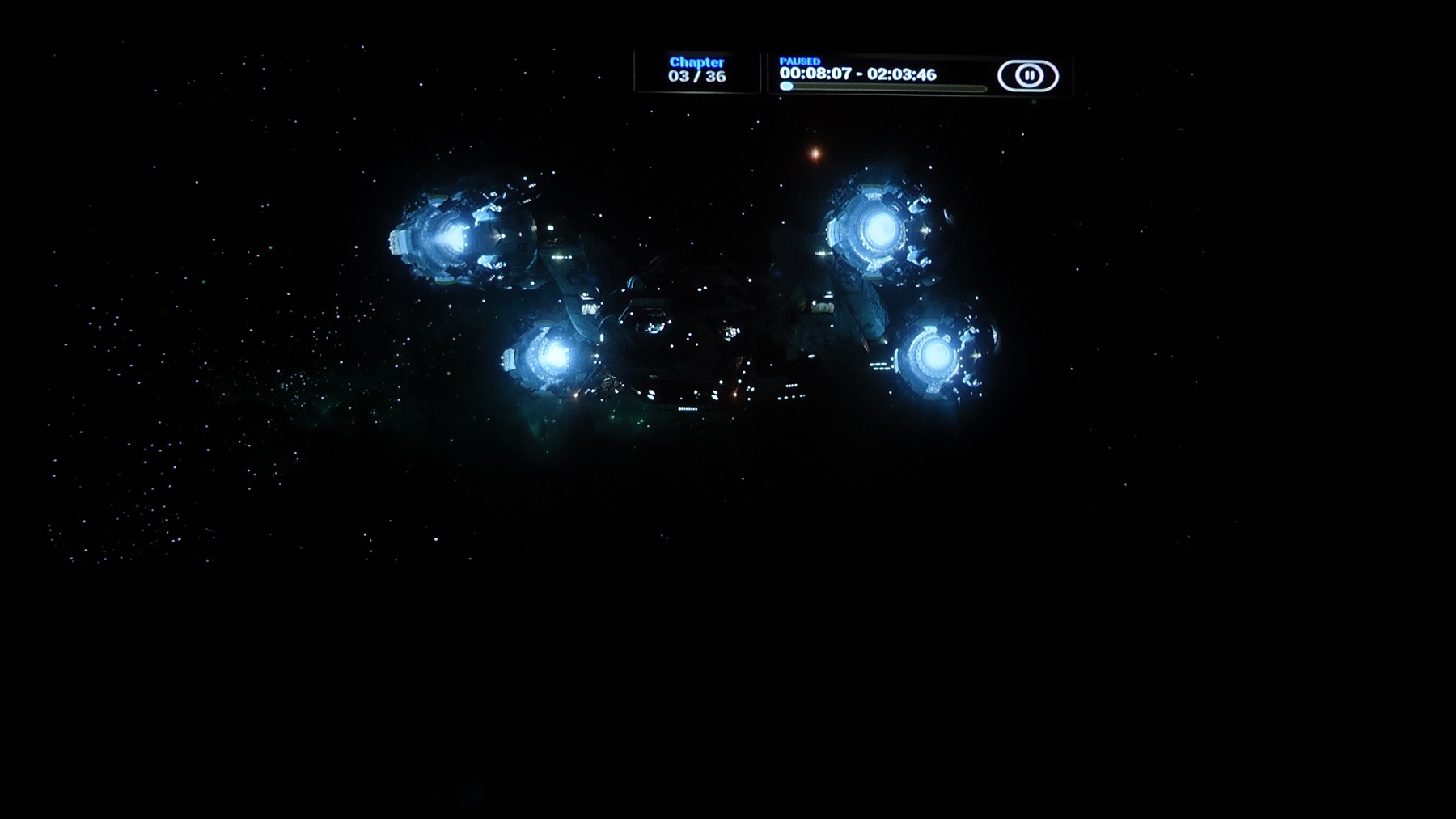
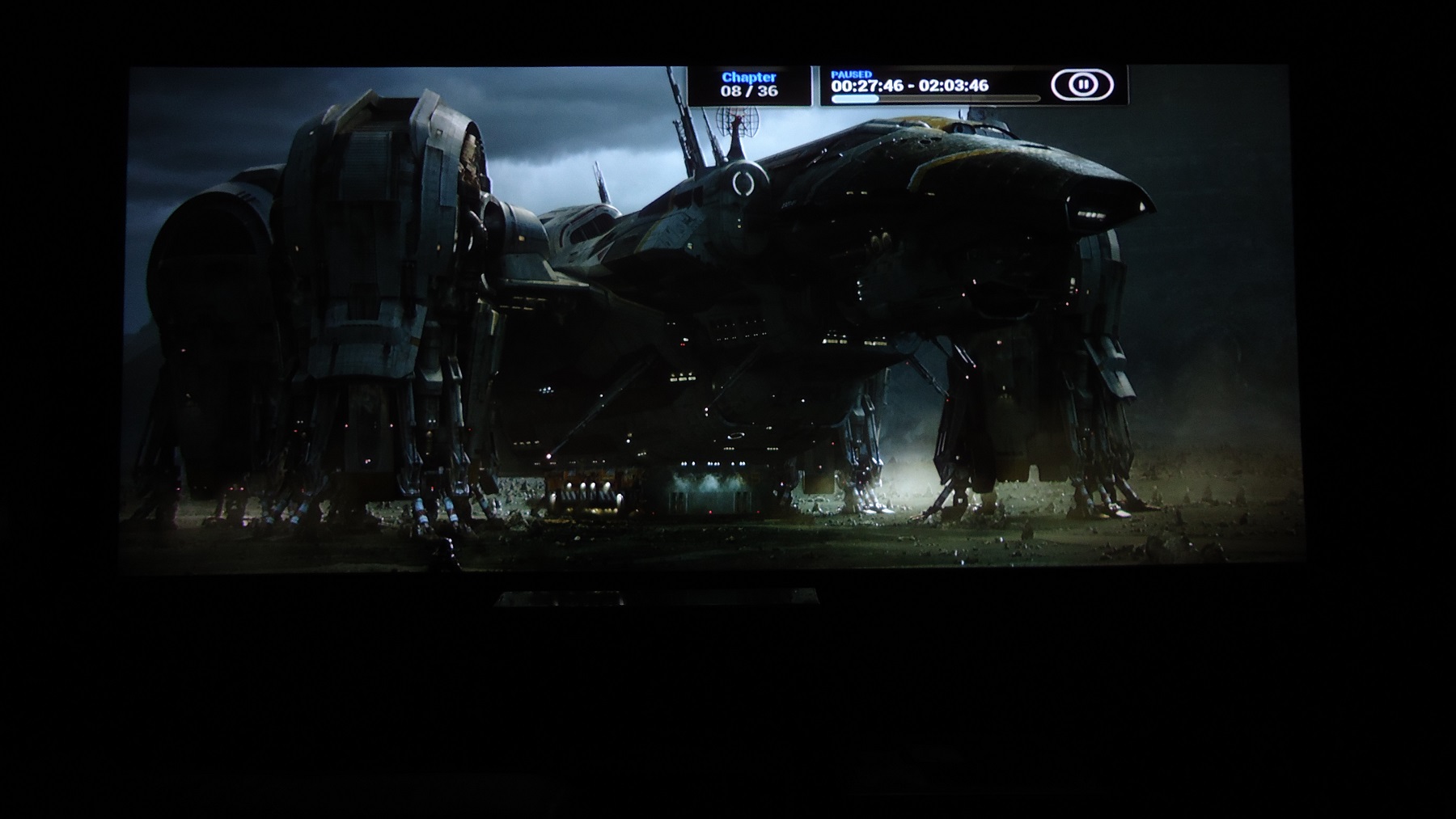
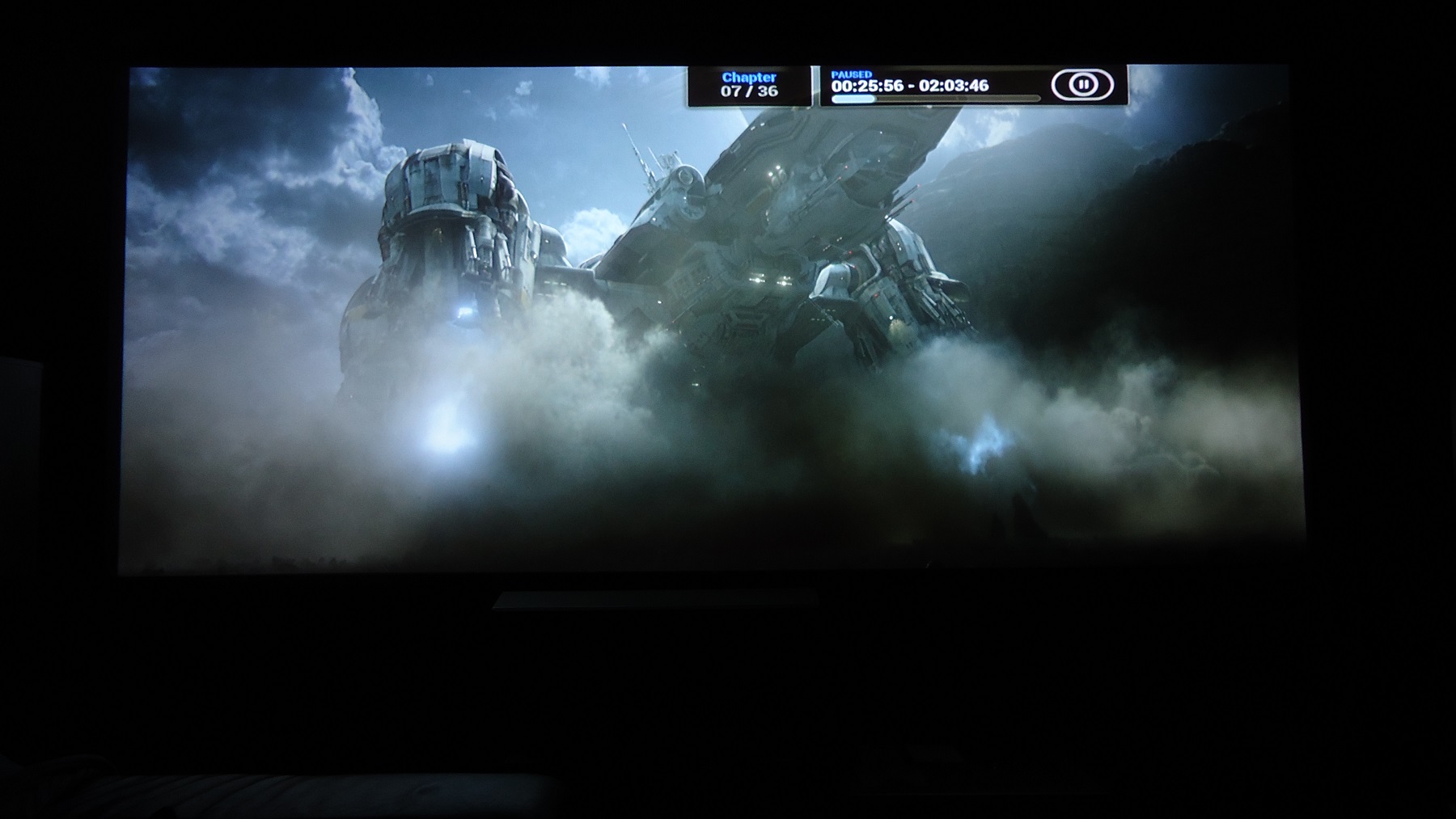
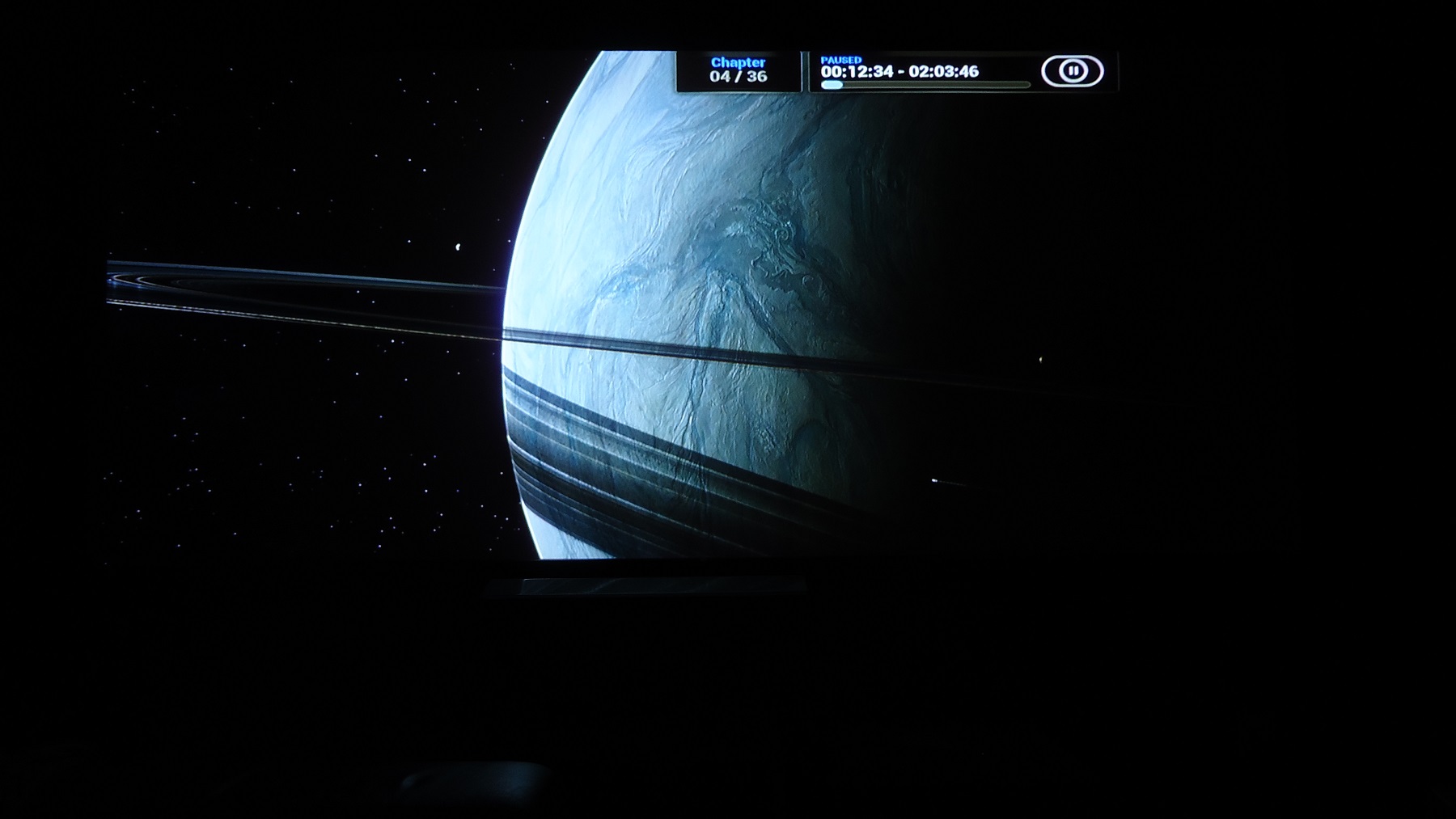
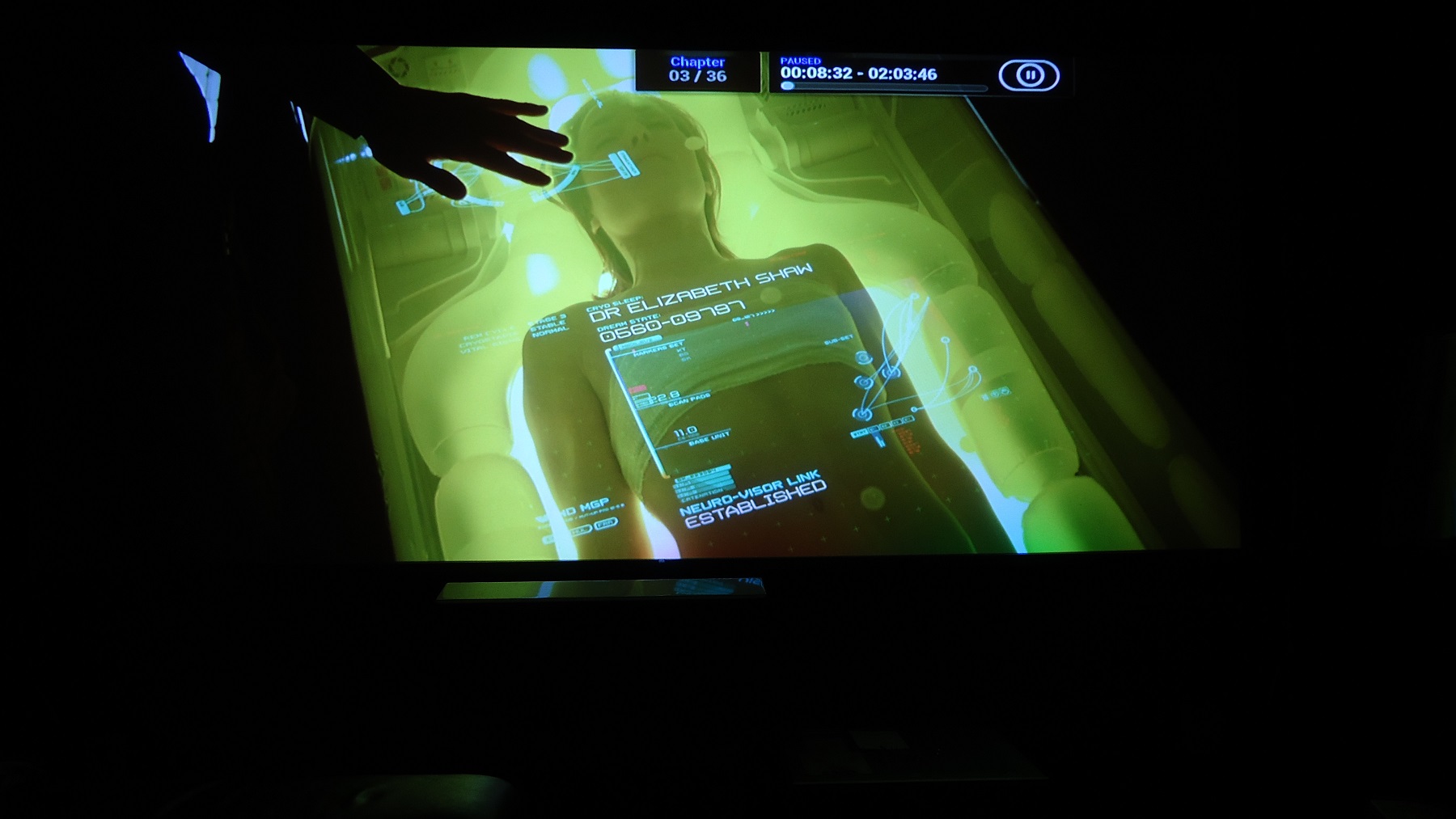
Went back to stock boards and took some pix.
| Description: |
|
| Filesize: |
359.6 KB |
| Viewed: |
4766 Time(s) |
|
| Description: |
|
| Filesize: |
410.65 KB |
| Viewed: |
4766 Time(s) |
|
| Description: |
|
| Filesize: |
147.24 KB |
| Viewed: |
4766 Time(s) |
|
| Description: |
|
| Filesize: |
228.44 KB |
| Viewed: |
4766 Time(s) |
|
| Description: |
|
| Filesize: |
242.61 KB |
| Viewed: |
4766 Time(s) |
|
| Description: |
|
| Filesize: |
178.9 KB |
| Viewed: |
4766 Time(s) |
|
| Description: |
|
| Filesize: |
222.13 KB |
| Viewed: |
4766 Time(s) |
|
|
|
| Back to top |
|
|
mp20748
Joined: 12 Sep 2006
Posts: 5689
Location: Maryland
TV/Projector: 9500LC Ultra / Super 02 and 03 VIM
|
| Posted: Mon Apr 06, 2015 11:52 am Post subject: |
|
|


|
|
| Back to top |
|
|
pezzettino
Joined: 06 May 2008
Posts: 37
Location: Bari - Italy
|
| Posted: Tue Apr 07, 2015 11:36 am Post subject: |
|
|
Some last pics
Marquee not yet completely calibrated


I took these pics by Iphone
One more time the phone camera too produces some blue on the images
|
|
| Back to top |
|
|
mp20748
Joined: 12 Sep 2006
Posts: 5689
Location: Maryland
TV/Projector: 9500LC Ultra / Super 02 and 03 VIM
|
| Posted: Tue Apr 07, 2015 1:15 pm Post subject: |
|
|
Those are great shits there Pez, especially considering they were taking with a Iphone and it's not quite calibrated.

|
|
| Back to top |
|
|
mp20748
Joined: 12 Sep 2006
Posts: 5689
Location: Maryland
TV/Projector: 9500LC Ultra / Super 02 and 03 VIM
|
| Posted: Tue Apr 07, 2015 1:17 pm Post subject: |
|
|
After the few more FGM upgrades. And one other tweak that really brings out that low end (I'll discuss later)


|
|
| Back to top |
|
|
pezzettino
Joined: 06 May 2008
Posts: 37
Location: Bari - Italy
|
| Posted: Tue Apr 07, 2015 2:11 pm Post subject: |
|
|
|
Simply amazing
|
|
| Back to top |
|
|
redfox001

Joined: 16 Mar 2009
Posts: 2257
Location: The Netherlands
|
| Posted: Tue Apr 07, 2015 4:45 pm Post subject: |
|
|
I now have an idea what that low end will look like in reality. Not like anything else in the world!
_________________
701s->runco933->8500ultra->cinemax->9500mp->919 splitpack + cinemax
|
|
| Back to top |
|
|
thewolfman
Joined: 28 Mar 2011
Posts: 1311
Location: Sweden
|
| Posted: Wed Apr 08, 2015 2:04 am Post subject: |
|
|
I had a breakthrough with the modded VNBs.. in order for them to work as they should, I have to have them in a particular order, or else I get a terrible reddish tone to it. But now that's sorted. I still get green small letters, where they should be black, but think that has got more to do with the limitations of this old moome card. V 1,2 or something. The modded vim 03 however, is still out of operation. But maybe it will work better now that the VNBs are in order. We'll see later.
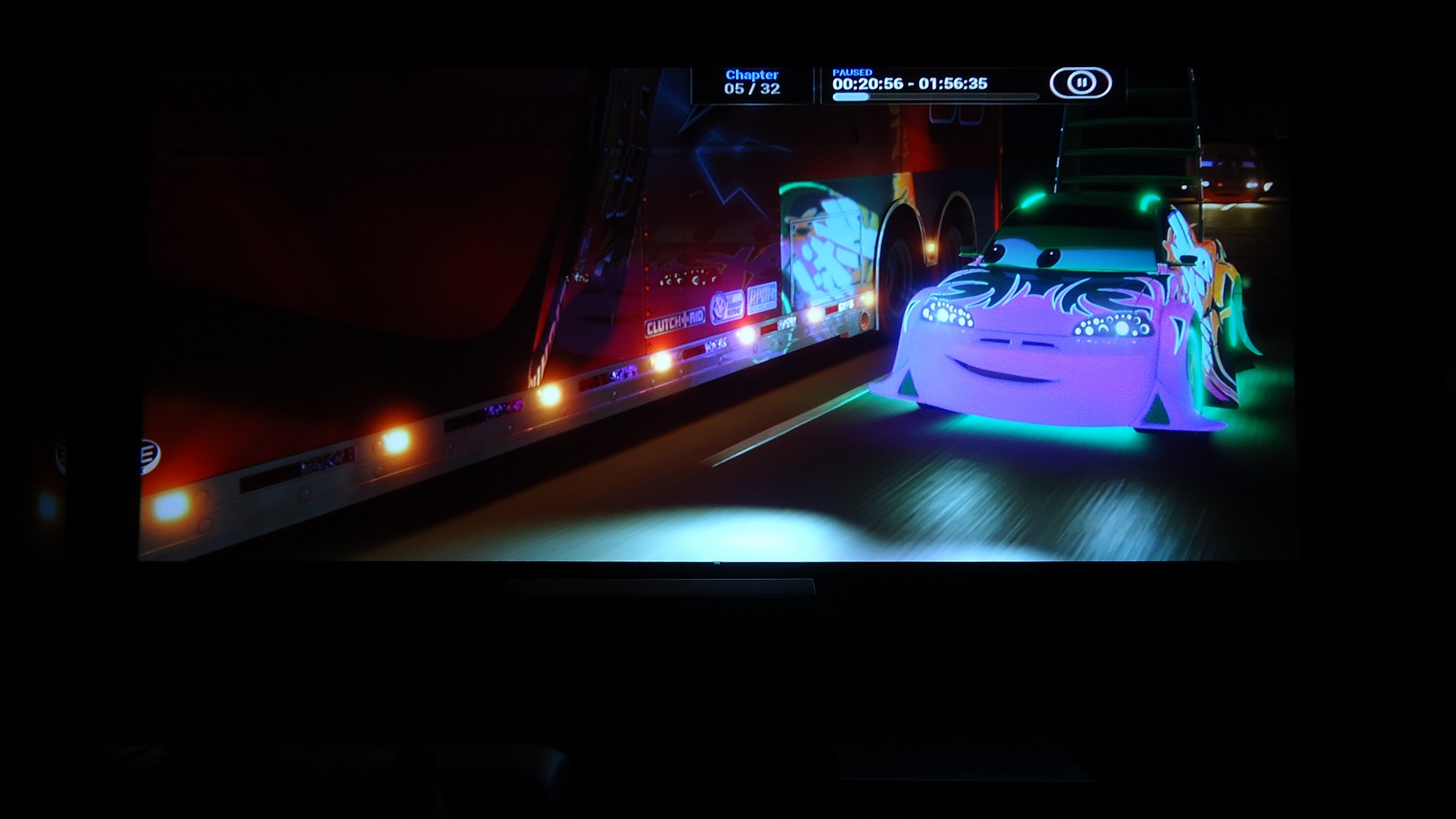
Ok, now that the VNBs have been sorted - I have the sharpest image I have ever seen! It's silly almost. And to think that it can improve from here just overwhelms me.
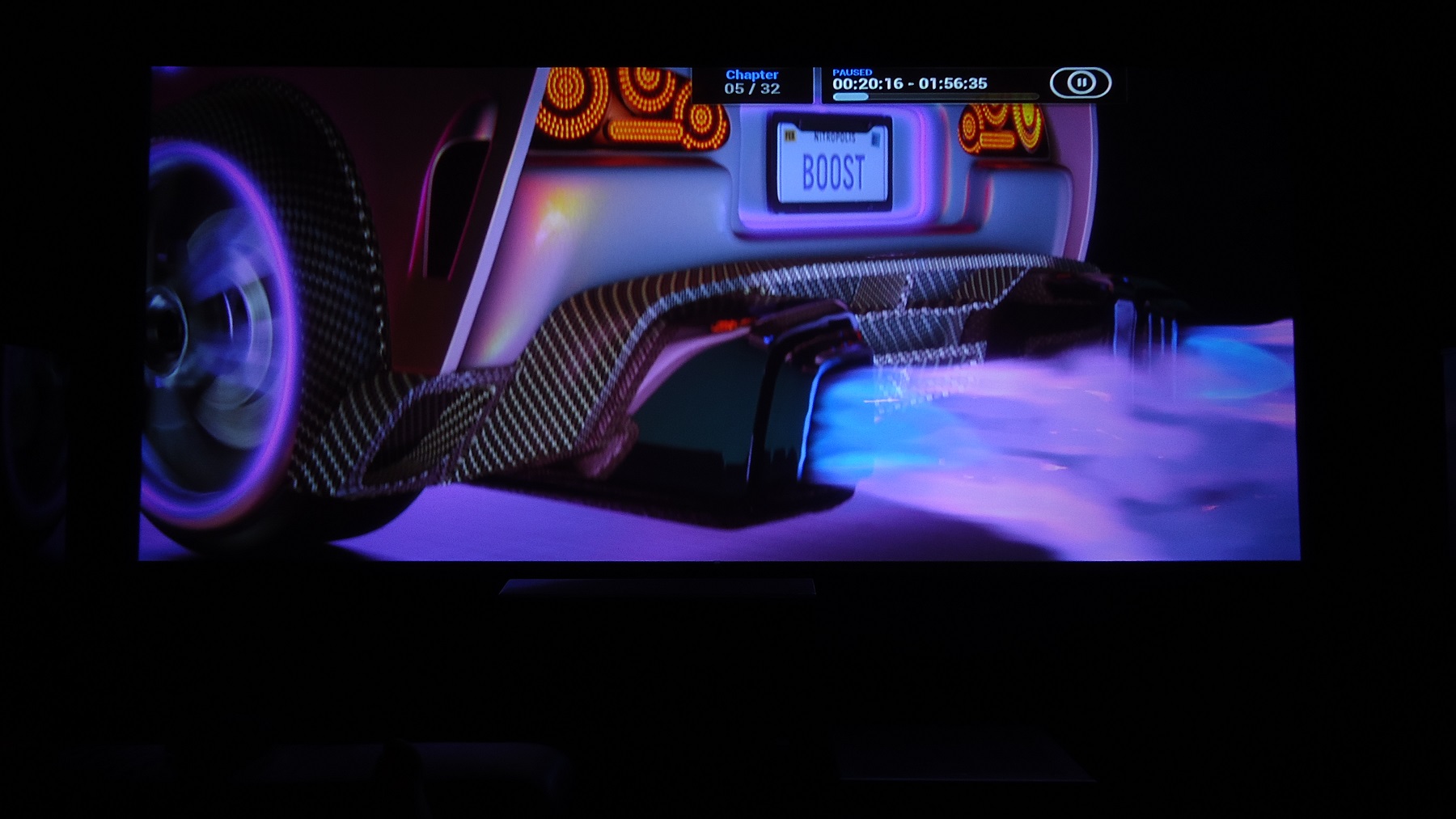
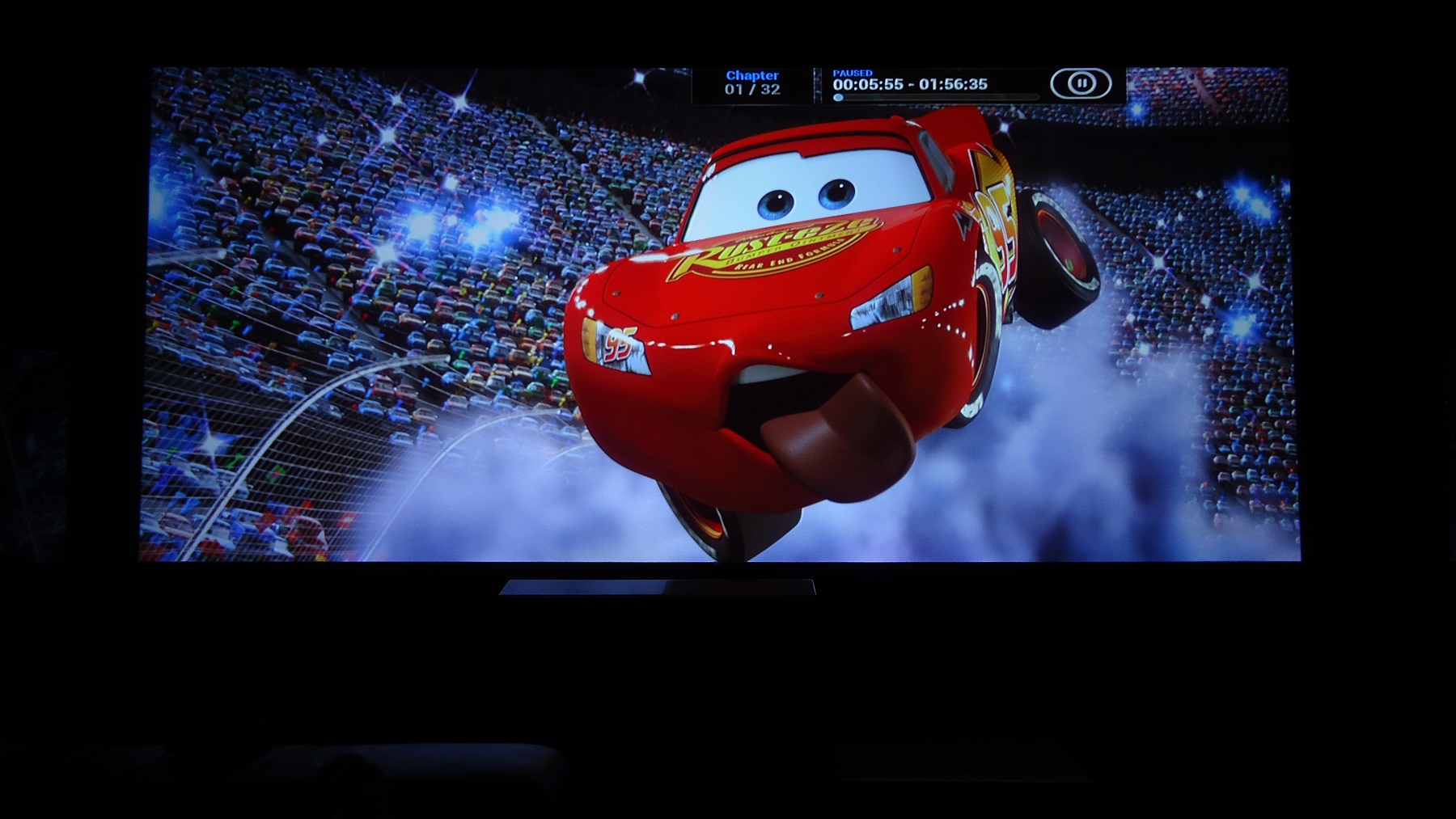
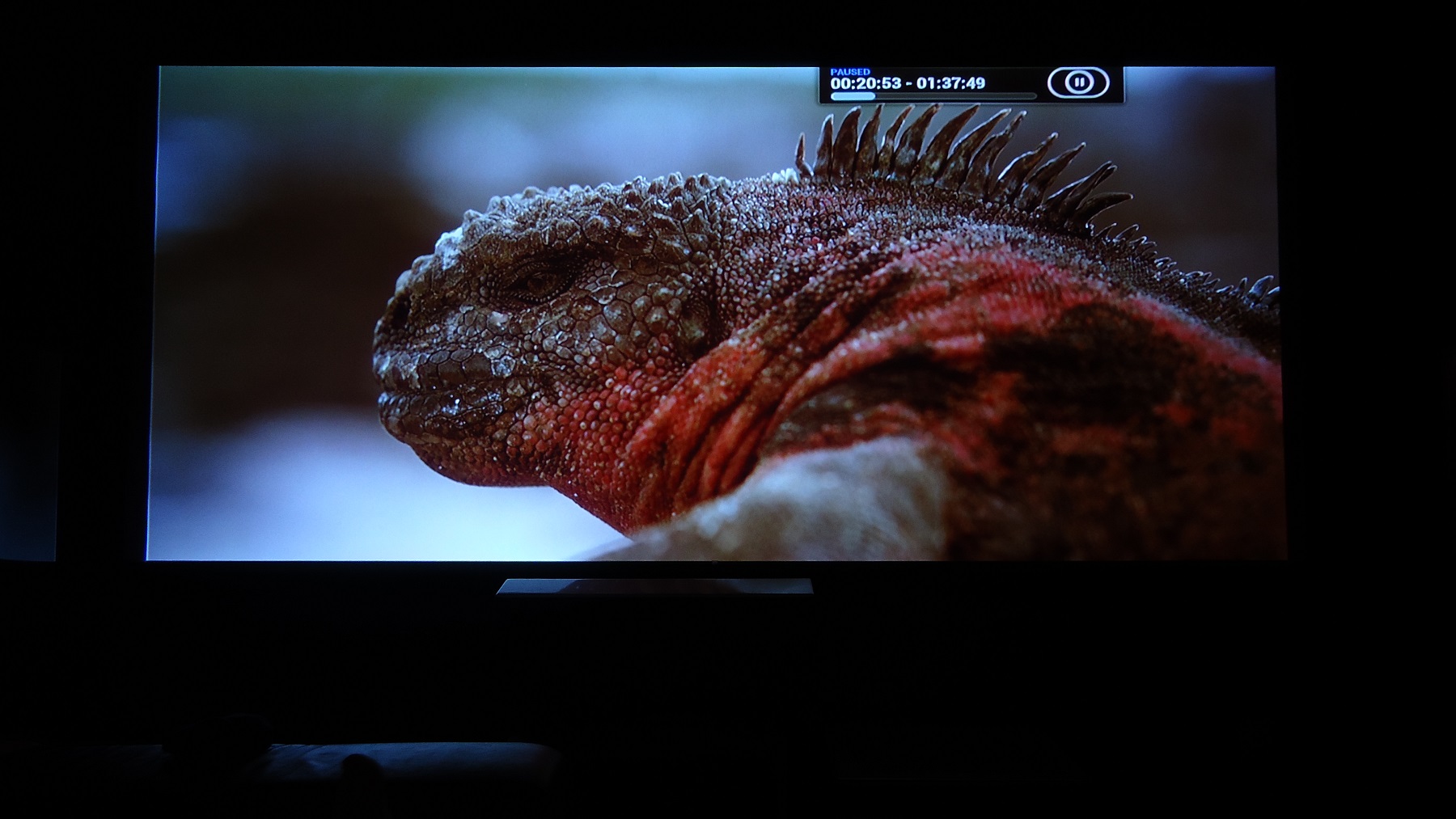
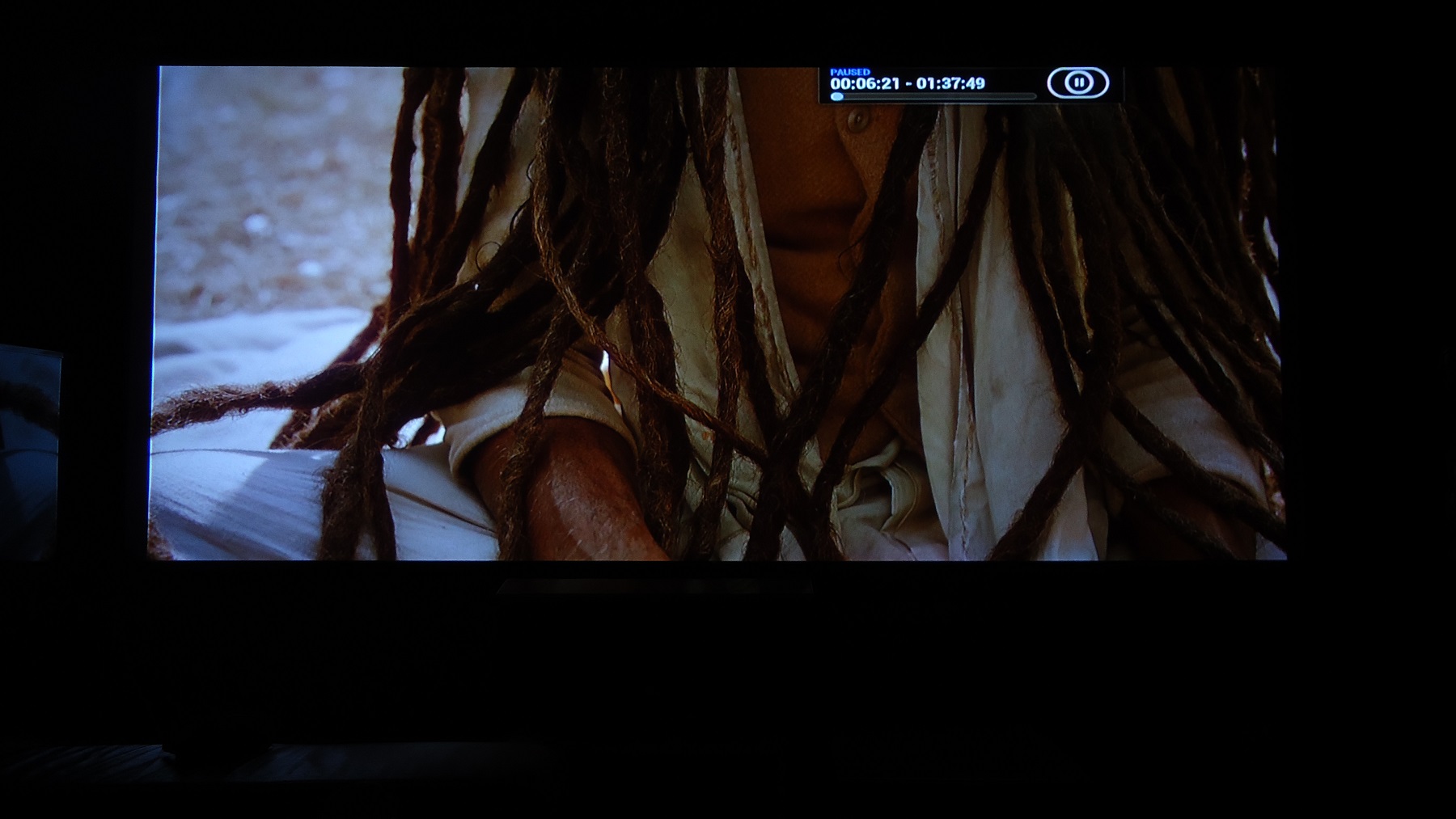
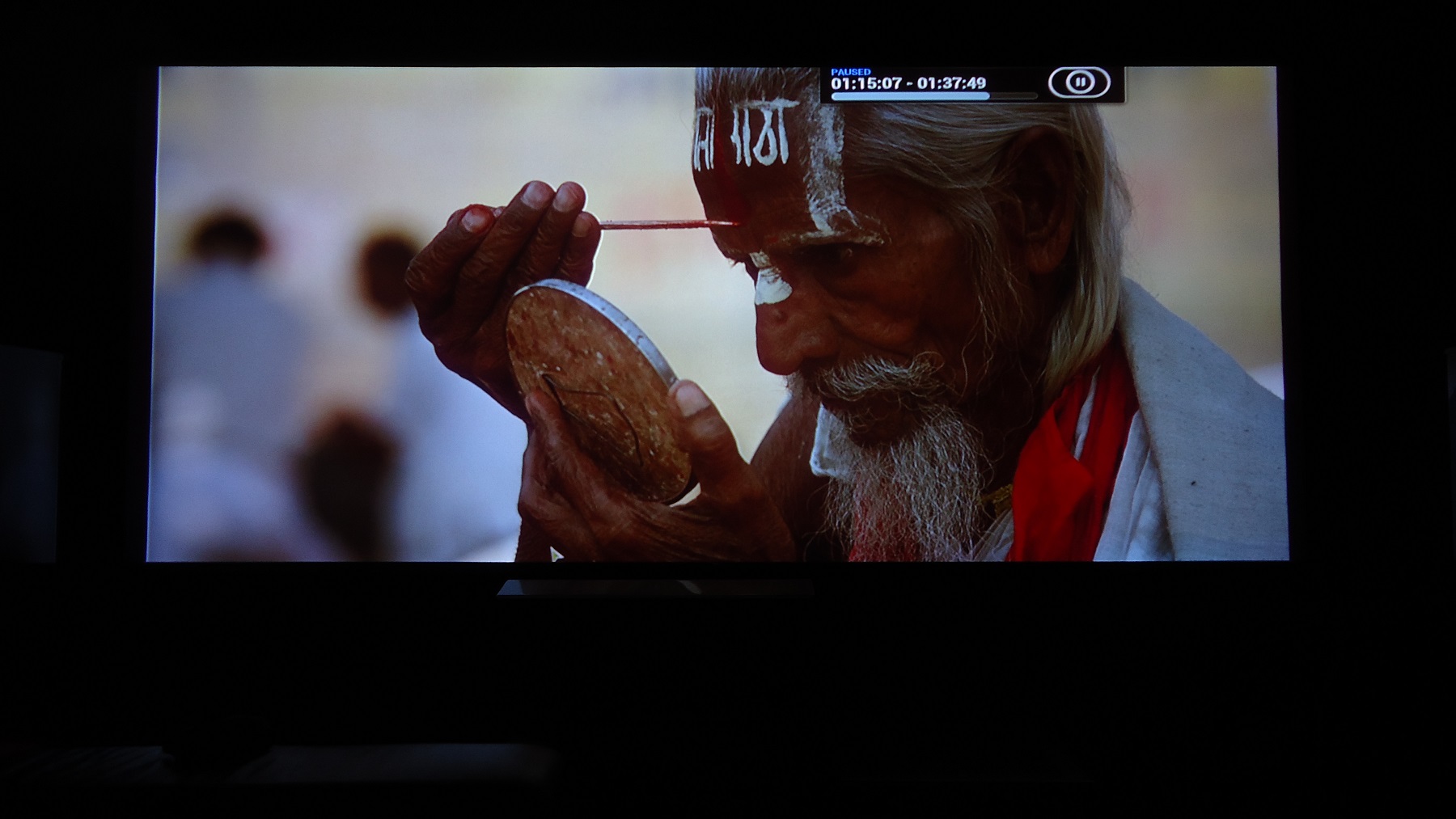
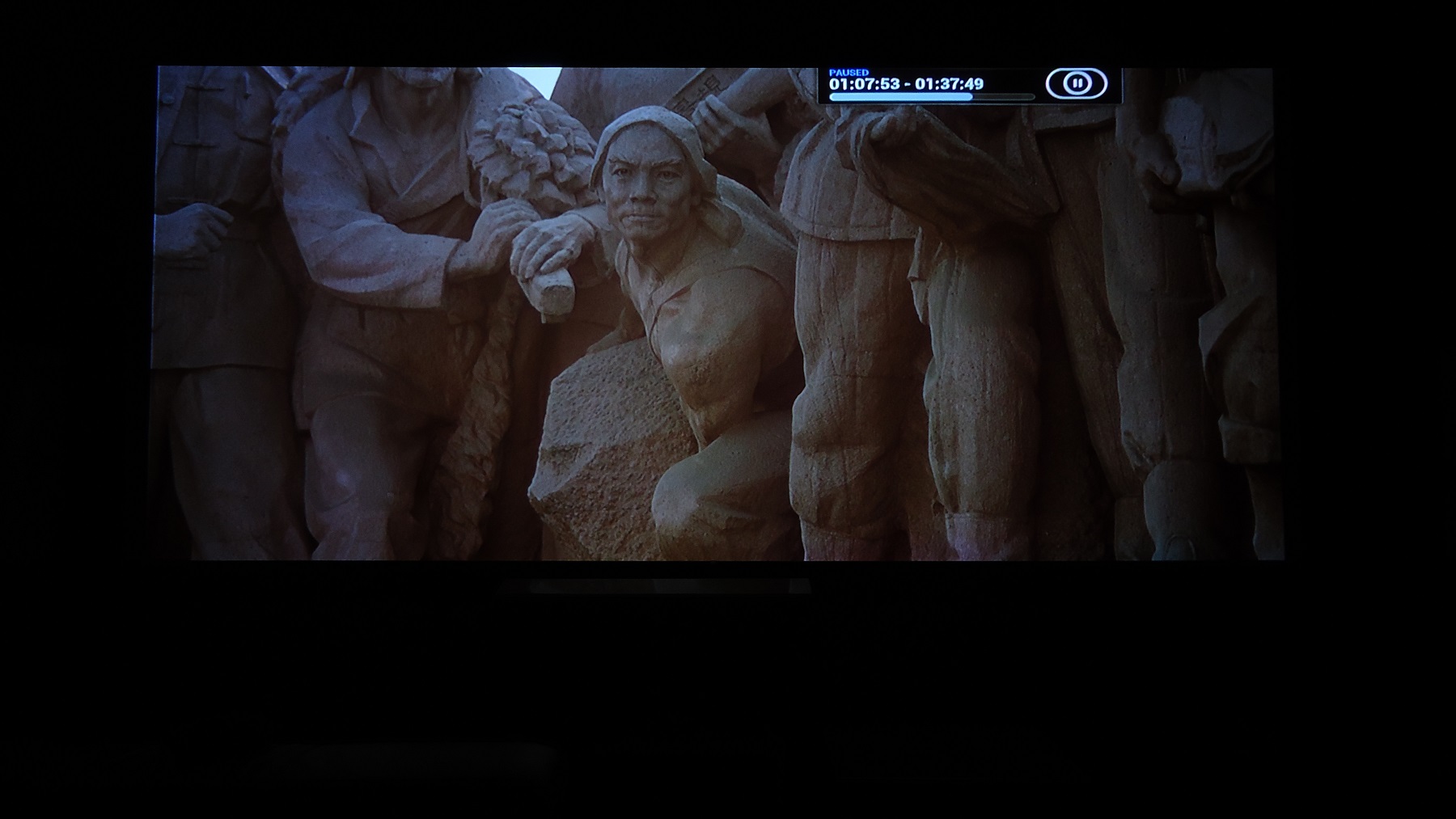
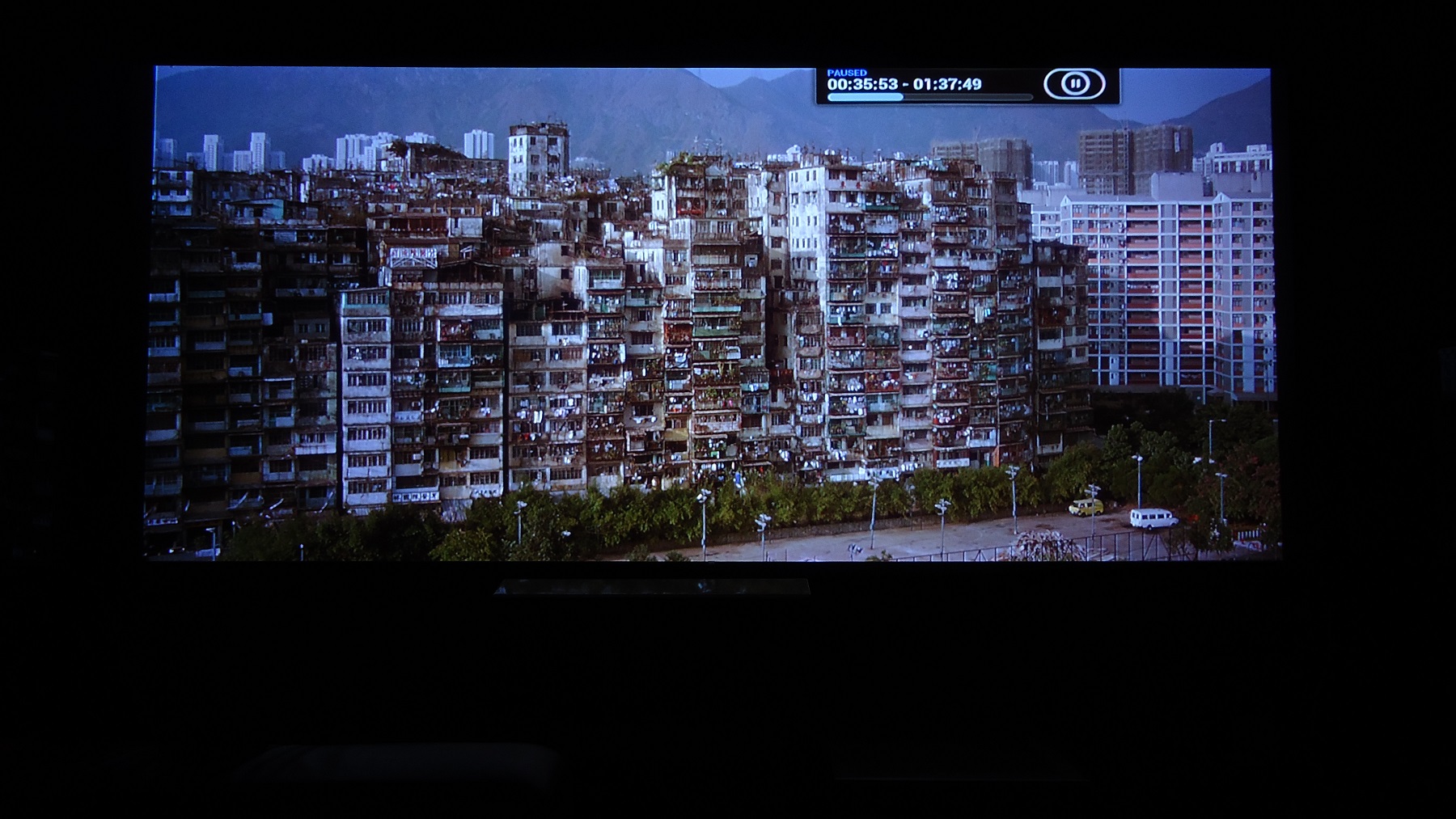
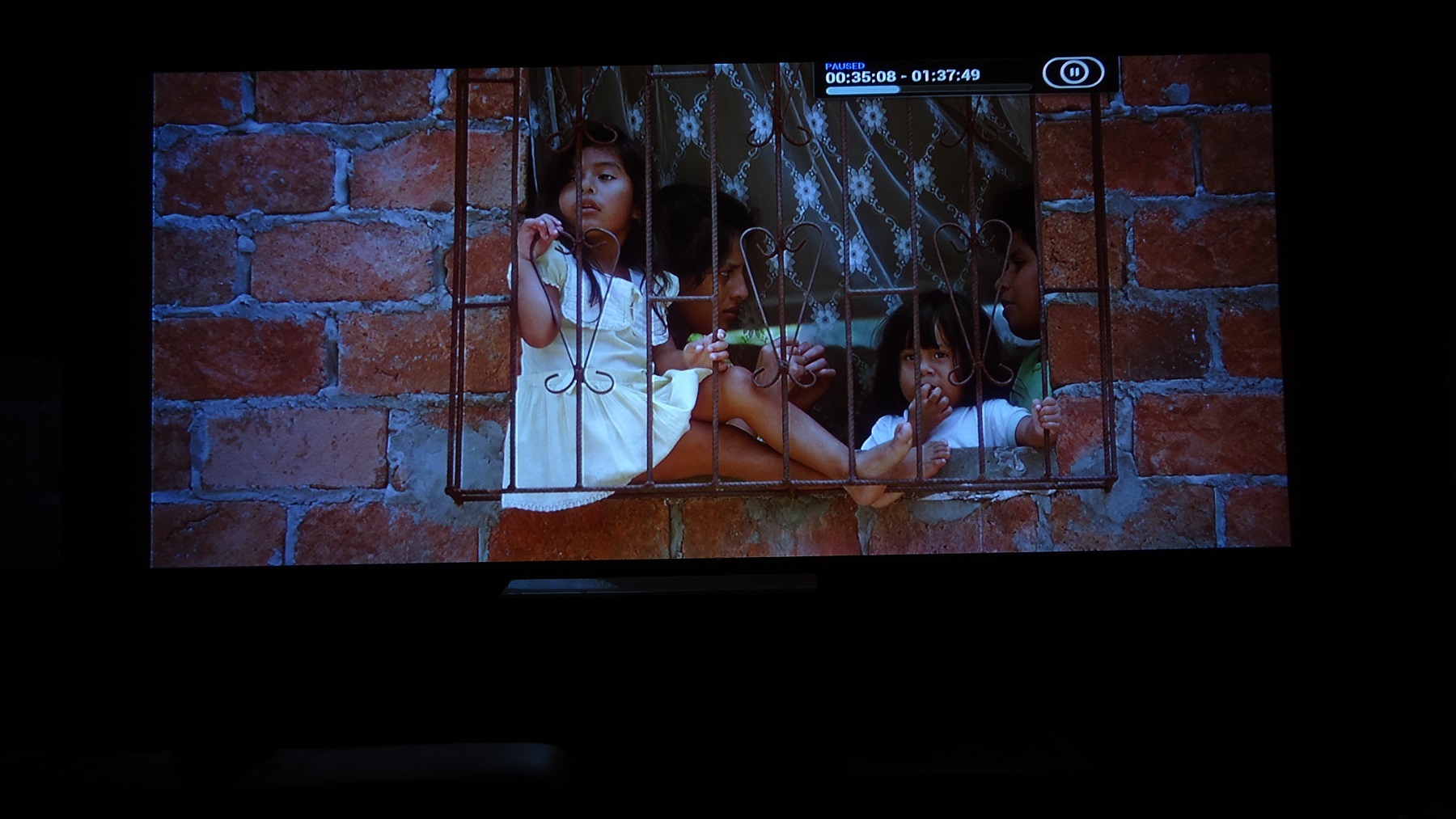
Not that cartoon can tell anything from screenshots, but I took some images from Cars, just for kicks, that are in fact 1080p zoomed out to fit an 800p frame, which XBMC does with a flick of a button. To humour myself I'll some day make a comparison which one of zoomed out - or borders removed - are the sharpest, and if it has an effect that can be picked up on photos. Unlikely, but worth a try.
Baraka is with borders removed though.
| Description: |
|
| Filesize: |
219.14 KB |
| Viewed: |
4563 Time(s) |
|
| Description: |
|
| Filesize: |
268.17 KB |
| Viewed: |
4563 Time(s) |
|
| Description: |
|
| Filesize: |
374.14 KB |
| Viewed: |
4563 Time(s) |
|
| Description: |
|
| Filesize: |
307.81 KB |
| Viewed: |
4563 Time(s) |
|
| Description: |
|
| Filesize: |
252.46 KB |
| Viewed: |
4563 Time(s) |
|
| Description: |
|
| Filesize: |
259.11 KB |
| Viewed: |
4563 Time(s) |
|
| Description: |
|
| Filesize: |
249.27 KB |
| Viewed: |
4563 Time(s) |
|
| Description: |
|
| Filesize: |
465.47 KB |
| Viewed: |
4563 Time(s) |
|
| Description: |
|
| Filesize: |
382.4 KB |
| Viewed: |
4563 Time(s) |
|
|
|
| Back to top |
|
|
redfox001
Joined: 16 Mar 2009
Posts: 2257
Location: The Netherlands
|
| Posted: Wed Apr 08, 2015 8:50 am Post subject: |
|
|
| Quote: | | 1080p zoomed out to fit an 800p frame |
Still do not know what you do there. I could not get a 800p on the Marquee because I could not do the vertical squeeze. Kurt told me it is not possible on a Marquee. So what does 1080p zoomed to 800p mean. Did you do a mod to get the vertical size down? Is that perhaps the famous anamorphic mod?
But when I see your 1:1 I think you are doing something very strange because the horizontal look darker than the vertical. The beam is moving horizontal so the vertical lines are the challenge yet the horizontals look darker at yours. Is that because of vertical scaling 1080p to 800p in stead of just stripping the black bars?
Hope we can clarify this 
_________________
701s->runco933->8500ultra->cinemax->9500mp->919 splitpack + cinemax
|
|
| Back to top |
|
|
thewolfman
Joined: 28 Mar 2011
Posts: 1311
Location: Sweden
|
| Posted: Wed Apr 08, 2015 9:32 am Post subject: |
|
|
| redfox001 wrote: | | Quote: | | 1080p zoomed out to fit an 800p frame |
Still do not know what you do there. I could not get a 800p on the Marquee because I could not do the vertical squeeze. Kurt told me it is not possible on a Marquee. So what does 1080p zoomed to 800p mean. Did you do a mod to get the vertical size down? Is that perhaps the famous anamorphic mod?
But when I see your 1:1 I think you are doing something very strange because the horizontal look darker than the vertical. The beam is moving horizontal so the vertical lines are the challenge yet the horizontals look darker at yours. Is that because of vertical scaling 1080p to 800p in stead of just stripping the black bars?
Hope we can clarify this |
I can't answer all your questions but 2,35:1 1080p movies can be watched with 2,35:1 screen with the XBMC player. MPC-HC player does this also. Without zooming movies like that would have very thick black bars on all 4 corners and left with a very small image.
With my old boards, I was left with only 1-2 on the vertical size - inc the replaced resistors R704, R804 and R904 - but when I unsoldered those and shifted them over to my new board, don't remember what it's called, I now have 10 left, so plenty of room.
But, with current settings I can't fill the horizontal width. Just impossible. And yet I have done this so many times before, a PC issue again I guess.
But I am missing those last 2 inches on each side with long retrace now. Even with short retrace I can't fill it anymore..but that has nothing to do with those resistors. It's a graphics card issue I think, and the version of Nvidia I run. I used to get the extra width needed with a saved particular one, but with newer up grades that got lost. Anyway, now that version does not work either as I'm using it right now. Strange.
I can't speak for the 1:1, I know nothing about it, other than I sometimes have difficulties getting it to be gray rather than pink. Sometimes though, it's just a little misalinement that makes it look pinkish.
I have only posted 1:1 with the wrong 817 framing, when I'm actually using using 800p, but I assure you it wont matter much with changing to the right one. But I have the proper 800p test pattern now, so I can show you what the proper 1:1 with no scaling looks like later, I actually forgot to look so it will be a nice surprise for me to.
|
|
| Back to top |
|
|
redfox001
Joined: 16 Mar 2009
Posts: 2257
Location: The Netherlands
|
| Posted: Wed Apr 08, 2015 9:47 am Post subject: |
|
|
Ok I guess I have to do the anamorphic mod to get 800p. It just does not bother me so much as there is enough bandwidth and the black is so very dark for some reason and having only one 1080p resolution is easier to setup. I watch a lot of 16/9 material.
Post the 1:1 on the other topic. This one is for screenshots. I will shut up here now too (guess it looked weird because of the color splitting)
ps: still to blue but better 
oh horizontal that is timings and porches. Lets go to your other topic.
_________________
701s->runco933->8500ultra->cinemax->9500mp->919 splitpack + cinemax
|
|
| Back to top |
|
|
thewolfman
Joined: 28 Mar 2011
Posts: 1311
Location: Sweden
|
| Posted: Wed Apr 08, 2015 10:04 am Post subject: |
|
|
| redfox001 wrote: | Ok I guess I have to do the anamorphic mod to get 800p. It just does not bother me so much as there is enough bandwidth and the black is so very dark for some reason and having only one 1080p resolution is easier to setup. I watch a lot of 16/9 material.
Post the 1:1 on the other topic. This one is for screenshots. I will shut up here now too (guess it looked weird because of the color splitting)
ps: still to blue but better
oh horizontal that is timings and porches. Lets go to your other topic. |
Yeah, I was surprised it looked so overly blue on the left as I don't see it when watching. I had images I couldn't show because of it.. the camera does indeed often pick up suddelties that I can't see. Why it's so very blue on the left is more than likely, yet again, a long/short retrace issue, along with timings to get it to work.
Sure, I'll post the 1;1 later. It will be interesting to see how it looks like now.
But you should post some pix to.. why is taking so long? 
|
|
| Back to top |
|
|
mp20748
Joined: 12 Sep 2006
Posts: 5689
Location: Maryland
TV/Projector: 9500LC Ultra / Super 02 and 03 VIM
|
| Posted: Wed Apr 08, 2015 10:34 am Post subject: |
|
|
| thewolfman wrote: | uote]
Yeah, I was surprised it looked so overly blue on the left as I don't see it when watching. |
You say you are now using the modified boards. That line that's on the left edge of your shots should not be coming from the modified boards. I know you've been having a problem knowing what board you have in the projector, but could you check this time and make sure, because the modified boards SHOULD NOT be showing that line
|
|
| Back to top |
|
|
thewolfman
Joined: 28 Mar 2011
Posts: 1311
Location: Sweden
|
| Posted: Wed Apr 08, 2015 10:58 am Post subject: |
|
|
| mp20748 wrote: | | thewolfman wrote: | uote]
Yeah, I was surprised it looked so overly blue on the left as I don't see it when watching. |
You say you are now using the modified boards. That line that's on the left edge of your shots should not be coming from the modified boards. I know you've been having a problem knowing what board you have in the projector, but could you check this time and make sure, because the modified boards SHOULD NOT be showing that line |
Oh no, it's got nothing to do with your boards, or any board for that matter, it's always some strange line going on there and I always shift that little bit out, but now I can't. No worries, I'll get it fix one day or another.
|
|
| Back to top |
|
|
mp20748
Joined: 12 Sep 2006
Posts: 5689
Location: Maryland
TV/Projector: 9500LC Ultra / Super 02 and 03 VIM
|
| Posted: Wed Apr 08, 2015 11:00 am Post subject: |
|
|
| thewolfman wrote: | | mp20748 wrote: | | thewolfman wrote: | uote]
Yeah, I was surprised it looked so overly blue on the left as I don't see it when watching. |
You say you are now using the modified boards. That line that's on the left edge of your shots should not be coming from the modified boards. I know you've been having a problem knowing what board you have in the projector, but could you check this time and make sure, because the modified boards SHOULD NOT be showing that line |
Oh no, it's got nothing to do with your boards, or any board for that matter, it's always some strange line going on there and I always shift that little bit out, but now I can't. No worries, I'll get it fix one day or another. |
What is in your video chain. That line should not be there period with those boards
|
|
| Back to top |
|
|
|
|





