| Author |
Message |
JayAllan

Joined: 03 Jun 2007
Posts: 175
Location: Los Angeles
|
| Posted: Fri Aug 10, 2018 11:38 pm Post subject: Getting back into CRT :) Barco 909 |
|
|
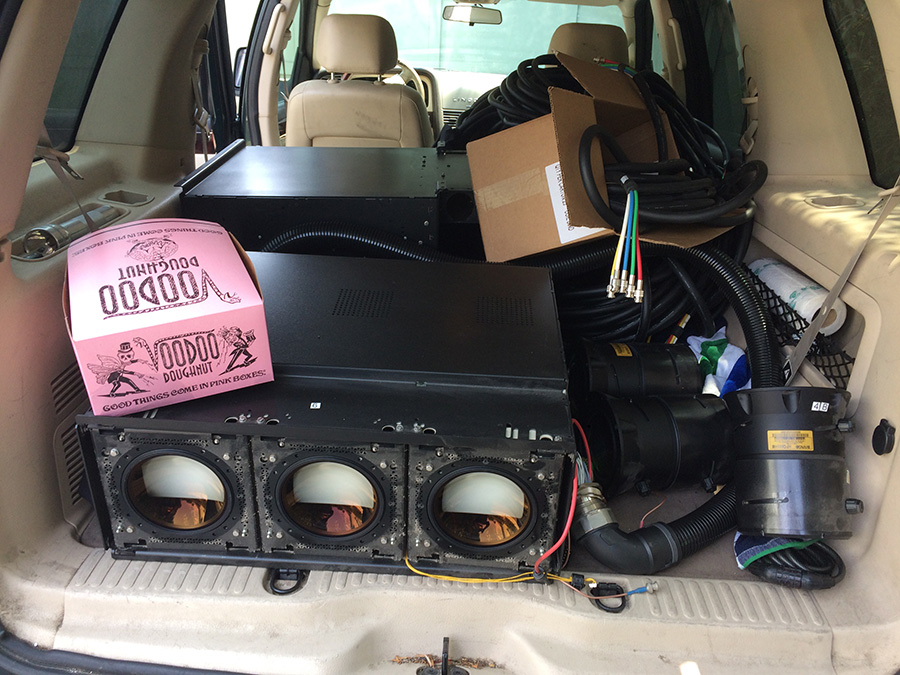
Thanks to a good purchase from Curt Palme I am getting back into CRT finally! I picked up one of his new split packs today and I am going to put it up in my theater. Will be interesting to see how this looks compared to my dated JVS RS2 that I have been running.

|
|
| Back to top |
|
 |
JayAllan
Joined: 03 Jun 2007
Posts: 175
Location: Los Angeles
|
| Posted: Fri Aug 10, 2018 11:43 pm Post subject: |
|
|
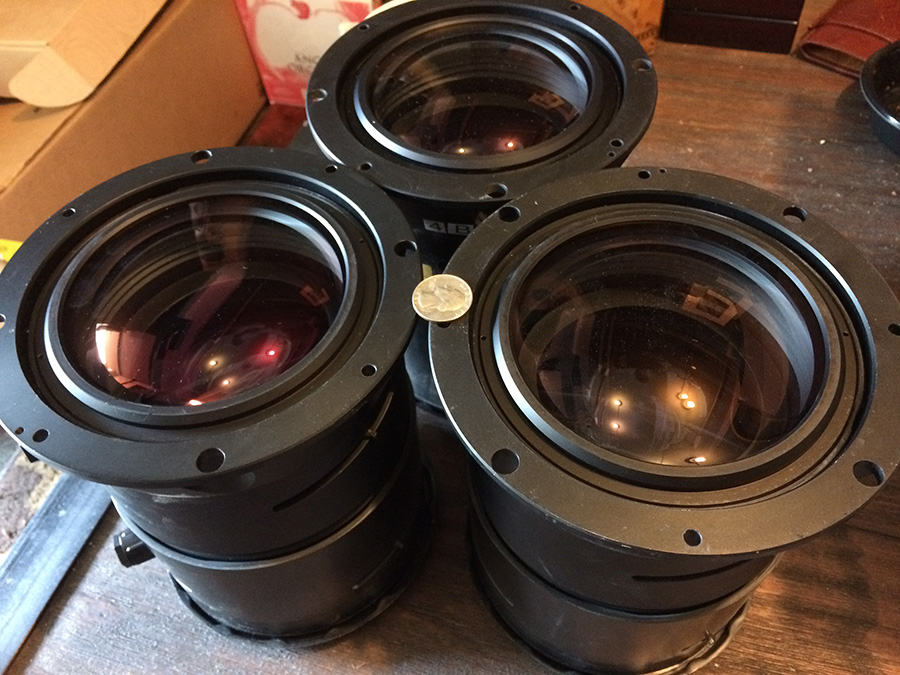
Here are a couple shots.
| Description: |
|
| Filesize: |
261.6 KB |
| Viewed: |
11034 Time(s) |
|
| Description: |
|
| Filesize: |
254.11 KB |
| Viewed: |
11034 Time(s) |
|
|
|
| Back to top |
|
|
JayAllan
Joined: 03 Jun 2007
Posts: 175
Location: Los Angeles
|
| Posted: Fri Aug 10, 2018 11:43 pm Post subject: |
|
|
|
I am sure it will look a whole hell of a lot better. I am currently using my 100" 1.1 gain screen. I have never owned a Barco before (mostly Sonys and NEC and early on DWIN) so this should be pretty cool. I dragged the PJ into my place today and I am starting to comb though the manuals.
|
|
| Back to top |
|
|
km987654

Joined: 25 Jul 2007
Posts: 2874
Location: Australia
TV/Projector: Barco BG809s
|
| Posted: Sat Aug 11, 2018 6:02 am Post subject: |
|
|
|
Great to see someone getting into CRT again.
|
|
| Back to top |
|
|
Meemil
Joined: 25 Mar 2016
Posts: 96
Location: Finland
|
| Posted: Sat Aug 11, 2018 11:00 am Post subject: |
|
|
Beautiful! Digital can look good, but the effrotlessness leaves you dissatisfied 
|
|
| Back to top |
|
|
JayAllan
Joined: 03 Jun 2007
Posts: 175
Location: Los Angeles
|
| Posted: Sat Aug 11, 2018 6:34 pm Post subject: |
|
|
| km987654 wrote: | | Great to see someone getting into CRT again. |
Thanks. Yes I am getting excited to dive back in.
| Meemil wrote: | | Beautiful! Digital can look good, but the effrotlessness leaves you dissatisfied |
Agreed! I "got used to" my JVC but it was never as satisfying as my old CRT.
|
|
| Back to top |
|
|
JayAllan
Joined: 03 Jun 2007
Posts: 175
Location: Los Angeles
|
| Posted: Sat Aug 11, 2018 6:37 pm Post subject: |
|
|
|
I plugged it all together and powered it up to test it. It all seems fine but the tubes are not projecting anything. Not sure if it is because I have no signal going in yet (have to dig up my DVDO in storage) but I expected it to project the warm-up menu or something. Tubes are glowing along the bottom but that's it. No weird sounds or pops so that's good at least.
|
|
| Back to top |
|
|
jbltecnicspro
Joined: 23 Apr 2016
Posts: 512
|
| Posted: Sat Aug 11, 2018 7:25 pm Post subject: |
|
|
Cool to see someone getting back into the tubes.  Unfortunately for me, even if I wanted to, new living situation will not allow for it as we have no room for one. Unfortunately for me, even if I wanted to, new living situation will not allow for it as we have no room for one. 
|
|
| Back to top |
|
|
barclay66

Joined: 27 Jun 2011
Posts: 1304
Location: Germany
TV/Projector: Marquee 9500 Ultra
|
| Posted: Sat Aug 11, 2018 10:04 pm Post subject: |
|
|
Hi,
Make sure You get those red and green C elements for Your tubes. Unless You want something else than those natural flesh tones we all like so well
Kind Regards,
barclay66
|
|
| Back to top |
|
|
gregstv
Joined: 27 Aug 2007
Posts: 628
Location: Australia
|
| Posted: Sat Aug 11, 2018 10:39 pm Post subject: |
|
|
Running my 919 with a DVDO VP50. Some people don't like them but it's been great.
Try selecting inputs. I found some sometimes the scree will stay black if no sync is applied. It could be just different firmware that does it. Also try turning up the brightness. I have had a couple that drop back to zero if you change from floor to ceiling. Not sure why but they caught me out and I spent a bit of time looking for a problem that wasn't there.
Can you hear the EHT come up?
|
|
| Back to top |
|
|
Tim in Phoenix

Joined: 21 Oct 2006
Posts: 4409
Location: Phoenix
|
| Posted: Sun Aug 12, 2018 1:22 am Post subject: |
|
|
Guys
The most feared words in Home Theater......... "Some assembly required!" LOL
|
|
| Back to top |
|
|
JayAllan
Joined: 03 Jun 2007
Posts: 175
Location: Los Angeles
|
| Posted: Sun Aug 12, 2018 5:59 am Post subject: |
|
|
| jbltecnicspro wrote: | | Cool to see someone getting back into the tubes. Unfortunately for me, even if I wanted to, new living situation will not allow for it as we have no room for one. |
The beauty of these split packs is they are easier to put up in smaller spaces.
| gregstv wrote: | Running my 919 with a DVDO VP50. Some people don't like them but it's been great.
Try selecting inputs. I found some sometimes the scree will stay black if no sync is applied. It could be just different firmware that does it. Also try turning up the brightness. I have had a couple that drop back to zero if you change from floor to ceiling. Not sure why but they caught me out and I spent a bit of time looking for a problem that wasn't there.
Can you hear the EHT come up? |
It seems there is some activity in the tubes along the edges so they are definitely getting some juice. I pressed 6 on the remote to change to the RGBHV input but it seemed to have no effect. I will have to hook up my DVDO next and send it a real signal.
|
|
| Back to top |
|
|
JayAllan
Joined: 03 Jun 2007
Posts: 175
Location: Los Angeles
|
| Posted: Sun Aug 12, 2018 6:01 am Post subject: |
|
|
| barclay66 wrote: | Hi,
Make sure You get those red and green C elements for Your tubes. Unless You want something else than those natural flesh tones we all like so well
Kind Regards,
barclay66 |
Yeah! Curt mentioned I could pull the red/green C elements out of my NEC PG10. I am going to part that projector out so I think I will do that!
|
|
| Back to top |
|
|
km987654
Joined: 25 Jul 2007
Posts: 2874
Location: Australia
TV/Projector: Barco BG809s
|
| Posted: Sun Aug 12, 2018 7:11 am Post subject: |
|
|
| JayAllan wrote: | | jbltecnicspro wrote: | | Cool to see someone getting back into the tubes. Unfortunately for me, even if I wanted to, new living situation will not allow for it as we have no room for one. |
The beauty of these split packs is they are easier to put up in smaller spaces.
| gregstv wrote: | Running my 919 with a DVDO VP50. Some people don't like them but it's been great.
Try selecting inputs. I found some sometimes the scree will stay black if no sync is applied. It could be just different firmware that does it. Also try turning up the brightness. I have had a couple that drop back to zero if you change from floor to ceiling. Not sure why but they caught me out and I spent a bit of time looking for a problem that wasn't there.
Can you hear the EHT come up? |
It seems there is some activity in the tubes along the edges so they are definitely getting some juice. I pressed 6 on the remote to change to the RGBHV input but it seemed to have no effect. I will have to hook up my DVDO next and send it a real signal. |
I haven't taken a good look at the 909 but I would think you need to select 5 on the remote for port 5 or 3 for port 3 if you have that port plugged in.
|
|
| Back to top |
|
|
ElTopo

Joined: 07 Nov 2006
Posts: 1640
|
| Posted: Sun Aug 12, 2018 10:38 am Post subject: |
|
|
Please make sure you have connected the cables 100%
I had this once on a Split Pack so in the end it was the cable connection.
And yes, Port5 for RGBHV
cheers
_________________
Barco Cine 9 the one and only
|
|
| Back to top |
|
|
ziani67
Joined: 21 Mar 2017
Posts: 11
|
| Posted: Sun Aug 12, 2018 11:41 am Post subject: |
|
|
Hello
check that the cover on the back where the cable arrives is well closed
on the 909SP there is a security that prevents any demarage if lid not in place.
a ++
|
|
| Back to top |
|
|
JayAllan
Joined: 03 Jun 2007
Posts: 175
Location: Los Angeles
|
| Posted: Sun Aug 12, 2018 9:47 pm Post subject: |
|
|
|
Thanks guys! Tonight I will double check and try #5 I will also hopefully have my DVDO by then to test. I have been using an Extron cvc100 to send the signal but it has a blinking power light so it too may be wonky.
|
|
| Back to top |
|
|
Curt Palme
CRT Tech
Joined: 08 Mar 2006
Posts: 24396
Location: Langley, BC
TV/Projector: All of them!
|
| Posted: Sun Aug 12, 2018 10:05 pm Post subject: |
|
|
Go right out of your computer via VGA to 5 BNC. I think you know someone that has a sh*t-ton of those cables.
Usually yellow is vertical sync, but not always.. Definitely input 5 though.
Also the 909 is quirky, it can take up to 30 seconds for the set to lock to an input. that's thrown me a few times, thinking that something was wrong with the set, when it was simply 'thinking' about locking to an input.
Start with a low resolution, 640 X 480 (the 909 won't lock to lower than that), and then work up..
|
|
| Back to top |
|
|
JayAllan
Joined: 03 Jun 2007
Posts: 175
Location: Los Angeles
|
| Posted: Mon Aug 13, 2018 12:49 am Post subject: |
|
|
| Curt Palme wrote: | Go right out of your computer via VGA to 5 BNC. I think you know someone that has a sh*t-ton of those cables.
Usually yellow is vertical sync, but not always.. Definitely input 5 though.
Also the 909 is quirky, it can take up to 30 seconds for the set to lock to an input. that's thrown me a few times, thinking that something was wrong with the set, when it was simply 'thinking' about locking to an input.
Start with a low resolution, 640 X 480 (the 909 won't lock to lower than that), and then work up.. |
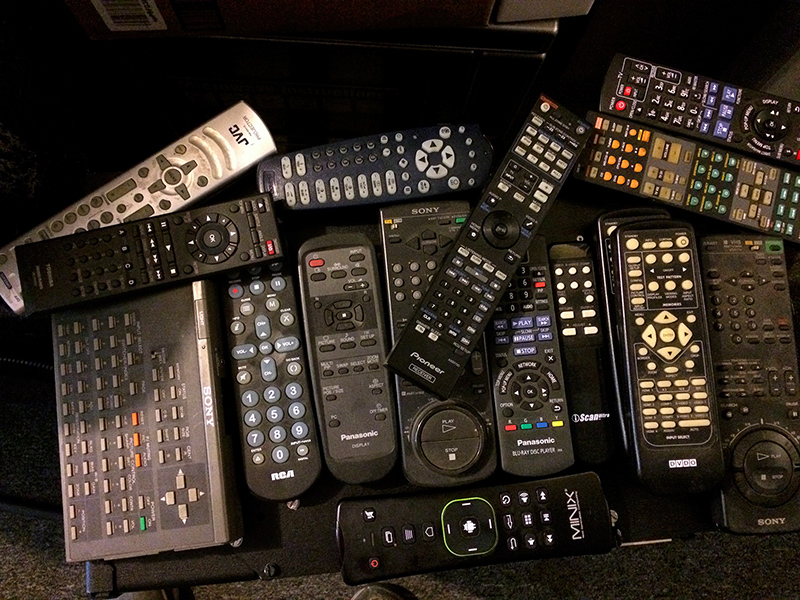
That's good to know about the startup time! I will have to look and see where my VGA to BNC breakout cables are. That would be a good test. I think I have enough 5BNC to set up my DVDO a block away LOL. In the meantime I did find my DVDO and I just found the remote for it but no power supply (yet).
| Description: |
|
| Filesize: |
344.97 KB |
| Viewed: |
10771 Time(s) |
|
|
|
| Back to top |
|
|
JayAllan
Joined: 03 Jun 2007
Posts: 175
Location: Los Angeles
|
| Posted: Thu Aug 16, 2018 7:02 am Post subject: |
|
|
|
Well... I found my DVDO VP50 and my VP30. Found both remotes and both power cords. Neither works. They both power up but the VP30 screen flashes on and off and the VP50 shows "serious Error 16". Ugh.
|
|
| Back to top |
|
|
|
|




