| Author |
Message |
CasetheCorvetteman

Joined: 09 Nov 2008
Posts: 6326
Location: Australia
|
| Posted: Fri Oct 11, 2013 1:17 am Post subject: |
|
|
| ecrabb wrote: | | Decibel wrote: | | winny wrote: | | The topic of running outside the phosphor seems to be a hot topic... I'll be careful. |
Each users have his opinion.
My opinion is that filling the tube surface for a few seconds not break nothing and simplify the measures of positioning. |
I don't understand the rationale in even risking it? What point does running the raster off the tube face serve? None! Just set up an input with rough keystone, maximize (roughly) the image on the tube face, and move the projector around until you get the correct image size, measure and record the throw.
SC |
Exactly, i dont either. Set the active image up well and go from there. Its very easy to do and wont even take 5 minutes.
|
|
| Back to top |
|
 |
winny

Joined: 09 Oct 2013
Posts: 403
Location: Sweden
TV/Projector: BD808s, BG1209/2
|
| Posted: Wed Oct 16, 2013 8:02 pm Post subject: Screen up |
|
|
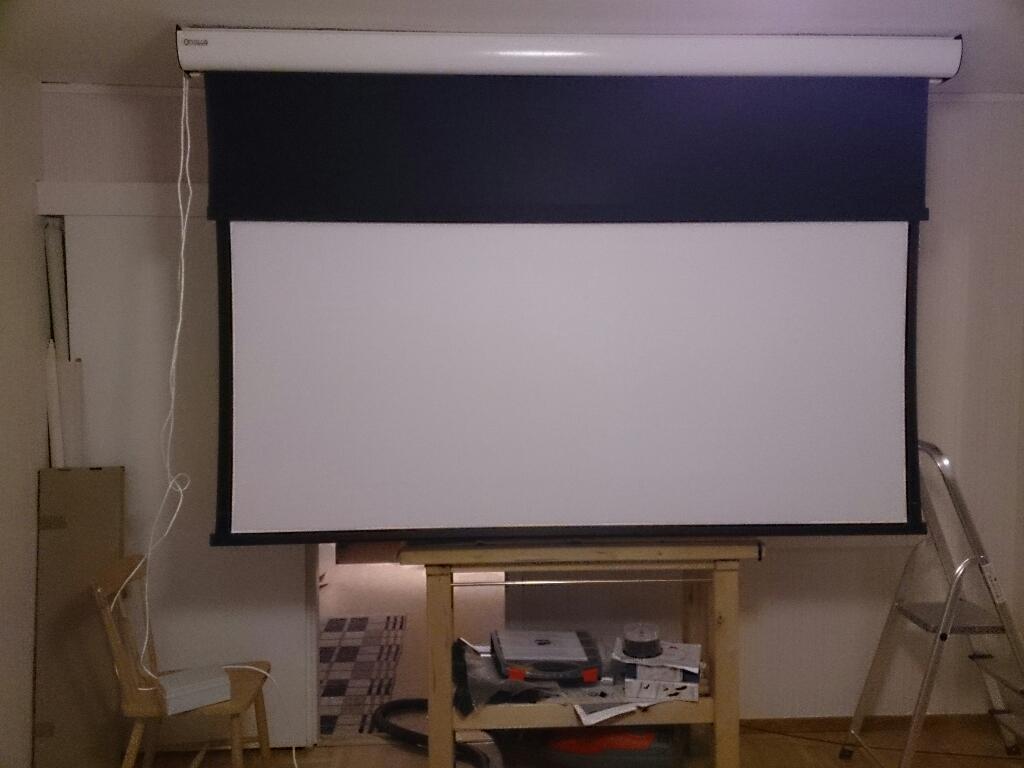
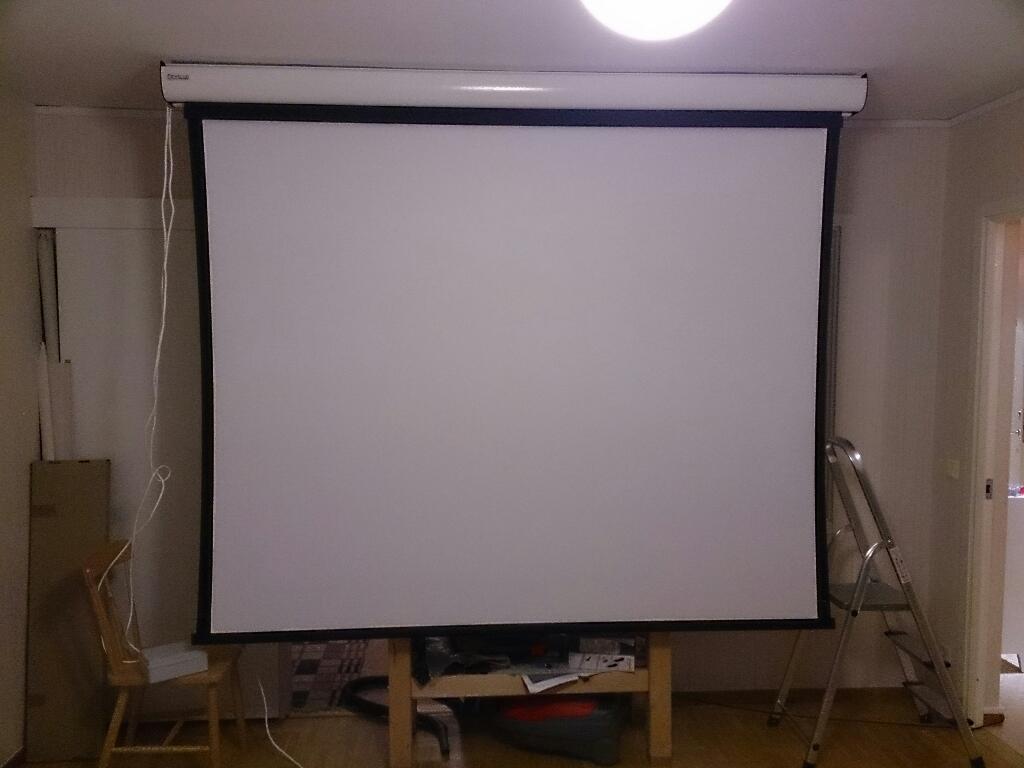
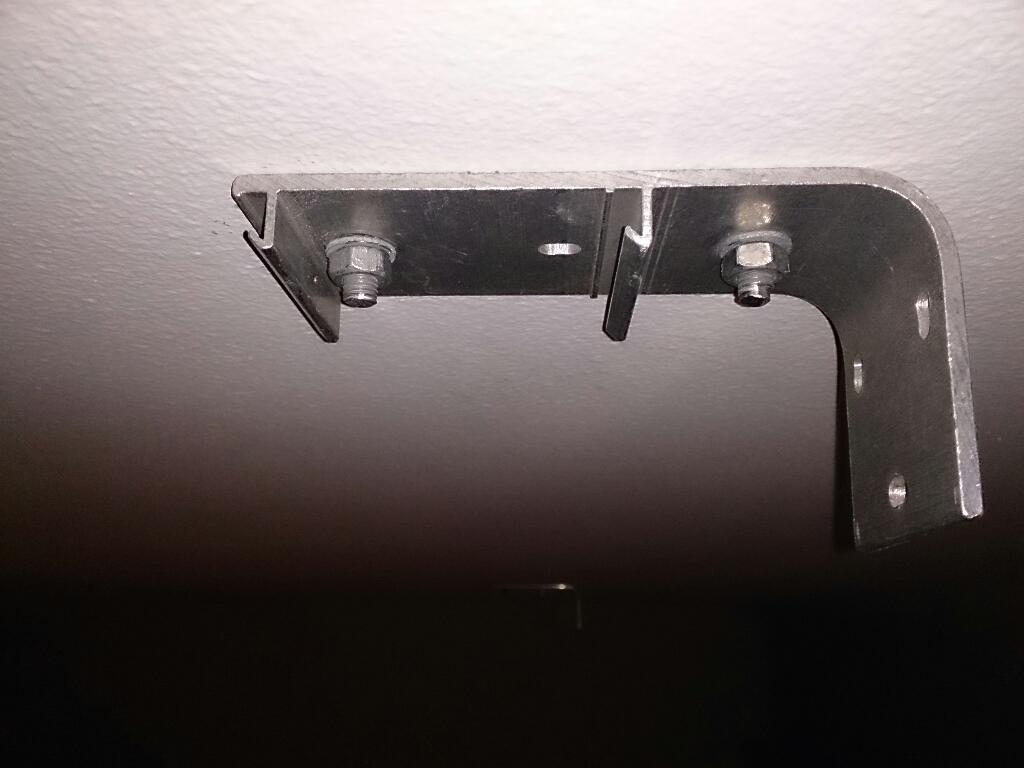
Got the screen up today after a lot of drilling, modifying the concrete anchors, taking measures and filing one of the anchors down when in place (that lovely feeling of working above your head). Sorry about the mess in the pictures, I'll clean when everything is up.
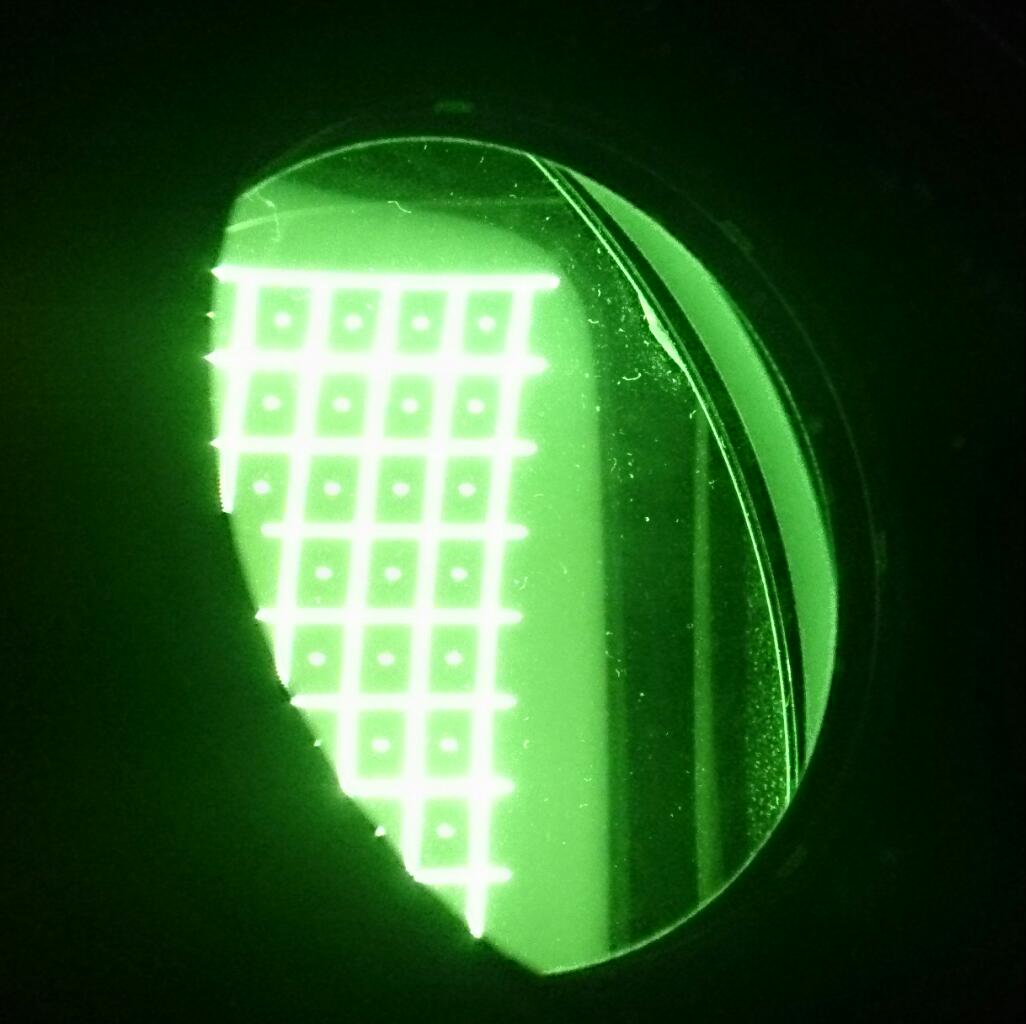
Firing up the 808s, I notice two things, I might run out of room to fill the screen and the raster was already off the edge of the tube. So I set the brightness to the lowest and was able to look into the lens without sunglasses and there was not much area left to zoom out any further and yet the picture did not fill my screen. Should be enough with 3.0 meter distance lens-screen for 2.13 meter screen width according to the calculator, but I doubt it. Also, I could see that the pattern was a bit bent on the far left edge of the screen and looking into the tube, it was obvious that the grid was outside the phosphor area in the left upper and lower corner.
To fix this, I would really like to have the remote since lying on the floor under the projector behind the case was not a comfortable position and I need to look into the tube while I'm adjusting. How to sync/address the projector and remote? They did not talk to each other when I put a battery in the remote. Also, when adjusting the raster, I had to choose a resolution from the menu first. Does this setting affect the raster setup? Is there one setup per resolution stored in the projector?
| Description: |
|
| Filesize: |
58 KB |
| Viewed: |
6078 Time(s) |
|
| Description: |
|
| Filesize: |
55.11 KB |
| Viewed: |
6079 Time(s) |
|
| Description: |
|
| Filesize: |
55.51 KB |
| Viewed: |
6079 Time(s) |
|
|
|
| Back to top |
|
|
winny
Joined: 09 Oct 2013
Posts: 403
Location: Sweden
TV/Projector: BD808s, BG1209/2
|
| Posted: Thu Oct 17, 2013 8:24 am Post subject: Some adjustments |
|
|
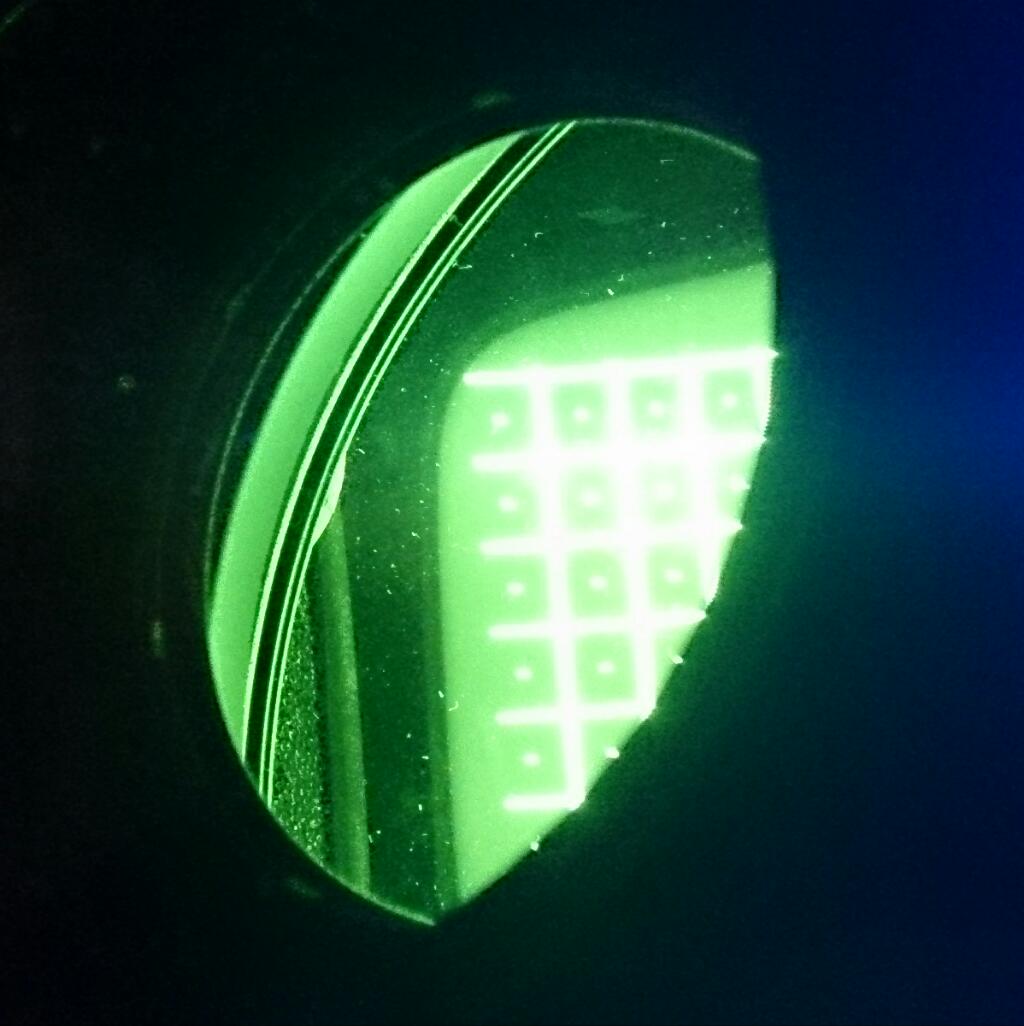
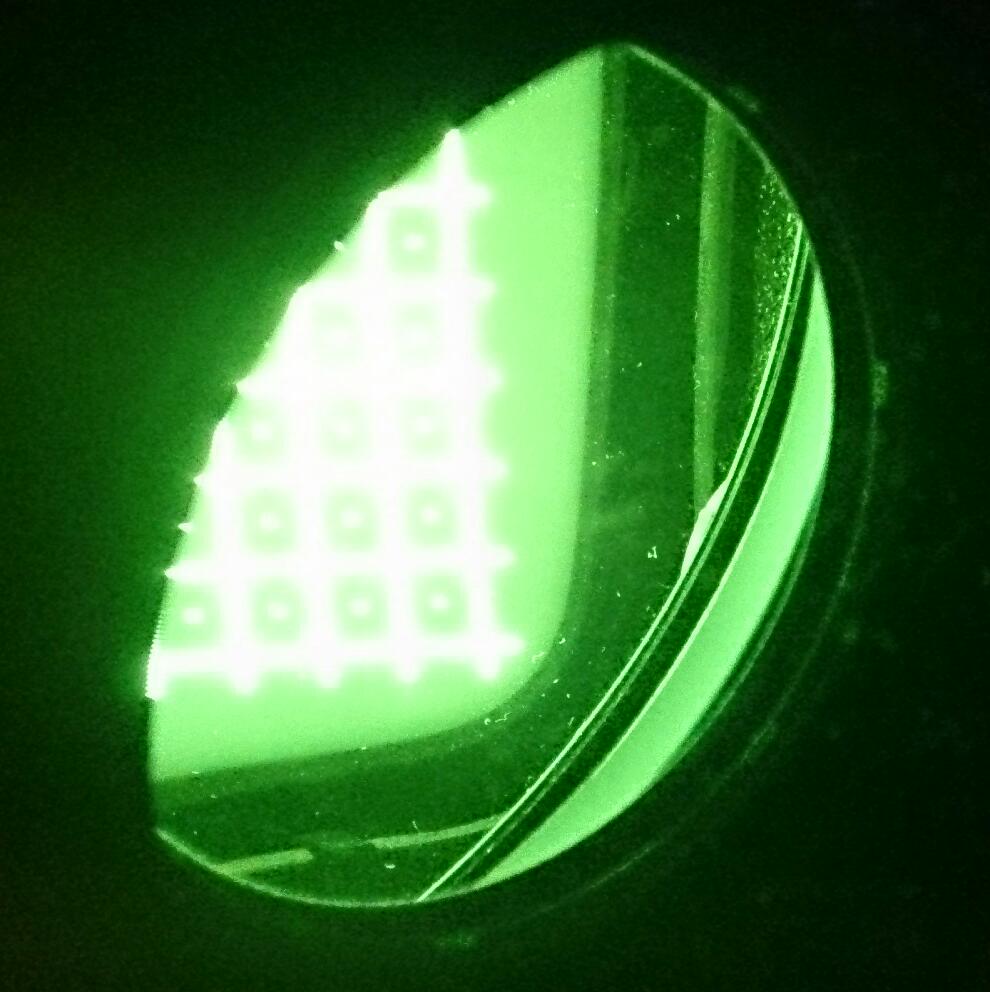
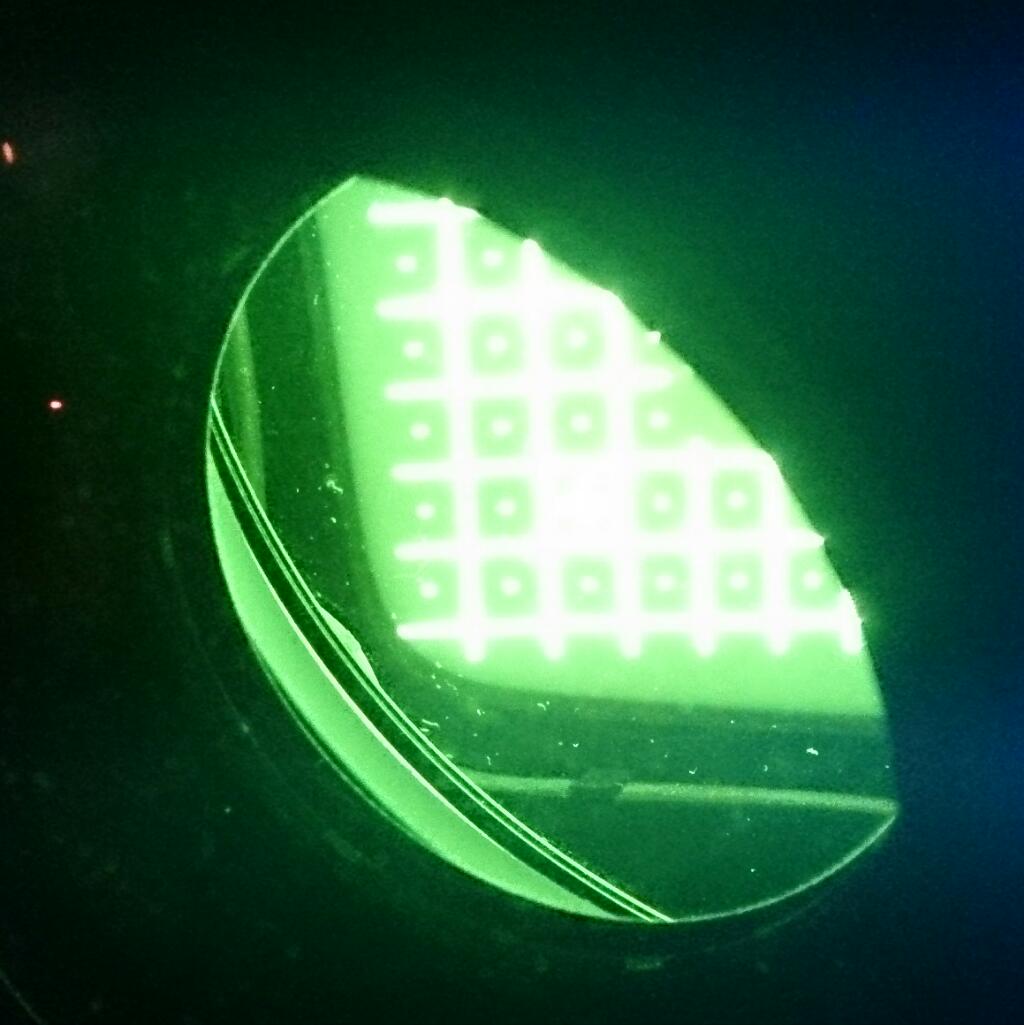
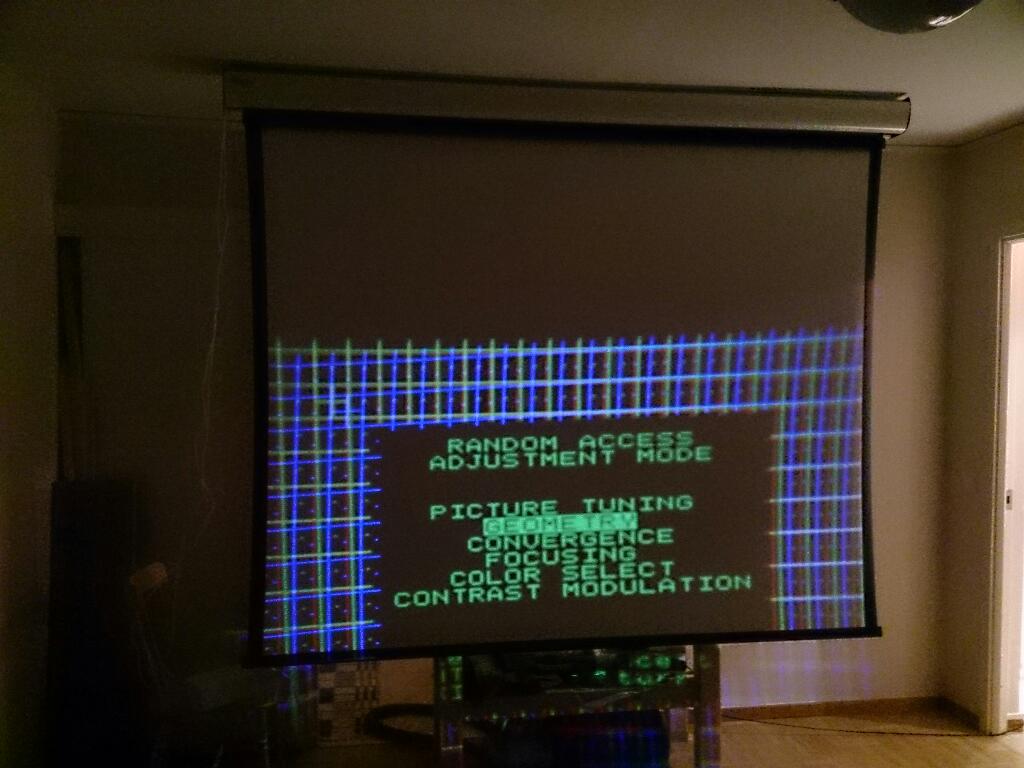
Found the remote in the manual and after some adjustments, I got to this stage without hitting the wall. It will hang right over my head in the couch. I hope the concrete anchors hold up. 
One thing tough, after mechanically adjusting the red and blue tube, am I guaranteed to not run out of phosphor area on the red and blue if I push the green all the way out?
| Description: |
|
| Filesize: |
73.98 KB |
| Viewed: |
6058 Time(s) |
|
| Description: |
|
| Filesize: |
75.15 KB |
| Viewed: |
6058 Time(s) |
|
| Description: |
|
| Filesize: |
83.45 KB |
| Viewed: |
6058 Time(s) |
|
| Description: |
|
| Filesize: |
78.65 KB |
| Viewed: |
6058 Time(s) |
|
| Description: |
|
| Filesize: |
77.96 KB |
| Viewed: |
6058 Time(s) |
|
|
|
| Back to top |
|
|
fragzero
Joined: 30 Aug 2012
Posts: 344
|
| Posted: Thu Oct 17, 2013 8:40 am Post subject: |
|
|
I would do some basic geometry work to see what's required to fill your screen! You are quite close to the edges of the tubes!
Also, seems your image is way too low and you are already at the max size on the tubes, you could lower the back of the projector to reduce the angle of the tubes and bring the image up, this way you are able to use more phosphor which increase the amount of light the projector produces and might increase the max resolution.
|
|
| Back to top |
|
|
winny
Joined: 09 Oct 2013
Posts: 403
Location: Sweden
TV/Projector: BD808s, BG1209/2
|
| Posted: Thu Oct 17, 2013 9:12 am Post subject: |
|
|
| fragzero wrote: | | Also, seems your image is way too low and you are already at the max size on the tubes, you could lower the back of the projector to reduce the angle of the tubes and bring the image up, this way you are able to use more phosphor which increase the amount of light the projector produces and might increase the max resolution. |
This is because it's still sitting on the case about 1 meter off the floor. I just wanted to make sure I can fill the width of the screen before I proceed and also find out the real world screen to lens distance and not blindly trust the calculation before I start drilling holes for the projector mount.
I thought that running close to the edge was the point, to maximise the phosphor use? Also, I thought the tube face would be more rectangular. There is a lot of area on the middle of both vertical and horizontal sides wasted by the corners hitting the tube edges at the moment.
|
|
| Back to top |
|
|
fragzero
Joined: 30 Aug 2012
Posts: 344
|
| Posted: Thu Oct 17, 2013 9:17 am Post subject: |
|
|
| winny wrote: |
This is because it's still sitting on the case about 1 meter off the floor. |
Sorry, i misunderstood!
And yes it's not 100% square, my 16:9 image area would not fit at the top or bottom of the tube.
Edit:
| Quote: | | I thought that running close to the edge was the point, to maximise the phosphor use? Also, I thought the tube face would be more rectangular. There is a lot of area on the middle of both vertical and horizontal sides wasted by the corners hitting the tube edges at the moment. |
I thought your image wasn't big enough already, running any close would be quite dangerous:)
|
|
| Back to top |
|
|
winny
Joined: 09 Oct 2013
Posts: 403
Location: Sweden
TV/Projector: BD808s, BG1209/2
|
| Posted: Thu Oct 17, 2013 9:25 am Post subject: |
|
|
| fragzero wrote: | | And yes it's not 100% square, my 16:9 image area would not fit at the top or bottom of the tube. |
Ah! This would pose a potential issue if I wanted a 4:3 mode in the projector since my screen has such a mode. That or ditching the 4:3 and getting a bit more resolution out of the 1.85 and 2.35 modes. I do have some 4:3 laserdiscs like the X-files which would not look good on a pillarbox screen. On the other hand I probably have 100 times more 1.85 and 2.35 material.
So back to my question regarding phosphor area. If I set up the projector with the PAL or NTSC pattern, will this be the same for other inputs and resolutions or will the raster shift?
|
|
| Back to top |
|
|
fragzero
Joined: 30 Aug 2012
Posts: 344
|
| Posted: Thu Oct 17, 2013 9:35 am Post subject: |
|
|
That's true, i only have a 16:9 screen so never encountered that issue!
http://www.curtpalme.com/Barco_Setup_Quick_Reference_Guide.shtm
That's a good basic overview.
Raster should stay the same for all inputs and resolutions!
Do toe-in using the Guy Kuo procedure (see the link above) - you can use normal raster shift to position the image on the tubes (you'll get it when you read the procedure).
Afterwards center the rasters using the potentiometers inside (they are described here http://www.curtpalme.com/Barco808_Layout1.shtm
I'm no setup hero so this might not be the 100% best way to do this!
|
|
| Back to top |
|
|
winny
Joined: 09 Oct 2013
Posts: 403
Location: Sweden
TV/Projector: BD808s, BG1209/2
|
| Posted: Thu Oct 17, 2013 8:19 pm Post subject: |
|
|
Well, I'm on the other end of the setup hero scale.
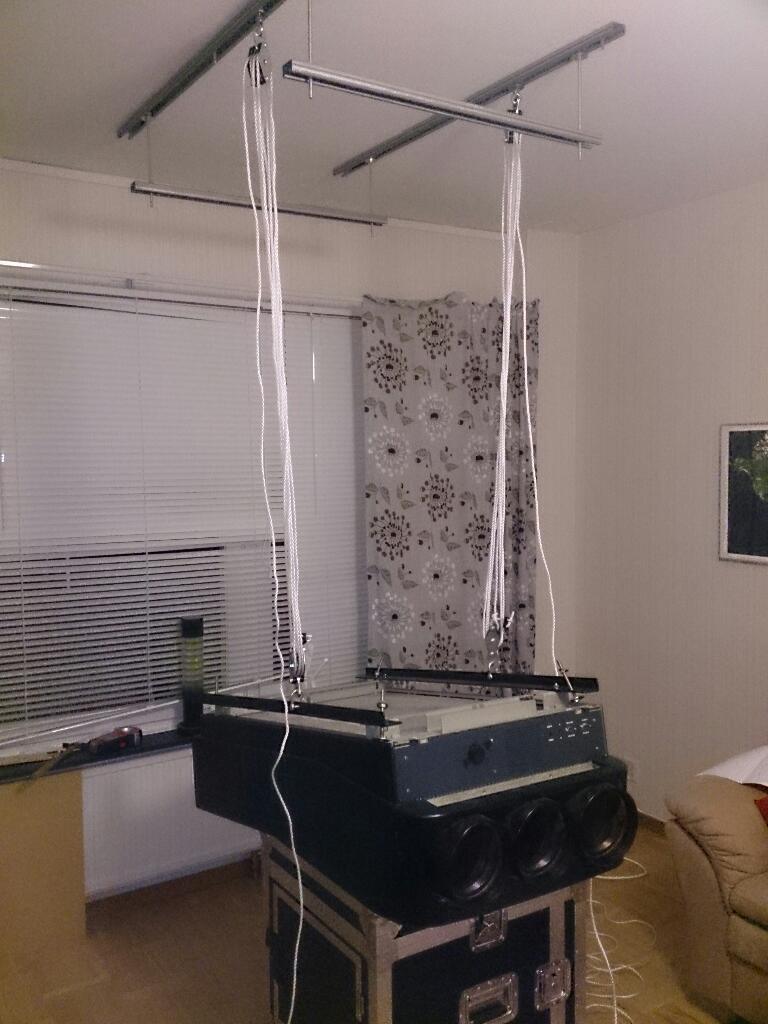
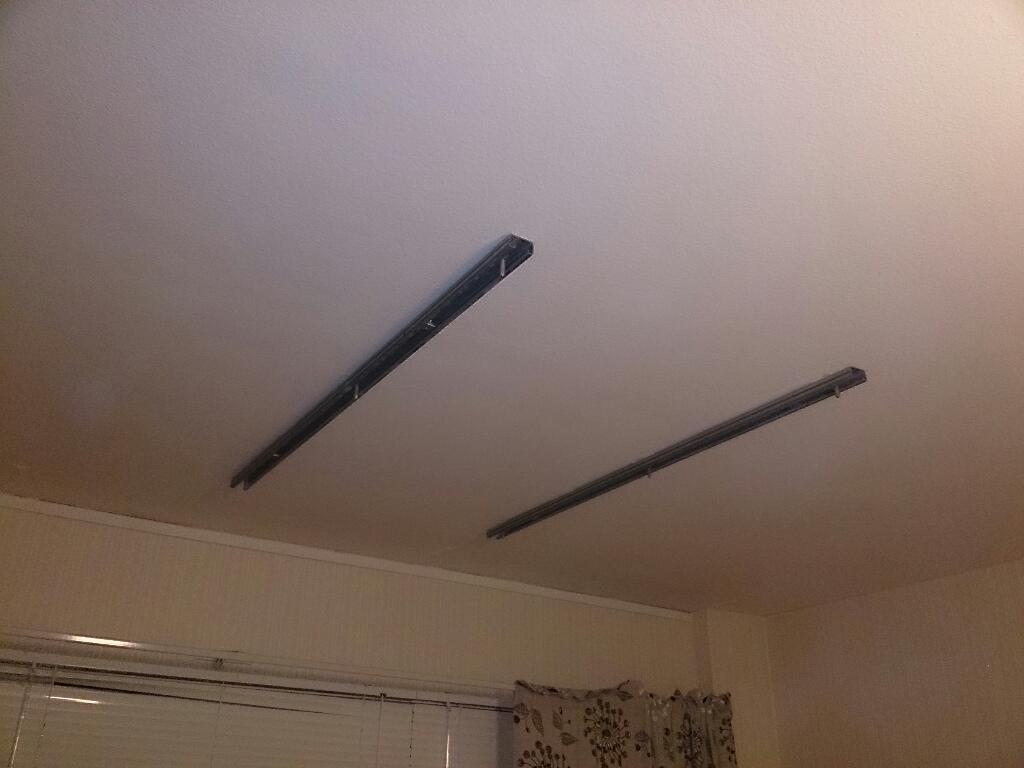
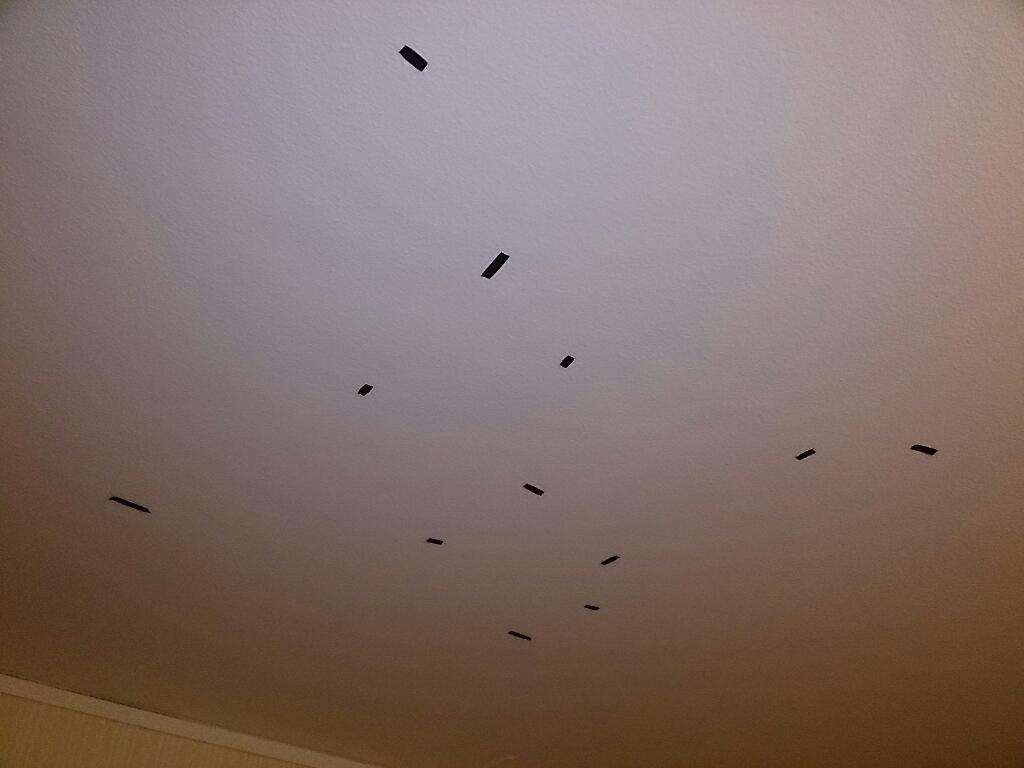
I did the same setup a bit more carefully and then starting with finding the steel reinforcement bars in the roof. There was some sort of method to the madness but it's quite hard with a consumer stud/metal finder to get precise results. Looked like I was in the clear and went off with the hammer drill.
Tried doing a chin with just two concrete anchors holing the bar and with me weighing about the same as a projector, it should be safe with six of them. Now I just need said colleague again to do the hoist since there is no break in the block and rope.
| Description: |
|
| Filesize: |
81.55 KB |
| Viewed: |
6035 Time(s) |
|
| Description: |
|
| Filesize: |
53.35 KB |
| Viewed: |
6035 Time(s) |
|
| Description: |
|
| Filesize: |
46.91 KB |
| Viewed: |
6035 Time(s) |
|
|
|
| Back to top |
|
|
winny
Joined: 09 Oct 2013
Posts: 403
Location: Sweden
TV/Projector: BD808s, BG1209/2
|
| Posted: Fri Oct 18, 2013 8:30 pm Post subject: Liftoff! |
|
|
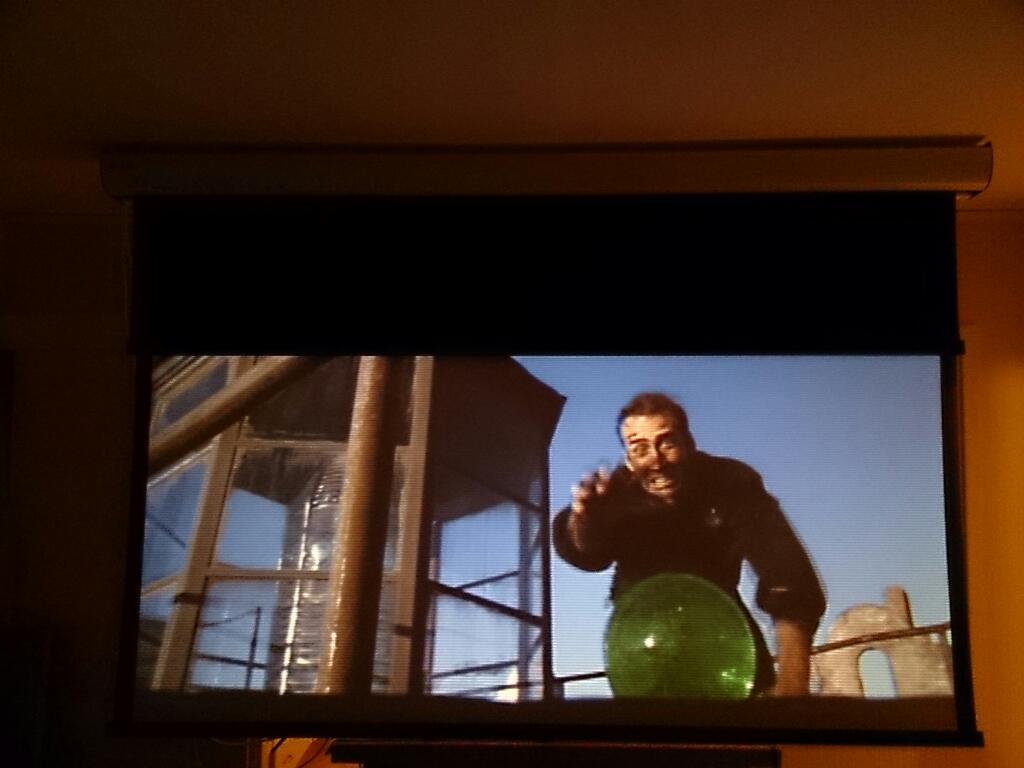
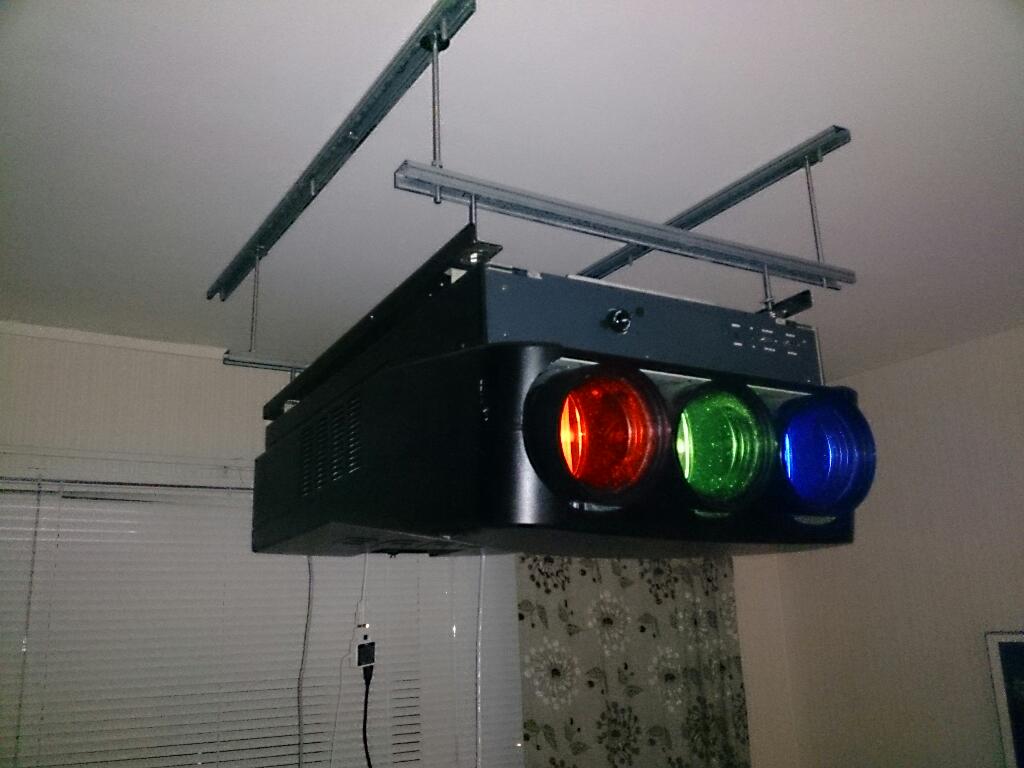
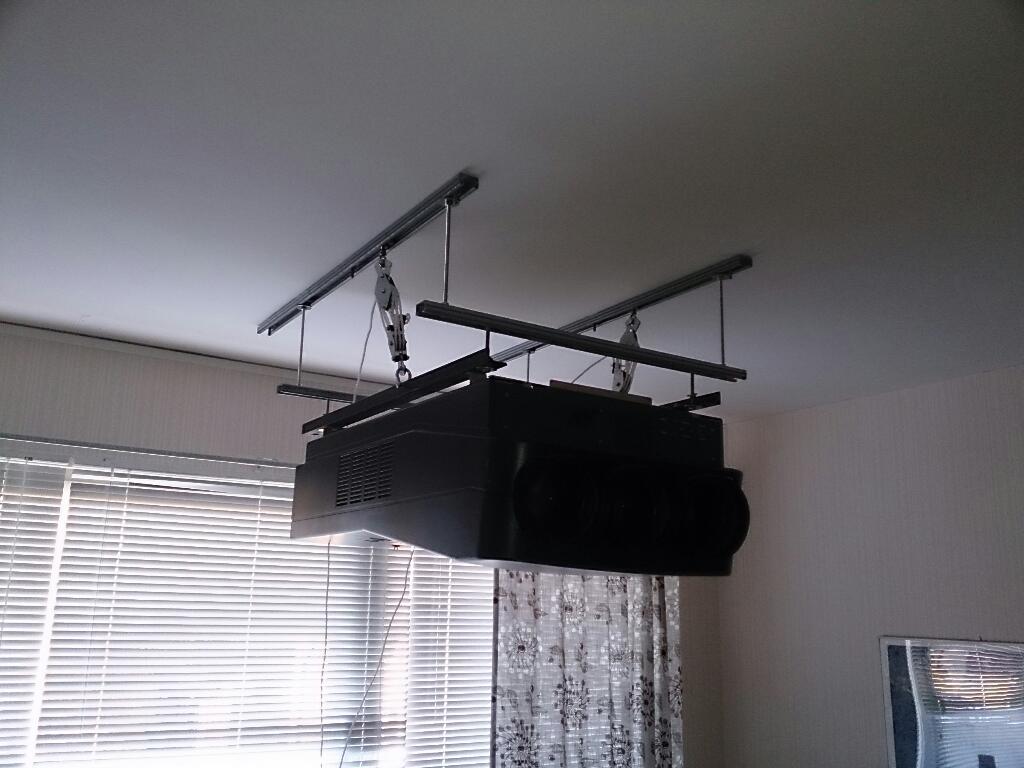
Ended up hoisting it myself. Heavy stuff!
Despite careful measurement the raster did not center. I have a few cm of movement on both the projector and the screen but I think I will live with it for the moment.
Getting the convergence right was a quagmire. Spent a solid hour on my initial setup with the built in ntsc pattern, only to have to start all over again when I hooked up the HD fury. I never got the full width of the picture either and changing h phase to correct this ment that the convergence had to be done all over again.
It's getting late here so I thought I would settle with a laserdisc for the moment since the ntsc setup is well adjusted. The scanlines are almost unbearable! What scan doubbler or quadrupler is recommended?
| Description: |
|
| Filesize: |
59 KB |
| Viewed: |
6016 Time(s) |
|
| Description: |
|
| Filesize: |
71.72 KB |
| Viewed: |
6016 Time(s) |
|
| Description: |
|
| Filesize: |
78.72 KB |
| Viewed: |
6016 Time(s) |
|
|
|
| Back to top |
|
|
thewolfman

Joined: 28 Mar 2011
Posts: 1311
Location: Sweden
|
| Posted: Fri Oct 18, 2013 8:49 pm Post subject: |
|
|
Hej kompis!
Har du köpt denna från Jari i göteborg?
Har min i kedjor, uninverted, så kan fiddla som jag vill. Lättåtkomligt.
Till sist: Välkommen Svensk.
|
|
| Back to top |
|
|
winny
Joined: 09 Oct 2013
Posts: 403
Location: Sweden
TV/Projector: BD808s, BG1209/2
|
| Posted: Sat Oct 19, 2013 11:37 pm Post subject: |
|
|
1209:an kommer från Jari men 808s som hänger i taket är från Kumla.
So back to the raster setup. Is there one setting (phase, size, convergence and so on) per input or how does it work? If I set up input five for the HD fury and one perticular resolution, will there be just one setting available for port five if I for example wanted to connect my popcorn hour there? Same question but different resolutions, like switching between 1080p60 and perhaps 1080p48?
Last edited by winny on Sun Oct 20, 2013 9:02 am; edited 1 time in total
|
|
| Back to top |
|
|
Curt Palme
CRT Tech
Joined: 08 Mar 2006
Posts: 24396
Location: Langley, BC
TV/Projector: All of them!
|
| Posted: Sun Oct 20, 2013 12:42 am Post subject: |
|
|
The Barco has 38 memory locations that are resolution dependent. Also, a hidden trick is that there are two memory locations per input, on at least input 5. Press '5' to select input memory 1, and '95' for input memory 2. That's useful for different aspect ratios on the same resolution. All adjustments (phase, size, etc) are unique to each memory location.
I'd assume the 9 and 95 trick will also work for input 3, but I've never tried it.
|
|
| Back to top |
|
|
Curt Palme
CRT Tech
Joined: 08 Mar 2006
Posts: 24396
Location: Langley, BC
TV/Projector: All of them!
|
| Posted: Sun Oct 20, 2013 12:44 am Post subject: |
|
|
The Barco has 38 memory locations that are resolution dependent. Also, a hidden trick is that there are two memory locations per input, on at least input 5. Press '5' to select input memory 1, and '95' for input memory 2. That's useful for different aspect ratios on the same resolution. All adjustments (phase, size, etc) are unique to each memory location.
I'd assume the 9 and 95 trick will also work for input 3, but I've never tried it.
|
|
| Back to top |
|
|
Curt Palme
CRT Tech
Joined: 08 Mar 2006
Posts: 24396
Location: Langley, BC
TV/Projector: All of them!
|
| Posted: Sun Oct 20, 2013 12:45 am Post subject: |
|
|
The Barco has 38 memory locations that are resolution dependent. Also, a hidden trick is that there are two memory locations per input, on at least input 5. Press '5' to select input memory 1, and '95' for input memory 2. That's useful for different aspect ratios on the same resolution. All adjustments (phase, size, etc) are unique to each memory location.
I'd assume the 9 and 95 trick will also work for input 3, but I've never tried it.
|
|
| Back to top |
|
|
Curt Palme
CRT Tech
Joined: 08 Mar 2006
Posts: 24396
Location: Langley, BC
TV/Projector: All of them!
|
| Posted: Sun Oct 20, 2013 12:45 am Post subject: |
|
|
The Barco has 38 memory locations that are resolution dependent. Also, a hidden trick is that there are two memory locations per input, on at least input 5. Press '5' to select input memory 1, and '95' for input memory 2. That's useful for different aspect ratios on the same resolution. All adjustments (phase, size, etc) are unique to each memory location.
I'd assume the 9 and 95 trick will also work for input 3, but I've never tried it.
|
|
| Back to top |
|
|
Curt Palme
CRT Tech
Joined: 08 Mar 2006
Posts: 24396
Location: Langley, BC
TV/Projector: All of them!
|
| Posted: Sun Oct 20, 2013 12:45 am Post subject: |
|
|
The Barco has 38 memory locations that are resolution dependent. Also, a hidden trick is that there are two memory locations per input, on at least input 5. Press '5' to select input memory 1, and '95' for input memory 2. That's useful for different aspect ratios on the same resolution. All adjustments (phase, size, etc) are unique to each memory location.
I'd assume the 9 and 95 trick will also work for input 3, but I've never tried it.
|
|
| Back to top |
|
|
CasetheCorvetteman
Joined: 09 Nov 2008
Posts: 6326
Location: Australia
|
| Posted: Sun Oct 20, 2013 1:21 am Post subject: |
|
|
Curt im glad its not just me that suffers repetitive post syndrome 
_________________
Barco Cine 9, ,Sony VPL570ES 4K SXRD, 135" OZ Theatre Majestic 16:9 screen, Denon X6700in preamp mode, 2x 7ch Tonewinner amps, 2x Tonewinner 15" subs, 2x 10" subs, 7.2.6...
RUNCO DTV991 LC ( NEC XG 852 LC ) 100" 4:3 screen, H/K AVR 7.1...
|
|
| Back to top |
|
|
winny
Joined: 09 Oct 2013
Posts: 403
Location: Sweden
TV/Projector: BD808s, BG1209/2
|
| Posted: Sun Oct 20, 2013 9:22 am Post subject: |
|
|
I heard you the first time
Yes, input five. I edited my post to correct this.
To see if I have got this correct:
So if I waste one setting on the port 1 NTSC, then there are 37 to go for different resolutions on port 5?
Also, could I for example use two identical resolutions/scan rates with two different setups on the same port, like normal NTSC and squeeze LD NTSC (signal looks identical to the projector input, picture does not) on the same port using the 91 trick?
|
|
| Back to top |
|
|
CasetheCorvetteman
Joined: 09 Nov 2008
Posts: 6326
Location: Australia
|
| Posted: Sun Oct 20, 2013 3:57 pm Post subject: |
|
|
What are you using NTSC for at all? Is there no RGB on this source device? If not can you open it up and find RGB in there? Anything has got to be better than NTSC, even converting it to PAL....
_________________
Barco Cine 9, ,Sony VPL570ES 4K SXRD, 135" OZ Theatre Majestic 16:9 screen, Denon X6700in preamp mode, 2x 7ch Tonewinner amps, 2x Tonewinner 15" subs, 2x 10" subs, 7.2.6...
RUNCO DTV991 LC ( NEC XG 852 LC ) 100" 4:3 screen, H/K AVR 7.1...
|
|
| Back to top |
|
|
|
|




