|
As this forum is rarely used anymore, we've locked it. Feel free to browse and read. Questions? Please reach out to us directly. Cheers! |
|
|
 |
|
|
| Author |
Message |
stanmt
Joined: 12 Jun 2011
Posts: 4
|
| Posted: Sun Jun 12, 2011 4:17 am Post subject: Lens fungus on Seleco SVD500 HD+ (HD-145 Lenses) |
|
|
I have recently purchased a Seleco SVD500 HD+ at a reasonable price and I am going to switch it with my infocus lcd (terrible problems with blue polariser!)
I am yet to setup the Seleco but it fires up fine, have only tried composite, I would like to use it at 1080i from my HD satellite box (yet to decide on DVI to RGBHV transcoder)
I have however concerned with 1 issue, the lenses (HD-145 by Delta USA) have fungus, the CRT's are fine, this projector has only seen about 80 hours of use in its life and it looks practically brand new, the inside looks like it just got off the production line!! no dust, no dirt all fine except for this lens fungus.
What do you guys think? will the fungus get worst and effect the image ? is it worth trying to get a set of lenses and swap them ? should I just leave it as is ? should I try and take the lenses apart and clean them with a lens cloth ? I have taken some photos, its however difficult getting the digicam to focus with the tubes running ! but you get the idea, the fungus is visible on the first lens and second by the looks of it
photos as on flickr link: http://www.flickr.com/photos/9h1lo/sets/72157626940452852/show/
|
|
| Back to top |
|
 |
gjaky

Joined: 05 Jun 2010
Posts: 2802
Location: Budapest, Hungary
|
| Posted: Sun Jun 12, 2011 6:46 am Post subject: |
|
|
The fungus (will) affect only the contrast and sharpness, however the HD145 lenses have far better resolution than your tubes. Otherwise those are clear HD145s, fortunately the clear ones are very cheap, so look around in the buy & sell area.
DIY method: You can estimate where is the fungus in the lens (front middle back area) if it is in front area you can easily unmount the first lens element, and if you are lucky you can clean some fungus. Of course this should be done in a clean room, but in your case I don't think it would affect much besides the fungus.
|
|
| Back to top |
|
|
Ile

Joined: 09 Mar 2006
Posts: 1491
Location: Jyväskylä, Finland
|
| Posted: Sun Jun 12, 2011 2:47 pm Post subject: |
|
|
Fungus seem to be at second lens outer surface, that's pretty easy to clean. Remove focusing bolts from lens body (bolt have square end) and pull first lens assembly out. Try first with distilled water moisten cloth. If it's second lens inner surface you need to remove it. In HD8 lenses I had to remove it from back side so all back lens elements needed to be removed first.
I have took apart and cleaned HD8 and HD10 lens sets in normal room environment and newer had any problems with dust. Even you leave there few dust particles it doesn't affect to PQ.
|
|
| Back to top |
|
|
stanmt
Joined: 12 Jun 2011
Posts: 4
|
| Posted: Sun Jun 12, 2011 10:10 pm Post subject: |
|
|
thanks for all your answers
So I will try and clean them before the install...will be in a few weeks so no rush
I just don't want to make them any worst, I will try and get a camera grade type of cloth from a photo shop
the fungus seems to be on all levels of lenses, mainly outer lens and also second lens, i don't know if there is any more deeper inside, I will take one out (the green seems to be the worst!) and see how to goes, don't want to risk scratching the lenses though
however it seems someone has already tried cleaning the outside lenses as they have little spots with look like paint and minor circular scratches on the outer perimeter, so someone has attempted to probably clean the spots up, though the general condition of the lenses looks fine.
Does anyone have a digital form of service manual for this model ?
Also I am trying to understand what inputs I can feed it with, I keep finding conflicting information on the web and forums, maybe someone has experience with this model. My main source will be an satellite STB @ 1080i, a PS3, a WD mediaplayer, an HTC phone, maybe some content will be 576i some 720p ect , and a PC at whatever mode the PJ will accept on VGA input. I was thinking of getting an HD Fury 3 to plug in after my HDMI switcher and feed the PJ with RGBHV
|
|
| Back to top |
|
|
draganm

Joined: 08 Mar 2006
Posts: 8990
Location: Colorado
|
| Posted: Mon Jun 13, 2011 1:33 am Post subject: |
|
|
| stanmt wrote: | thanks for all your answers
Does anyone have a digital form of service manual for this model ? |
yup, it's all here on this forum, hope you have the remote?
http://www.curtpalme.com/docs/Seleco420_450+_500+_Install_User.pdf
| stanmt wrote: | | Also I am trying to understand what inputs I can feed it with, I keep finding conflicting information on the web and forums, maybe someone has experience with this model. My main source will be an satellite STB @ 1080i, a PS3, a WD mediaplayer, an HTC phone, maybe some content will be 576i some 720p ect , and a PC at whatever mode the PJ will accept on VGA input. I was thinking of getting an HD Fury 3 to plug in after my HDMI switcher and feed the PJ with RGBHV |
stan the max scan rate that model will accept is 576P according to the chart here.
http://www.curtpalme.com/PJSpecs_Seleco.shtm
So your fine with 1080i but 720P is beyond the sets max.
Set all your sources to 1080i and get the Fury and your good though, should throw a better pic than some old LCD by far. Blue ray 1080i should really be good
|
|
| Back to top |
|
|
stanmt
Joined: 12 Jun 2011
Posts: 4
|
| Posted: Mon Jun 13, 2011 7:18 am Post subject: |
|
|
Thanks for the links, I am actually after the Service Manual, just in case anything ever goes wrong, have found some diagrams from this forum, but he service manual would be better, if no one has it, I have a contact that may have access to the SIM2 site.
Unfortunately I have none of the remotes, I have a contact that can lend me the installer remote ( I hope!) , then I'll try to replicate it on my universal remote, I would however rather buy a proper one if its available at a decent price! Otherwise I'll try and capture the IR commands onto a PC and keep as backup.
I guessed 720P would be a little too much, I'm happy with 1080i, 80% of my sources are 1080i, 5% 576i, 5% 576p, 5% 720p and 5% 1080p, but now I have a digicam that can do 1080p so I'll have to scale ! having said all this my switcher has a scaler which can upscale everything to 1080i but only has DVI out so I'll have to get the HD Fury 3
|
|
| Back to top |
|
|
stanmt
Joined: 12 Jun 2011
Posts: 4
|
| Posted: Sat Jul 16, 2011 1:05 am Post subject: getting started, hiccups :( |
|
|
I managed to buy a brand new service remote ! boxed ! €90...not bad !?
ok i have started playing with feeding video, my only source at present is SCART RGB. I want to splash out on an hdfury3 soon to get those HDMI sources to RGBHV/component buy before I do I want to get this projector sorted.
I have started playing with setup/convergence, wow this is going to be a challenge 
I have noticed a few faults.
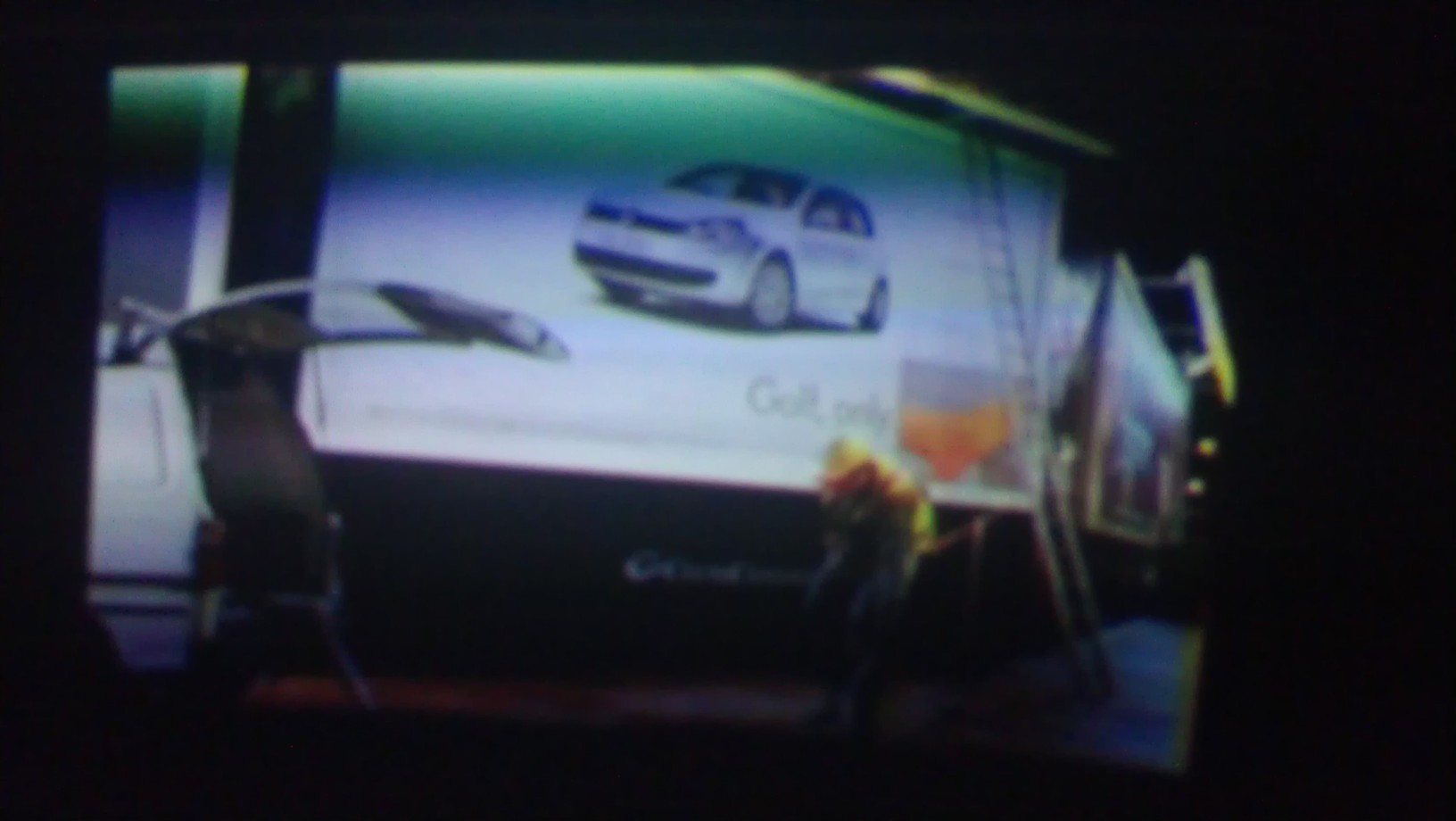
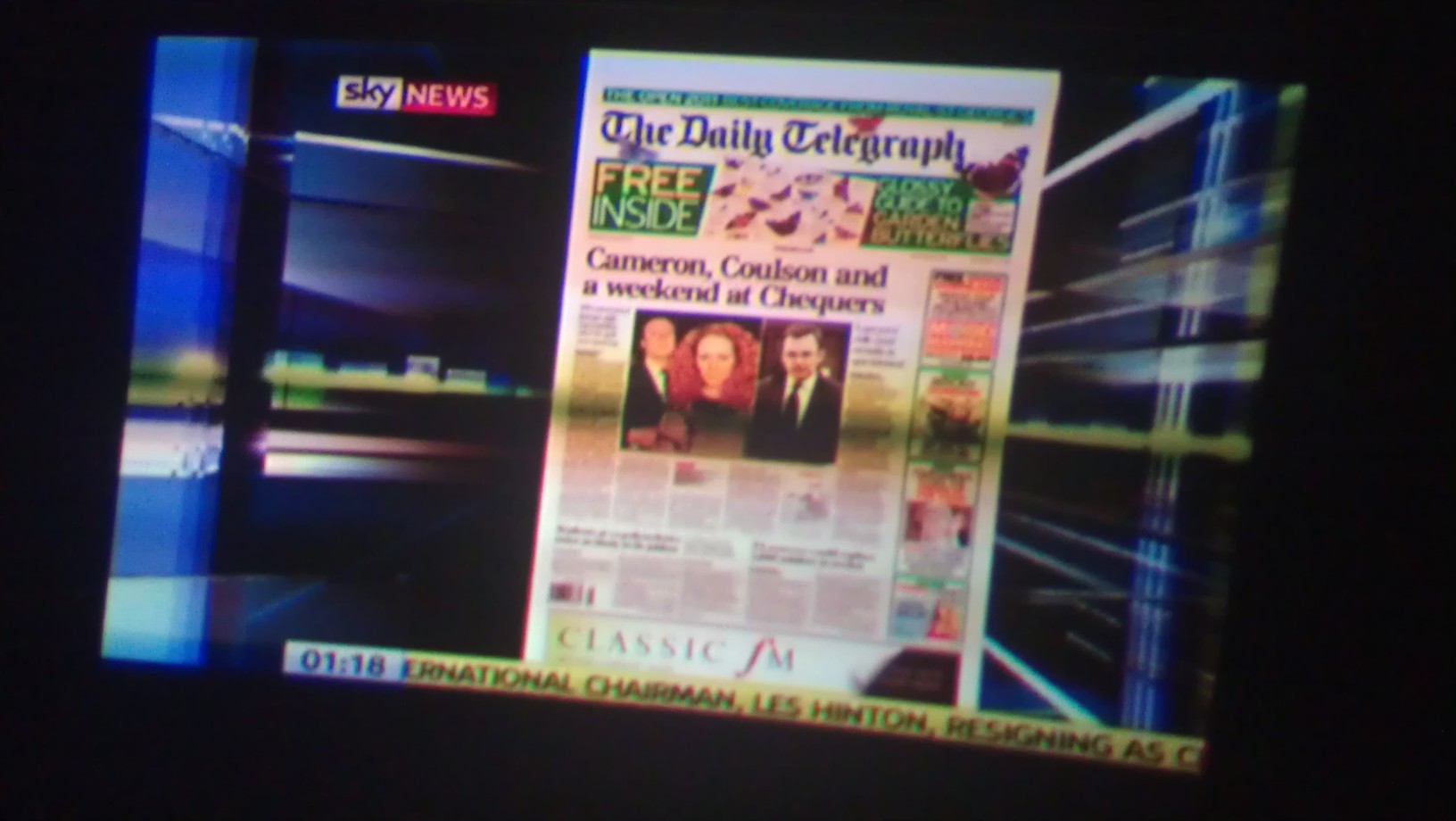
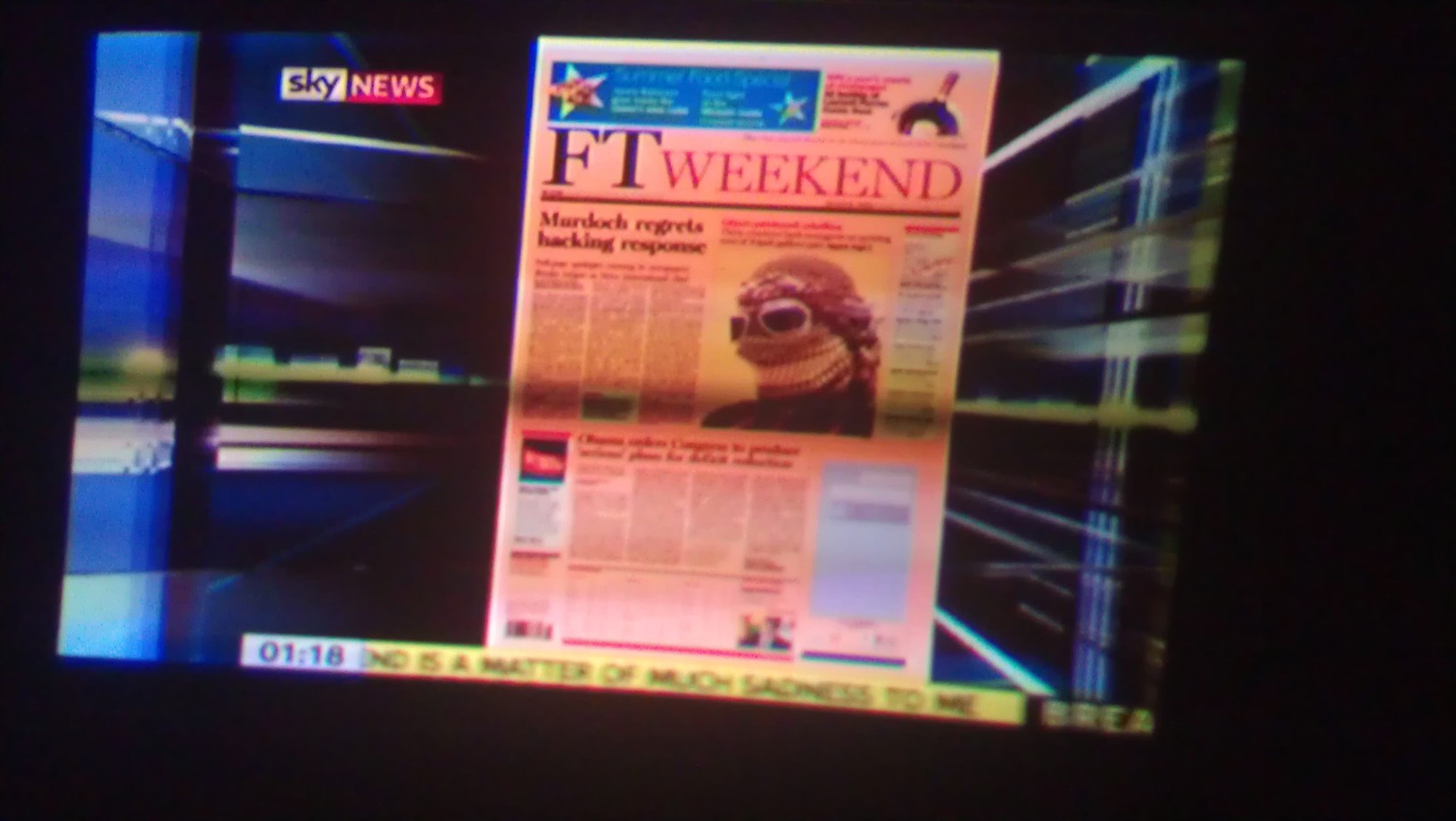
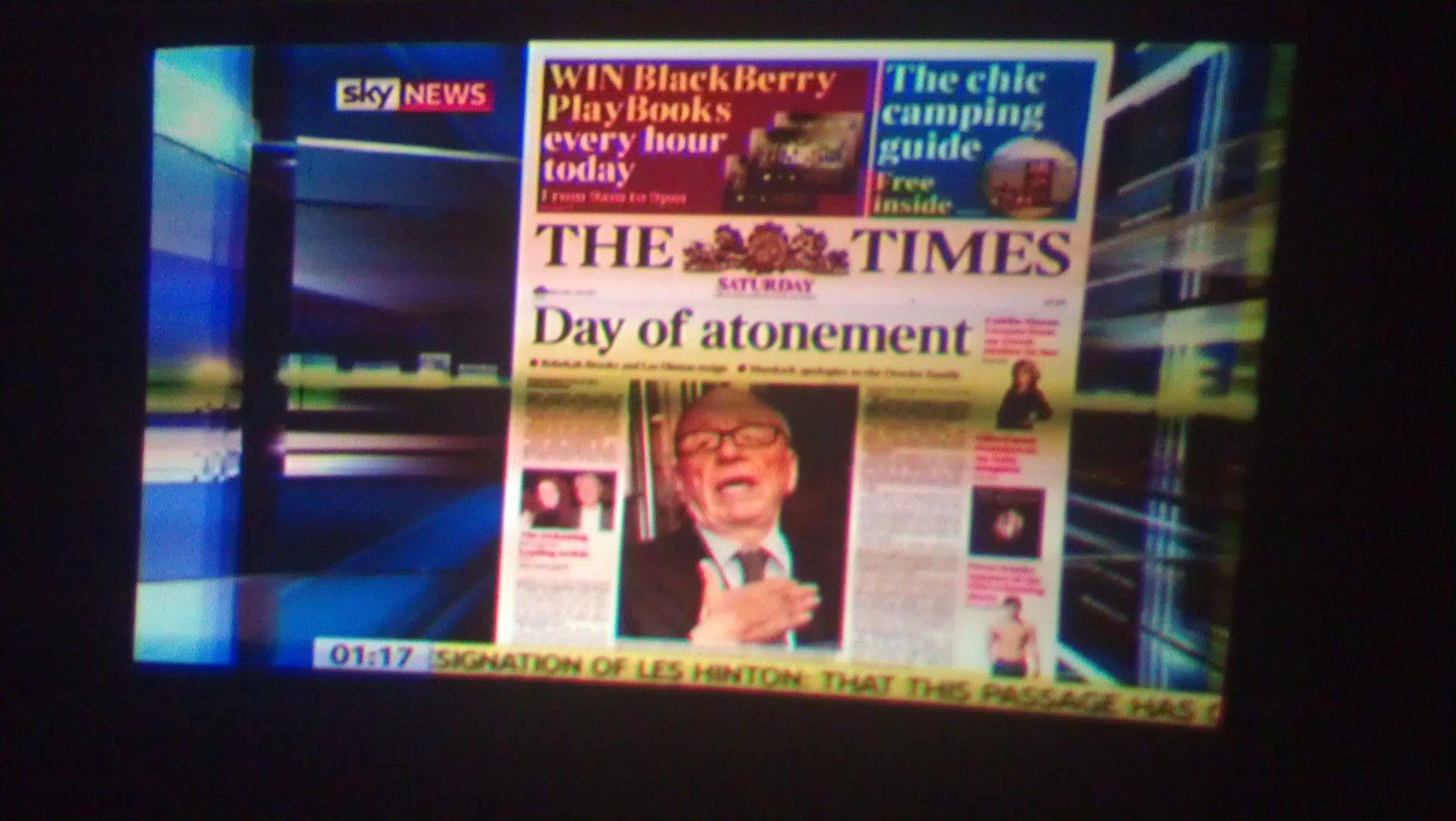
On certain video scenes the video sort of fades and streaks, could this be some issue with the video circuits ? capacitors maybe? anyone have experience with these issues ? this does not happen on any menu's or internal patterns but only on video input.
when the scene changes it clears up, especially on white scenes but you cannot really tell.
Have only tested with Scart RGB and VGA and issue is on both (vga will only do 640x480  for some reason, the manual specs 800x600 i think) I hope it will do 1080i ! for some reason, the manual specs 800x600 i think) I hope it will do 1080i !
Also I noticed another issue with the video, it is shifted to the right, (sources all 16:9) and no matter what settings i shift it will not center, looking at the tubes with the test card up it looks as though the raster is too much to the right
I have not mounted the projector in its final resting place for obvious reasons, it is currently floor mounted on a desk, but i plan to ceiling mount it once i get these issues sorted and can get someone to make a bracket for me. I get hold of this projector setup for ceiling mount and all i have done is switched the yoke connector around. The manual explains many more things such as tube washers ect, this is going to be a bit too much and since I am going for ceiling mount, I will leave all that as is. My major concern now is the video issues.
| Description: |
|
| Filesize: |
123.04 KB |
| Viewed: |
2794 Time(s) |
|
| Description: |
|
| Filesize: |
179.24 KB |
| Viewed: |
2807 Time(s) |
|
| Description: |
|
| Filesize: |
177.7 KB |
| Viewed: |
2806 Time(s) |
|
| Description: |
|
| Filesize: |
209.35 KB |
| Viewed: |
2794 Time(s) |
|
|
|
| Back to top |
|
|
Ile
Joined: 09 Mar 2006
Posts: 1491
Location: Jyväskylä, Finland
|
| Posted: Sat Jul 16, 2011 10:23 am Post subject: |
|
|
It seems like DEF CENT (PHASE control) need adjustment. This is used to move active picture to center of raster. Phase is adjusted using live picture from source. You also need to raise brightness and lower contrast so you can look through lenses to tubes face and see picture inside raster.
480p and 1080i 60Hz should work since both are inside 30-38kHz range.
800x600 60Hz is very close to upper limit and I guess it depend about sources timings if it's below 38kHz. With 50Hz it should work ok.
|
|
| Back to top |
|
|
|
|
|
|
|
You cannot post new topics in this forum
You cannot reply to topics in this forum
You cannot edit your posts in this forum
You cannot delete your posts in this forum
You cannot vote in polls in this forum
You cannot attach files in this forum
You can download files in this forum
|
Forum powered by phpBB © phpBB Group
|
|




