| Author |
Message |
fftransformation
Joined: 05 Nov 2010
Posts: 4
|
| Posted: Fri Nov 05, 2010 6:55 pm Post subject: Lines in the middle of the picture NEC XG |
|
|
Hello,
i´m solve a problem with my NEC XG110LC Projektor!
My english is very terrible, i attached some pictures of the problem.
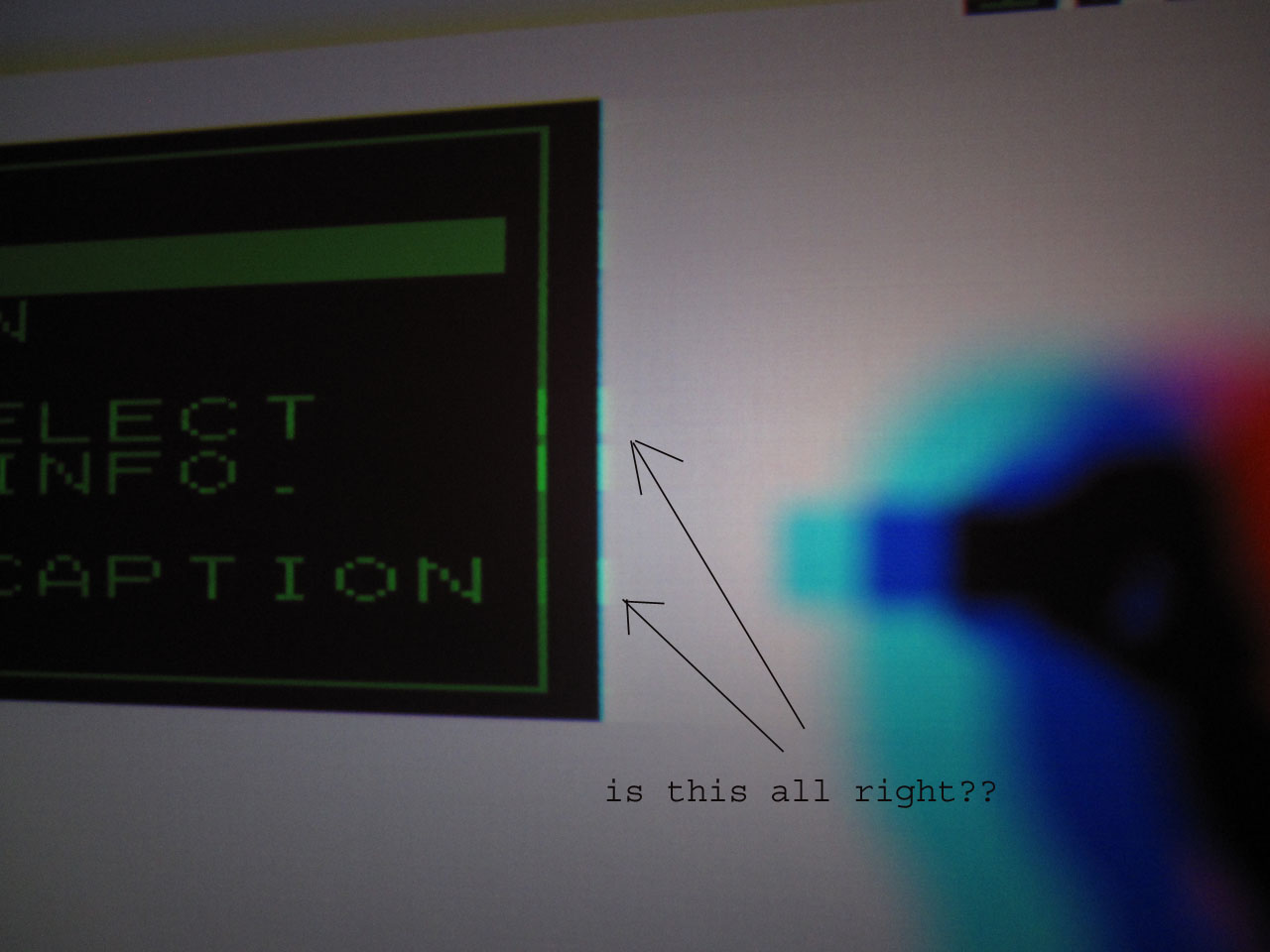
Picture IMG_1132kopie.jpg is this all right???
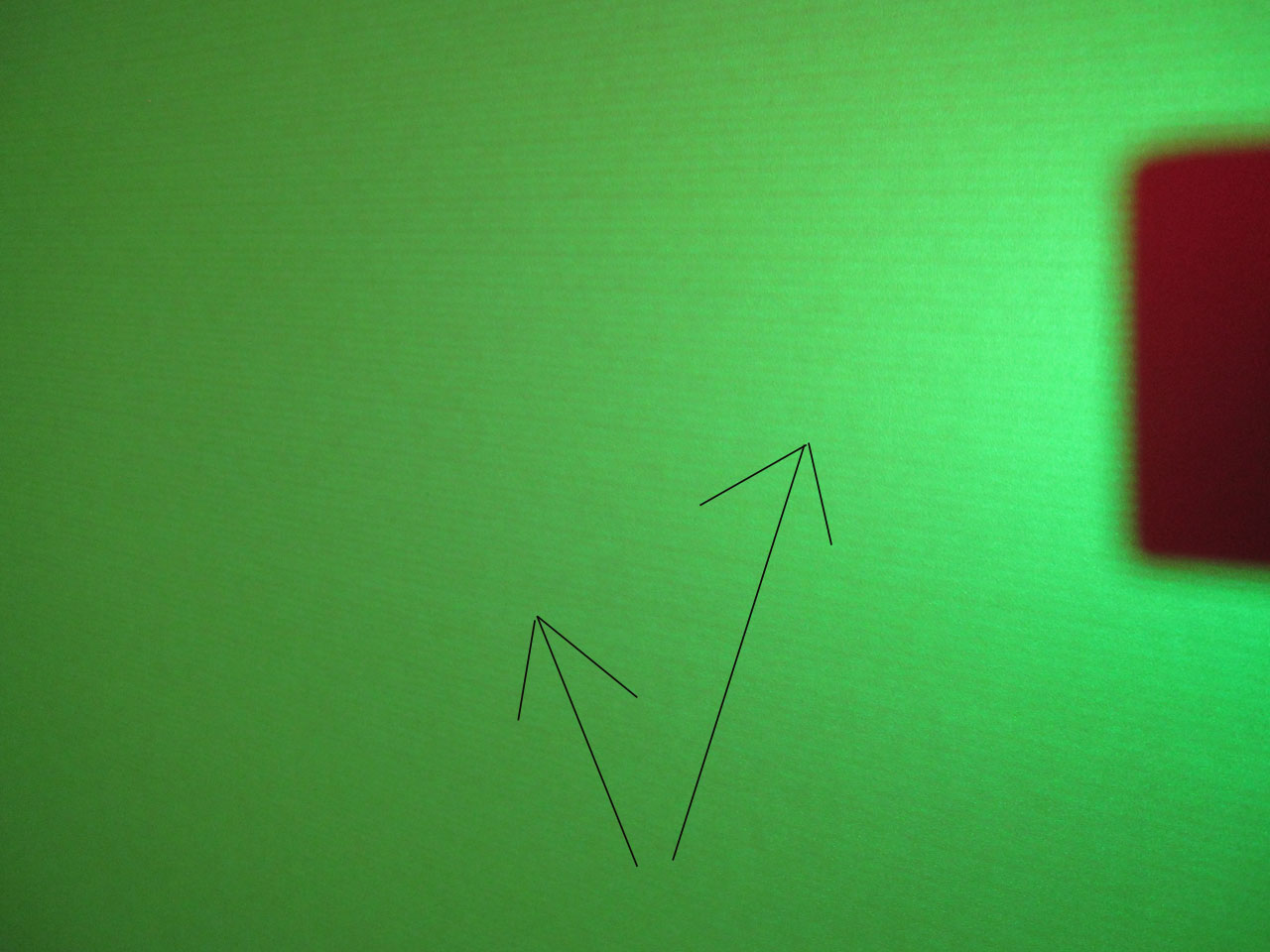
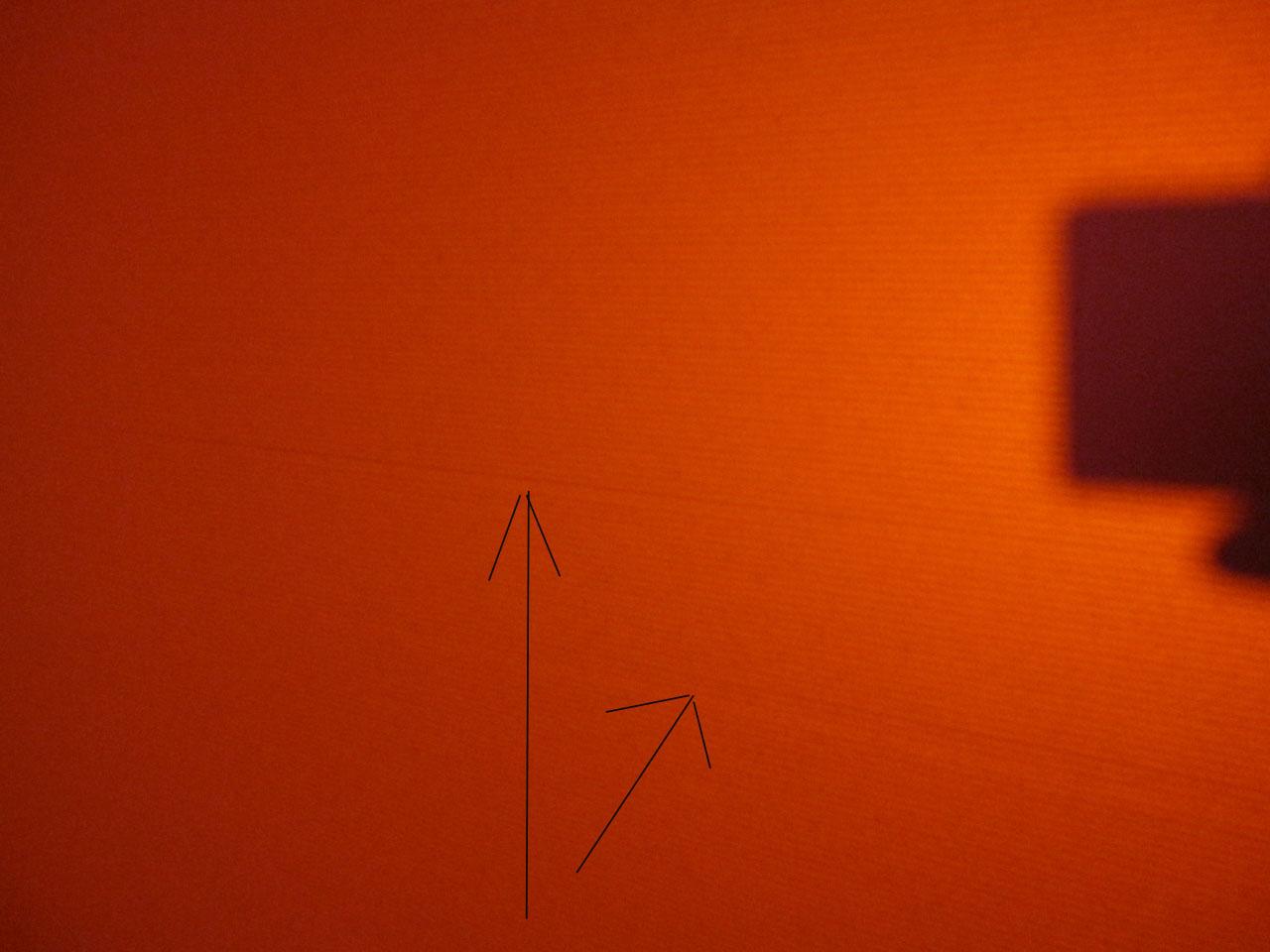
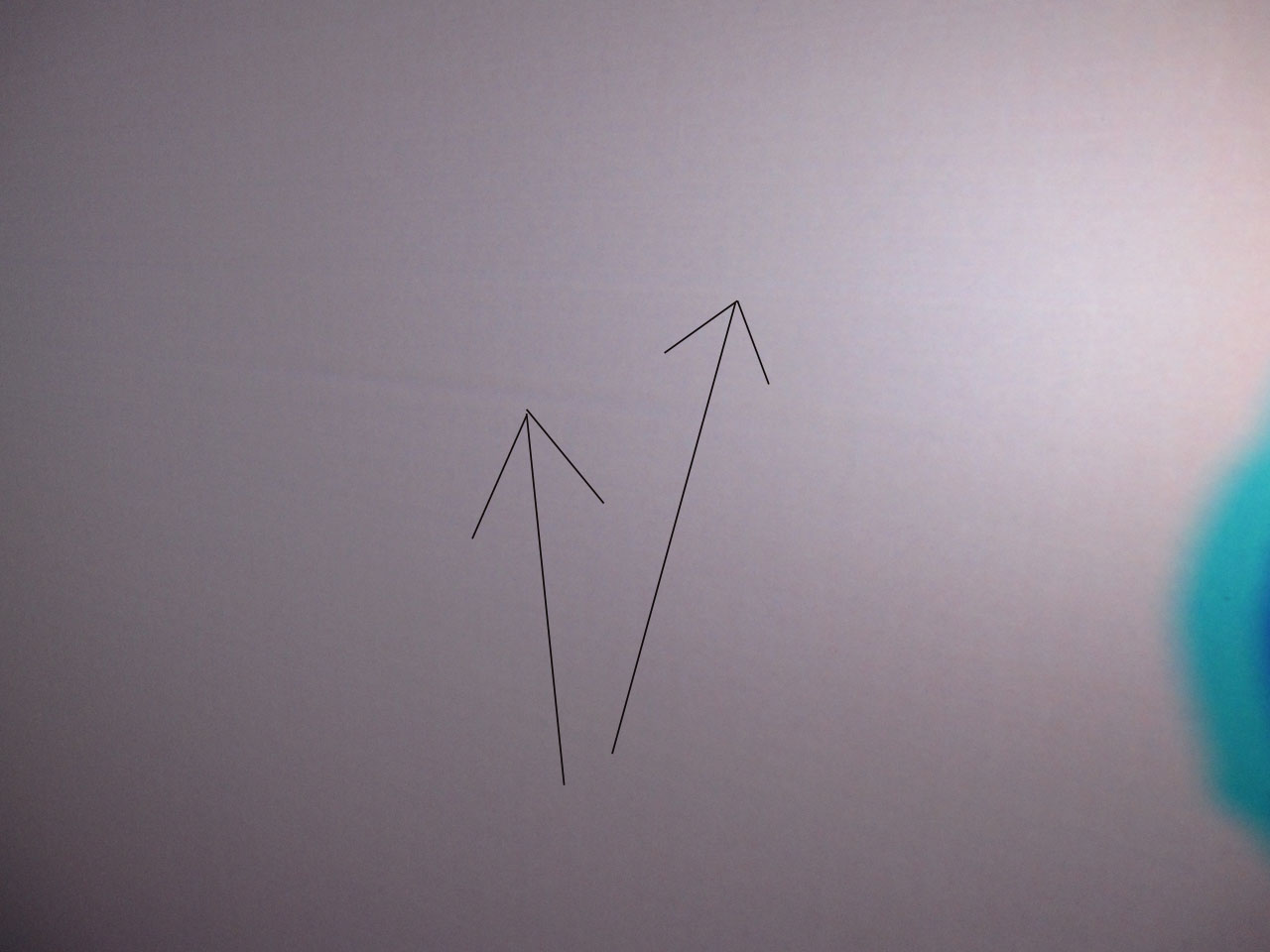
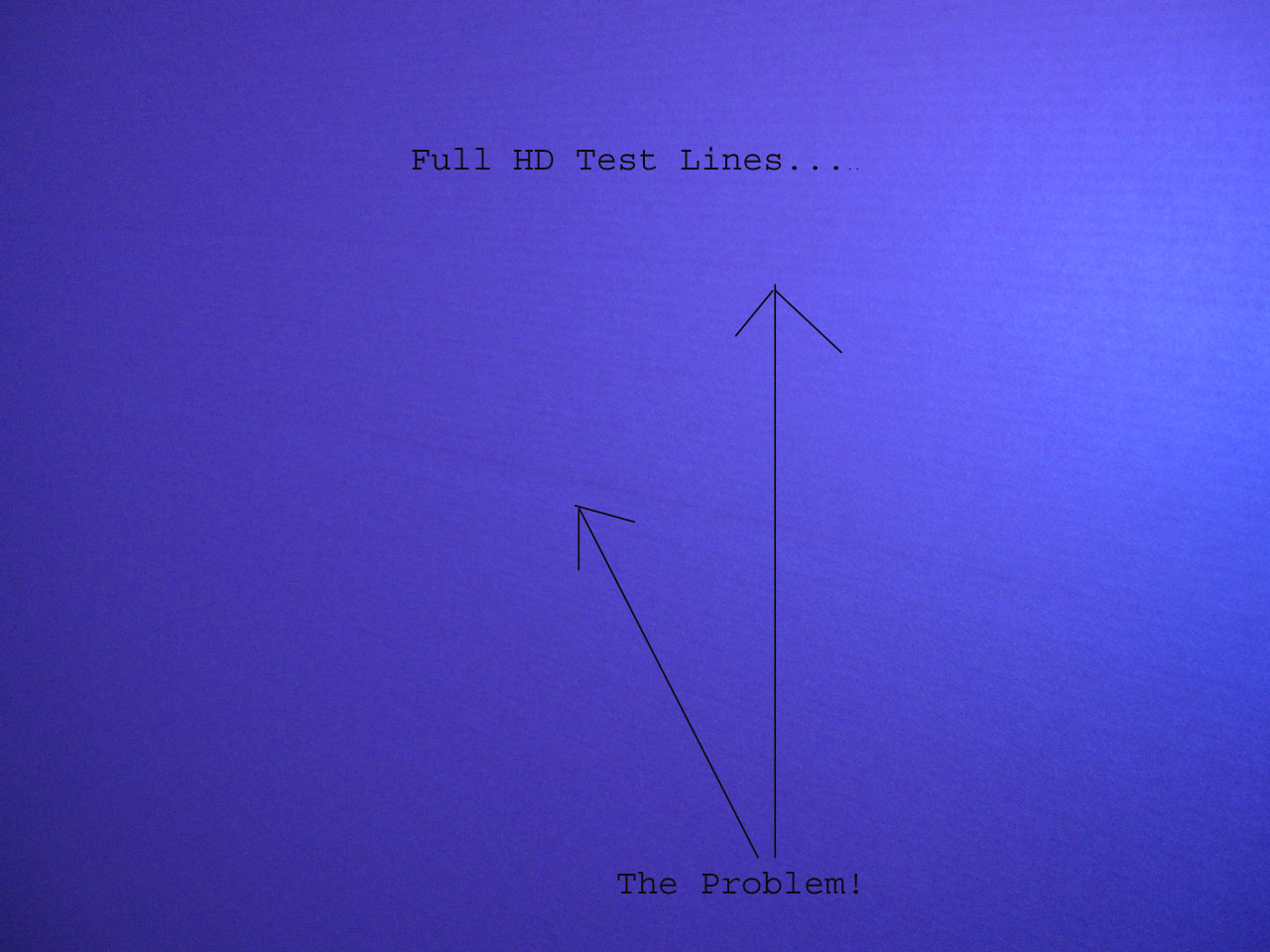
The other pictures show the main problem...
I have reset all settings in the set but the problem is the same as before.
Thanks!
Georg
| Description: |
|
| Filesize: |
154.58 KB |
| Viewed: |
1485 Time(s) |
|
| Description: |
|
| Filesize: |
118.71 KB |
| Viewed: |
1496 Time(s) |
|
| Description: |
|
| Filesize: |
131.57 KB |
| Viewed: |
1468 Time(s) |
|
| Description: |
|
| Filesize: |
110.88 KB |
| Viewed: |
1460 Time(s) |
|
| Description: |
|
| Filesize: |
157.32 KB |
| Viewed: |
1473 Time(s) |
|
|
|
| Back to top |
|
 |
MikeEby

Joined: 24 Jun 2007
Posts: 5237
Location: Osceola, Indiana
|
| Posted: Fri Nov 05, 2010 7:04 pm Post subject: |
|
|
You might running too much RGB point correction. Normalize all your RGB points and work the geometry adjustments.
What is your source to the projector and what resolution?
Mike
_________________
Doing HD since the last century!
|
|
| Back to top |
|
|
fftransformation
Joined: 05 Nov 2010
Posts: 4
|
| Posted: Fri Nov 05, 2010 8:17 pm Post subject: |
|
|
Thanks!
Hello Mike,
i´m inserting 1920x1080@48,xx Hz
I have normalize all settings of the set! Point isn´t the problem!
What du you tink about the Picture IMG_1132kopie.jpg??
Greeting
|
|
| Back to top |
|
|
benny

Joined: 10 Mar 2006
Posts: 29
Location: Inner Melbourne, Aust
|
| Posted: Sat Nov 06, 2010 2:15 am Post subject: |
|
|
Hi Georg,
When I saw the topic description I immediately thought it would be another case of a distinct line running right across the very middle of the picture, as that is a common problem with the NEC's if too much "vertical linearity balance" is used. Having seen your pictures though, I'm not convinced as it appears on all 3 tubes, however it is worth looking at that first. Check the values you have currently for any vertical linearity balance and reset to neutral and observe any changes ( if any ).
I'm thinking it looks more like a streaking issue though, especially after seeing picture 1132. Try decreasing the BRIGHTNESS control and see if that helps. You might have to decrease it a lot to see if any change occurs. If it does help then I suspect there is an issue with the base WHITE BALANCE settings and THAT is not an easy task to perform.
Does the issue arise with a lower resolution ?
Cheers,
Russ
PS. I'm sure your English is better than my attempts would be to converse in your native language so I wouldn't be too concerned. You are doing fine 
_________________
It's converged! Now if only I could remember what I did ......
|
|
| Back to top |
|
|
fftransformation
Joined: 05 Nov 2010
Posts: 4
|
| Posted: Sat Nov 06, 2010 8:27 am Post subject: |
|
|
Thanks for your post!
I have all parameter reset!!! Include vertical linearity balance. Exept the color settings.
The Problem is all over red green und blue.
I have a oscilloscope what can i do?
I think it if very difficult to catch (trigger) with the oscilloscope.
You understand?
-Streaking-
| benny wrote: | | I'm thinking it looks more like a streaking issue though, especially after seeing picture 1132. Try decreasing the BRIGHTNESS control and see if that helps. You might have to decrease it a lot to see if any change occurs. If it does help then I suspect there is an issue with the base WHITE BALANCE settings and THAT is not an easy task to perform. |
| benny wrote: | | Does the issue arise with a lower resolution ? |
I have yet to test them 
Greeting Georg
Vielen Dank für deinen Beitrag!
Ich habe alle Einstellungen zurückgestellt, außer die Farbeinstellungen.
Das Problem erstreckt sich über alle Farben rot, grün und blau.
Ich habe ein Ozilloskop, kann ich was messen?
Jedoch wird es serh schwierig sein, den Fehler zu triggern!
| benny wrote: | | I'm thinking it looks more like a streaking issue though, especially after seeing picture 1132. Try decreasing the BRIGHTNESS control and see if that helps. You might have to decrease it a lot to see if any change occurs. If it does help then I suspect there is an issue with the base WHITE BALANCE settings and THAT is not an easy task to perform. |
| benny wrote: | | Does the issue arise with a lower resolution ? |
Wegen dem streaking muss ich noch deine Vorschläge ausprobieren.
Grüsse
Georg
|
|
| Back to top |
|
|
fftransformation
Joined: 05 Nov 2010
Posts: 4
|
| Posted: Tue Nov 09, 2010 6:33 pm Post subject: |
|
|
Hello,
Both of Problems @ differently resolutions!
Ideas about? especially about the curved lines in the middle of the picture?
you see it on the first with horizontal full-hd tv-lines testpattern , it looks as 2 lines squeezing!
Georg
Deutsch:
beide Probleme bestehen mit unterschiedlichen Auflösungen
Ideen darüber? Vor allem über die verbogen Linien in der Bildmitte?
Es sieht so aus, als ob sich 2 Linien von dem Full-HD TV-Linien-testbild quetschen.
|
|
| Back to top |
|
|
|
|




