| Author |
Message |
bigedtheman
Joined: 22 Dec 2009
Posts: 14
|
| Posted: Wed Dec 23, 2009 1:03 am Post subject: hitach 57s500a blurry picture |
|
|
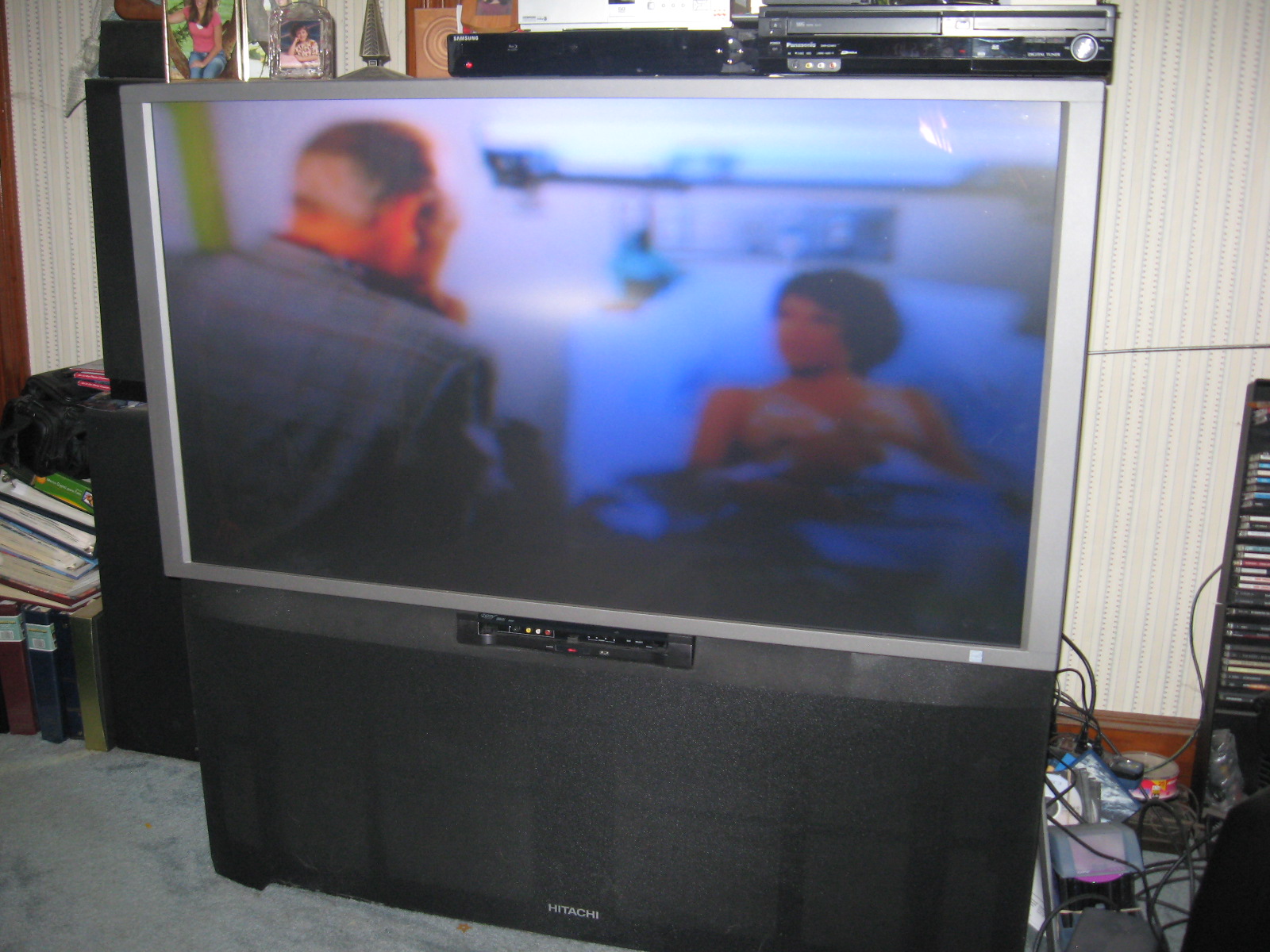
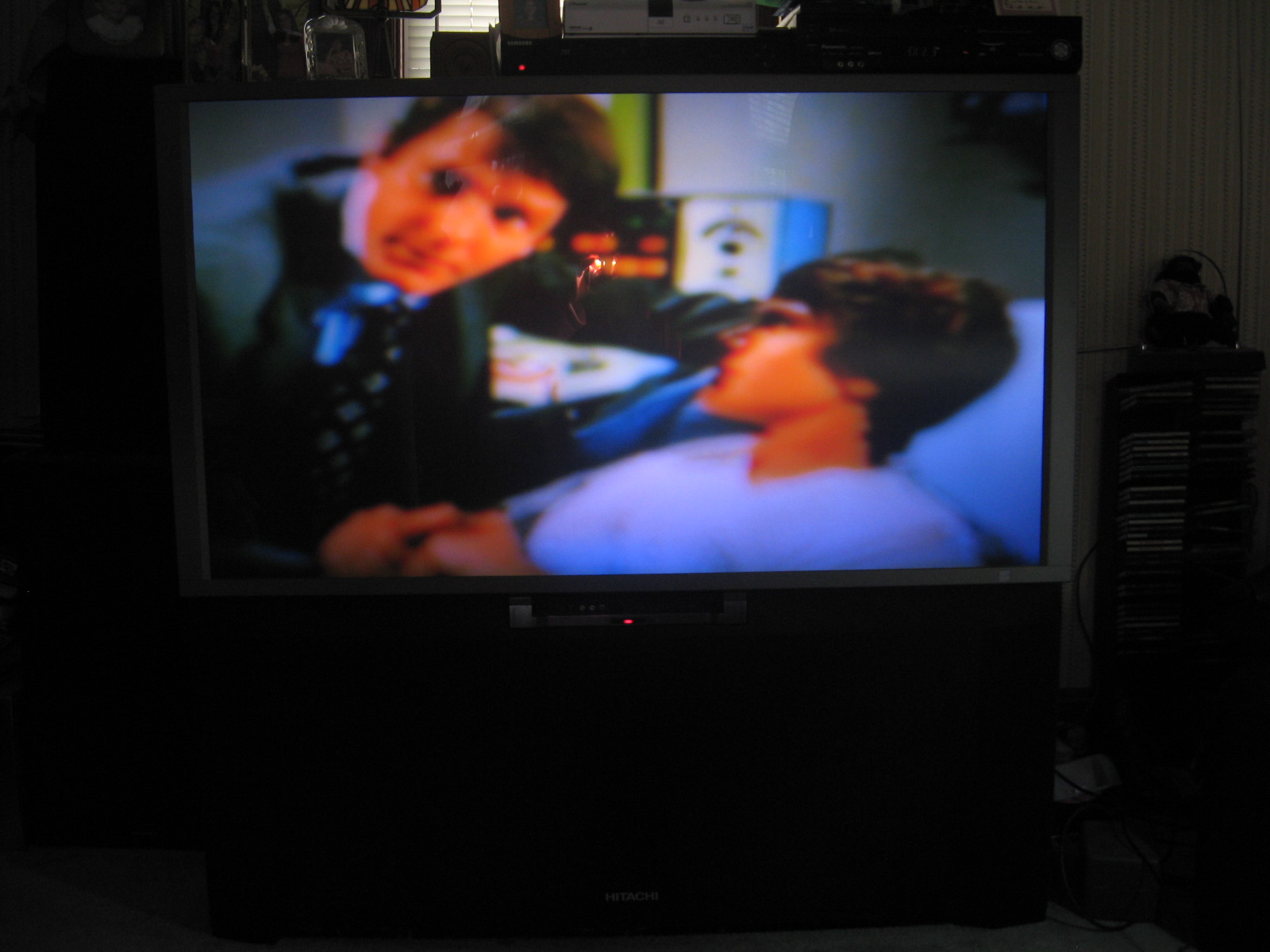
i have a hitachi 57 inch rear projection model 57f500a.bought new in 2003 work well up on till now picture normal text blurry .
need info on how to repair .also looking for service /repair manual/ or any help ?
|
|
| Back to top |
|
 |
AnalogRocks
Forum Moderator

Joined: 08 Mar 2006
Posts: 26706
Location: Toronto, Ontario, Canada
TV/Projector: Sony 1252Q, AMPRO 4000G
|
| Posted: Wed Dec 23, 2009 1:04 am Post subject: |
|
|
Stand by... Mac will be all over this like sauce on spaghetti.
And welcome to the forum.
_________________
Tech support for nothing
CRT.
HD done right!
|
|
| Back to top |
|
|
bigedtheman
Joined: 22 Dec 2009
Posts: 14
|
| Posted: Wed Dec 23, 2009 1:33 am Post subject: thanks |
|
|
thanks for the welcome i feel at home now 
|
|
| Back to top |
|
|
macgyver655
Joined: 22 Aug 2007
Posts: 8508
|
| Posted: Wed Dec 23, 2009 1:56 am Post subject: |
|
|
|
I'm glad you posted on here. I really don't like being PM'ed just for a service manual, especially by someone who is not a usual poster on here. Give me a little time and I'll see what I have. I'm right in the middle of something here. I got one of them there digital projectors spread out all over my table and dont want to loose my train of thought.
|
|
| Back to top |
|
|
macgyver655
Joined: 22 Aug 2007
Posts: 8508
|
| Posted: Wed Dec 23, 2009 4:05 am Post subject: |
|
|
Ok. Digital is together and running, so where was I? Oh yea. Can you post a picture of your problem please.... 
I need to see what this one looks like.
|
|
| Back to top |
|
|
bigedtheman
Joined: 22 Dec 2009
Posts: 14
|
| Posted: Wed Dec 23, 2009 5:09 am Post subject: hitachi 57f500a pictures |
|
|
pictures
| Description: |
|
| Filesize: |
463.97 KB |
| Viewed: |
23 Time(s) |
|
|
|
| Back to top |
|
|
bigedtheman
Joined: 22 Dec 2009
Posts: 14
|
| Posted: Wed Dec 23, 2009 5:14 am Post subject: hitachi 57f500a |
|
|
picture 2
| Description: |
|
| Filesize: |
303.28 KB |
| Viewed: |
23 Time(s) |
|
|
|
| Back to top |
|
|
macgyver655
Joined: 22 Aug 2007
Posts: 8508
|
| Posted: Wed Dec 23, 2009 5:42 am Post subject: |
|
|
|
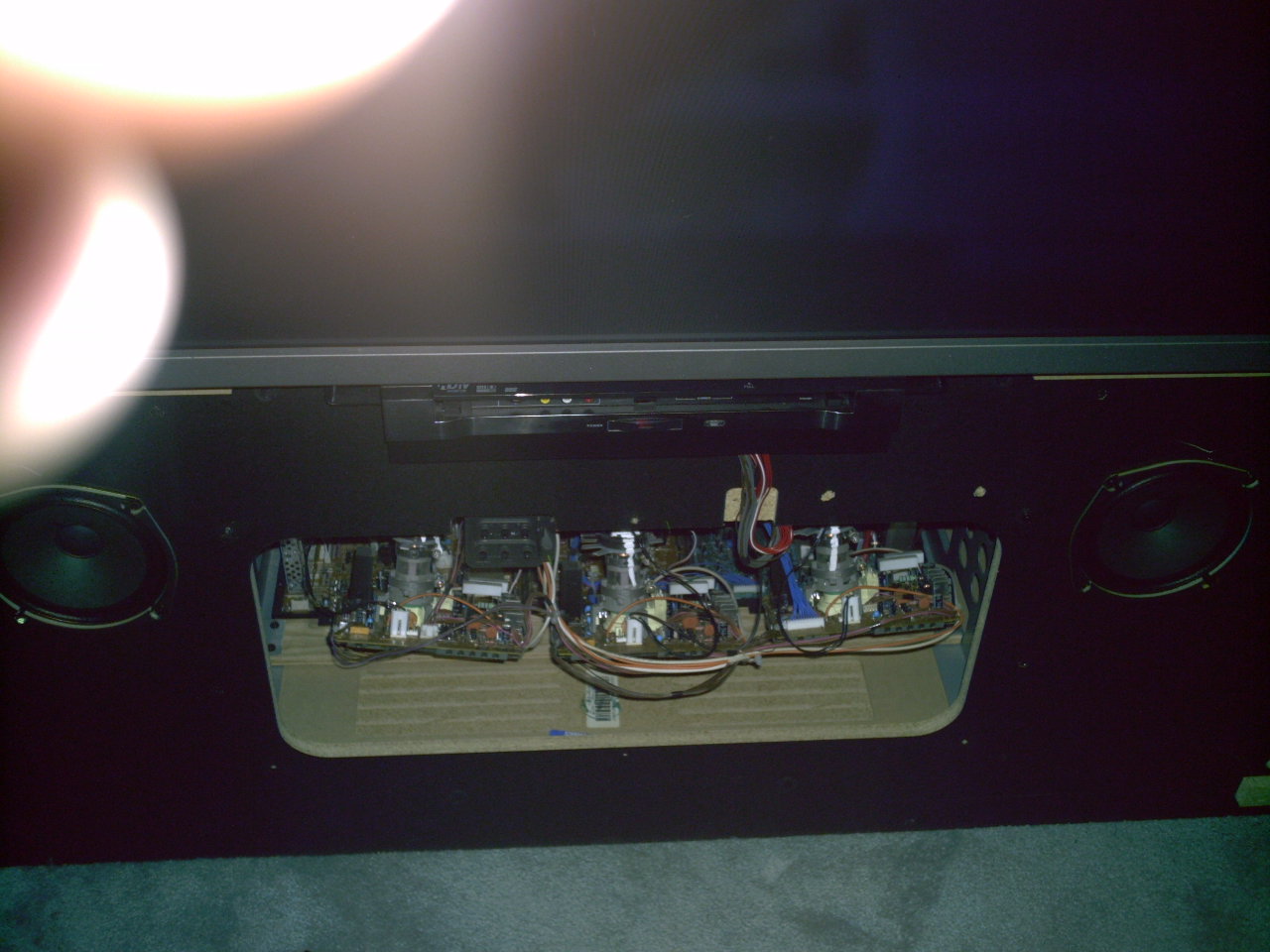
Yep, looks like focus problem. Without getting real deep in this just yet, try adjusting the electronic focus adjustments. Pull the front grill off. There is probably a door there that is screwed on. Remove that and at the top center you will see the screen and focus block. Bottom row of adjustments are the RGB focus, in that order. Go into the magic focus and set it to manual, then separate the red and blue grids from the green. Now go to the focus adjustment block and see if you can focus all 3 color grids. If there is not enough adjustment to bring in the focus then post back with the results. I'll check back in the morning.
|
|
| Back to top |
|
|
bigedtheman
Joined: 22 Dec 2009
Posts: 14
|
| Posted: Wed Dec 23, 2009 7:39 pm Post subject: Hitichi 57F500A |
|
|
Hi Mac,
I need help. I'm into the manual focus and see a white grid. I can move the cursor around while it is white, but when it is red or blue I can't move it around the grid. How do I separate the red and blue grids from the green. I don't see the grids changing color. If I press the select button, the cursor changes from white to red, then blue and back to white. I don't see any color change in the grid and not even a green cursor.
I see the six controls, is it the bottom row that I'm working with?
thanks for you help. I'm attaching a picture. 
ED
| Description: |
|
| Filesize: |
166.02 KB |
| Viewed: |
23 Time(s) |
|
|
|
| Back to top |
|
|
bigedtheman
Joined: 22 Dec 2009
Posts: 14
|
| Posted: Wed Dec 23, 2009 9:07 pm Post subject: hitachi 57f500a |
|
|
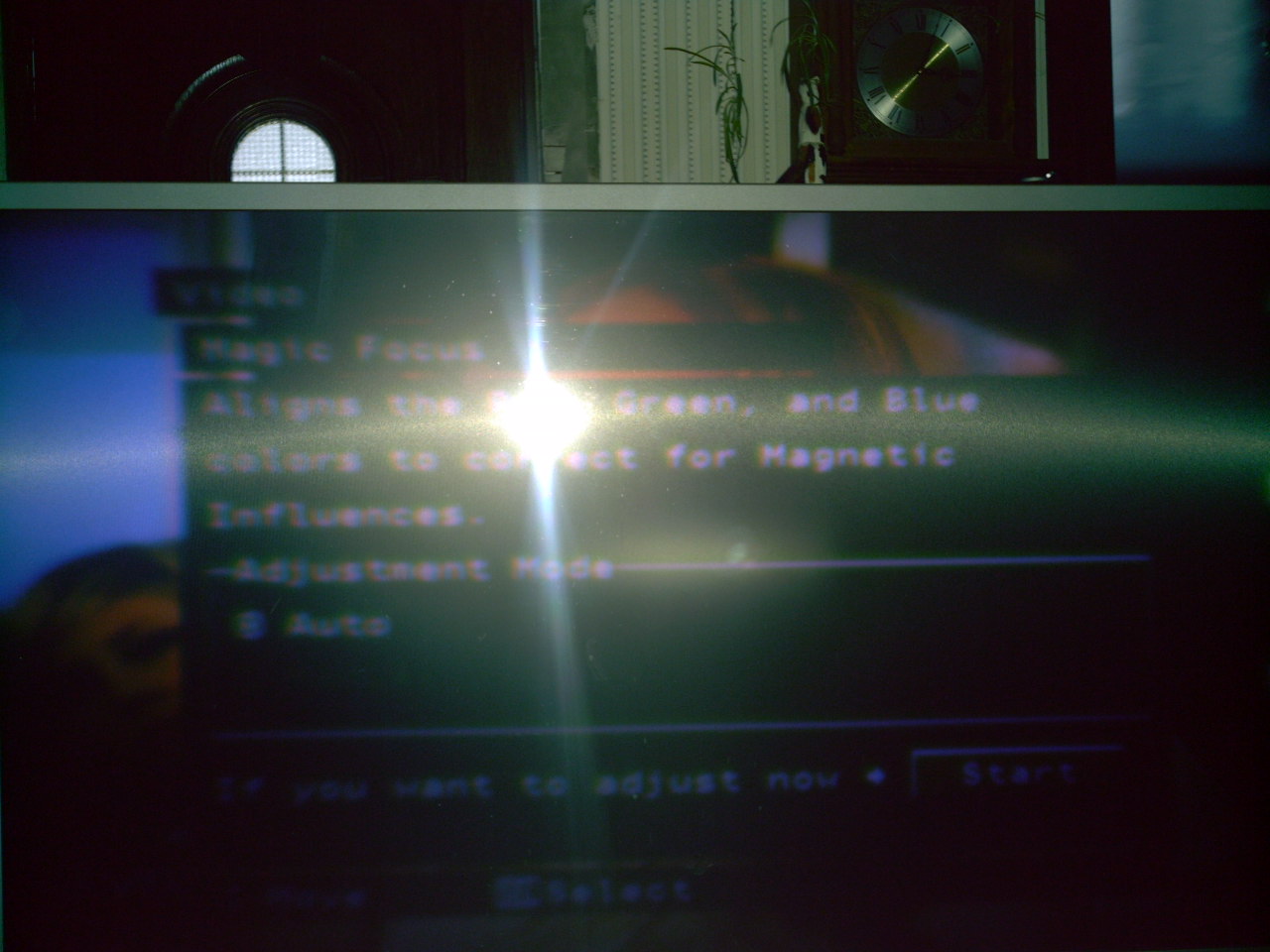
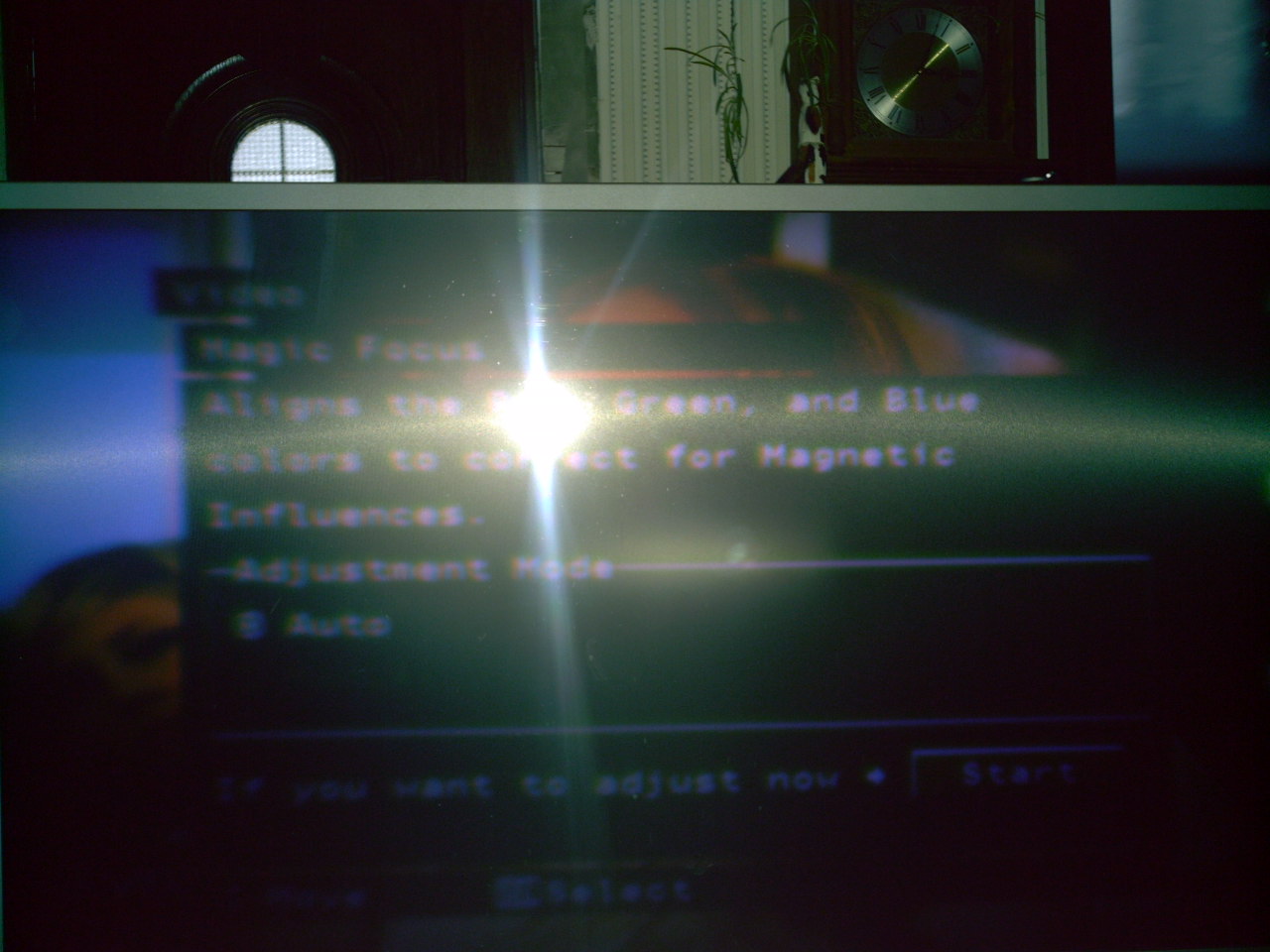
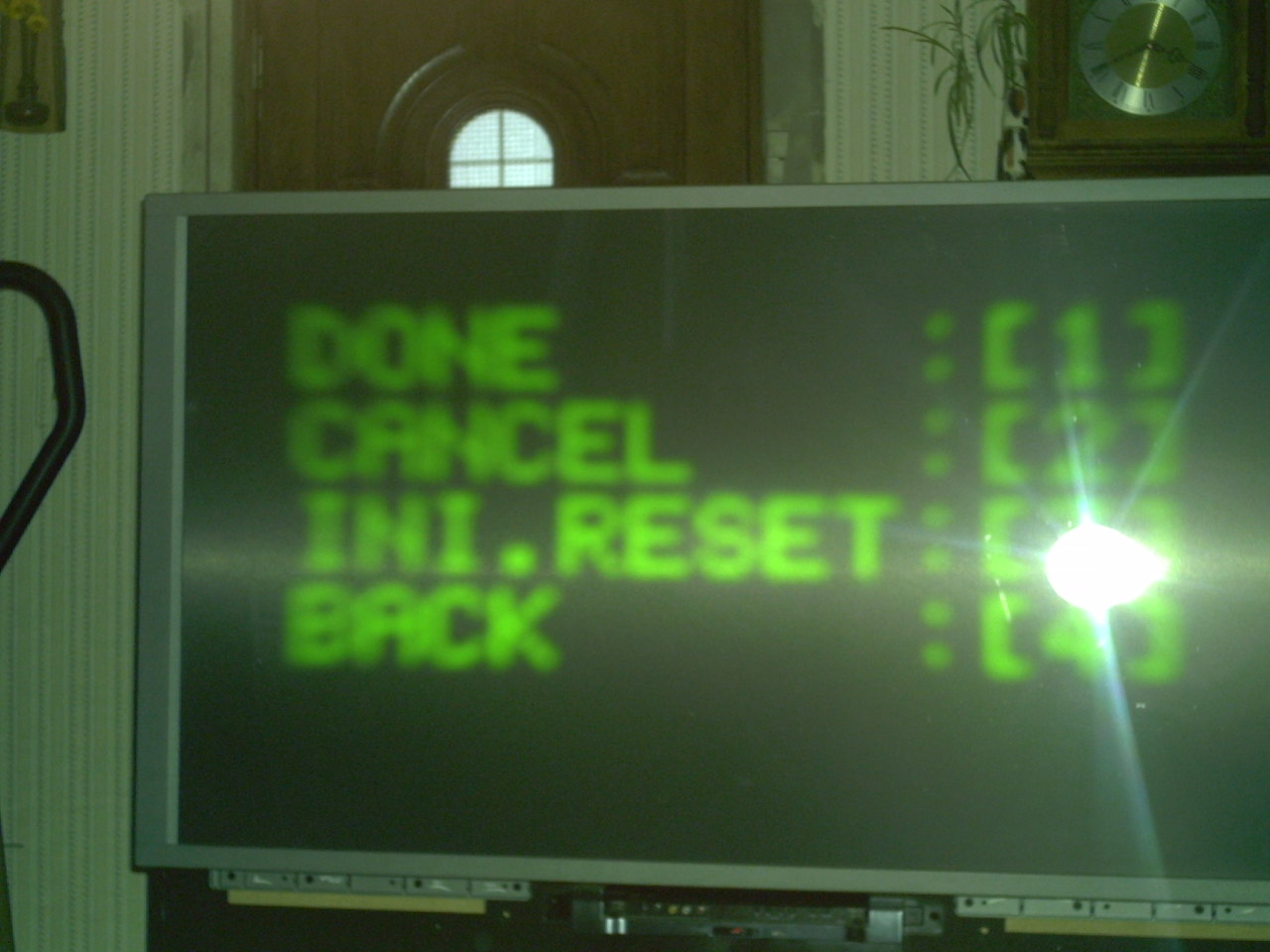
thanks mac ..... 95 percent better .adjusted red blue did not see a sperate green grid .pic attached.is there a way to go back to factory settings. changed these manual when the blurry problem started want to go back to factory setting???
| Description: |
|
| Filesize: |
161.67 KB |
| Viewed: |
22 Time(s) |
|
| Description: |
|
| Filesize: |
161.67 KB |
| Viewed: |
20 Time(s) |
|
|
|
| Back to top |
|
|
bigedtheman
Joined: 22 Dec 2009
Posts: 14
|
| Posted: Wed Dec 23, 2009 9:10 pm Post subject: hitachi 57f500 |
|
|
this screen is the only one thats not sharp
| Description: |
|
| Filesize: |
160.41 KB |
| Viewed: |
21 Time(s) |
|
|
|
| Back to top |
|
|
bigedtheman
Joined: 22 Dec 2009
Posts: 14
|
| Posted: Wed Dec 23, 2009 9:21 pm Post subject: hitachi 57s500a |
|
|
thanks mac your the best tv watch able now thanks again. i have one other ?what the purpose of the top row of control there mark screen r g b do they need to be adjusted???
thanks for your time and help
ed
|
|
| Back to top |
|
|
macgyver655
Joined: 22 Aug 2007
Posts: 8508
|
| Posted: Wed Dec 23, 2009 9:56 pm Post subject: |
|
|
The screen controls are for setting the black level. You probably just want to leave them alone unless you know what your doing.
To separate the colors in the grid you put the white block in the center, then change it to red or blue. Once it is a color you use the 2,4,5,6 buttons to move the parts of the grid. This is how you converge to 3 colors on top of each other correctly.
As for that green focus, is the adjustment turned all the way in one direction to get it there? Or is that the best it gets without getting to the end of the adjustment?
|
|
| Back to top |
|
|
bigedtheman
Joined: 22 Dec 2009
Posts: 14
|
| Posted: Wed Dec 23, 2009 10:13 pm Post subject: hitachi 57f500a |
|
|
|
thanks mac will leave top alone.how can i reset color back to factory settings?
|
|
| Back to top |
|
|
macgyver655
Joined: 22 Aug 2007
Posts: 8508
|
| Posted: Wed Dec 23, 2009 10:20 pm Post subject: Re: hitachi 57f500a |
|
|
| bigedtheman wrote: | | thanks mac will leave top alone.how can i reset color back to factory settings? |
I'm not quite sure I understand what color setting you mean.
Did you try running the magic focus with it set on auto?
|
|
| Back to top |
|
|
bigedtheman
Joined: 22 Dec 2009
Posts: 14
|
| Posted: Wed Dec 23, 2009 11:12 pm Post subject: hitachi 57f500a |
|
|
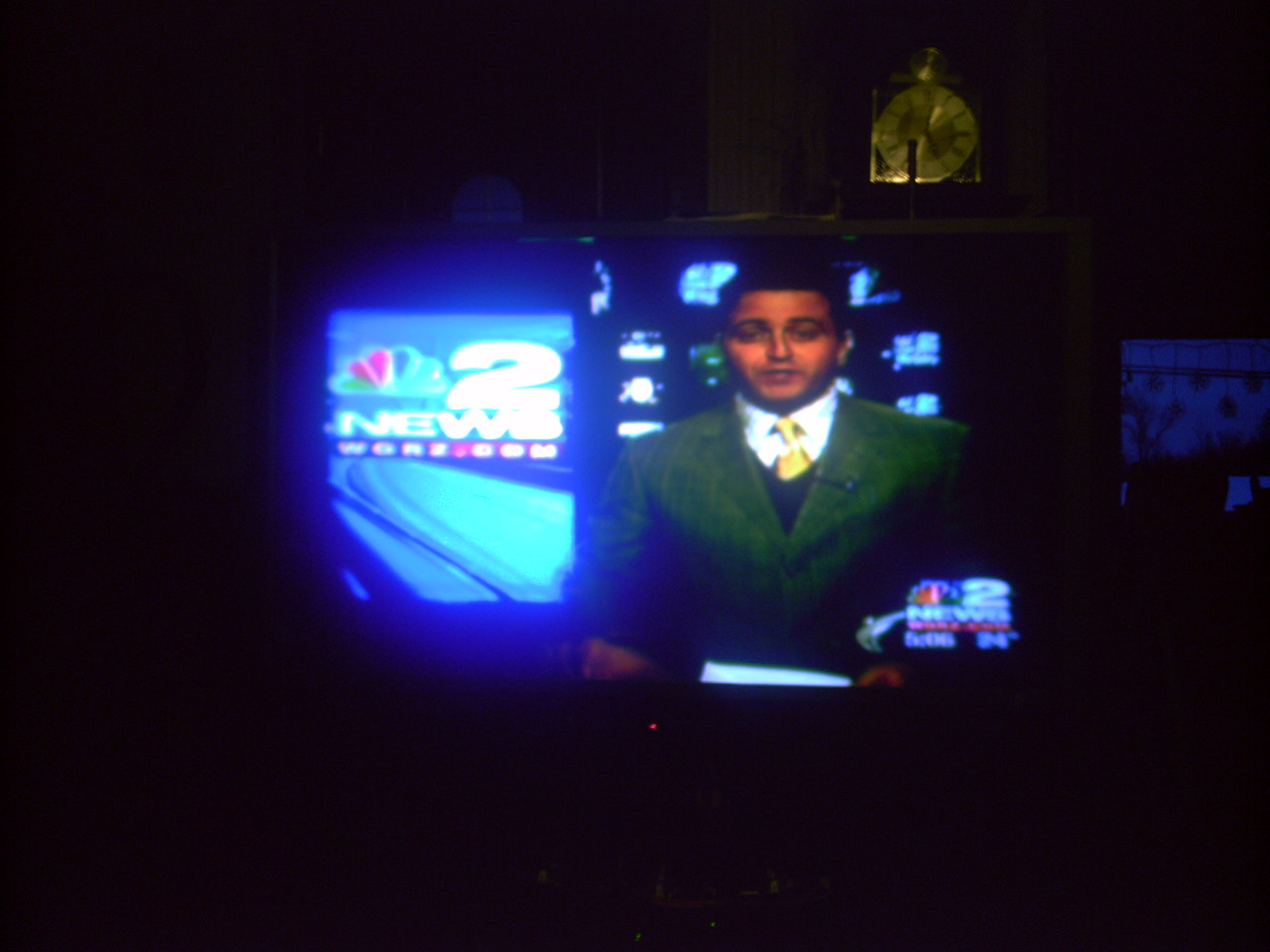
magic focus work fine when tv 1st started get blurry i adjust contrast color etc with remote .want to put back to before i change them . is the auto color what does that ??? tv looks good ad just green control some more.
thanks mac thank you
ed
| Description: |
|
| Filesize: |
159.1 KB |
| Viewed: |
26 Time(s) |
|
|
|
| Back to top |
|
|
macgyver655
Joined: 22 Aug 2007
Posts: 8508
|
| Posted: Thu Dec 24, 2009 12:03 am Post subject: |
|
|
I dont think there is a default setting in the menu. Frankly I would not want to default contrast and color anyway. Just adjust it as to how you like it.
Are you saying your satisfied with the outcome and want to leave it at that?
|
|
| Back to top |
|
|
bigedtheman
Joined: 22 Dec 2009
Posts: 14
|
| Posted: Thu Dec 24, 2009 12:40 am Post subject: hitachi 57f500a |
|
|
|
what else can be done??
|
|
| Back to top |
|
|
AnalogRocks
Forum Moderator
Joined: 08 Mar 2006
Posts: 26706
Location: Toronto, Ontario, Canada
TV/Projector: Sony 1252Q, AMPRO 4000G
|
| Posted: Thu Dec 24, 2009 12:46 am Post subject: |
|
|
By the look of it you could use a lens cleaning?? Can you see the halo around everything or is that just the way your camera took the pictures?
_________________
Tech support for nothing
CRT.
HD done right!
|
|
| Back to top |
|
|
macgyver655
Joined: 22 Aug 2007
Posts: 8508
|
| Posted: Thu Dec 24, 2009 12:46 am Post subject: |
|
|
|
Well I'm still not thrilled with your image. But I would have to see an image of the grid pattern with the colors separated to make any further suggestions.
|
|
| Back to top |
|
|
|
|





