| Author |
Message |
buxexanic2
Joined: 09 May 2009
Posts: 3
|
| Posted: Sat May 09, 2009 3:44 pm Post subject: id just like to say this... |
|
|
1st I only got 1 warning
2nd I was told selling broken projectors was ok and I clearly stated a couple posts later that I don't think its working
3rd NOWHERE does it say you cant sell working projectors I had no idea I was breaking the rules
4th when I found out that I was breaking the rules I acted as quickly as possible to fix and apologize for that post
|
|
| Back to top |
|
 |
macgyver655
Joined: 22 Aug 2007
Posts: 8508
|
| Posted: Sat May 09, 2009 3:59 pm Post subject: |
|
|
Was that 1 warning and then you posted again or was it the warning in that last post.
Also you didn't indicate about it maybe not working until your 2nd post and that was a maybe. So maybe it is working.
Also read the 2nd sentence here under Buy and Sell in bold black letters:
http://curtpalme.com/forum/viewforum.php?f=6
|
|
| Back to top |
|
|
ecrabb
Forum Moderator

Joined: 13 Mar 2006
Posts: 15909
Location: Utah
TV/Projector: JVC RS40, Epson 5010
|
| Posted: Sat May 09, 2009 4:03 pm Post subject: |
|
|
Sorry, but it's pretty obvious. Plus, if you'd have taken about 30 seconds and actually browsed the for sale forum before posting, you'd have found exactly zero projectors for sale... which might have also been a clue.
SC
| Description: |
|
| Filesize: |
66.52 KB |
| Viewed: |
4223 Time(s) |

|
|
|
| Back to top |
|
|
macgyver655
Joined: 22 Aug 2007
Posts: 8508
|
| Posted: Sat May 09, 2009 4:05 pm Post subject: |
|
|
| ecrabb wrote: | Sorry, but it's pretty obvious. Plus, if you'd have taken about 30 seconds and actually browsed the for sale forum before posting, you'd have found exactly zero projectors for sale... which might have also been a clue.
SC |
Hey SC. What software did you use to snap that pic? I could use something like that...
|
|
| Back to top |
|
|
ecrabb
Forum Moderator
Joined: 13 Mar 2006
Posts: 15909
Location: Utah
TV/Projector: JVC RS40, Epson 5010
|
| Posted: Sat May 09, 2009 4:15 pm Post subject: |
|
|
I use a capture tool built into Mac OS X. I press Command-4, draw a box on the screen, and it saves the image on the desktop.
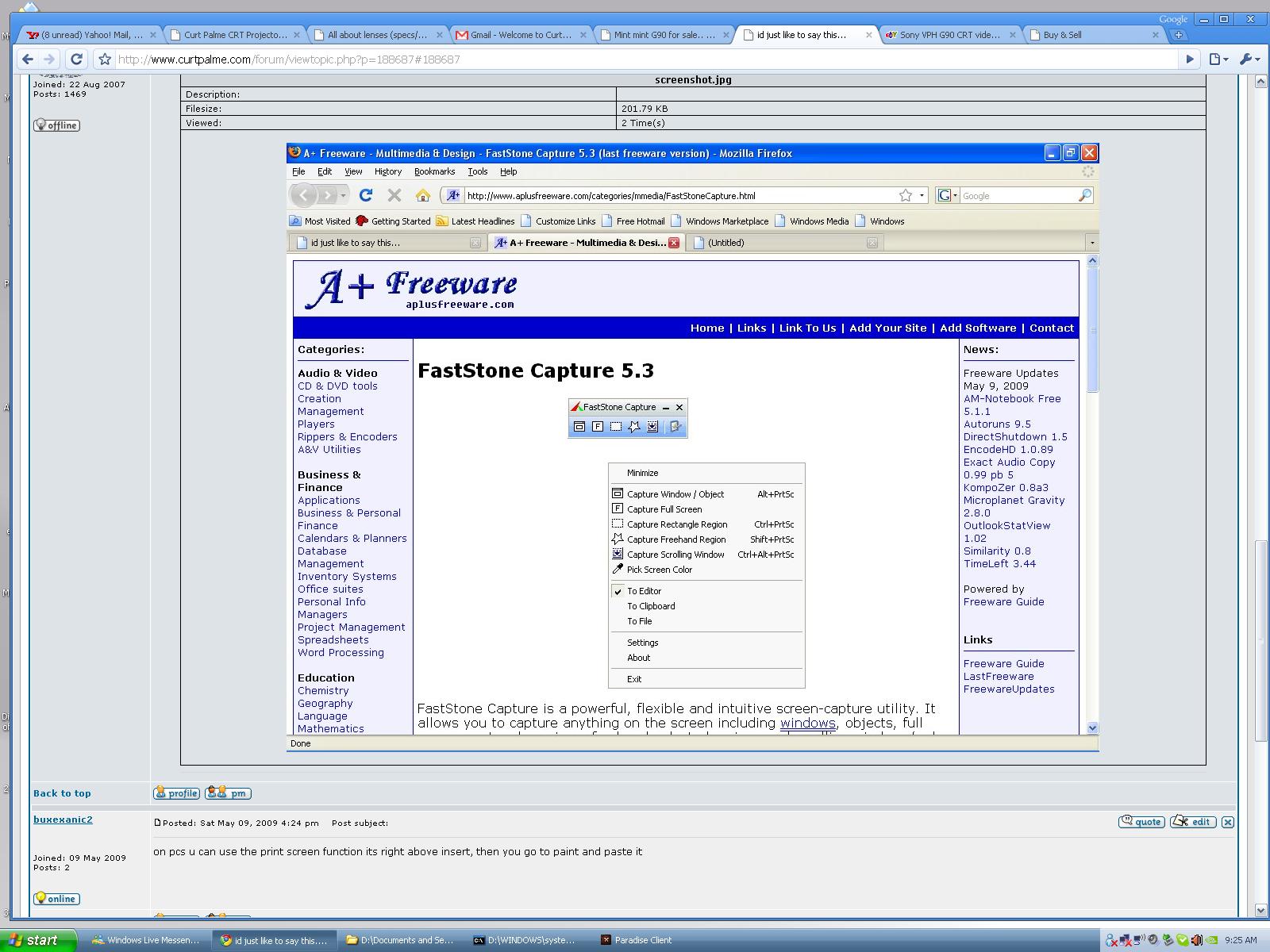
There are comparable utilities for Windows, though... Commercially, we use SnagIt and FullShot at the office, but for personal use, check out the free version of FastStone Capture... It's a nice piece of software.
http://www.aplusfreeware.com/categories/mmedia/FastStoneCapture.html
SC
|
|
| Back to top |
|
|
macgyver655
Joined: 22 Aug 2007
Posts: 8508
|
| Posted: Sat May 09, 2009 4:24 pm Post subject: |
|
|
|
Very nice. I like. Thanks
|
|
| Back to top |
|
|
buxexanic2
Joined: 09 May 2009
Posts: 3
|
| Posted: Sat May 09, 2009 4:24 pm Post subject: |
|
|
|
on pcs u can use the print screen function its right above insert, then you go to paint and paste it
|
|
| Back to top |
|
|
kschmit2
Joined: 09 Mar 2006
Posts: 1141
Location: Heidelberg, Germany
|
| Posted: Sat May 09, 2009 4:27 pm Post subject: |
|
|
Vista has the Snipping Tool under accessories
Last edited by kschmit2 on Sat May 09, 2009 4:27 pm; edited 1 time in total
|
|
| Back to top |
|
|
buxexanic2
Joined: 09 May 2009
Posts: 3
|
| Posted: Sat May 09, 2009 4:27 pm Post subject: |
|
|
see
| Description: |
|
| Filesize: |
271.32 KB |
| Viewed: |
3191 Time(s) |
|
|
|
| Back to top |
|
|
macgyver655
Joined: 22 Aug 2007
Posts: 8508
|
| Posted: Sat May 09, 2009 4:34 pm Post subject: |
|
|
| buxexanic2 wrote: | | on pcs u can use the print screen function its right above insert, then you go to paint and paste it |
I did it and it worked but i had a problem. I have dual monitor setup and it pasted both screens side by side and I couldn't crop out the other side. Good to know though.
|
|
| Back to top |
|
|
loribates

Joined: 02 Dec 2007
Posts: 185
Location: KS
|
| Posted: Sat May 09, 2009 5:33 pm Post subject: |
|
|
You don't need a utility in most windows os. Just ctl + prt scrn. (Maybe alt + prt scn, its automatic for my hands so I don't look and I'm posting this from a blackberry at the momen so I can't confirm ). Then paste into any application that will allow.
_________________
Lori Bates
|
|
| Back to top |
|
|
Xeus

Joined: 07 Mar 2006
Posts: 111
Location: N.E. Wisconsin
|
| Posted: Sat May 09, 2009 5:51 pm Post subject: |
|
|
| macgyver655 wrote: | | buxexanic2 wrote: | | on pcs u can use the print screen function its right above insert, then you go to paint and paste it |
I did it and it worked but i had a problem. I have dual monitor setup and it pasted both screens side by side and I couldn't crop out the other side. Good to know though. |
On a dual monitor setup "Print Screen" will copy both monitors, "ALT+Print Screen" will copy the active window.
Xeus
|
|
| Back to top |
|
|
macgyver655
Joined: 22 Aug 2007
Posts: 8508
|
| Posted: Sat May 09, 2009 6:05 pm Post subject: |
|
|
| Xeus wrote: | | macgyver655 wrote: | | buxexanic2 wrote: | | on pcs u can use the print screen function its right above insert, then you go to paint and paste it |
I did it and it worked but i had a problem. I have dual monitor setup and it pasted both screens side by side and I couldn't crop out the other side. Good to know though. |
On a dual monitor setup "Print Screen" will copy both monitors, "ALT+Print Screen" will copy the active window.
Xeus |
Cool. That worked. Thanks
|
|
| Back to top |
|
|
stefuel

Joined: 07 Mar 2006
Posts: 3353
Location: Green Harbor MA USA
|
| Posted: Sat May 09, 2009 6:31 pm Post subject: |
|
|
You're better off being booted. As a fellow AmPro owner, Im only a torched HVPS away from being deported even though I've logged over 30K hours on a AmPro. I thought about buying a Marquee or G90 but the Sony has quickly developed a worse reputation then the AmPro and the Marquee shares the same brand HVPS. 
_________________
Chip
A Barco is only a AmPro with training wheels
Card carrying member of the AVS chain gang.
|
|
| Back to top |
|
|
|
|




