| Author |
Message |
dturco

Joined: 06 Feb 2009
Posts: 3778
Location: Eastern Shore Maryland
TV/Projector: Runco DLP VX-3000i Marquee 9500 parts doner
|
| Posted: Fri May 08, 2009 1:09 pm Post subject: |
|
|
| Mr. Green wrote: | | dturco wrote: | Yea Mr. Green. I wish I could get those cross hatches to appear on my tubes  Our progress will be interesting for all to see. 9500 L/C for us both. Our progress will be interesting for all to see. 9500 L/C for us both.
I had to move the P/J from its set-up location to show my house today    
So I can put it back tomorrow and try to reset it again as the convergence dropped out again.
Is there a race now? Who set theirs up right the fastest. O.K not really but ..... 
I have my camera back and will be posting screen shots soon.
And what size are the lens allen bolts? 3.5mm? |
I've looked around and can't find those lens bolts anywhere. I took one with me all over the place and can't find an exact match.
You are selling your house with a CRT in there. Hide it or they'll want it! Still you might want to table mount it for now. Moving a 185 pound beast every time you have a showing can't be fun.
My camera licks at taking screenshots. Working on that part, hence my camera help please thread.
Dude, after spending a year setting up the NEC, if it's up by this weekend, I'll be super excited. |
I have it table mounted it sort of. I bought a furniture moving dolly built a small platform with 2x8's and 3/4 plywood. Now the 9500 is 29" to the top of the case from the floor, and the screen bottom is 30" from the floor. It rolls around pretty easy, but the furniture doesn't
_________________
Firefly rules. Can't stop the signal.
http://www.hulu.com/firefly
|
|
| Back to top |
|
 |
Mr. Green

Joined: 23 Feb 2007
Posts: 1394
Location: Calgary
TV/Projector: Marquee 9501LC / NEC 9PG+
|
| Posted: Sat May 09, 2009 1:01 am Post subject: |
|
|
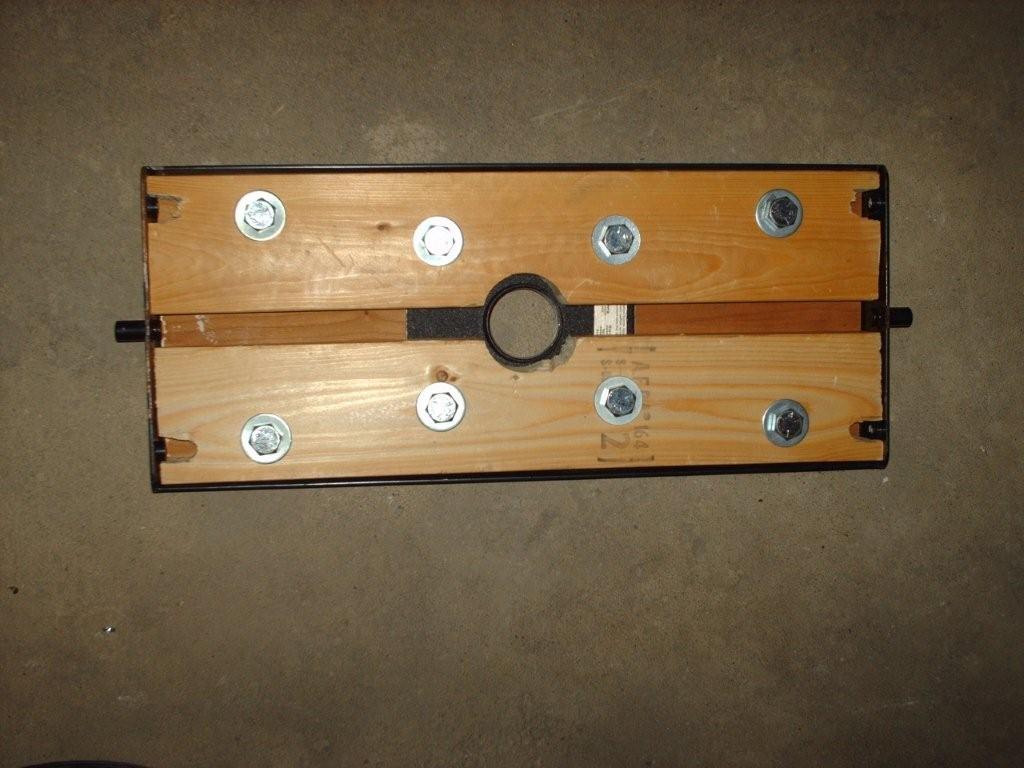
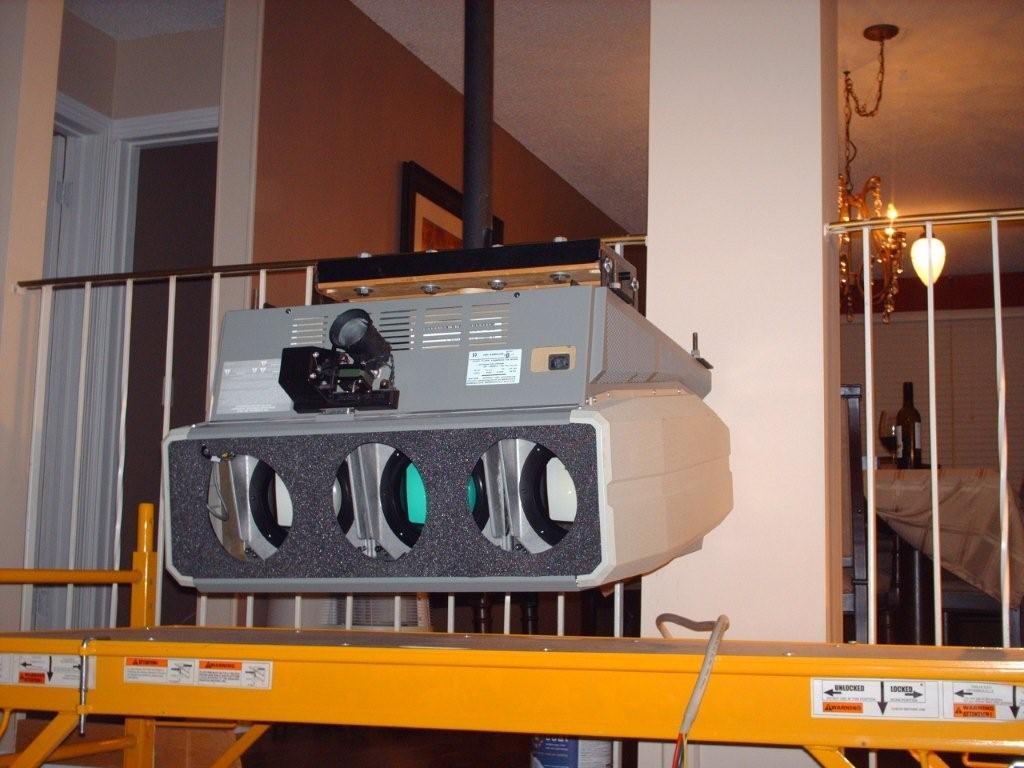
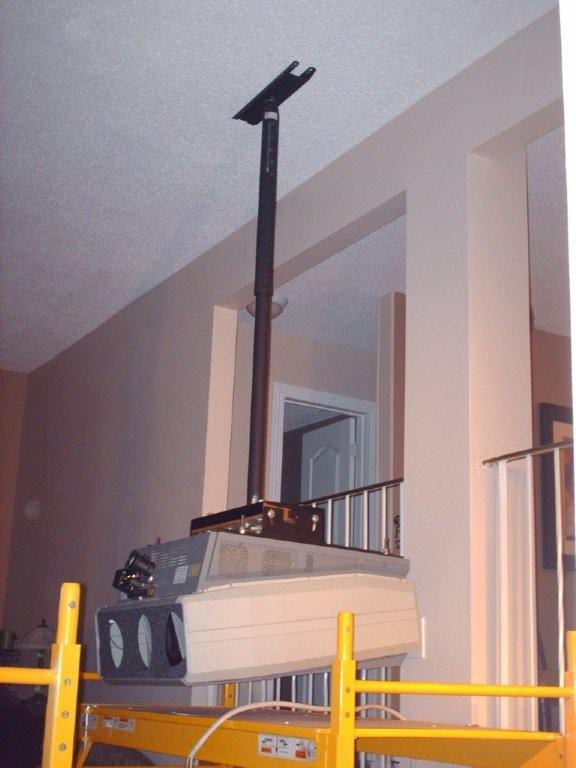
I'm modifying the mount to work with my chief mount. I can't wait. It should be hung tonight!!!
_________________
You can be young only once but, you can be immature forever.
Current Projector Marquee9501LC with PS3 (BLu-Ray) at 1080P LOVE IT! Screen is an Elunevision 120" 4:3 (2.4 gain - no hotspots). (also own a NEC 9PG+)
|
|
| Back to top |
|
|
Zebu Fellenz
Joined: 21 Dec 2006
Posts: 2567
|
| Posted: Sat May 09, 2009 1:39 am Post subject: |
|
|
| Mr. Green wrote: | | I'm modifying the mount to work with my chief mount. I can't wait. It should be hung tonight!!! |
Don't drop it 
Can't wait to see the pics
|
|
| Back to top |
|
|
Mr. Green
Joined: 23 Feb 2007
Posts: 1394
Location: Calgary
TV/Projector: Marquee 9501LC / NEC 9PG+
|
| Posted: Sat May 09, 2009 6:10 am Post subject: |
|
|
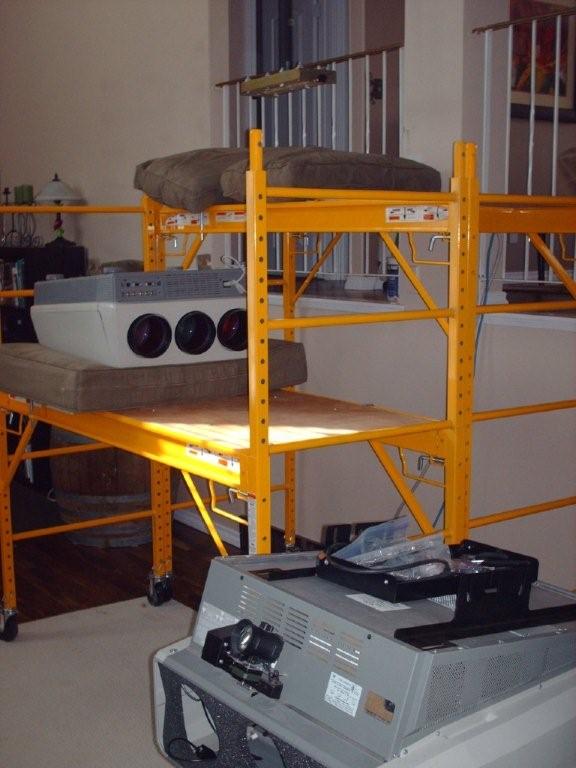
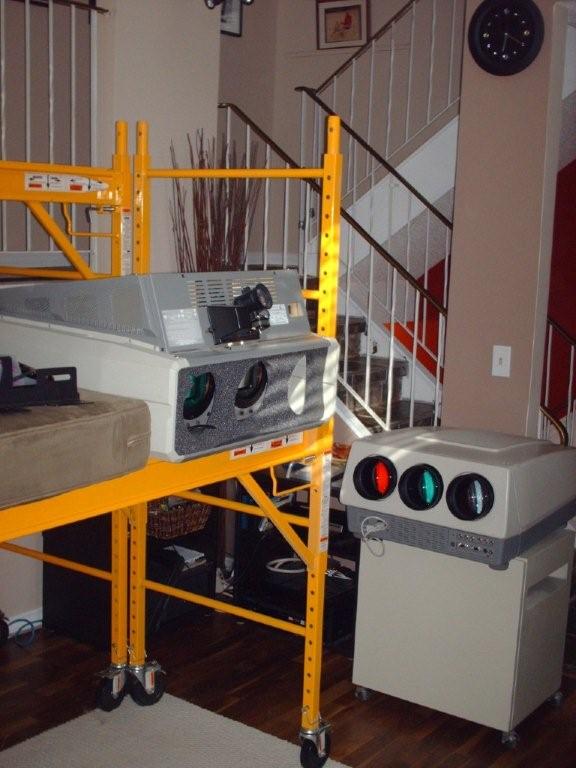
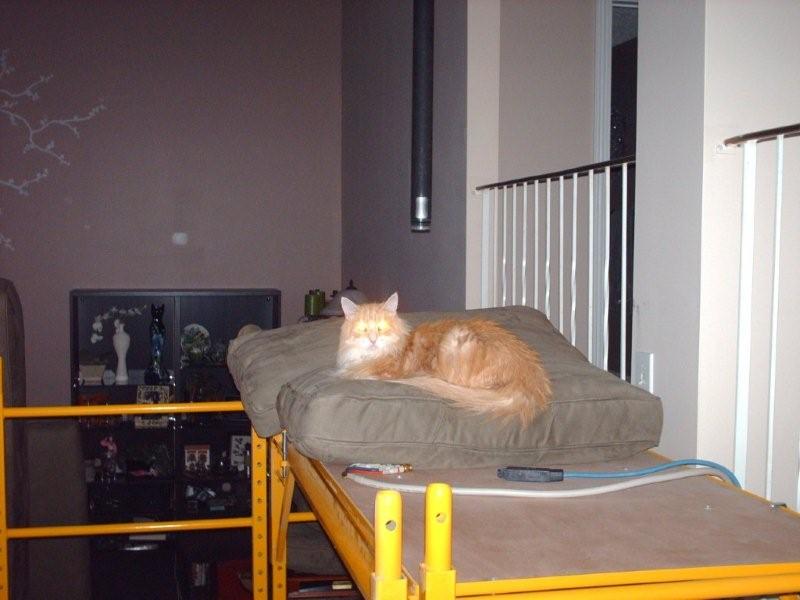
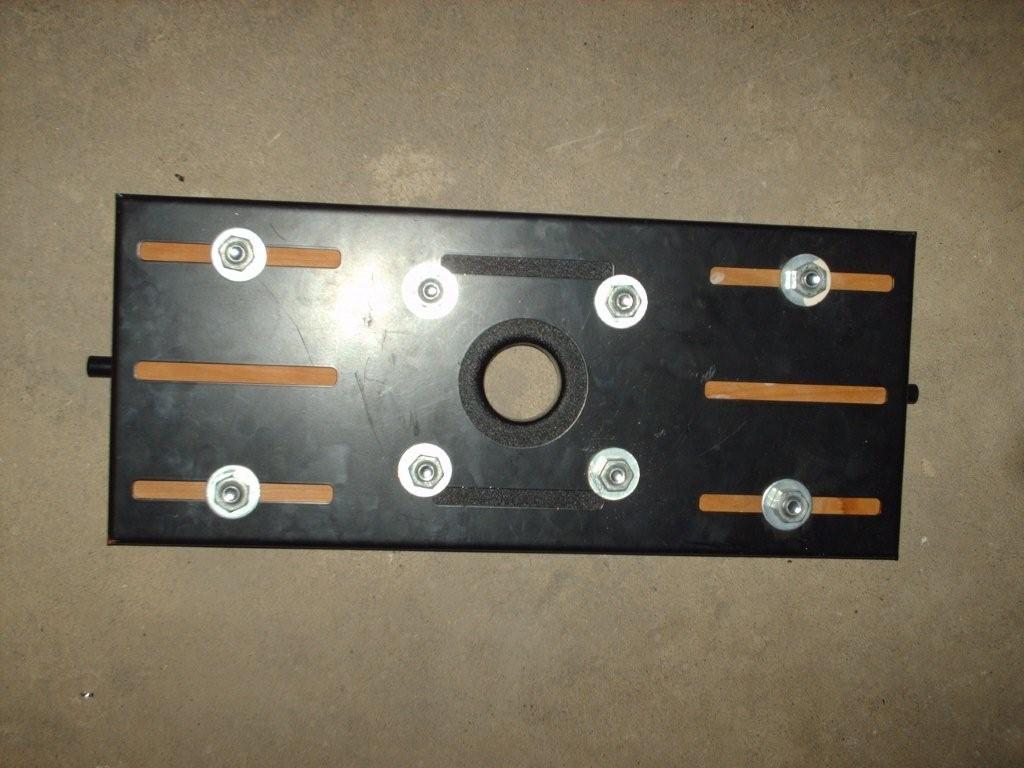
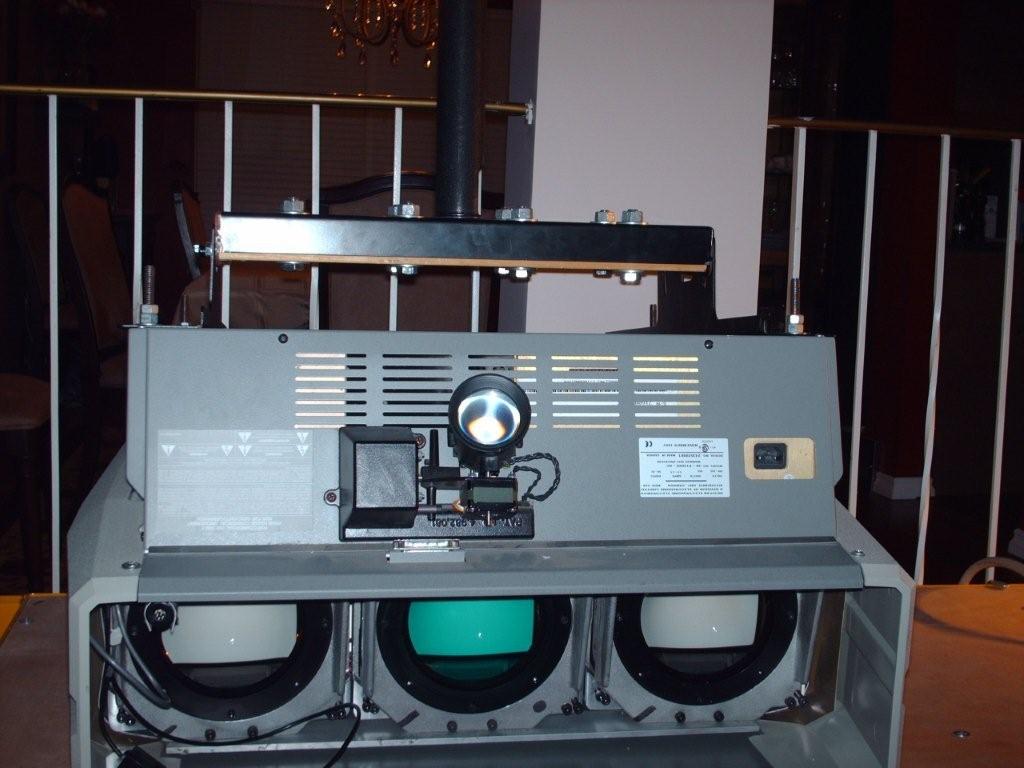
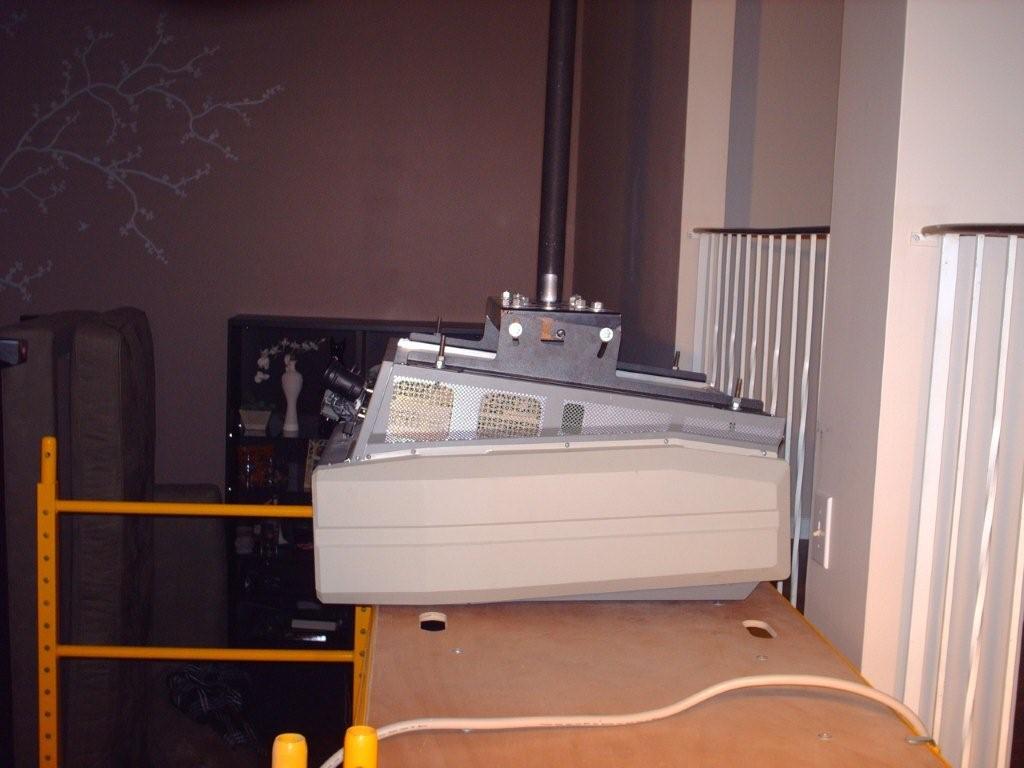
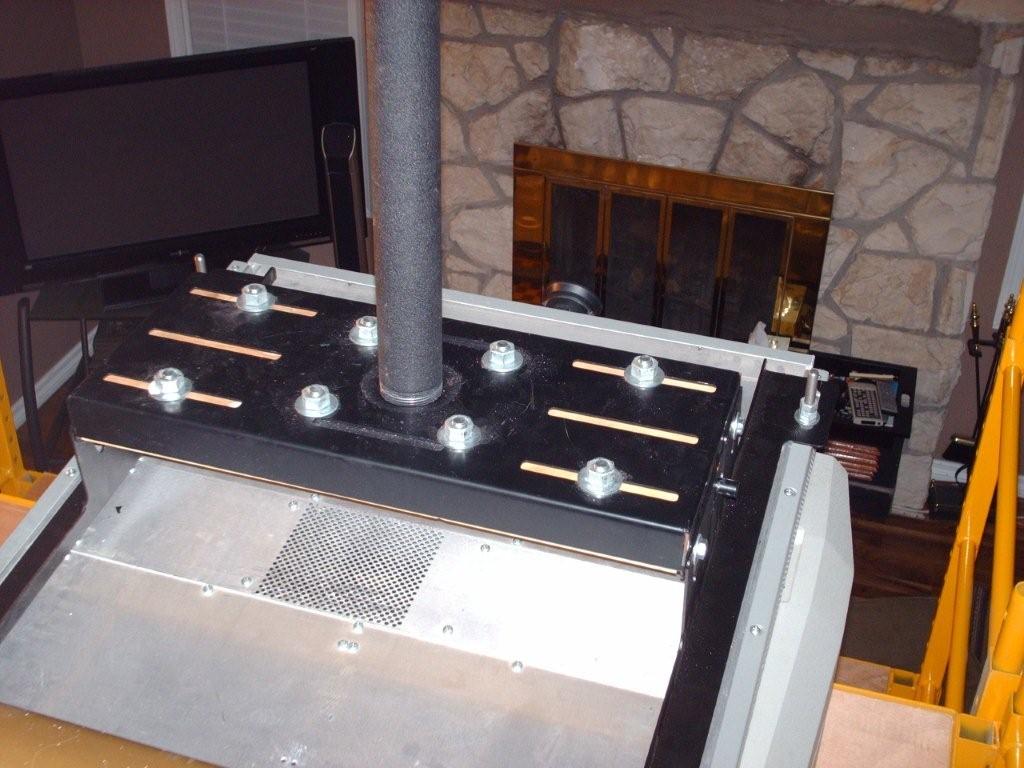
Here come the pictures...
| Description: |
|
| Filesize: |
58.84 KB |
| Viewed: |
7021 Time(s) |
|
| Description: |
|
| Filesize: |
62.42 KB |
| Viewed: |
7021 Time(s) |
|
| Description: |
|
| Filesize: |
52.61 KB |
| Viewed: |
7021 Time(s) |
|
| Description: |
|
| Filesize: |
95.12 KB |
| Viewed: |
7021 Time(s) |
|
| Description: |
|
| Filesize: |
95.24 KB |
| Viewed: |
7021 Time(s) |
|
| Description: |
|
| Filesize: |
88.13 KB |
| Viewed: |
7021 Time(s) |
|
| Description: |
|
| Filesize: |
74.83 KB |
| Viewed: |
7021 Time(s) |
|
| Description: |
|
| Filesize: |
106.32 KB |
| Viewed: |
7021 Time(s) |
|
| Description: |
|
| Filesize: |
99.49 KB |
| Viewed: |
7021 Time(s) |
|
| Description: |
|
| Filesize: |
48.77 KB |
| Viewed: |
7021 Time(s) |
|
_________________
You can be young only once but, you can be immature forever.
Current Projector Marquee9501LC with PS3 (BLu-Ray) at 1080P LOVE IT! Screen is an Elunevision 120" 4:3 (2.4 gain - no hotspots). (also own a NEC 9PG+)
|
|
| Back to top |
|
|
Mr. Green
Joined: 23 Feb 2007
Posts: 1394
Location: Calgary
TV/Projector: Marquee 9501LC / NEC 9PG+
|
| Posted: Sat May 09, 2009 6:26 am Post subject: |
|
|
Ungh! What a day. 12:25 AM time for bed. Not sure when Curt will be here tomorrow (if he makes it).
_________________
You can be young only once but, you can be immature forever.
Current Projector Marquee9501LC with PS3 (BLu-Ray) at 1080P LOVE IT! Screen is an Elunevision 120" 4:3 (2.4 gain - no hotspots). (also own a NEC 9PG+)
|
|
| Back to top |
|
|
AnalogRocks
Forum Moderator

Joined: 08 Mar 2006
Posts: 26706
Location: Toronto, Ontario, Canada
TV/Projector: Sony 1252Q, AMPRO 4000G
|
| Posted: Sat May 09, 2009 8:06 am Post subject: |
|
|
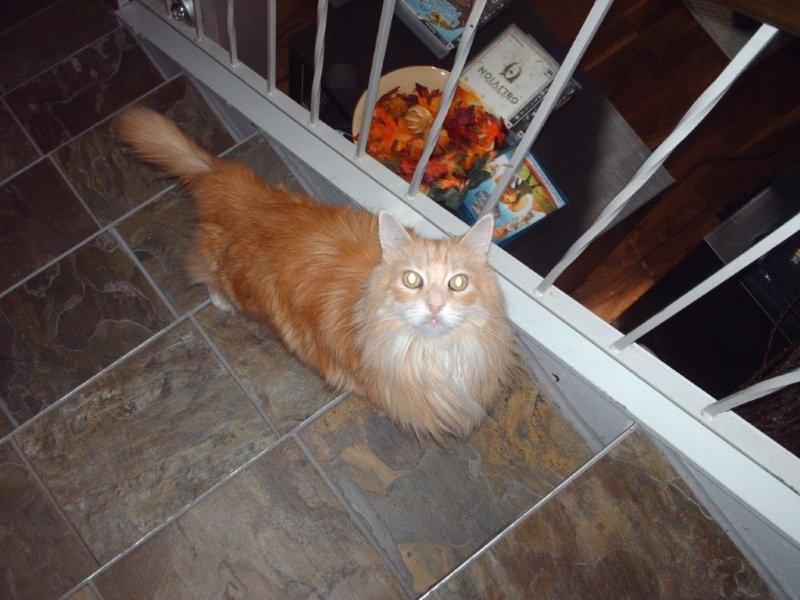
Nice kitty, I use to have one just like it.
_________________
Tech support for nothing
CRT.
HD done right!
|
|
| Back to top |
|
|
Mr. Green
Joined: 23 Feb 2007
Posts: 1394
Location: Calgary
TV/Projector: Marquee 9501LC / NEC 9PG+
|
| Posted: Sun May 10, 2009 12:28 am Post subject: |
|
|
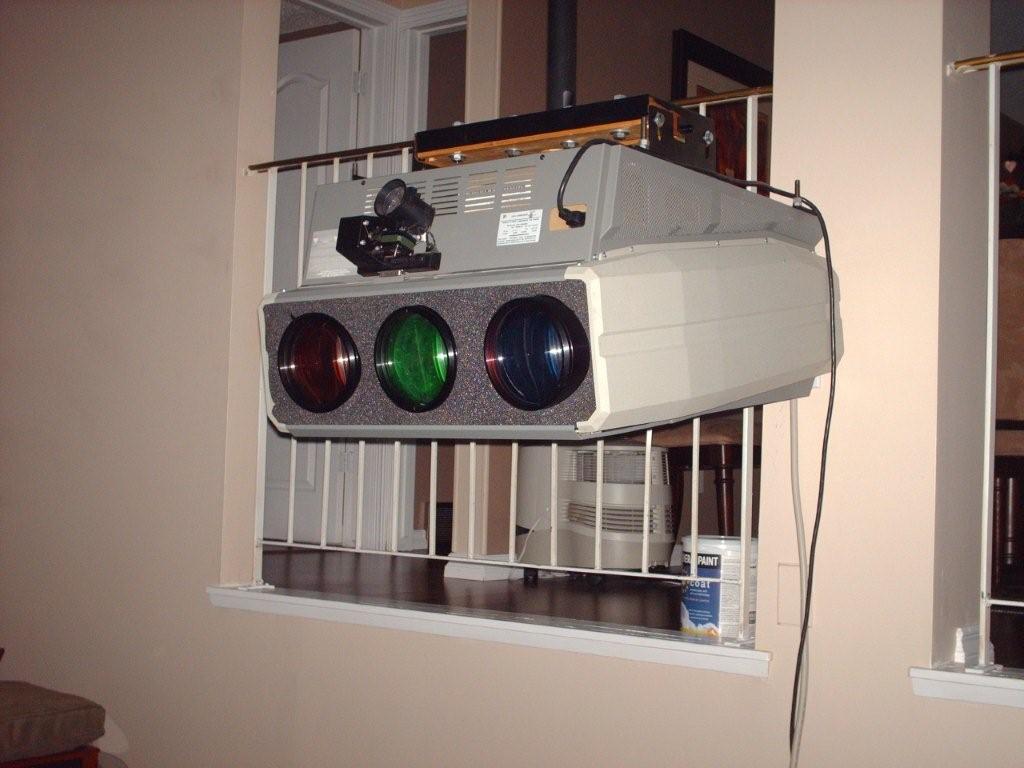
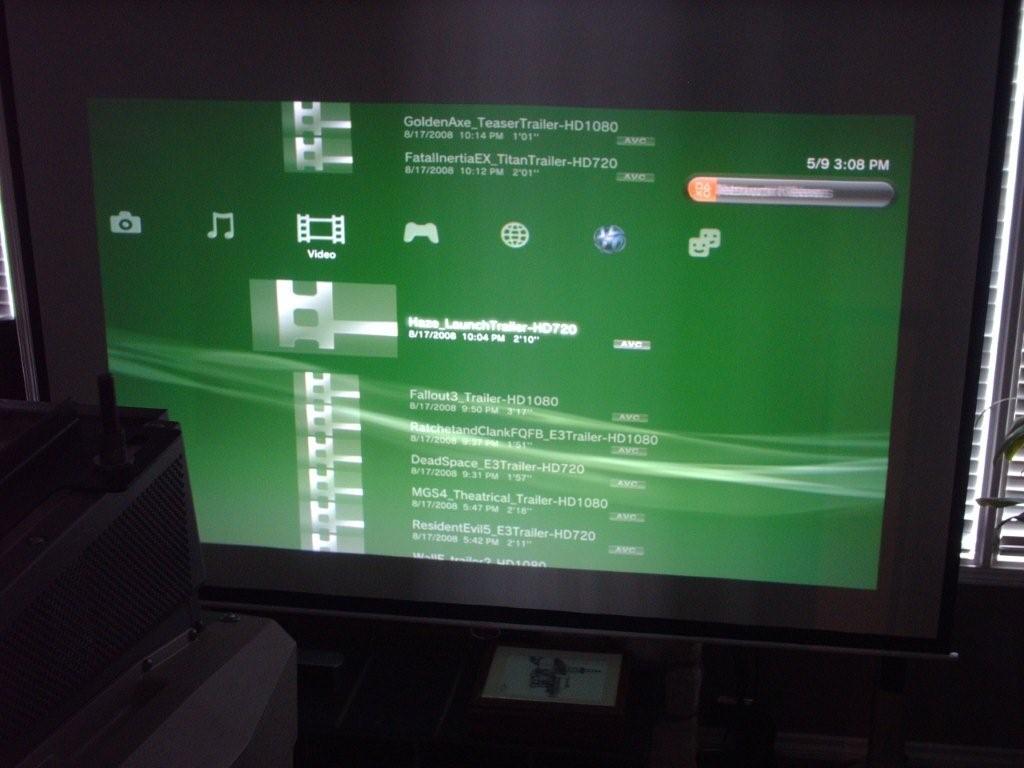
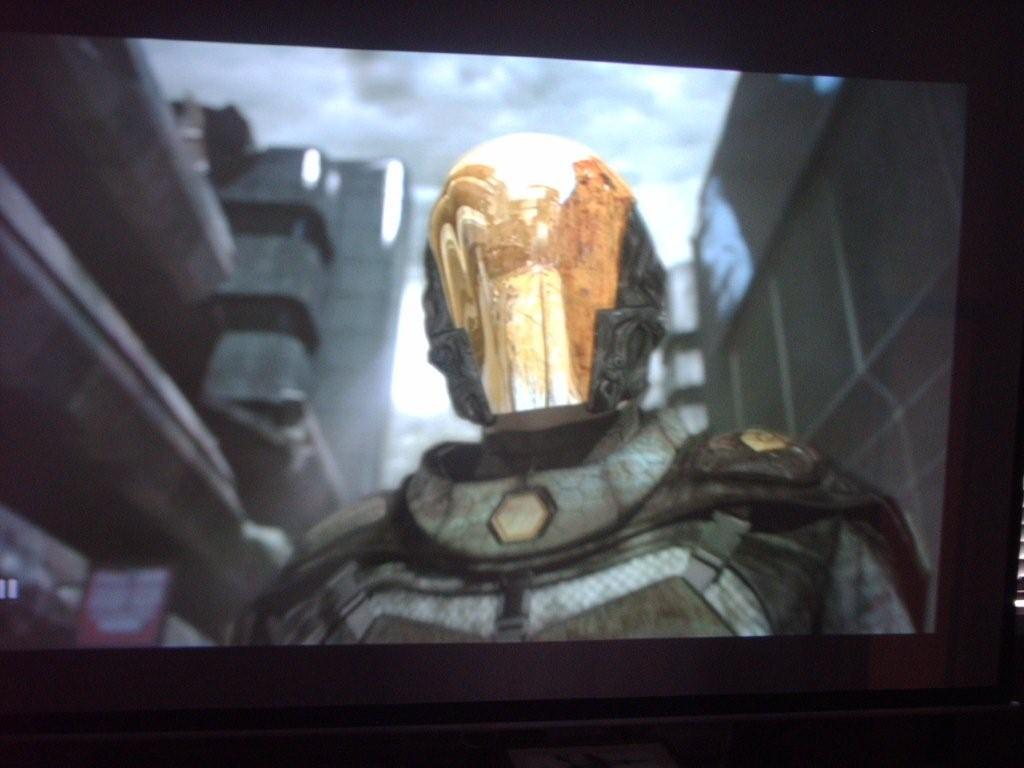
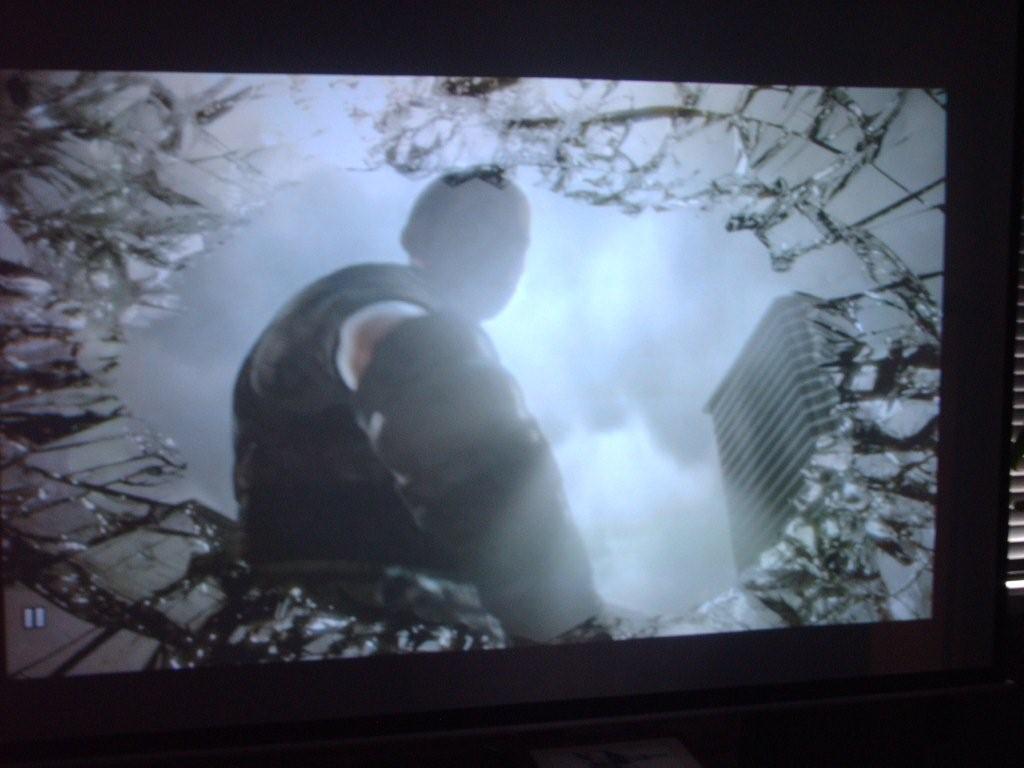
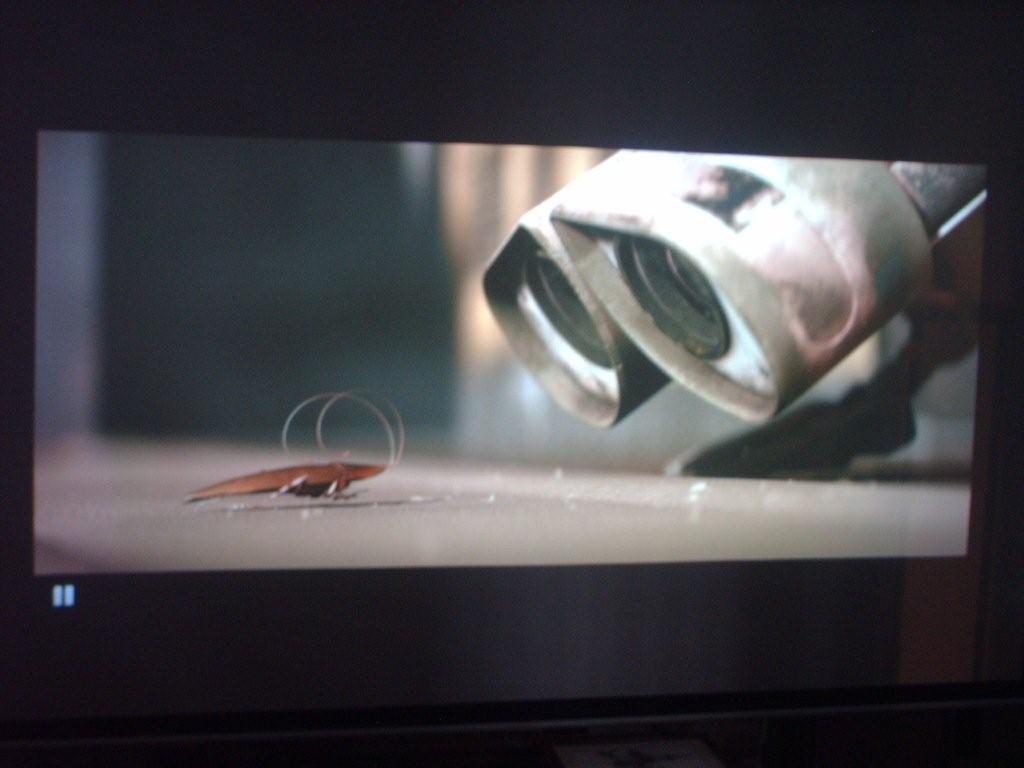
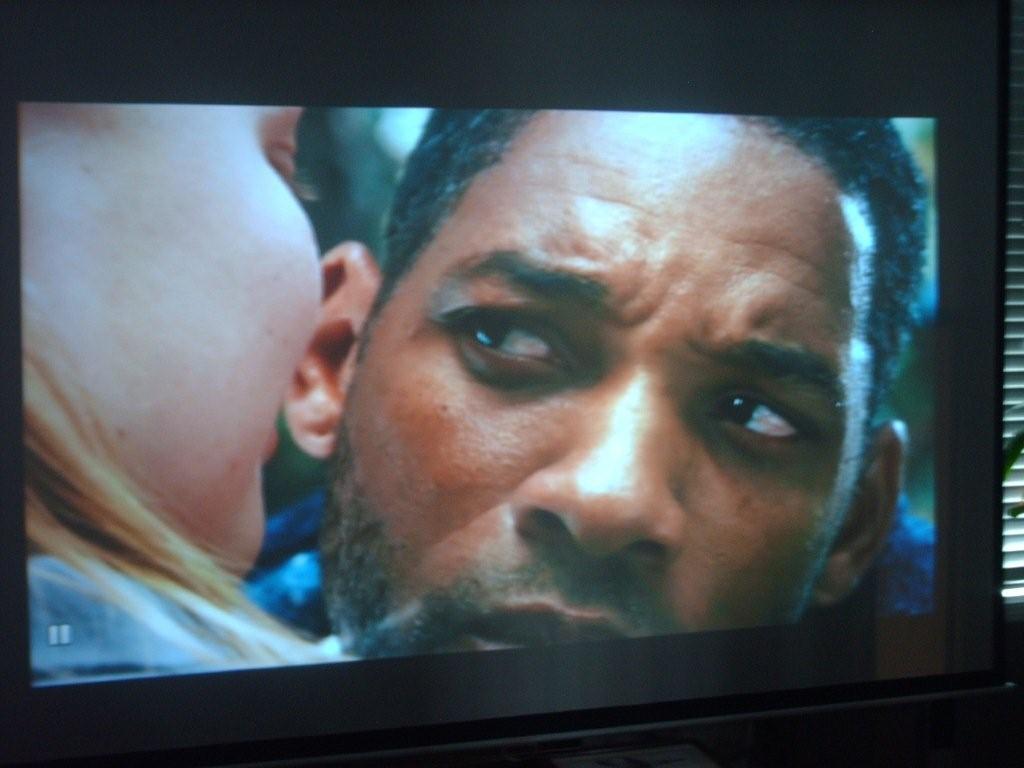
Well, Day 2:
Curt arrived around 1Pm and By 2:30 Pm, we have a really nice picture.
I want to emphasise, these were all taken with a LOT of ambient light. My wife had the den light on (light bar on the right side and the dining room window was open (shiny spot in the middle of the screen). Sunlight was streaming through the sides of the blinds and it still didn't wash out much. It is WAY brighter than the NEC.
Yes, I still need a new camera. 
Anyways, a HUGE thank you to Curt!  It was my first time meeting him and he is a REALLY nice guy. Too bad he had to hit the highway or we'd have done dinner and a movie for him. Next time Curt! It was my first time meeting him and he is a REALLY nice guy. Too bad he had to hit the highway or we'd have done dinner and a movie for him. Next time Curt!
I am VERY happy with it!
| Description: |
|
| Filesize: |
84.45 KB |
| Viewed: |
6985 Time(s) |
|
| Description: |
|
| Filesize: |
72.15 KB |
| Viewed: |
6985 Time(s) |
|
| Description: |
|
| Filesize: |
67.08 KB |
| Viewed: |
6985 Time(s) |
|
| Description: |
|
| Filesize: |
68.79 KB |
| Viewed: |
6985 Time(s) |
|
| Description: |
|
| Filesize: |
55.28 KB |
| Viewed: |
6985 Time(s) |
|
| Description: |
|
| Filesize: |
64.67 KB |
| Viewed: |
6985 Time(s) |
|
_________________
You can be young only once but, you can be immature forever.
Current Projector Marquee9501LC with PS3 (BLu-Ray) at 1080P LOVE IT! Screen is an Elunevision 120" 4:3 (2.4 gain - no hotspots). (also own a NEC 9PG+)
|
|
| Back to top |
|
|
Mr. Green
Joined: 23 Feb 2007
Posts: 1394
Location: Calgary
TV/Projector: Marquee 9501LC / NEC 9PG+
|
| Posted: Sun May 10, 2009 12:31 am Post subject: |
|
|
| AnalogRocks wrote: | | Nice kitty, I use to have one just like it. |
He's a maine coon.
| Description: |
|
| Filesize: |
70.65 KB |
| Viewed: |
6983 Time(s) |
|
_________________
You can be young only once but, you can be immature forever.
Current Projector Marquee9501LC with PS3 (BLu-Ray) at 1080P LOVE IT! Screen is an Elunevision 120" 4:3 (2.4 gain - no hotspots). (also own a NEC 9PG+)
|
|
| Back to top |
|
|
AnalogRocks
Forum Moderator
Joined: 08 Mar 2006
Posts: 26706
Location: Toronto, Ontario, Canada
TV/Projector: Sony 1252Q, AMPRO 4000G
|
| Posted: Sun May 10, 2009 2:33 am Post subject: |
|
|
I just called mine Morris
_________________
Tech support for nothing
CRT.
HD done right!
|
|
| Back to top |
|
|
Nashou66

Joined: 12 Jan 2007
Posts: 16171
Location: West Seneca NY
|
|
| Back to top |
|
|
AnalogRocks
Forum Moderator
Joined: 08 Mar 2006
Posts: 26706
Location: Toronto, Ontario, Canada
TV/Projector: Sony 1252Q, AMPRO 4000G
|
| Posted: Sun May 10, 2009 2:43 am Post subject: |
|
|
Tripod?! Naw, all you need to do is get the kitty to stand still so you can balance the camera on his back.
_________________
Tech support for nothing
CRT.
HD done right!
|
|
| Back to top |
|
|
Mr. Green
Joined: 23 Feb 2007
Posts: 1394
Location: Calgary
TV/Projector: Marquee 9501LC / NEC 9PG+
|
| Posted: Sun May 10, 2009 7:03 am Post subject: |
|
|
| AnalogRocks wrote: | | Tripod?! Naw, all you need to do is get the kitty to stand still so you can balance the camera on his back. |
Those were taken from the cat's back (cat cam)...
I just need a camera where I have some (any) control over anything. I have serious point and click issues. I will say though, the Marquee is bright enough that it doesn't trigger the auto-flash. That in itself was amazing.
I have to play with the PS3 settings though. The marquee doesn't like the games. Lego Indiana Jones was the only one that didn't go a little funky. The rest did (RGB- went out of alignment - not enough you couldn't see the game, but enough that it was distracting). I can try to take pictures later.
_________________
You can be young only once but, you can be immature forever.
Current Projector Marquee9501LC with PS3 (BLu-Ray) at 1080P LOVE IT! Screen is an Elunevision 120" 4:3 (2.4 gain - no hotspots). (also own a NEC 9PG+)
|
|
| Back to top |
|
|
AnalogRocks
Forum Moderator
Joined: 08 Mar 2006
Posts: 26706
Location: Toronto, Ontario, Canada
TV/Projector: Sony 1252Q, AMPRO 4000G
|
| Posted: Sun May 10, 2009 4:26 pm Post subject: |
|
|
Check the resolution of the games on their boxes, some will be 720P only, some will be 720P, 1080i, and 1080p ( GTA 4 is like this ).
Also if you don't have 720p selected in the PS3's menu the 720P only games will be downscalled to 480p.
So the PS3 may be switching resolutions on you.
You'll need to do a setup for 480p, 720p, 1080i and 1080p to cover all your bases.
_________________
Tech support for nothing
CRT.
HD done right!
|
|
| Back to top |
|
|
Mark_A_W
Joined: 15 Mar 2006
Posts: 3068
Location: Sunny Melbourne Australia
|
| Posted: Sun May 10, 2009 10:00 pm Post subject: |
|
|
|
Ok, going from a NEC, how are the colours?
|
|
| Back to top |
|
|
Mr. Green
Joined: 23 Feb 2007
Posts: 1394
Location: Calgary
TV/Projector: Marquee 9501LC / NEC 9PG+
|
| Posted: Sun May 10, 2009 10:59 pm Post subject: |
|
|
| AnalogRocks wrote: | Check the resolution of the games on their boxes, some will be 720P only, some will be 720P, 1080i, and 1080p ( GTA 4 is like this ).
Also if you don't have 720p selected in the PS3's menu the 720P only games will be downscalled to 480p.
So the PS3 may be switching resolutions on you.
You'll need to do a setup for 480p, 720p, 1080i and 1080p to cover all your bases. |
I have 1080p selected and it automatically checks off all of the other resolutions.
I guess I'll need to do a setup while one of the messed up game resolution is playing and correct everything?
_________________
You can be young only once but, you can be immature forever.
Current Projector Marquee9501LC with PS3 (BLu-Ray) at 1080P LOVE IT! Screen is an Elunevision 120" 4:3 (2.4 gain - no hotspots). (also own a NEC 9PG+)
|
|
| Back to top |
|
|
Nashou66
Joined: 12 Jan 2007
Posts: 16171
Location: West Seneca NY
|
| Posted: Sun May 10, 2009 11:24 pm Post subject: |
|
|
| Mr. Green wrote: | | AnalogRocks wrote: | Check the resolution of the games on their boxes, some will be 720P only, some will be 720P, 1080i, and 1080p ( GTA 4 is like this ).
Also if you don't have 720p selected in the PS3's menu the 720P only games will be downscalled to 480p.
So the PS3 may be switching resolutions on you.
You'll need to do a setup for 480p, 720p, 1080i and 1080p to cover all your bases. |
I have 1080p selected and it automatically checks off all of the other resolutions.
I guess I'll need to do a setup while one of the messed up game resolution is playing and correct everything? |
yep you can save it to a different recall. While the in the current source on the marquee, select utilities,1(source setup) and then 3(unlock) if its already unlocked leave it for now. ok now select 1 (save source) you should see a "from" and a "to". I use recall some use channels, so now leave "from S 1" or what ever your source is on, 2 would be a moome card,
and move the cursor to the the "to" boxes and set move the cursor from the "R" to the number spot. select this as 1.
then hit enter and it will save it to recall 1 now do the same steps but now you will see in the "from" box a "from R 1" and now make a new recall called R 2. do this for as many recalls as you want resolutions. but forst go back to the unitilites menu and save recall 1 by locking it, so utilities,1,3(lock or unlock) exit. now bring up recall 2 by hitting the recall button and 0 2 . here you can change the convergence for the new resolution and then lock it after your done.
you can also name the recalls for the resolution your using, so if you hit recall 1 it will show up as lets say 1080p. naming a recall memeory location or channel is in the utilites menu or source set up menu.
Athanasios
_________________
Don't blame your underwear for your crooked ass~ unknown Greek philosopher
"Republicans believe every day is the Fourth of July, but the Democrats believe every day is April 15." --- President Reagan
One Smart Dog!!!
Marquee High Performance Bellows now shipping!!
Marquee Modifications and Performance Enhancement
Marquee C-element and Bellow removal
|
|
| Back to top |
|
|
Mr. Green
Joined: 23 Feb 2007
Posts: 1394
Location: Calgary
TV/Projector: Marquee 9501LC / NEC 9PG+
|
| Posted: Sun May 10, 2009 11:29 pm Post subject: |
|
|
| Mark_A_W wrote: | | Ok, going from a NEC, how are the colours? |
To answer your question, the NEC definitely wins in the color category, but not by as much as I thought. Well, to be fair this unit does have the green C element, but flesh tones are not as good as the NEC. If I could find a way to put my color corrected HD 144's? 145's? on the Marquee, I'd have a formidable machine indeed.
I've also been told that the rec C-element gets it pretty close to the NEC. The sharpness and brightness make up for some of the lack of color though. 9"lc makes a difference. A lot more than the 10% improvement from an 8" AC unit to a 9"lc unit I've been told about too. It takes CRT to a whole new level! I now know why the 9" crowd remember their 7" and 8" AC projectors fondly as a great "starting point". 9"lc takes this hobby into a new league.
On to other thoughts related. We watched the BR of the first Tomb Raider last night, because it runs through lots of color, dark scenes, light scenes, flesh tones...
Don't get me wrong, I love my little PG+ and would and will recommend them to anyone who wants a nice entry level machine, but it simply can't do what the 9"lc Marquee can. 1080P on the Marquee isn't "soft" either. It's sharper than 1080i on the PG+ and I was pretty proud of my setup on the PG+. I needed greyscale done, but the actual focus on the PG+ was sharp. This is sharper using "soft" 1080p.
The PG+ will become my gaming machine/ maybe kids toy later on. I might use it in the garage and make the biggest screen I can, just because I have it!
The setup on the marquee looks WAY easier than the NEC, but it is also 100% different. It will take a while to get other sources going. Movies look amazing though.
Curt managed to get it to about 90+% focussed and dialed in and even that quick setup looks way better than the NEC ever did. If (when) I take the time to dial it in as close to 100% as I can, then it will be leaps and bounds better than the PG+.
It's WAY brighter too. Those screen shots were basically a sunny day with the blinds mostly closed and a few lights on. That amount of light would have wiped out the image on the PG+. So I'm VERY happy that I can watch during the day, since it will be a long time before I get another house that has a dedicated, light controlled theatre. You could easily watch a football game on a Sunday afternoon with reasonable light on and it would be fine. People wouldn't "have to" watch the projector because they are stuck in the dark. My wife has already said we have to do an Oscar party next year because people can have a normal party while it's on on the background. It's pretty sweet. I can't wait to play with it.
Moome card, red C element are definitely on the upgrade list. Of course, new tubes are also on the list. 
_________________
You can be young only once but, you can be immature forever.
Current Projector Marquee9501LC with PS3 (BLu-Ray) at 1080P LOVE IT! Screen is an Elunevision 120" 4:3 (2.4 gain - no hotspots). (also own a NEC 9PG+)
|
|
| Back to top |
|
|
Mr. Green
Joined: 23 Feb 2007
Posts: 1394
Location: Calgary
TV/Projector: Marquee 9501LC / NEC 9PG+
|
| Posted: Sun May 10, 2009 11:46 pm Post subject: |
|
|
| Nashou66 wrote: |
yep you can save it to a different recall. While the in the current source on the marquee, select utilities,1(source setup) and then 3(unlock) if its already unlocked leave it for now. ok now select 1 (save source) you should see a "from" and a "to". I use recall some use channels, so now leave "from S 1" or what ever your source is on, 2 would be a moome card,
and move the cursor to the the "to" boxes and set move the cursor from the "R" to the number spot. select this as 1.
then hit enter and it will save it to recall 1 now do the same steps but now you will see in the "from" box a "from R 1" and now make a new recall called R 2. do this for as many recalls as you want resolutions. but forst go back to the unitilites menu and save recall 1 by locking it, so utilities,1,3(lock or unlock) exit. now bring up recall 2 by hitting the recall button and 0 2 . here you can change the convergence for the new resolution and then lock it after your done.
you can also name the recalls for the resolution your using, so if you hit recall 1 it will show up as lets say 1080p. naming a recall memeory location or channel is in the utilites menu or source set up menu.
Athanasios |
To confirm (I really don't want to lose what Curt did)...
No moome card... yet.
Source setup
select 3 (unlock) - if locked.
select 1 (save source)
"From S1" move cursor to the "to"
move cursor again from the "R" spot to the number spot
select it as "1" and hit enter ( I take it this is the #1 on the remote?)
Repeat steps, but now it will go from "from" to "from R1"
select 1 (save source)
"From R1" to (select #2) on the remote?
Now go "utilities" - option1, option 3 to lock or unlock and hit exit.
Go "recall 02" and do a convergence on the messed up signal?
_________________
You can be young only once but, you can be immature forever.
Current Projector Marquee9501LC with PS3 (BLu-Ray) at 1080P LOVE IT! Screen is an Elunevision 120" 4:3 (2.4 gain - no hotspots). (also own a NEC 9PG+)
|
|
| Back to top |
|
|
Nashou66
Joined: 12 Jan 2007
Posts: 16171
Location: West Seneca NY
|
| Posted: Mon May 11, 2009 1:46 am Post subject: |
|
|
Yes, the recall 2 will be your new signal and you should lock the source 1 or if you save it as recall 1 lock that. this way incase you acidentaly forget to switch to recall 2 and start doing a convergence and size adjustments they wont stick. Unlocking allows any changes to stick aside form any color managment changes tot he G2's and Drives. Those will change globaly no matter what you lock or dont.
Athanasios
_________________
Don't blame your underwear for your crooked ass~ unknown Greek philosopher
"Republicans believe every day is the Fourth of July, but the Democrats believe every day is April 15." --- President Reagan
One Smart Dog!!!
Marquee High Performance Bellows now shipping!!
Marquee Modifications and Performance Enhancement
Marquee C-element and Bellow removal
|
|
| Back to top |
|
|
Mr. Green
Joined: 23 Feb 2007
Posts: 1394
Location: Calgary
TV/Projector: Marquee 9501LC / NEC 9PG+
|
| Posted: Tue May 12, 2009 1:47 am Post subject: |
|
|
| Nashou66 wrote: | Yes, the recall 2 will be your new signal and you should lock the source 1 or if you save it as recall 1 lock that. this way incase you acidentaly forget to switch to recall 2 and start doing a convergence and size adjustments they wont stick. Unlocking allows any changes to stick aside form any color managment changes tot he G2's and Drives. Those will change globaly no matter what you lock or dont.
Athanasios |
Sorry, forgot to repost last night. It was SUPER EASY! This thing is really simple to operate compared to the NEC. I went an bought 2 Lego PS3 games for it today because I got it working!
_________________
You can be young only once but, you can be immature forever.
Current Projector Marquee9501LC with PS3 (BLu-Ray) at 1080P LOVE IT! Screen is an Elunevision 120" 4:3 (2.4 gain - no hotspots). (also own a NEC 9PG+)
|
|
| Back to top |
|
|
|
|




